
Kostenlos 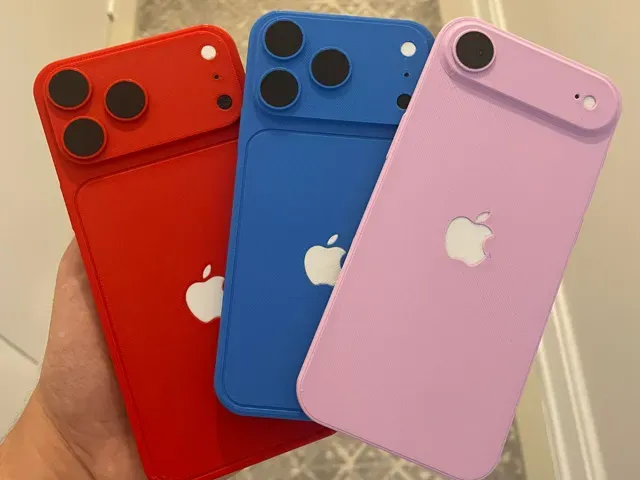
iPhone 17 PRO / Max / Air 3D Models (With AMS!)
MakerWorld
This collection brings together STL and CAD-style models made for multi-color AMS workflows. It includes character figures, vehicles, props, printer accessories, and simple decorative pieces. The range helps you compare how different models handle color changes, part counts, and assembly before you slice them for a 3D printer. Polyzon does not confirm whether models are free, their price, license, official status, affiliation, safety or fitness. Check the current terms at the source.
Der Text dieser Sammlung ist auf Englisch verfasst; die Suche selbst funktioniert in jeder Sprache.
 Eine Sammlung von Polyzon · 47 Modelle von 5 Plattformen
Polyzon stellt diese Sammlung aus den Suchergebnissen der angebundenen Plattformen zusammen. Dubletten und Modelle ohne Vorschaubild werden entfernt, schwache Treffer rutschen ans Ende, der Rest bleibt in der Reihenfolge der Suche. Die Modelle gehören ihren Urhebern – die Bedingungen findest du auf der Seite des jeweiligen Modells.
Auswahlregeln: Polyzon-Redaktion · Text aktualisiert: 14.10.2026
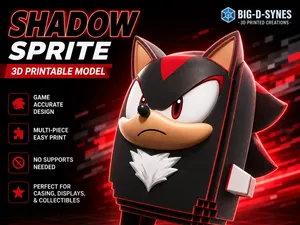

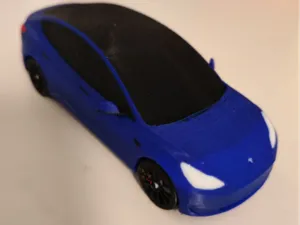
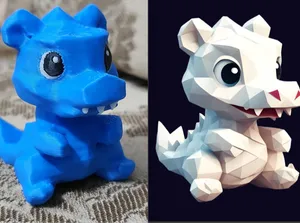
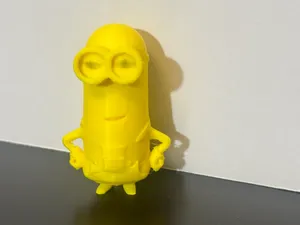
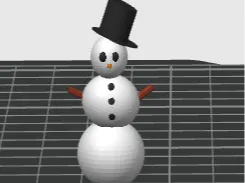

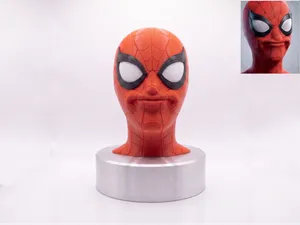
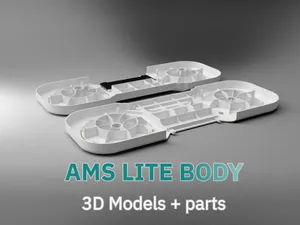
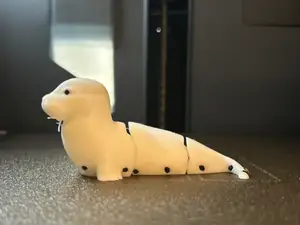
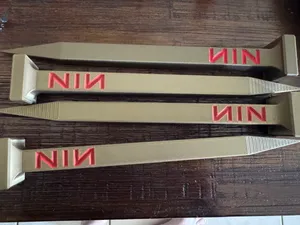

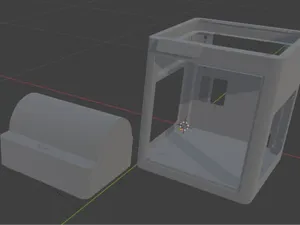
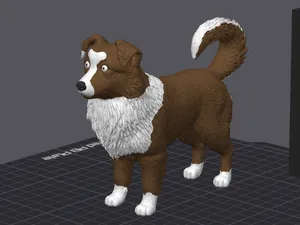
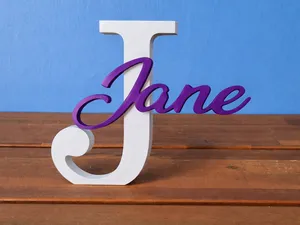

%2Fhttps%3A%2F%2Ffbi.cults3d.com%2Fuploaders%2F34898016%2Fillustration-file%2Febc90e41-8fe5-4a6d-b1a0-20308bf9800d%2Fbullfinch.png&w=300)

%2Fhttps%3A%2F%2Ffbi.cults3d.com%2Fuploaders%2F47406654%2Fillustration-file%2Fd5b1f1c2-5dca-4fba-a784-a50102724aee%2F01Multi-Part-Highland-Cow-Can-Dust-Cover-Soda-Can-Cap-Drink-Cover-Beverage-lid-Reusable-Can-Protecto.jpg&w=300)
%2Fhttps%3A%2F%2Ffbi.cults3d.com%2Fuploaders%2F26016019%2Fillustration-file%2Ff112edf3-7a85-488f-b0e2-75d5eb7dc703%2F20260927_113801-1.jpg&w=300)

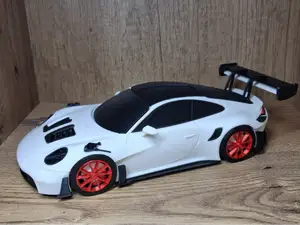

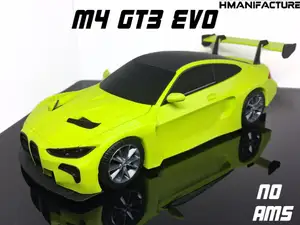
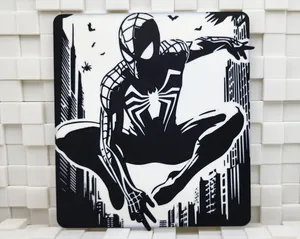
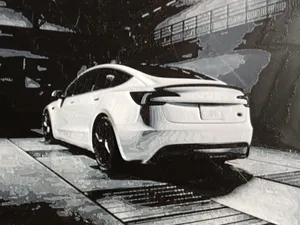

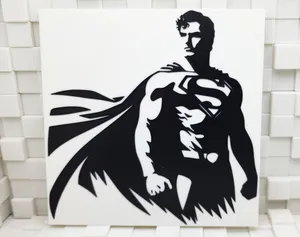
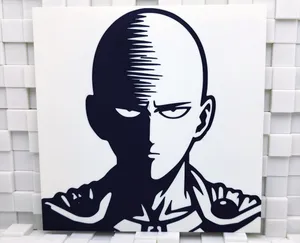
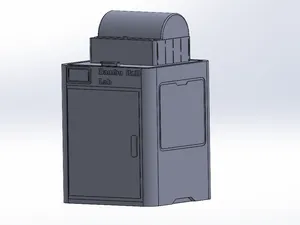
![[FIXED] Silica Gel Container - Inside Spool](https://cache.polyzon.org/api/img?url=https%3A%2F%2Fresize.thingiverse.com%2F%3Furl%3Dhttps%3A%2F%2Fcdn.thingiverse.com%2Fassets%2F83%2F99%2F9d%2Ff5%2F7b%2FIMG20260104112007_a.jpg%26w%3D292%26h%3D219%26fit%3Dcontain%26cbg%3Dwhite%26n%3D-1&w=300)
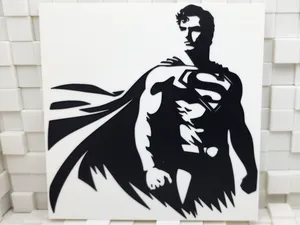
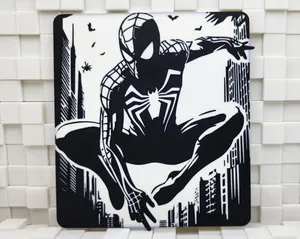
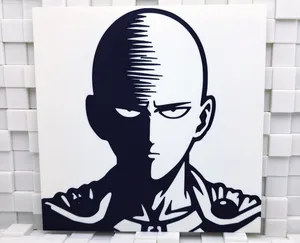
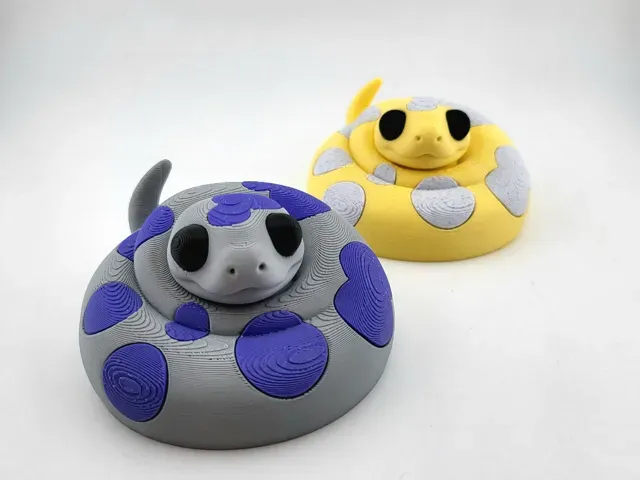
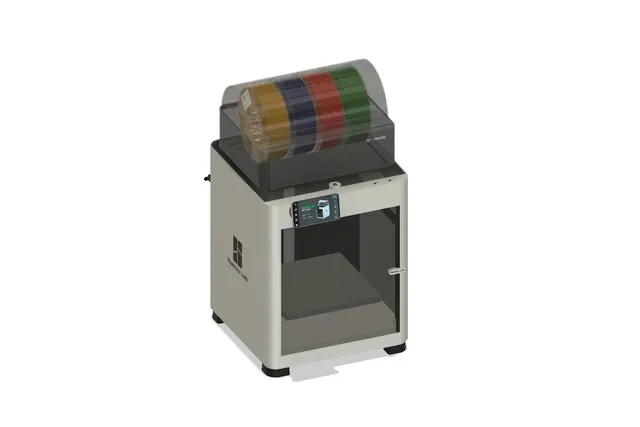
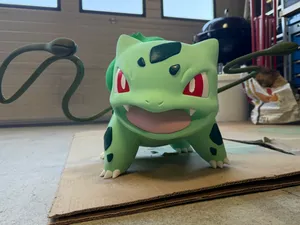
The models in this collection fall into a few broad groups: multi-color figures and busts, vehicles and props with separated color zones, CAD files for AMS hardware and printer parts, and simple decorative or test pieces. Some files are built around AMS color changes, while others are designed for single-color printing or manual filament swaps. The main difference is how color is handled: some use multiple parts, some use painted regions in the slicer, and some rely on layer-based changes.
When choosing a model, check the author's page for size and scale, the number of separate parts, and whether assembly or glue is required. Look at the listed material and slicer settings, and see if supports are needed for overhangs. Photos of real prints can show how color transitions, seams, and small details appear after printing.
To narrow the results, try related terms such as multi-color STL, AMS colorized, filament change, or no-AMS variant. You can also search by subject, for example figures, vehicles, props, name plates, or printer accessories. Combining a subject with AMS or CAD usually brings up files that match the way you plan to print.

Der komplette Themenkatalog – von Wohnen & Haushalt bis CNC, mit Suche auf allen angebundenen Plattformen.