Kostenlos 
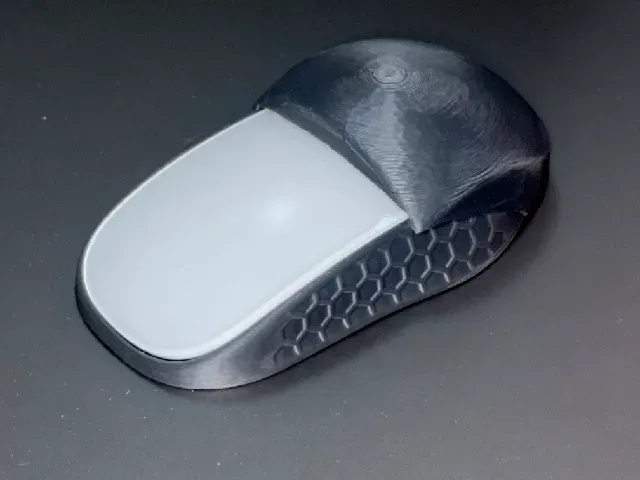
Ergonomic Magic Mouse by 3D Monkey(s) Lab.
Thingiverse
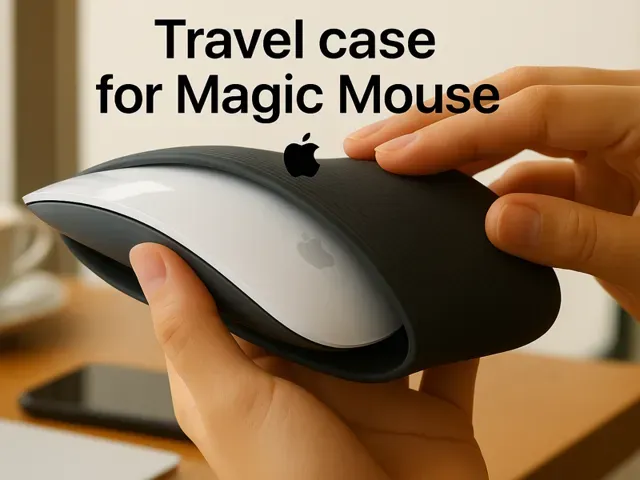
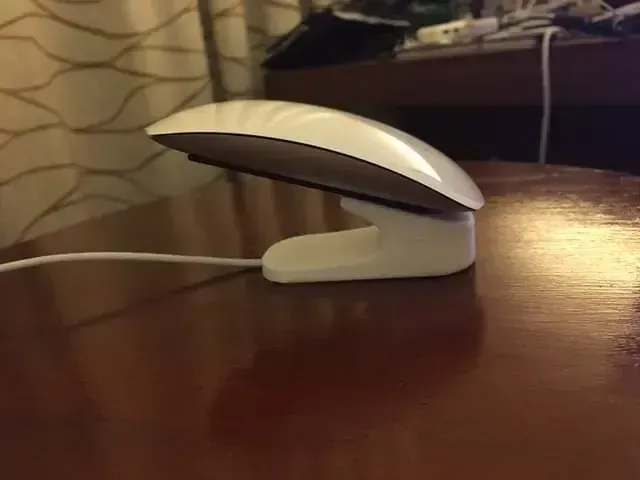
This collection gathers 3D models that change how an Apple Magic Mouse is held, carried or charged: ergonomic shells, travel cases, docks and small mounts. Most of them are simple parts that a desktop 3D printer can produce in one or two pieces. It is useful if you want a different grip or a place to put the mouse down without buying a new device. Polyzon does not confirm whether models are free, their price, license, official status, affiliation, safety or fitness. Check the current terms at the source.
Der Text dieser Sammlung ist auf Englisch verfasst; die Suche selbst funktioniert in jeder Sprache.
 Eine Sammlung von Polyzon · 48 Modelle von 4 Plattformen
Polyzon stellt diese Sammlung aus den Suchergebnissen der angebundenen Plattformen zusammen. Dubletten und Modelle ohne Vorschaubild werden entfernt, schwache Treffer rutschen ans Ende, der Rest bleibt in der Reihenfolge der Suche. Die Modelle gehören ihren Urhebern – die Bedingungen findest du auf der Seite des jeweiligen Modells.
Auswahlregeln: Polyzon-Redaktion · Text aktualisiert: 14.10.2026

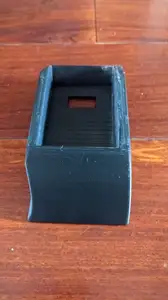
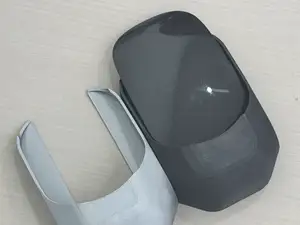


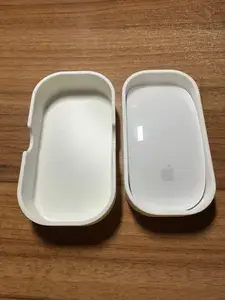
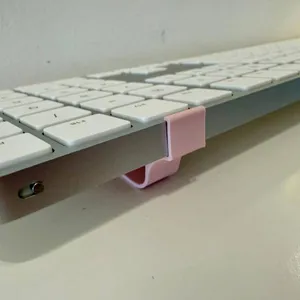

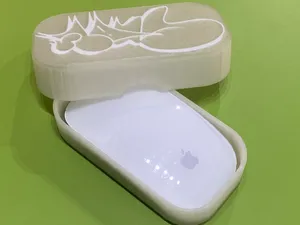
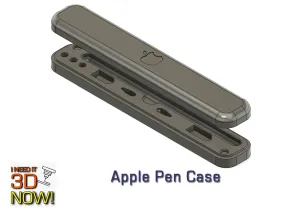



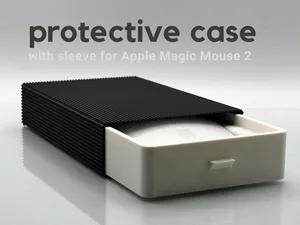
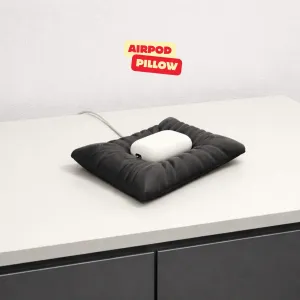

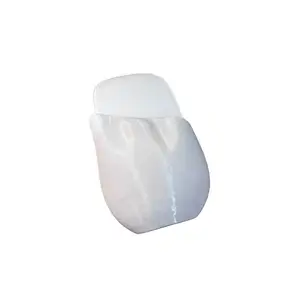

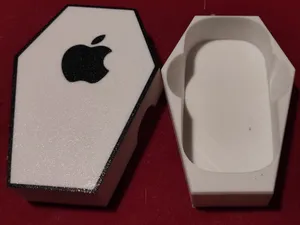
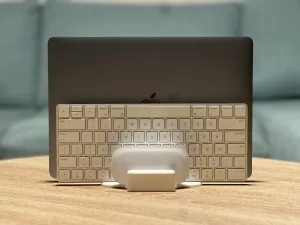

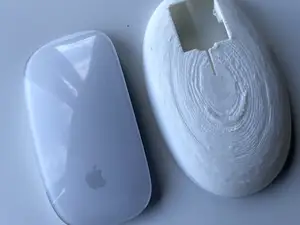
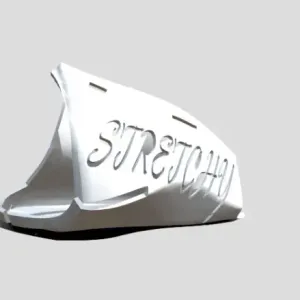

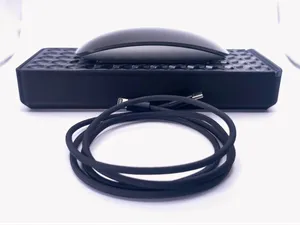
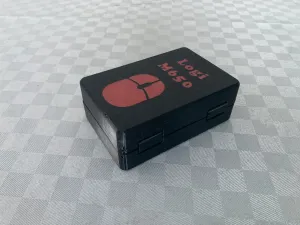

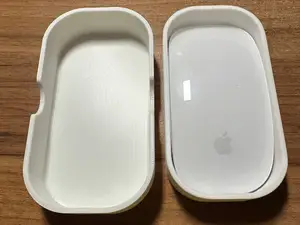
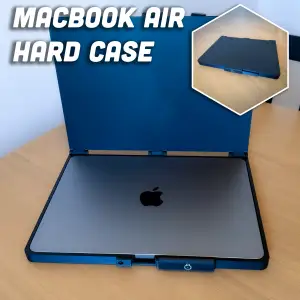

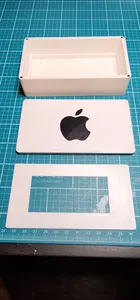
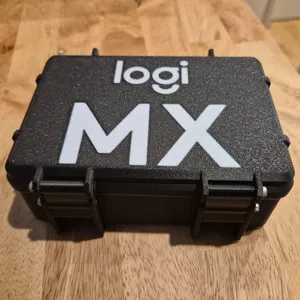

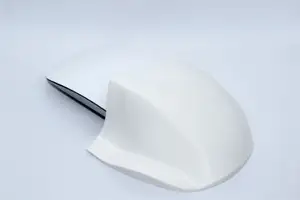
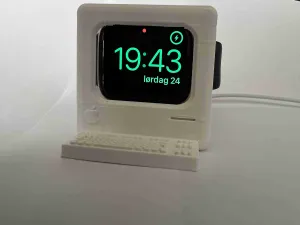

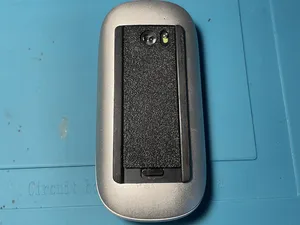


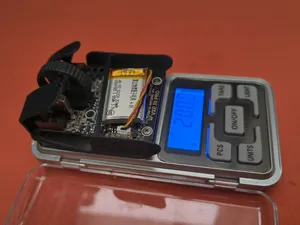
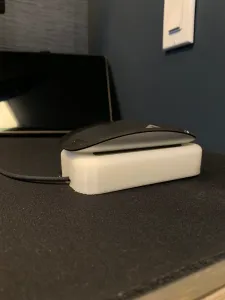

The models fall into a few groups. Ergonomic shells and grip attachments sit over the mouse and raise or widen the hand position, while travel cases and protective covers are shaped around the mouse outline for transport. Charging docks and stands hold the mouse in place while it charges, and a smaller group covers brackets, base fixes and risers for keyboards or trackpads.
Before printing, open the author's page and read what the model was designed around. Check which mouse generation it fits, whether the shell is one piece or several parts that snap or screw together, and whether supports are needed. Look at the material and settings the author lists, since thin clips and flexible grips behave differently in PLA and in softer filaments, and compare the photos of real prints with your own mouse dimensions.
If the results are thin, try other wordings: grip, shell, holder, stand, dock, cradle, riser, adapter, cover or bumper, combined with the device name. Related searches such as keyboard riser, trackpad stand or desk organizer often surface parts that pair with the same setup, and browsing a designer's other models is a quick way to find matching pieces.
For a fit that depends on the exact mouse shape, measure the device first and scale the model in the slicer if the author allows it. Parts that clip on usually need a little clearance, so a test print of the clip section can save a longer print later. If a model includes screws, magnets or rubber pads, note those extras before starting.




Der komplette Themenkatalog – von Wohnen & Haushalt bis CNC, mit Suche auf allen angebundenen Plattformen.