Kostenlos 
Arduino Uno R3
GrabCAD
This collection gathers 3D models made around the Arduino Uno board: enclosures, mounts, shield housings, breadboard holders and replica models of the board itself. It is useful when you want a printed part that fits a specific board revision instead of designing one from scratch. Every listing links to a source page, so you can compare dimensions and settings before starting a 3D printing job. Polyzon does not confirm whether models are free, their price, license, official status, affiliation, safety or fitness. Check the current terms at the source.
Der Text dieser Sammlung ist auf Englisch verfasst; die Suche selbst funktioniert in jeder Sprache.
 Eine Sammlung von Polyzon · 48 Modelle von 5 Plattformen
Polyzon stellt diese Sammlung aus den Suchergebnissen der angebundenen Plattformen zusammen. Dubletten und Modelle ohne Vorschaubild werden entfernt, schwache Treffer rutschen ans Ende, der Rest bleibt in der Reihenfolge der Suche. Die Modelle gehören ihren Urhebern – die Bedingungen findest du auf der Seite des jeweiligen Modells.
Auswahlregeln: Polyzon-Redaktion · Text aktualisiert: 10.10.2026






%2Fhttps%3A%2F%2Ffbi.cults3d.com%2Fuploaders%2F14213767%2Fillustration-file%2Fcf8117b5-dde8-4337-b874-44c0d1a4cb5b%2FIMG_2456_display_large.JPG&w=300)




%2Fhttps%3A%2F%2Ffbi.cults3d.com%2Fuploaders%2F14214222%2Fillustration-file%2Fd68d51d0-bef2-4f5d-8df6-4f3de101aa43%2F_DSC2915_display_large.jpg&w=300)
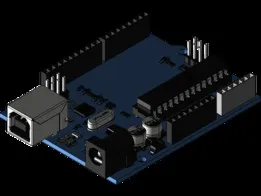

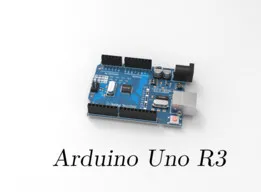

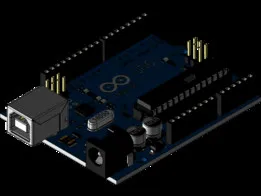
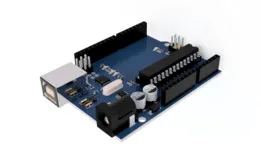
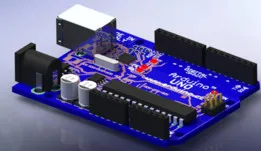
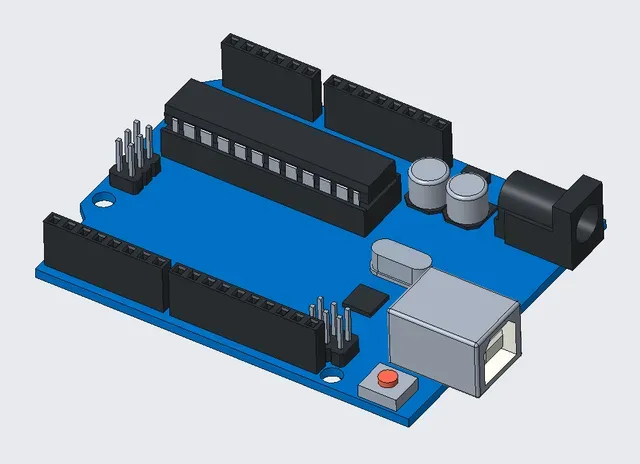
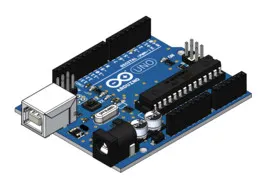
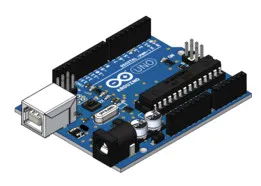
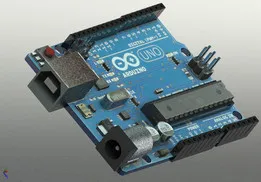
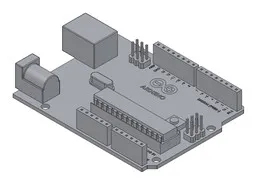
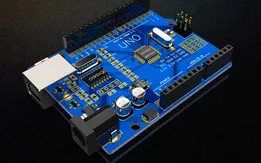
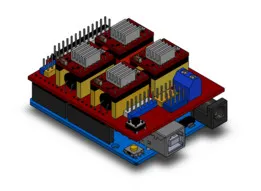
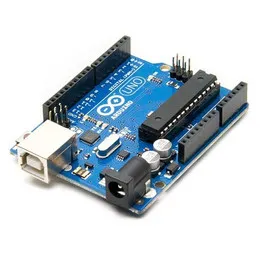
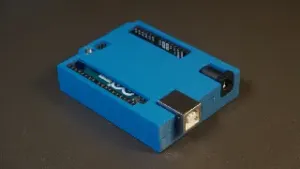
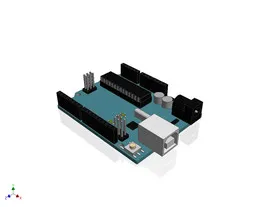
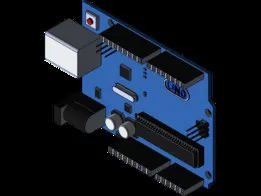
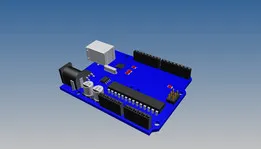
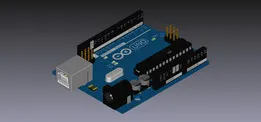
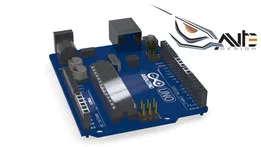
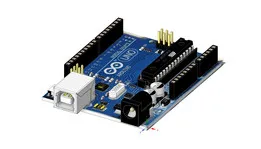
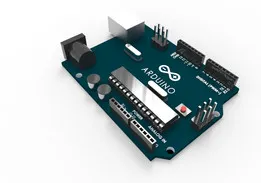
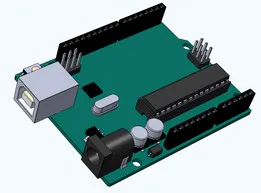
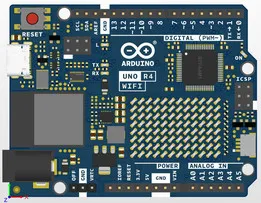
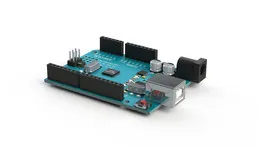
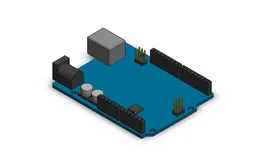
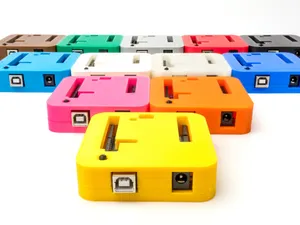
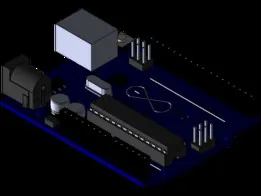
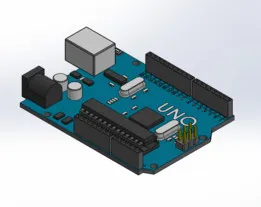
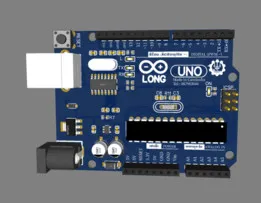
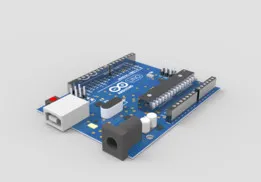
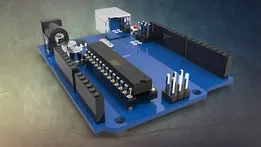
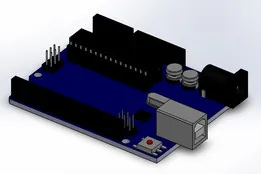
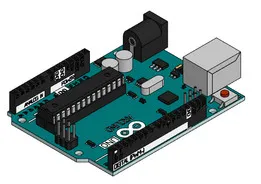
Enclosures are the largest group, and they differ mainly in how the board is held and how much of it stays exposed. Some are simple shells that cover the board and leave the USB and power sockets open, others add room for a shield on top or a display and keypad. Mounts, stands and holders take a different approach: they fix the board to a surface or a rail and leave the connectors reachable. Replica models of the board serve another purpose, as visual references for layout, mockups or renders rather than as parts to fit a real board.
Before printing, compare the model against your own board revision, since connector positions and mounting holes can differ between versions. Check the number of parts and how they join, whether screws, heat-set inserts or snap fits are used, and whether the geometry needs supports. Read the material and settings the author lists, and look at photos of real prints to judge wall thickness and clearances around ports. If a model is parametric, note which dimensions you can adjust to match your board.
Search results widen quickly if you try other words for the same object: enclosure, housing, box, cradle, bracket, dock or tray. Adding a component to the query helps too, for example a shield, a display and keypad, a breadboard, a sensor module or a CNC shield, since many models are designed around a specific stack. Combining the board name with a revision or a board variant narrows the list further, and related topics such as electronics project cases or prototyping accessories often surface useful alternatives.


Der komplette Themenkatalog – von Wohnen & Haushalt bis CNC, mit Suche auf allen angebundenen Plattformen.