Kostenlos 
Engine Cover Cap for BMW engines M50 M52 M54 - Improved
Thingiverse
This collection gathers 3D models for BMW E34 caps and covers, from engine bay lids to interior trim pieces and wheel hub caps. Each listing is prepared for 3D printing, so the shape, thread and mounting points come from the author's own measurements. Browse it when a small original part is missing and you want to see what other owners have modelled. Polyzon does not confirm whether models are free, their price, license, official status, affiliation, safety or fitness. Check the current terms at the source.
Der Text dieser Sammlung ist auf Englisch verfasst; die Suche selbst funktioniert in jeder Sprache.
 Eine Sammlung von Polyzon · 48 Modelle von 4 Plattformen
Polyzon stellt diese Sammlung aus den Suchergebnissen der angebundenen Plattformen zusammen. Dubletten und Modelle ohne Vorschaubild werden entfernt, schwache Treffer rutschen ans Ende, der Rest bleibt in der Reihenfolge der Suche. Die Modelle gehören ihren Urhebern – die Bedingungen findest du auf der Seite des jeweiligen Modells.
Auswahlregeln: Polyzon-Redaktion · Text aktualisiert: 13.10.2026
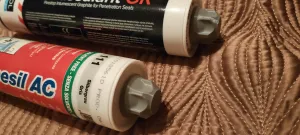


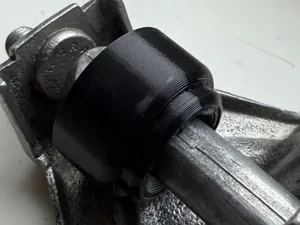
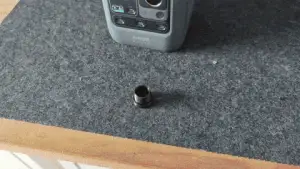


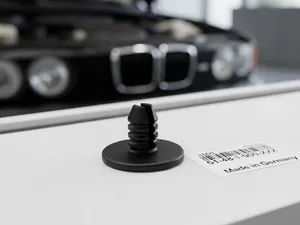
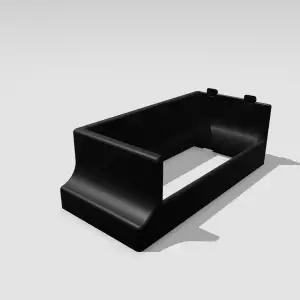


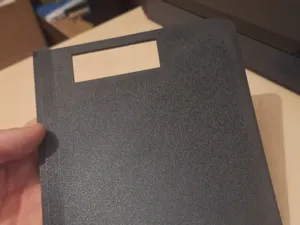
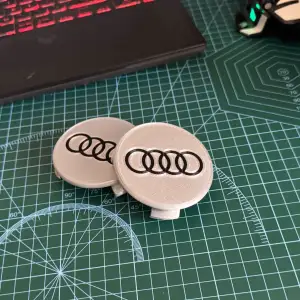

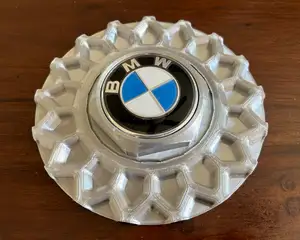
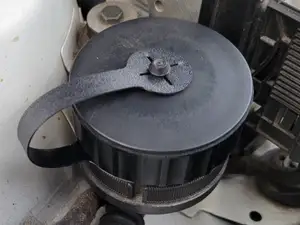
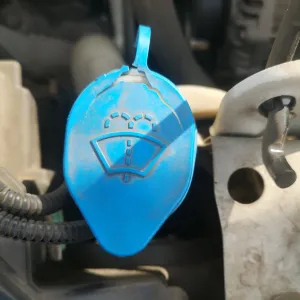


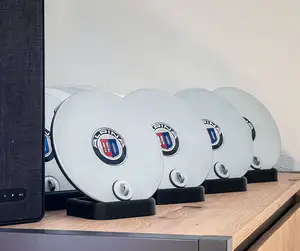
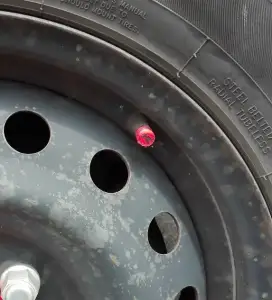


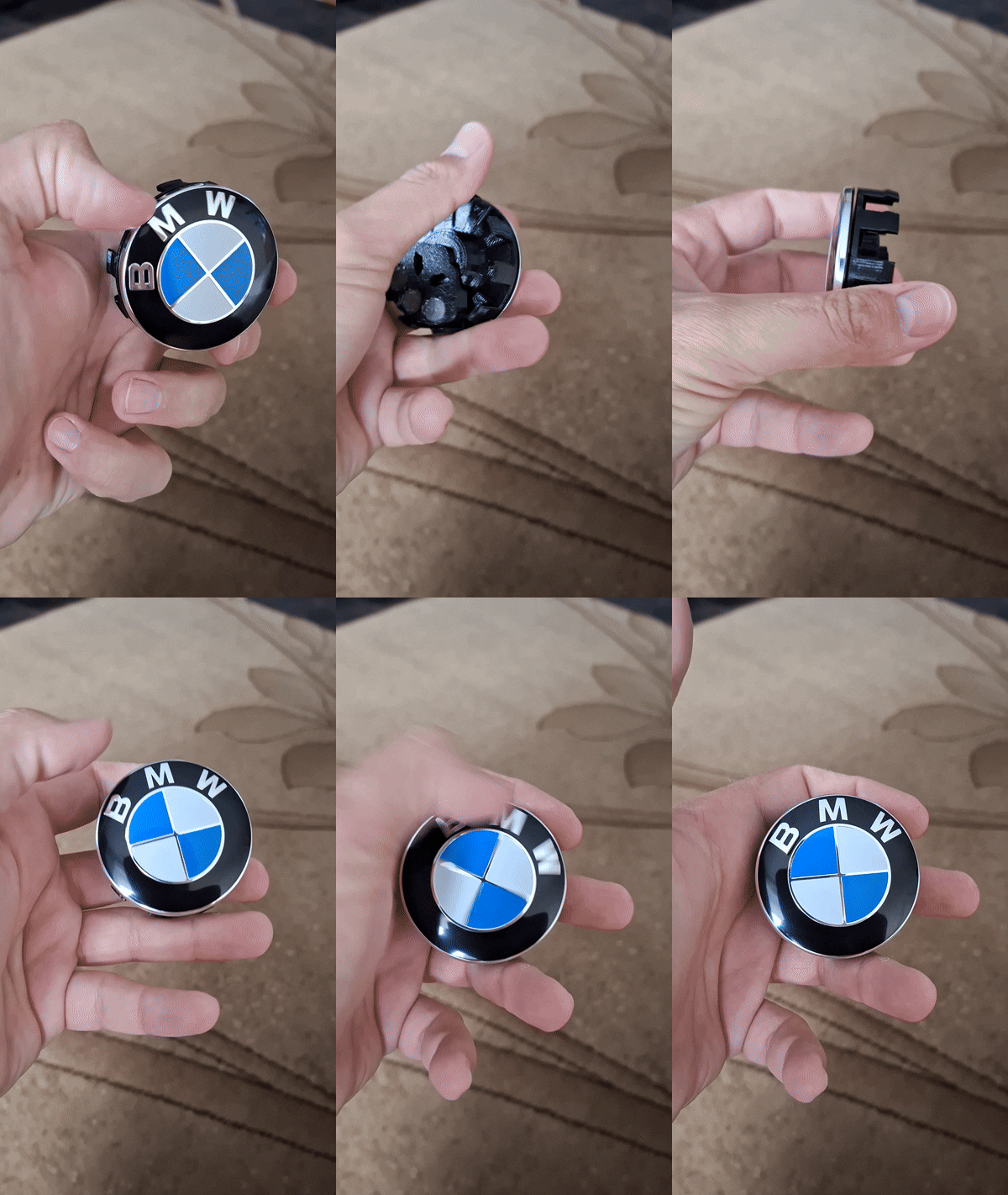
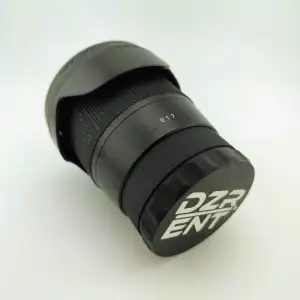


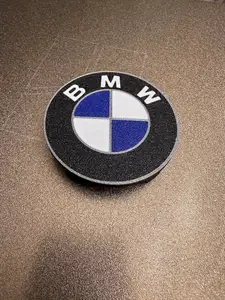
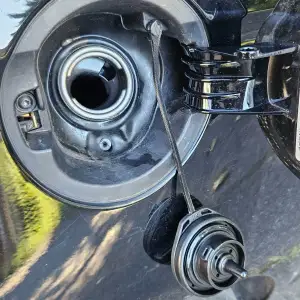


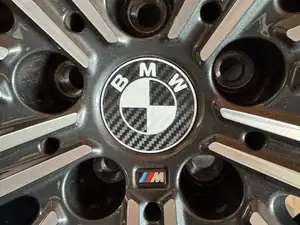
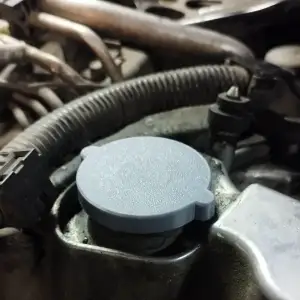


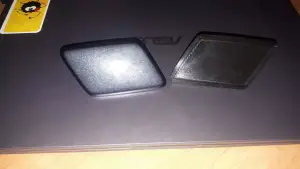

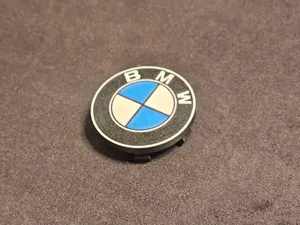
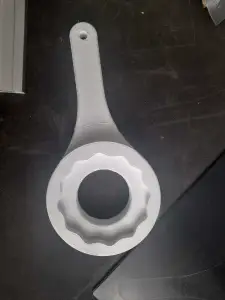

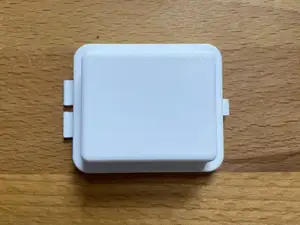
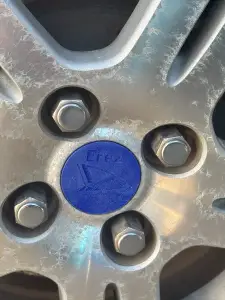


The models split into a few groups. Engine bay items include caps and covers for intake and engine trim, often modelled after original part numbers. Interior pieces cover cupholders, sunroof covers and small trim caps, while exterior items include antenna caps and covers for body or connector openings. Wheel-related files are usually hub or center caps that sit on the rim.
When you open a model page, read the dimensions first and compare them with the part you want to replace, since a cap that looks right in a photo can differ in diameter or thread pitch. Check how many parts the file contains and whether assembly is required, and whether the author mentions supports. Look at the material and print settings the author lists, and at photos of real prints, because thin walls and small clips behave differently depending on orientation.
If a search returns little, try the part name in another language or the original part number, and add terms such as cover, lid, plug, trim or clip. Related searches like BMW E34 interior parts, engine bay trim or wheel center caps often lead to the same files. You can also widen the search to neighbouring generations, then verify the dimensions yourself before printing.


Der komplette Themenkatalog – von Wohnen & Haushalt bis CNC, mit Suche auf allen angebundenen Plattformen.