
Kostenlos 
Box making corner jig
Thingiverse
This collection covers 3D-printable boxes with compartments and the workshop jigs that appear under similar names. It includes storage organizers for small parts alongside cutting, alignment and clamping aids. Every entry is an STL or a comparable 3D model, so the useful starting point is the size of what you keep and the tool you work with. Polyzon does not confirm whether models are free, their price, license, official status, affiliation, safety or fitness. Check the current terms at the source.
Der Text dieser Sammlung ist auf Englisch verfasst; die Suche selbst funktioniert in jeder Sprache.
 Eine Sammlung von Polyzon · 47 Modelle von 3 Plattformen
Polyzon stellt diese Sammlung aus den Suchergebnissen der angebundenen Plattformen zusammen. Dubletten und Modelle ohne Vorschaubild werden entfernt, schwache Treffer rutschen ans Ende, der Rest bleibt in der Reihenfolge der Suche. Die Modelle gehören ihren Urhebern – die Bedingungen findest du auf der Seite des jeweiligen Modells.
Auswahlregeln: Polyzon-Redaktion · Text aktualisiert: 14.10.2026




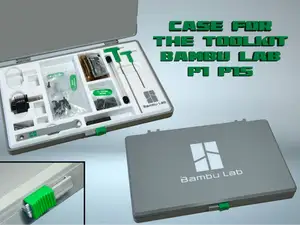

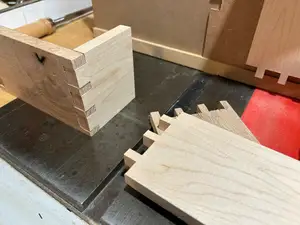
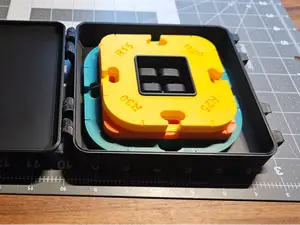

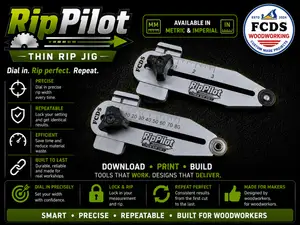


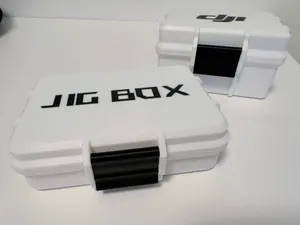


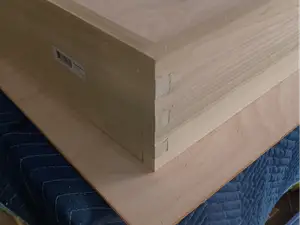


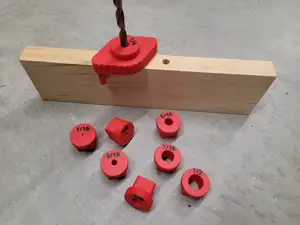





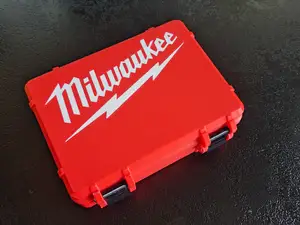


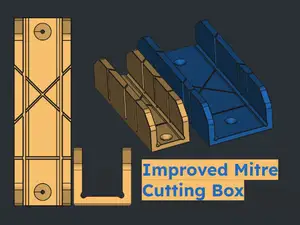

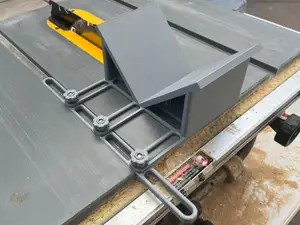
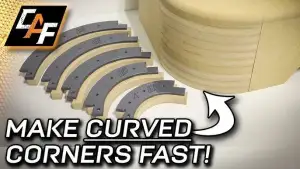

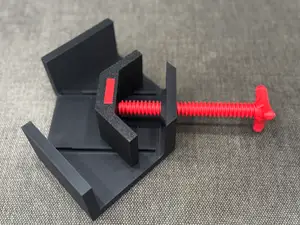




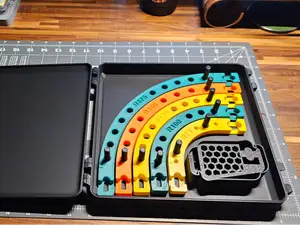

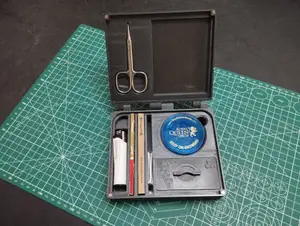
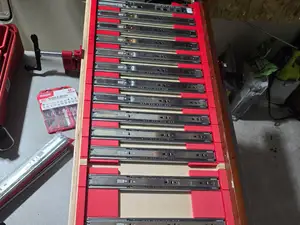
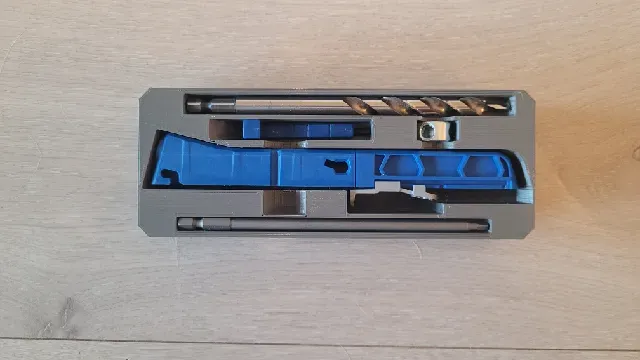
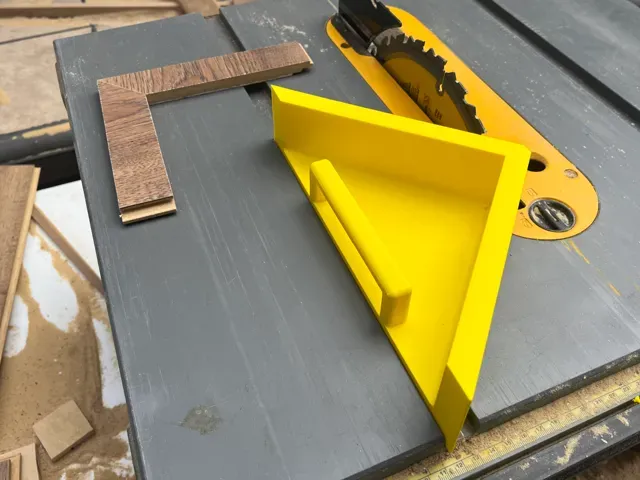
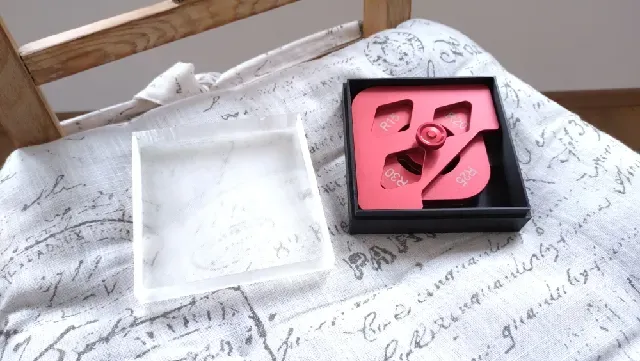
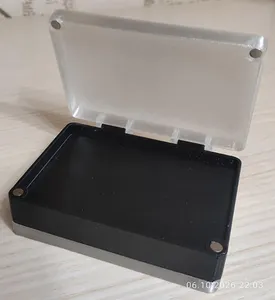
Compartment boxes are printed either as one body with a hinged or sliding lid, or as two halves that close with pins or a latch; the number and depth of the cells decide what fits inside. Box-joint jigs are built around a fixed tooth spacing and are made for a router or a table saw, while corner and radius jigs guide a cutter along a curve or a set angle. Alignment and clamping aids work differently again, holding two parts at 90 degrees while glue or fasteners set.
On the author's model page, compare the outer and inner dimensions with the item you plan to store, since a box a few millimetres too large will not close or fit a pocket. Check how many parts the model contains and how they join — screws, pins, glue or a snap fit — and read what the author says about supports, material and settings. Photos of real prints show how the tolerances behave on a finished part, which matters for sliding lids and close-fitting joints.
Search wording changes the results: "jig box", "storage box", "parts organizer" and "compartment case" overlap heavily, as do "box joint jig", "corner jig" and "miter sled". If you need a container, add words for what it holds — hooks, weights, bits or beads — and try "insert", "tray" or "divider". For cutting aids, combine the tool with the joint type, such as "router dovetail jig" or "table saw sled".
%2Fhttps%3A%2F%2Ffbi.cults3d.com%2Fuploaders%2F13516147%2Fillustration-file%2F8f011ebc-1b41-4559-a30a-280ab9ebd3ab%2F20190113_125013.jpg&w=300)



Der komplette Themenkatalog – von Wohnen & Haushalt bis CNC, mit Suche auf allen angebundenen Plattformen.