
Kostenlos 
White Cat Hueforge 3D Printed Textured Art
Thingiverse
This collection gathers HueForge-style color 3D printing projects: textured wall art, character portraits, landscapes, and decorative panels. You can compare how each design uses color changes and layer height before you slice an STL for your 3D printer. Polyzon does not confirm whether models are free, their price, license, official status, affiliation, safety or fitness. Check the current terms at the source.
Der Text dieser Sammlung ist auf Englisch verfasst; die Suche selbst funktioniert in jeder Sprache.
 Eine Sammlung von Polyzon · 45 Modelle von 3 Plattformen
Polyzon stellt diese Sammlung aus den Suchergebnissen der angebundenen Plattformen zusammen. Dubletten und Modelle ohne Vorschaubild werden entfernt, schwache Treffer rutschen ans Ende, der Rest bleibt in der Reihenfolge der Suche. Die Modelle gehören ihren Urhebern – die Bedingungen findest du auf der Seite des jeweiligen Modells.
Auswahlregeln: Polyzon-Redaktion · Text aktualisiert: 15.10.2026

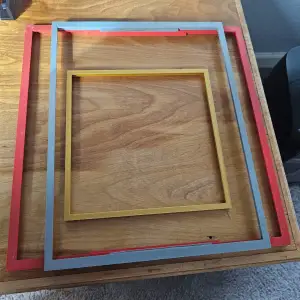

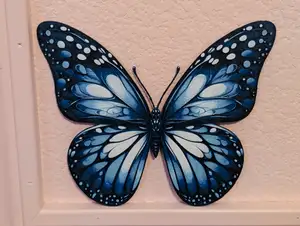
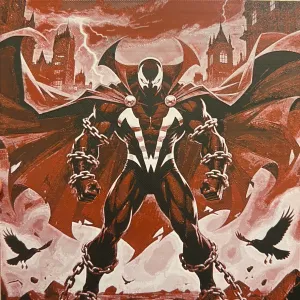

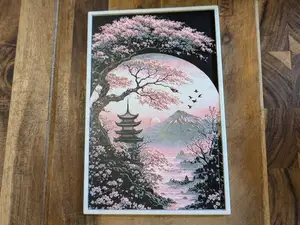
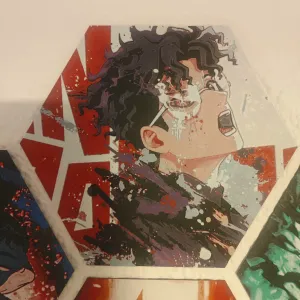

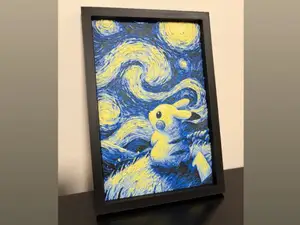

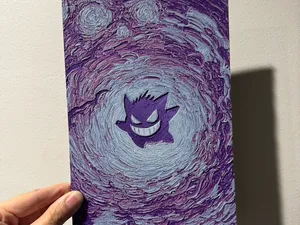
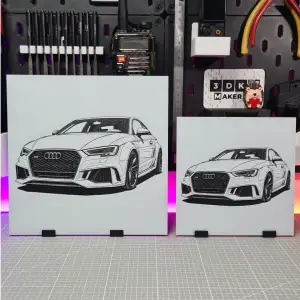
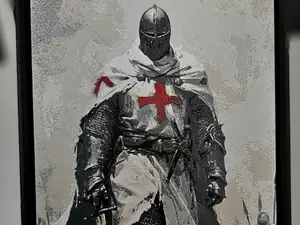
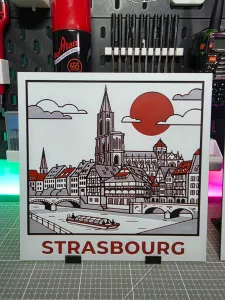

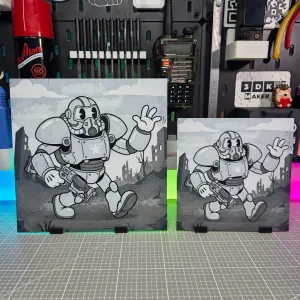
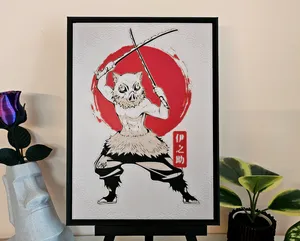
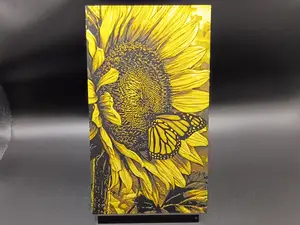
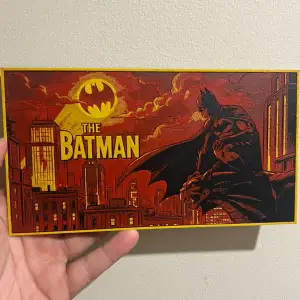
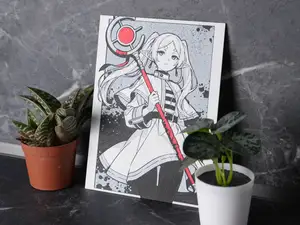
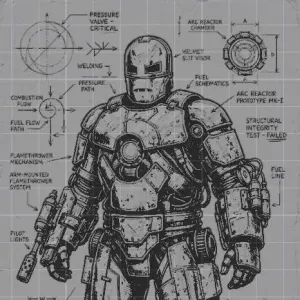
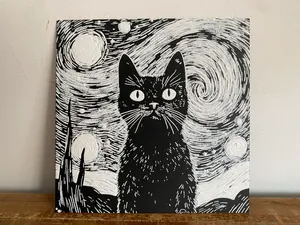
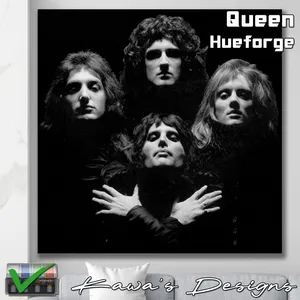
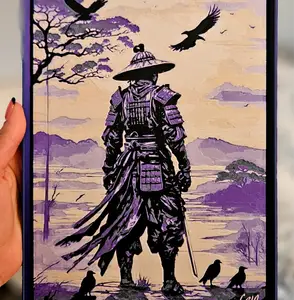
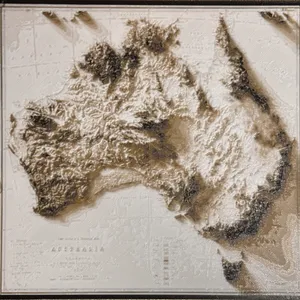
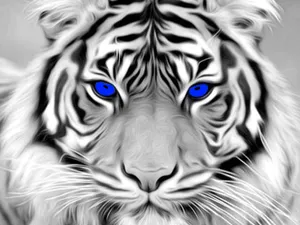
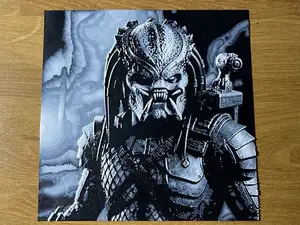
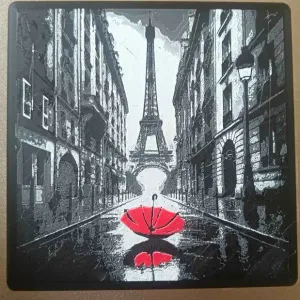
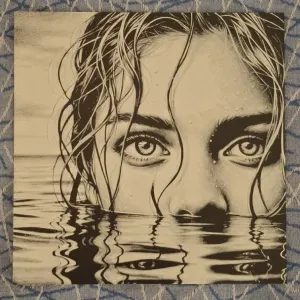
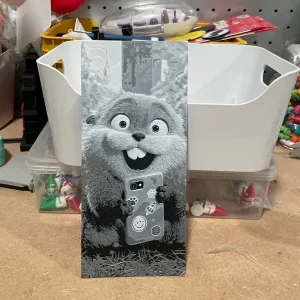
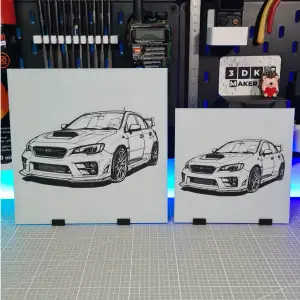
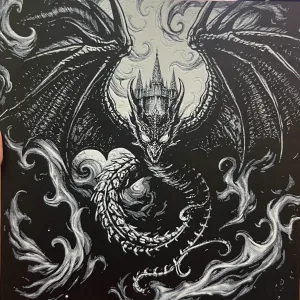
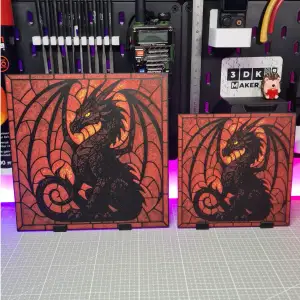
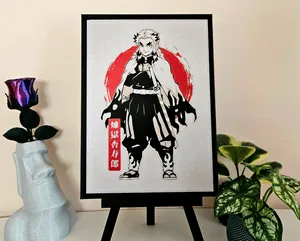
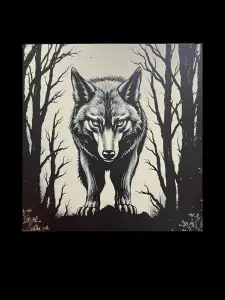
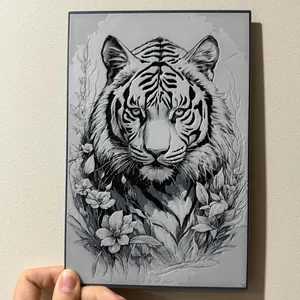
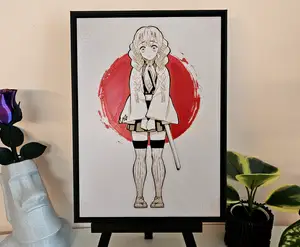
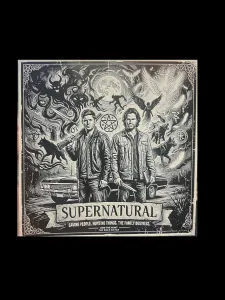
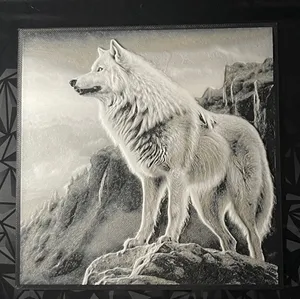
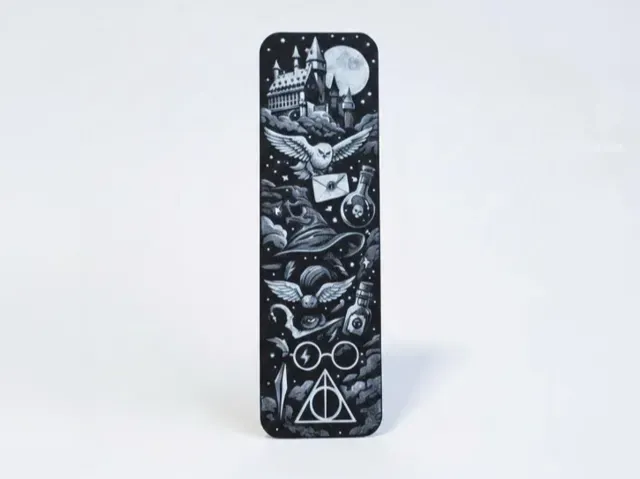
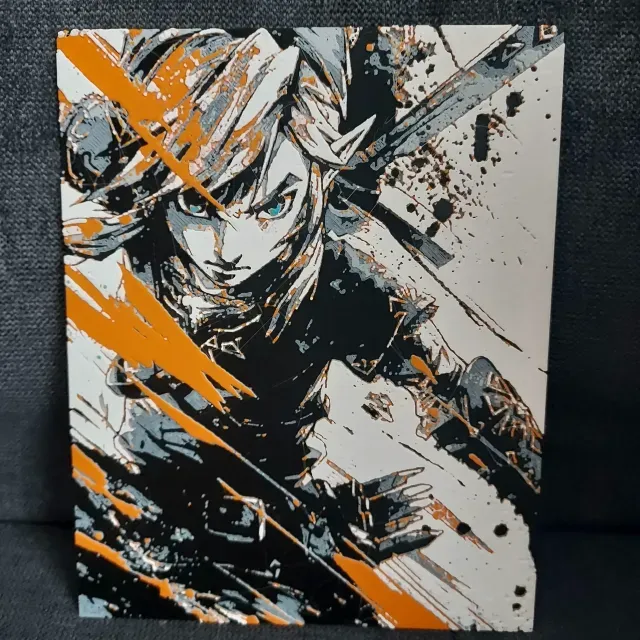
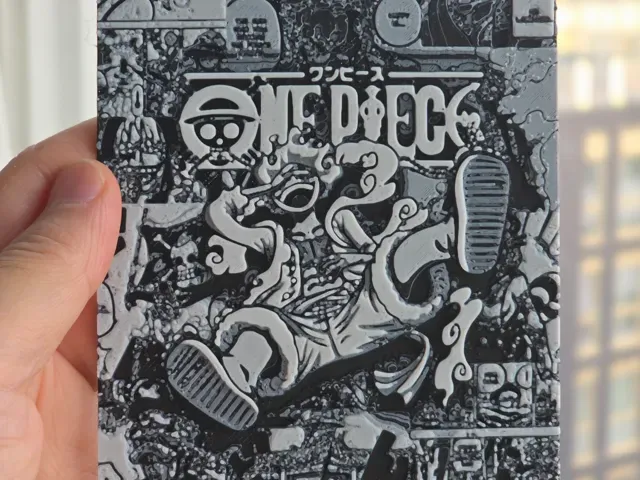
HueForge-style models often fall into a few visual groups: framed wall art, character or portrait images, landscape scenes, and small decorative items such as bookmarks or seasonal motifs. They differ mainly in how many color changes they use and whether the design relies on flat color swaps or on layer-height blending to create shading. Some files are built for a square format, while others are shaped around a specific subject or object.
When choosing a file, check the size and scale first, then look at the number of parts and whether any assembly is required. On the author's model page, read the listed material, nozzle size, layer height, and color-change instructions, and look at photos of real prints to judge how the final texture reads. If the design uses multiple filaments, confirm the order of color changes and the purge method your printer uses.
To refine a search, try synonyms such as color lithophane, filament painting, layered color art, or multi-color wall panel, and combine them with subjects like animals, landscapes, portraits, or seasonal themes. Related topics include filament swatches, frame sizes, and display stands, which can help you plan how to mount or present a finished piece. Adding terms for the intended subject or color count can narrow results without relying on a single naming style.


%2Fhttps%3A%2F%2Ffbi.cults3d.com%2Fuploaders%2F14526230%2Fillustration-file%2F10d91c28-cb85-4ffe-a5c0-cff3f2faef82%2FKawaii_Unicorn_Color_Printable_F._202606092358-2.jpeg&w=300)


Der komplette Themenkatalog – von Wohnen & Haushalt bis CNC, mit Suche auf allen angebundenen Plattformen.