
Kostenlos 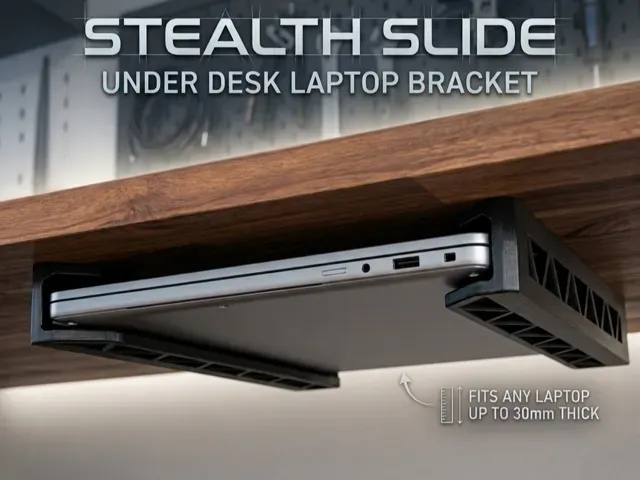
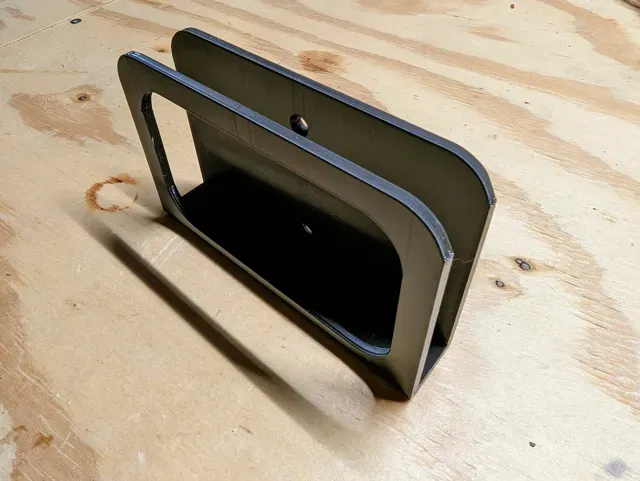
StealthSlide Under-Desk Laptop Bracket
MakerWorld
This collection gathers 3D models for holding a laptop in place: wall and pegboard mounts, under-desk holders, desk risers and VESA adapters. The files are meant for 3D printing at home, so the same idea appears in several shapes and sizes. It helps you pick a bracket that fits your desk, wall or monitor arm instead of buying a fixed product. Polyzon does not confirm whether models are free, their price, license, official status, affiliation, safety or fitness. Check the current terms at the source.
Der Text dieser Sammlung ist auf Englisch verfasst; die Suche selbst funktioniert in jeder Sprache.
 Eine Sammlung von Polyzon · 48 Modelle von 6 Plattformen
Polyzon stellt diese Sammlung aus den Suchergebnissen der angebundenen Plattformen zusammen. Dubletten und Modelle ohne Vorschaubild werden entfernt, schwache Treffer rutschen ans Ende, der Rest bleibt in der Reihenfolge der Suche. Die Modelle gehören ihren Urhebern – die Bedingungen findest du auf der Seite des jeweiligen Modells.
Auswahlregeln: Polyzon-Redaktion · Text aktualisiert: 12.10.2026



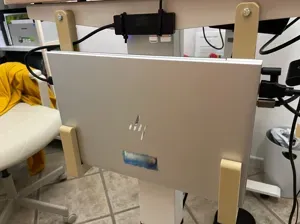

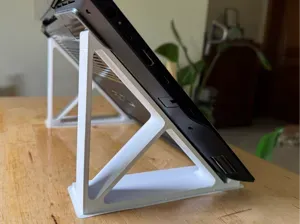
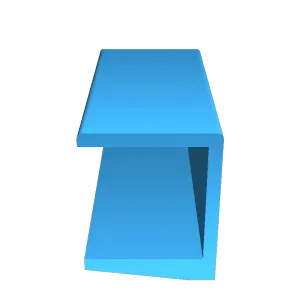
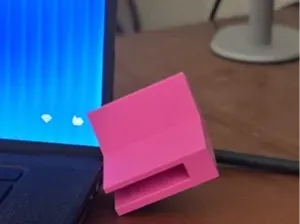
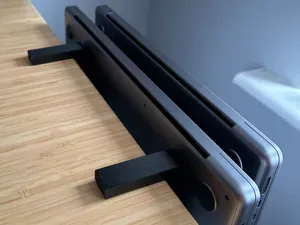


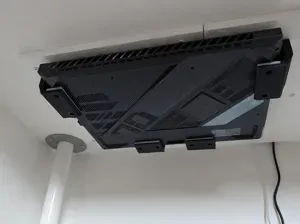
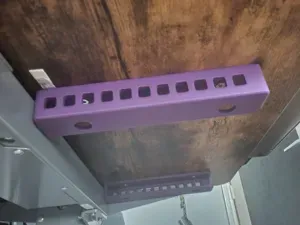


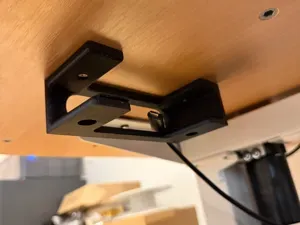
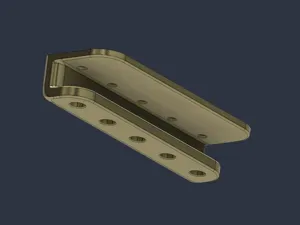
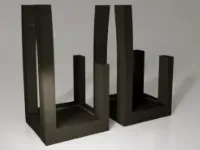


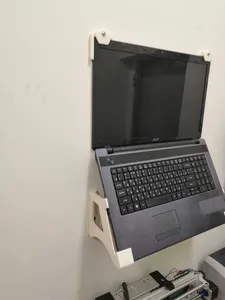

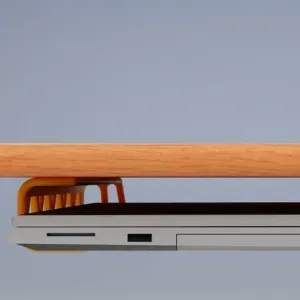


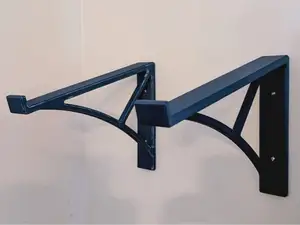
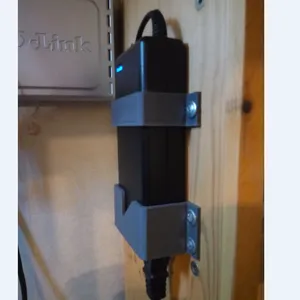
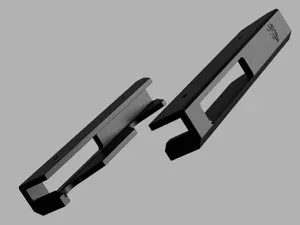


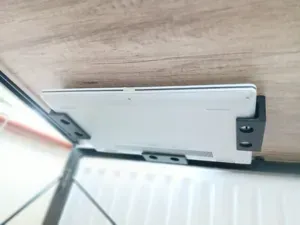


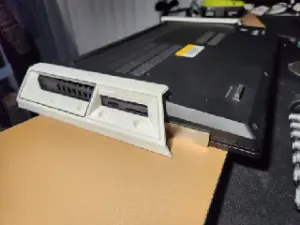
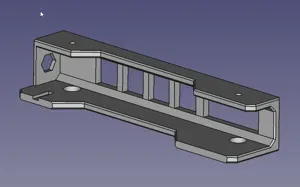

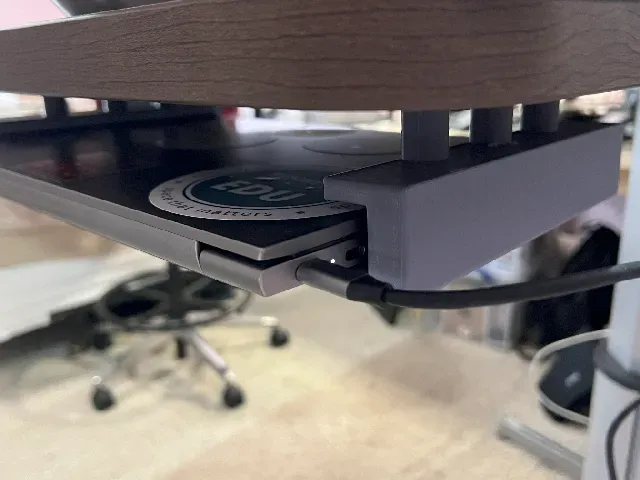
The models differ mainly in where the laptop ends up. Wall and pegboard brackets keep the machine off the desk surface, under-desk holders tuck it below the tabletop, and risers lift it to a comfortable viewing height. There are also smaller brackets for power supplies and adapters, plus VESA plates that attach a laptop to a monitor arm or a stacked dual setup.
Before printing, read the author's page for the laptop size the bracket was drawn around, the number of parts, and how they join. Check whether the model needs supports, which material and layer settings the author lists, and how the bracket is fixed to the wall or desk. Photos of real prints show how the parts fit together better than a render does.
If the first search gives few results, try other words for the same object: laptop holder, notebook mount, riser, VESA plate, or pegboard bracket. Adding the place helps too, such as under desk, wall or vertical. Related topics like cable management, monitor arms and desk organisers often lead to brackets that pair with them.
%2Fhttps%3A%2F%2Ffbi.cults3d.com%2Fuploaders%2F15048846%2Fillustration-file%2F75bc316b-1290-46b5-a617-ab8b351ea2f3%2FFoto%25203.png&w=300)
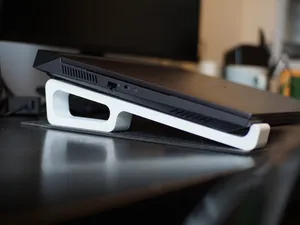


Der komplette Themenkatalog – von Wohnen & Haushalt bis CNC, mit Suche auf allen angebundenen Plattformen.
%2Fhttps%3A%2F%2Ffbi.cults3d.com%2Fuploaders%2F14760984%2Fillustration-file%2Fdcdb8388-983c-417c-a6a5-443e6ce23112%2F20190121_161823.jpg&w=640)