

Kostenlos 
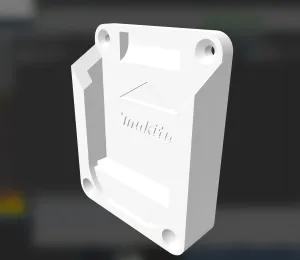
Dremel CNC (Nikodem Bartnik) Makita Mount (or any 65mm spindle)
Thingiverse
This collection gathers 3D models that hold Makita tools, batteries and accessories: wall and rail holders, brackets for CNC machines, and adapters for knives, pens or vacuum hoses. It is useful when you want to store a tool within reach or attach it to a machine frame instead of buying a dedicated bracket. Every entry is an STL or a similar file for 3D printing, so the fit depends on the measurements you take from your own tool. Polyzon does not confirm whether models are free, their price, license, official status, affiliation, safety or fitness. Check the current terms at the source.
Der Text dieser Sammlung ist auf Englisch verfasst; die Suche selbst funktioniert in jeder Sprache.
 Eine Sammlung von Polyzon · 48 Modelle von 5 Plattformen
Polyzon stellt diese Sammlung aus den Suchergebnissen der angebundenen Plattformen zusammen. Dubletten und Modelle ohne Vorschaubild werden entfernt, schwache Treffer rutschen ans Ende, der Rest bleibt in der Reihenfolge der Suche. Die Modelle gehören ihren Urhebern – die Bedingungen findest du auf der Seite des jeweiligen Modells.
Auswahlregeln: Polyzon-Redaktion · Text aktualisiert: 10.10.2026


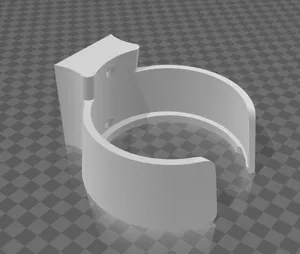


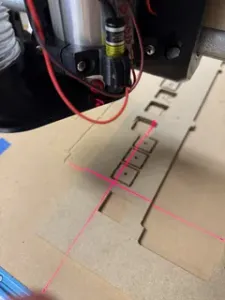


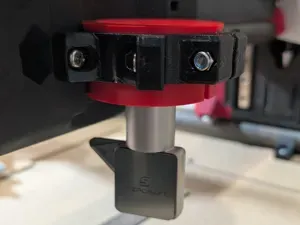

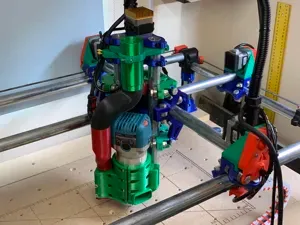

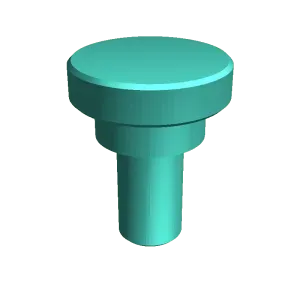


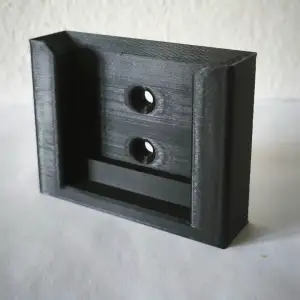


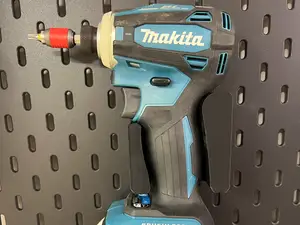

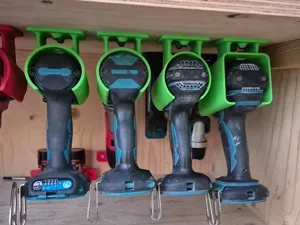

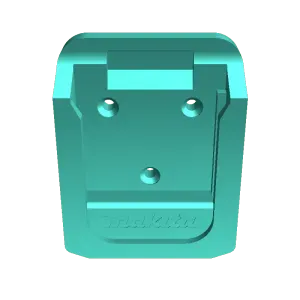
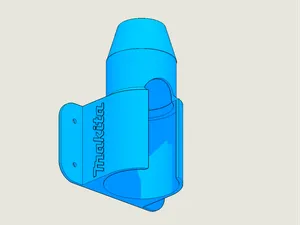
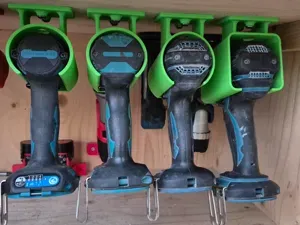
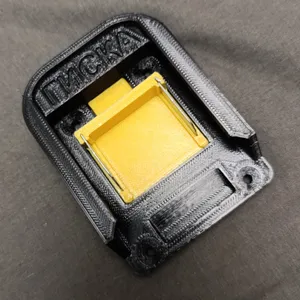

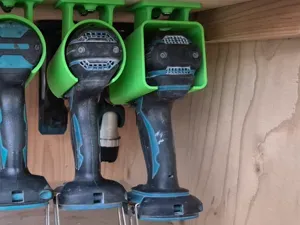
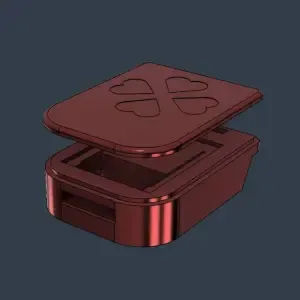
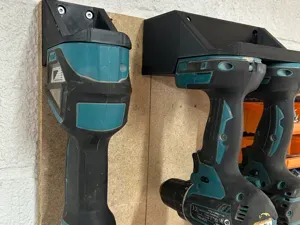


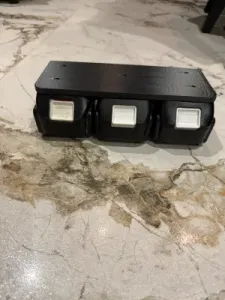
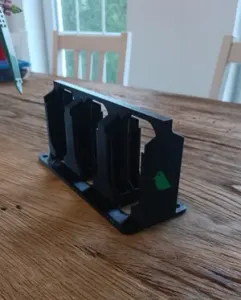
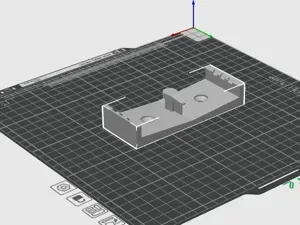

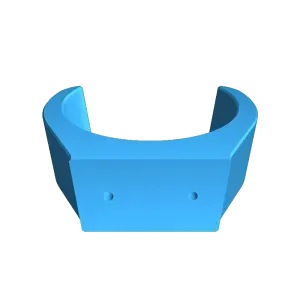

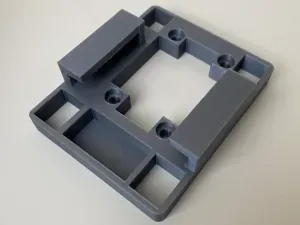
The models fall into a few groups that behave differently. Battery and charger mounts clip a pack to a wall, a shelf or a rail, and are usually printed as one or two flat parts. CNC brackets clamp the cylindrical body of a router or trimmer to a gantry, while drag knife, pen and laser adapters replace the tool holder on the same machine. Pegboard and rail holders are shaped around a specific tool body, so their opening and screw pattern matter more than their overall size.
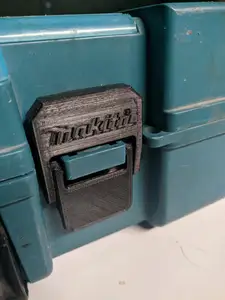
Before printing, compare the dimensions on the author's page with your own tool. The useful numbers are the outer diameter of the tool body or battery pack, the slot width, the distance between screw holes and the wall thickness around the clamp. Look at how many parts the model has, whether it is meant to be glued or bolted together, whether supports are needed, and which material and settings the author lists. Photos of real prints show the orientation and where the load sits.
If a search returns little, change the wording rather than the topic. Holder, bracket, clamp, dock, adapter and wall mount are used almost interchangeably in titles, and adding a machine name, a battery series or a tool type narrows the results quickly. Related searches such as pegboard storage, CNC spindle mounts, vacuum hose adapters or bit and blade organisers often lead to files that fit the same tools.



Der komplette Themenkatalog – von Wohnen & Haushalt bis CNC, mit Suche auf allen angebundenen Plattformen.

