Kostenlos 
Gaming mouse stand
Thingiverse
This collection brings together 3D printing files built around gaming mice: desk stands, cable holders, replacement shells and ergonomic adaptations. It is useful when you already own a mouse and want an accessory for it, or when you plan to rebuild one around printed parts. Each listing leads to the author's page, where the STL files and the print details are published. Polyzon does not confirm whether models are free, their price, license, official status, affiliation, safety or fitness. Check the current terms at the source.
Der Text dieser Sammlung ist auf Englisch verfasst; die Suche selbst funktioniert in jeder Sprache.
 Eine Sammlung von Polyzon · 48 Modelle von 4 Plattformen
Polyzon stellt diese Sammlung aus den Suchergebnissen der angebundenen Plattformen zusammen. Dubletten und Modelle ohne Vorschaubild werden entfernt, schwache Treffer rutschen ans Ende, der Rest bleibt in der Reihenfolge der Suche. Die Modelle gehören ihren Urhebern – die Bedingungen findest du auf der Seite des jeweiligen Modells.
Auswahlregeln: Polyzon-Redaktion · Text aktualisiert: 13.10.2026
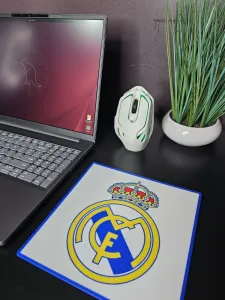

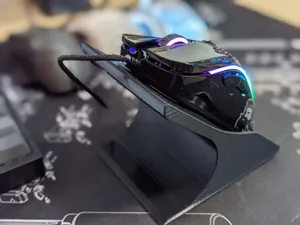

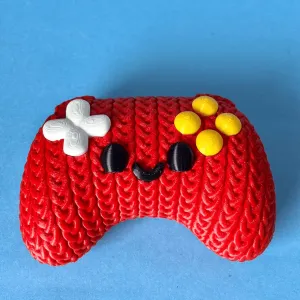


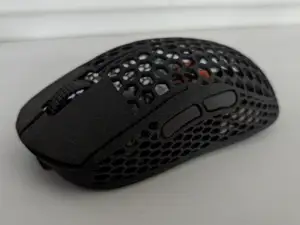
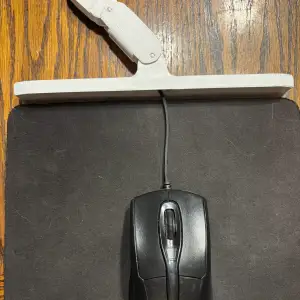

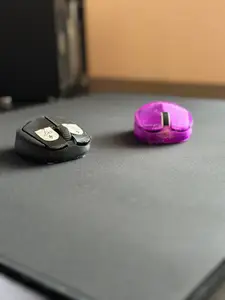
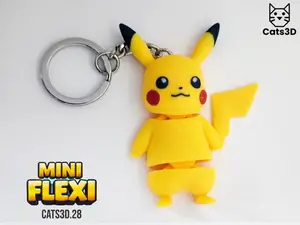
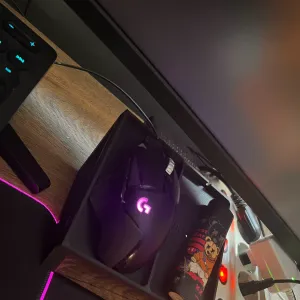

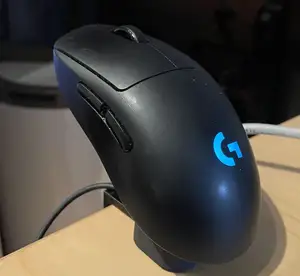
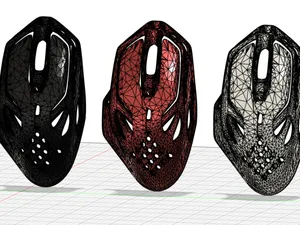
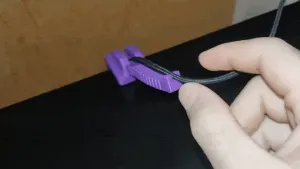

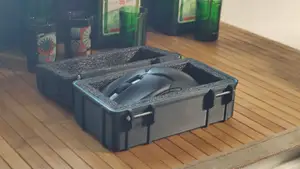
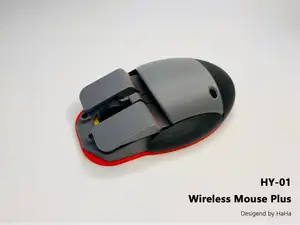


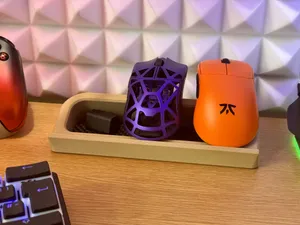

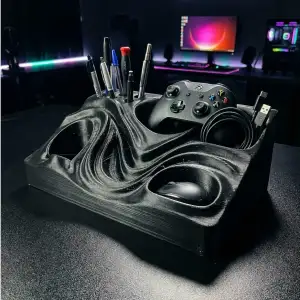

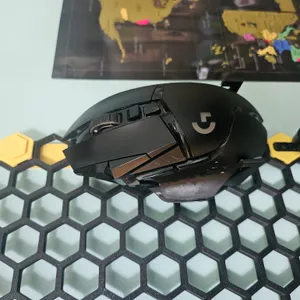
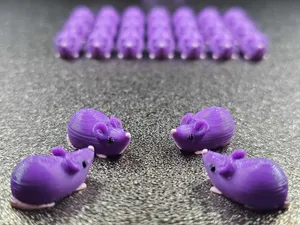
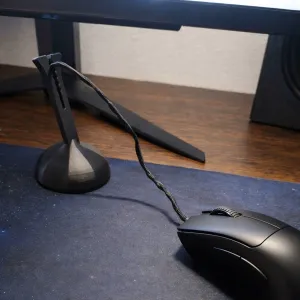

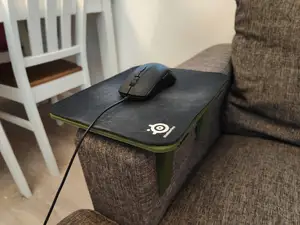
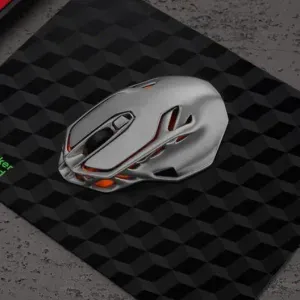

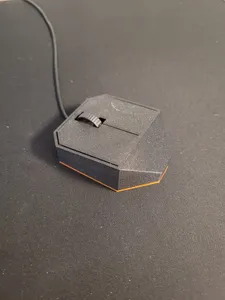
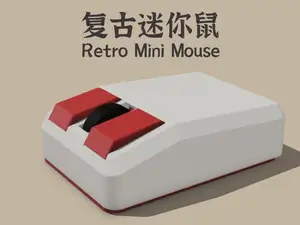
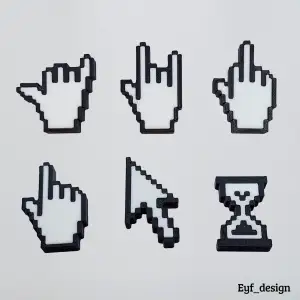

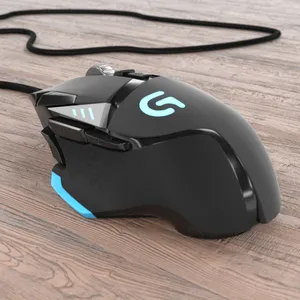
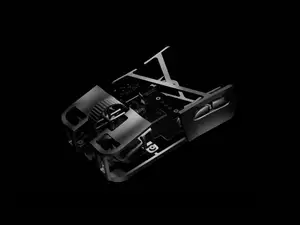
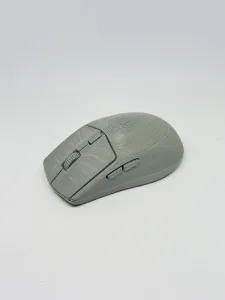

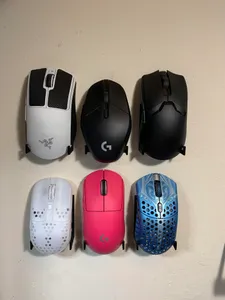

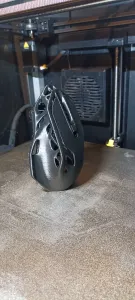
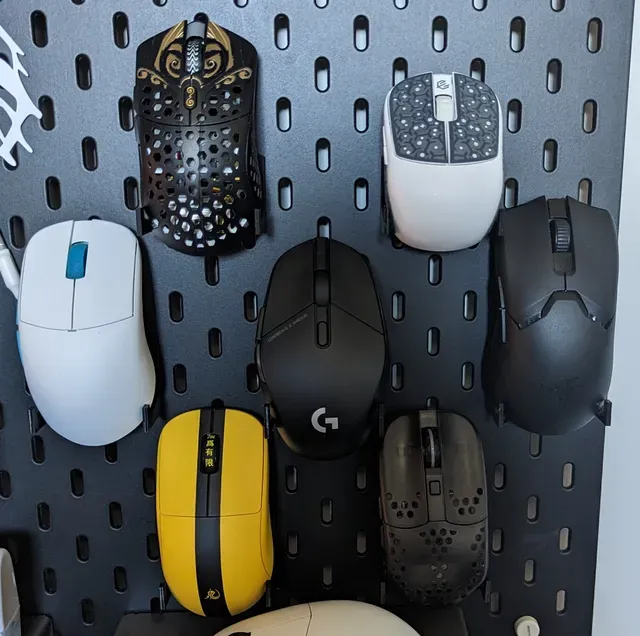
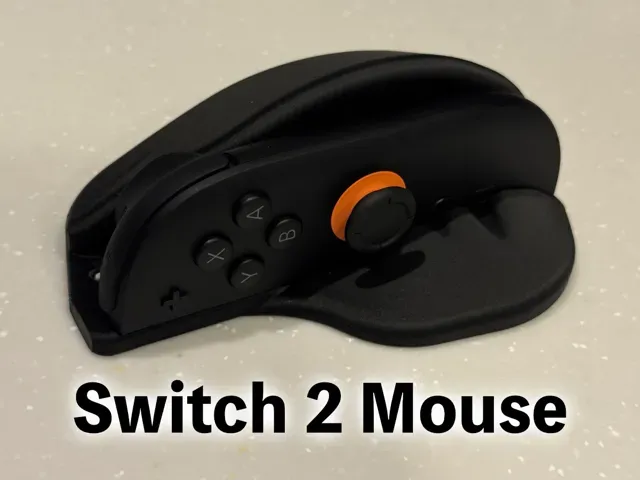
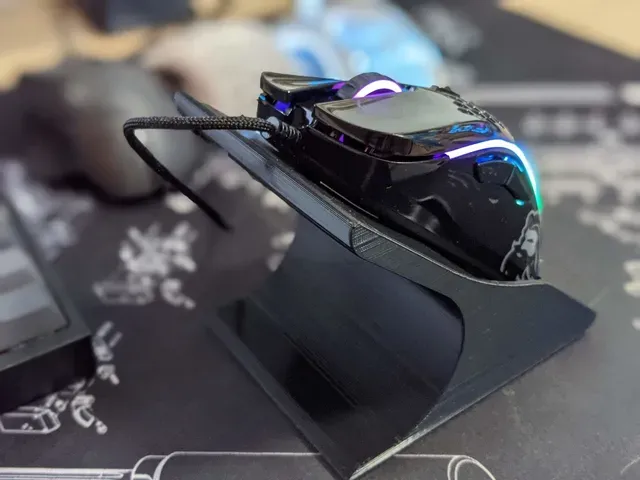
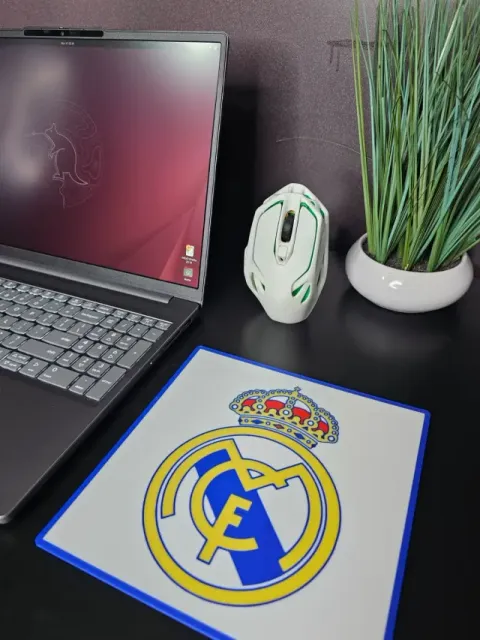
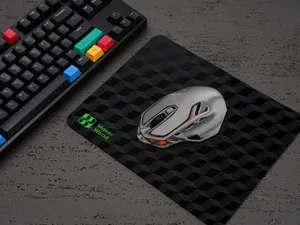
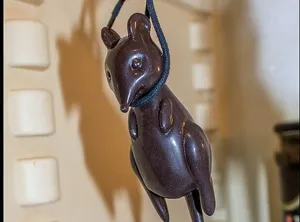
The models fall into a few groups. Stands and display holders keep a mouse upright or lift it off the desk, sometimes with a slot for a wireless receiver. Cable holders and bungees guide the cord so it stays off the surface. Shells, top covers and cases replace or cover original parts, and some designs cut material to reduce weight. A separate group adapts the shape of a mouse for a different grip or for limited hand mobility, and a last group covers desk extras such as mousepads and small printed figures.
Before printing, open the author's page and read what is stated there. Check the outer dimensions and scale against your own mouse, count the parts and see whether assembly or screws are involved, and note whether the geometry needs supports. Look at the material and settings the author lists, and at photos of real prints rather than renders only, since thin walls and snap fits behave differently across materials.
If the first search gives few results, try other wording: mouse stand, mouse holder, desk organizer, cable management, bungee, shell, top cover, weight reduction, grip, ergonomic. Related topics such as keyboard accessories, desk organizers, controller stands and small articulated figures often appear alongside these files and can be worth browsing when you are already printing for a desk setup.




Der komplette Themenkatalog – von Wohnen & Haushalt bis CNC, mit Suche auf allen angebundenen Plattformen.