Kostenlos 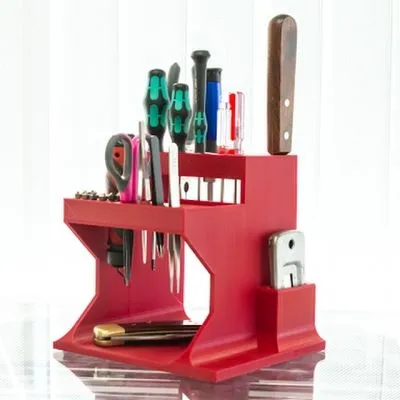
Desktop Tool Organizer
MyMiniFactory
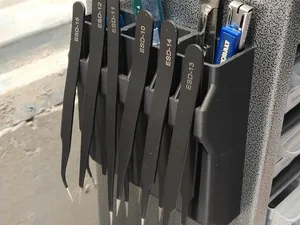
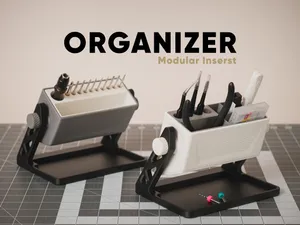
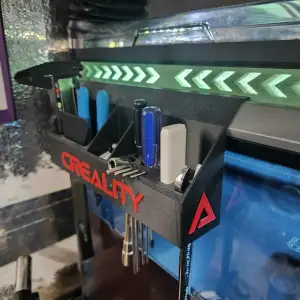
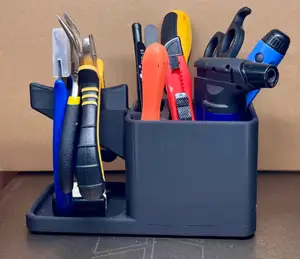
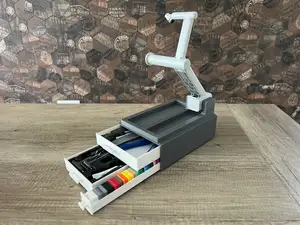
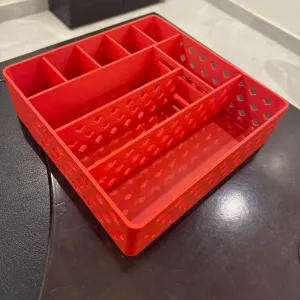
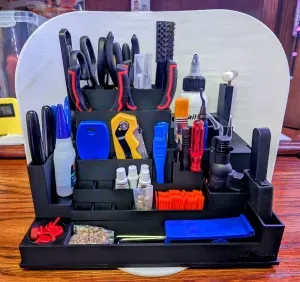
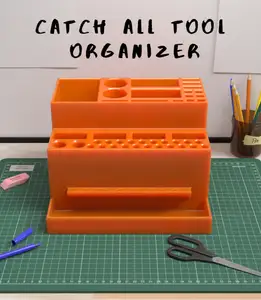
This collection gathers STL files for tool organizers, from flat desktop trays to modular wall panels and socket racks. The models differ mainly in how they mount, how many parts they use and how much space they take up. It is useful when you want to sort hand tools, printer accessories or small bits into something that stays put during 3D printing and daily use. Polyzon does not confirm whether models are free, their price, license, official status, affiliation, safety or fitness. Check the current terms at the source.
Der Text dieser Sammlung ist auf Englisch verfasst; die Suche selbst funktioniert in jeder Sprache.
 Eine Sammlung von Polyzon · 48 Modelle von 6 Plattformen
Polyzon stellt diese Sammlung aus den Suchergebnissen der angebundenen Plattformen zusammen. Dubletten und Modelle ohne Vorschaubild werden entfernt, schwache Treffer rutschen ans Ende, der Rest bleibt in der Reihenfolge der Suche. Die Modelle gehören ihren Urhebern – die Bedingungen findest du auf der Seite des jeweiligen Modells.
Auswahlregeln: Polyzon-Redaktion · Text aktualisiert: 11.10.2026













%2Fhttps%3A%2F%2Ffbi.cults3d.com%2Fuploaders%2F14022032%2Fillustration-file%2Ff4eff533-78da-4545-bfb2-c422c7f5d72b%2FIMG_20200115_095003.jpg&w=300)

%2Fhttps%3A%2F%2Ffbi.cults3d.com%2Fuploaders%2F12894095%2Fillustration-file%2F1467897681-29883-1567%2FCapture_d_e_cran_2016-07-07_a__15.19.28.png&w=300)

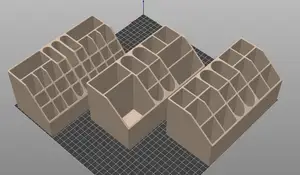


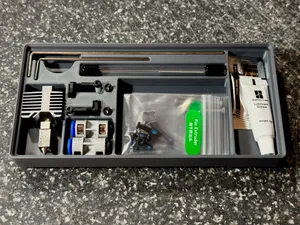
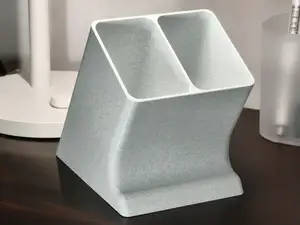

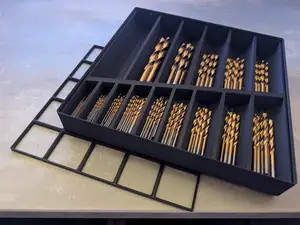
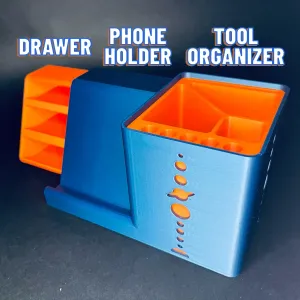

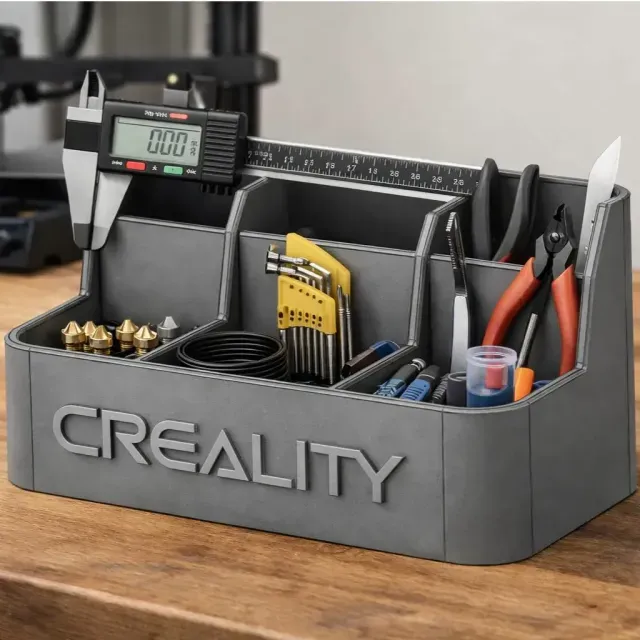
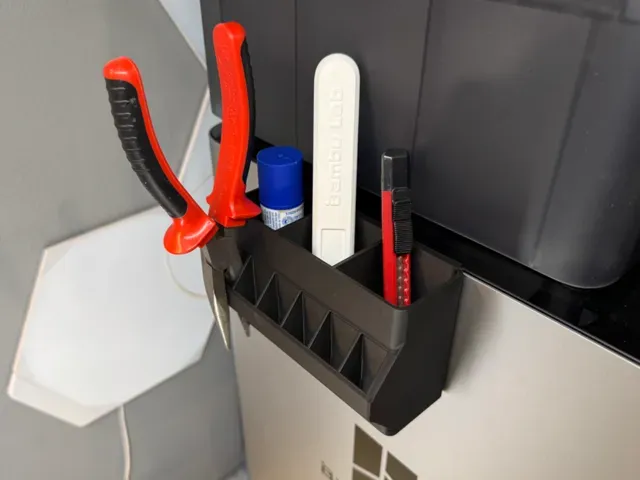
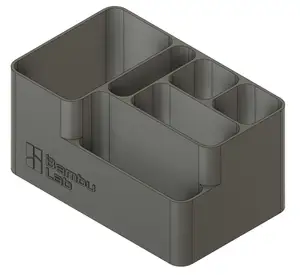
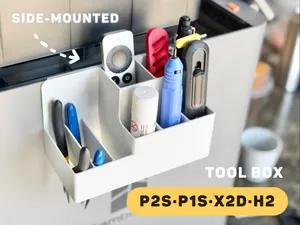
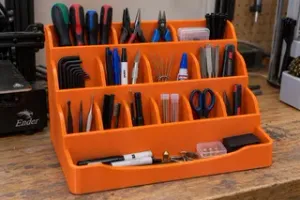
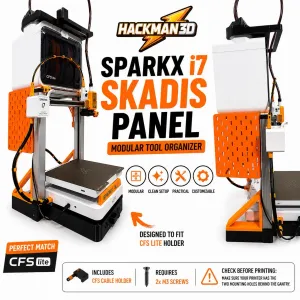
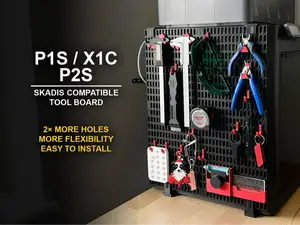
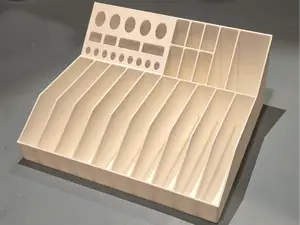
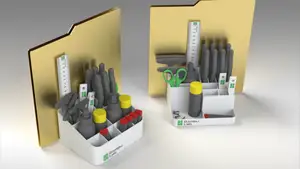
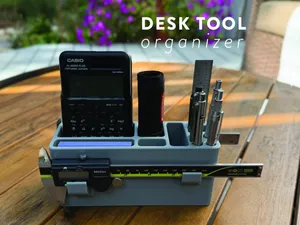
Desktop organizers usually sit flat and group tools by size, while wall and panel versions hang from a rail, a perforated board or a printer frame. Modular systems let you print one unit and add more later, and angled or tilted trays keep long tools from rolling. Small-part racks take a different approach: they hold bits, cards and craft tools in tight rows rather than in open compartments.
Before printing, read the author's page for overall dimensions, the number of separate parts, and whether supports are required. Check the wall thickness and the clearances between slots, since these decide whether a wrench or a screwdriver actually fits. The material and settings the author lists matter too, because thin hooks and clips behave differently in rigid and flexible filaments. Photos of real prints are the quickest way to judge how a design looks once assembled.
To find more options, try related terms such as tool holder, socket rack, bit storage, pegboard insert or drawer insert. Adding a context word like workshop, garage, desk, printer or craft narrows results to one setting. If you already use a modular grid system, searching for that system's name together with the tool type brings up matching add-ons.

%2Fhttps%3A%2F%2Ffbi.cults3d.com%2Fuploaders%2F13845051%2Fillustration-file%2F771721dc-69c5-45b5-b1d7-04098e879400%2Fgiffff2.gif&w=300)

Der komplette Themenkatalog – von Wohnen & Haushalt bis CNC, mit Suche auf allen angebundenen Plattformen.