Kostenlos 
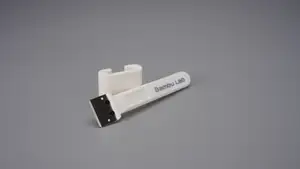
USB SD SD Mirco Holder Combined
Thingiverse
This collection covers STL files for keeping hand tools in order, from upright desktop racks to stackable drawer bins and modular trays. Most of them are made with a home 3D printer in mind, and many can be scaled or split to fit the space you have. The subtopics below show the main directions so you can pick the shape that matches your bench or drawer. Polyzon does not confirm whether models are free, their price, license, official status, affiliation, safety or fitness. Check the current terms at the source.
Der Text dieser Sammlung ist auf Englisch verfasst; die Suche selbst funktioniert in jeder Sprache.
 Eine Sammlung von Polyzon · 48 Modelle von 4 Plattformen
Polyzon stellt diese Sammlung aus den Suchergebnissen der angebundenen Plattformen zusammen. Dubletten und Modelle ohne Vorschaubild werden entfernt, schwache Treffer rutschen ans Ende, der Rest bleibt in der Reihenfolge der Suche. Die Modelle gehören ihren Urhebern – die Bedingungen findest du auf der Seite des jeweiligen Modells.
Auswahlregeln: Polyzon-Redaktion · Text aktualisiert: 15.10.2026
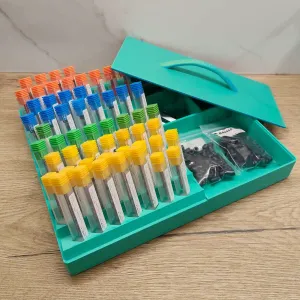


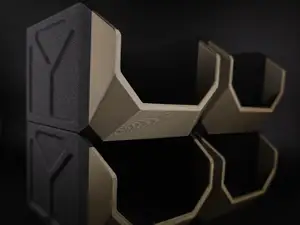
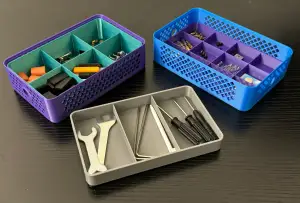


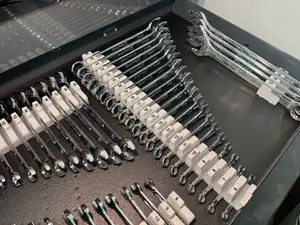
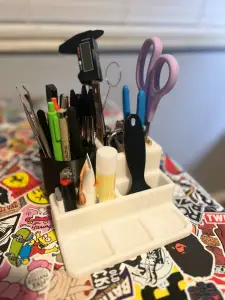

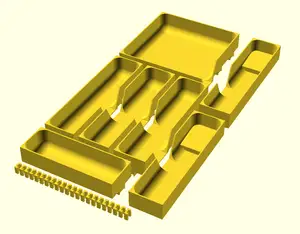
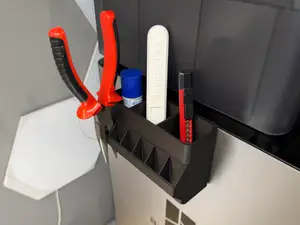
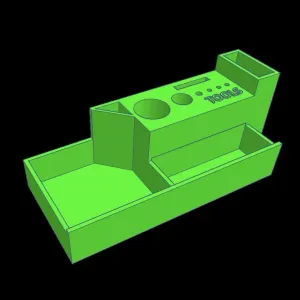

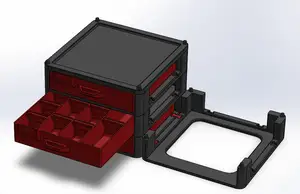
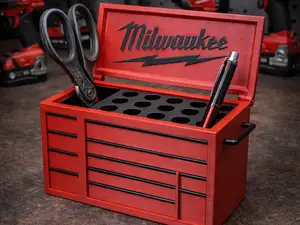
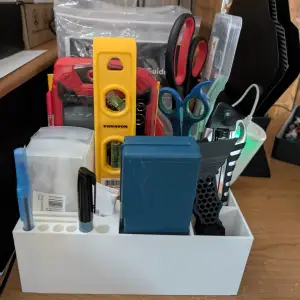


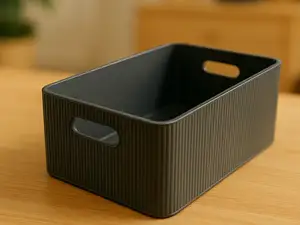
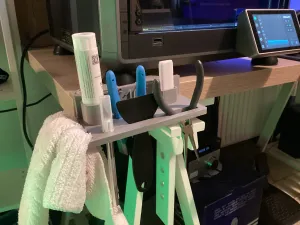


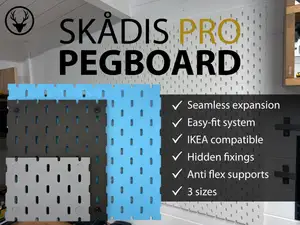
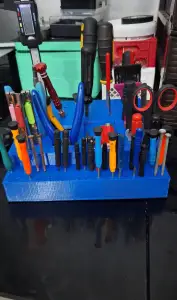

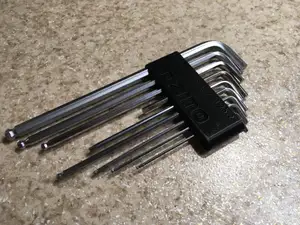
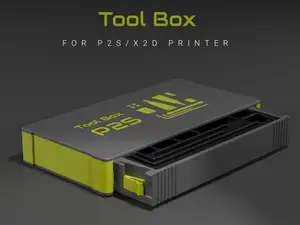
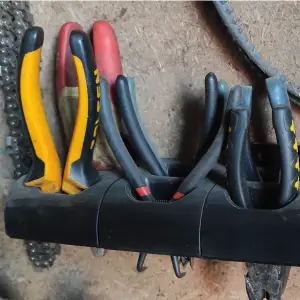


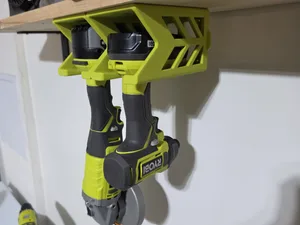
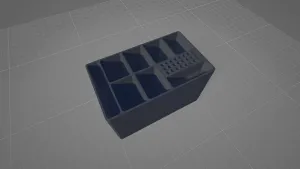


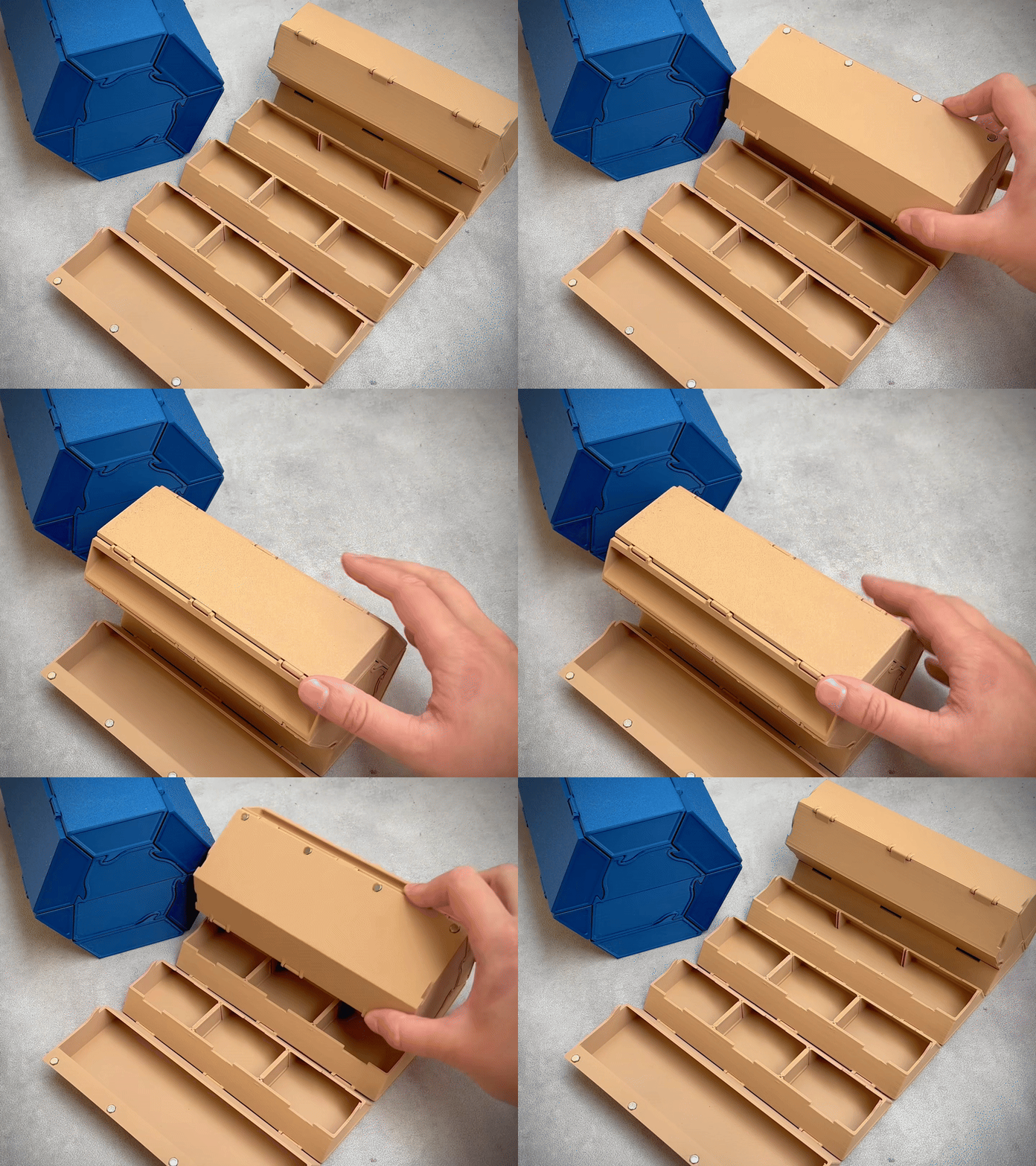
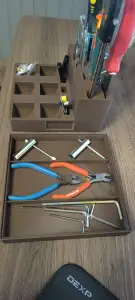


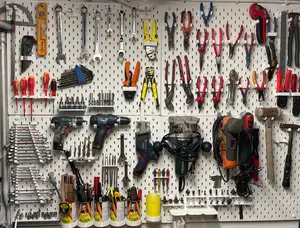
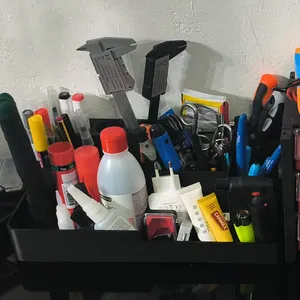


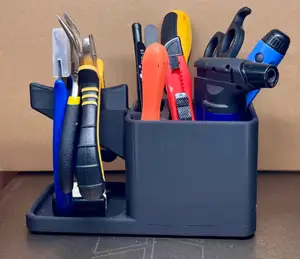
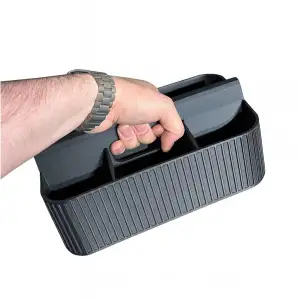
The models differ mostly in where they sit and how they hold a tool. Desktop racks keep pliers, screwdrivers and small spanners upright within reach, while drawer inserts and stackable bins lay tools flat and can be combined into larger grids. Some organizers are drawn around a particular 3D printer, filling a compartment or side panel of that machine, and pen or pencil cups often work the same way for slim tools.
Before printing, measure the drawer, shelf or bench area you want to fill and compare it with the dimensions on the model page. Check how many separate parts the organizer has, whether the author lists supports, and which material and layer settings they used. Photos of real prints are the quickest way to judge wall thickness, slot width and how tightly a tool sits.
If the first results feel narrow, try other words for the same object: holder, rack, caddy, tray, bin, insert or stand. Related searches such as workshop storage, garage bench, screw and bit sorting, or modular system often surface files that a plain tool organizer query misses. Combining a tool name with a place, like desk, drawer or wall, also shifts the results.
Scale is the main variable you control. Enlarging a holder widens every slot, and shrinking it can make thin walls too fragile, so it helps to know the exact width of the handles you plan to store. If a model is split into sections, printing them separately lets you rearrange the layout later without redoing the whole set.


Der komplette Themenkatalog – von Wohnen & Haushalt bis CNC, mit Suche auf allen angebundenen Plattformen.