
Kostenlos 
OWLSHINE OWS 300 Thermal Sight Holder + PowerBank
Thingiverse
This collection gathers STL files for OWS-300 protection and related accessories, from covers and holders to masks and carriers. You can compare how different authors solve mounting, cutouts and part count before you start 3D printing. The range helps you find a starting point for a simple cap or a multi-part assembly. Polyzon does not confirm whether models are free, their price, license, official status, affiliation, safety or fitness. Check the current terms at the source.
Der Text dieser Sammlung ist auf Englisch verfasst; die Suche selbst funktioniert in jeder Sprache.
 Eine Sammlung von Polyzon · 47 Modelle von 3 Plattformen
Polyzon stellt diese Sammlung aus den Suchergebnissen der angebundenen Plattformen zusammen. Dubletten und Modelle ohne Vorschaubild werden entfernt, schwache Treffer rutschen ans Ende, der Rest bleibt in der Reihenfolge der Suche. Die Modelle gehören ihren Urhebern – die Bedingungen findest du auf der Seite des jeweiligen Modells.
Auswahlregeln: Polyzon-Redaktion · Text aktualisiert: 15.10.2026

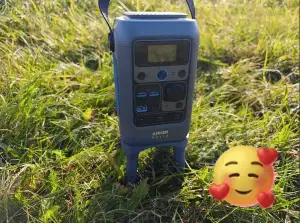

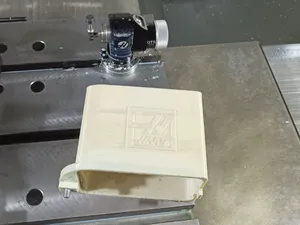
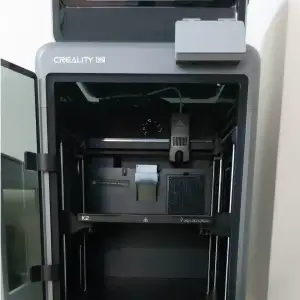

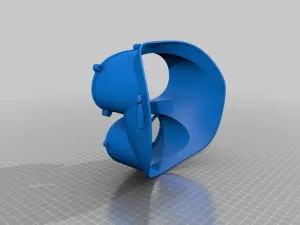

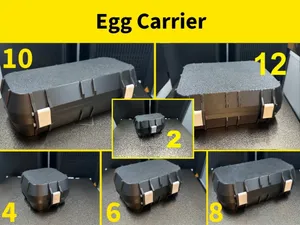
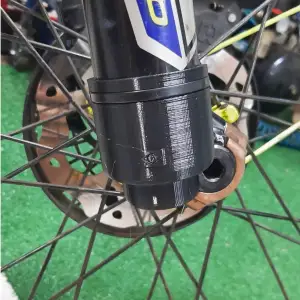

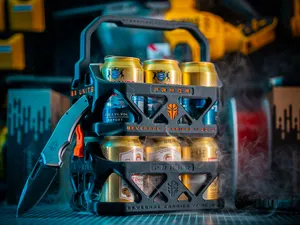
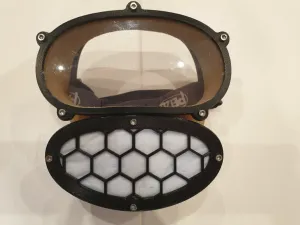

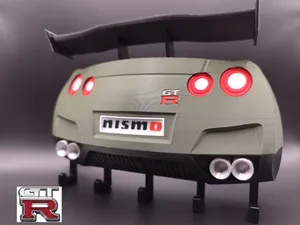
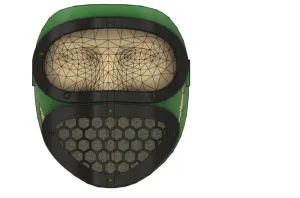

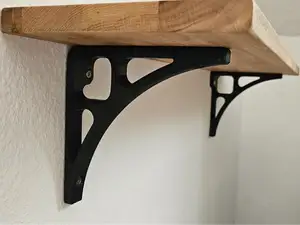
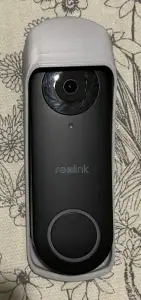

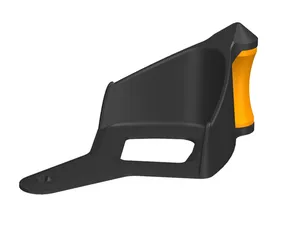
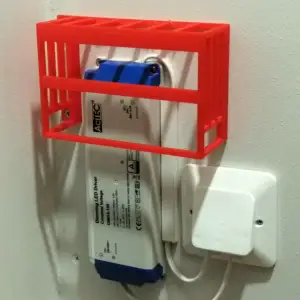

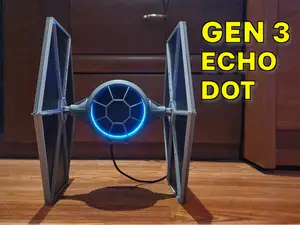
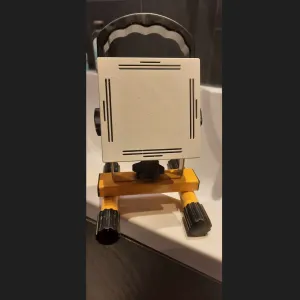

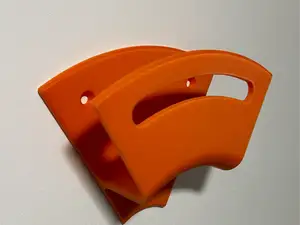

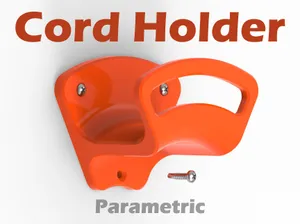
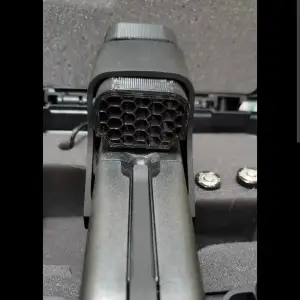

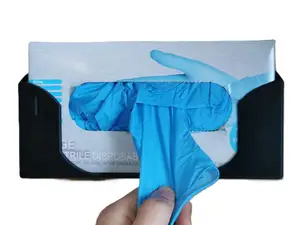
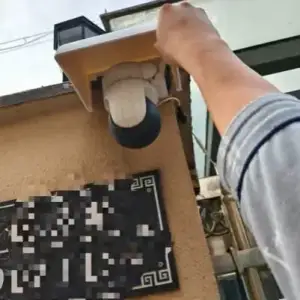

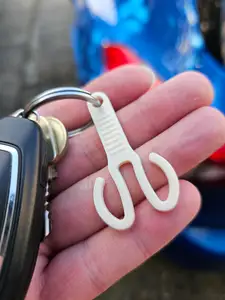

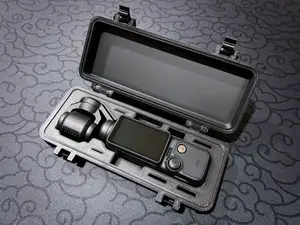


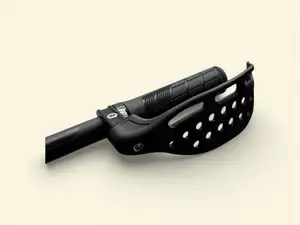
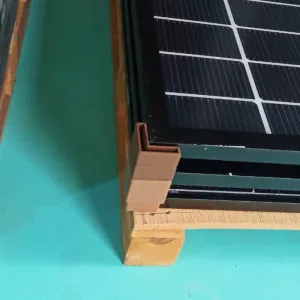
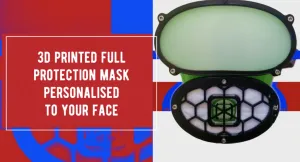
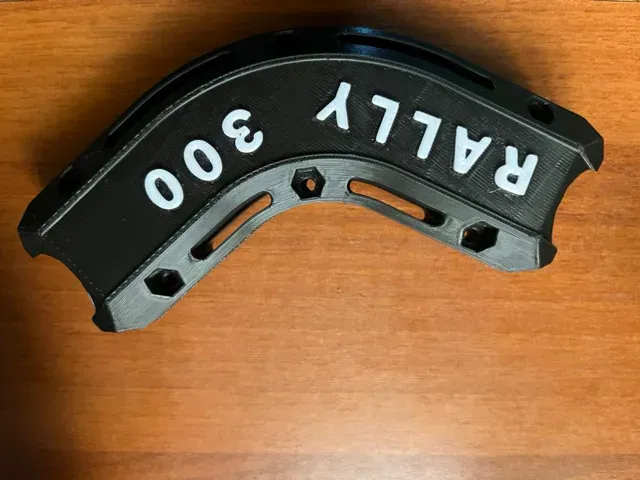
The models fall into several practical groups. There are covers and caps for screens, panels and optics, as well as holders and brackets that position a device, power bank or control switch. Full-face masks and visor holders appear alongside carriers and transport inserts, and some files focus on guards for levers, forks or wing tips. The main differences are whether the part is a one-piece shell or a multi-part assembly with fasteners, straps or hinges.
When choosing a file, look at the dimensions and scale first, then the number of parts and how they join. Check whether supports are needed, which material and settings the author lists, and whether photos of real prints show the fit and finish. For masks and carriers, pay attention to cutouts, strap points and clearance around moving parts.
To refine the search, try synonyms such as cover, cap, guard, holder, mount, carrier, insert, mask, visor, screen protector, bracket or plate. Adding a device type or use case narrows the results, and related topics include storage, transport and mounting. You can also search by the part you want to protect rather than by the device name.


Der komplette Themenkatalog – von Wohnen & Haushalt bis CNC, mit Suche auf allen angebundenen Plattformen.