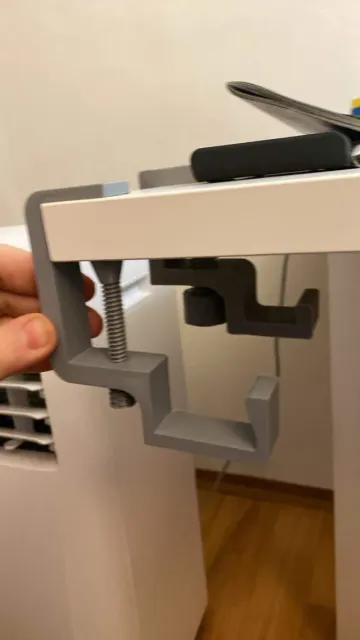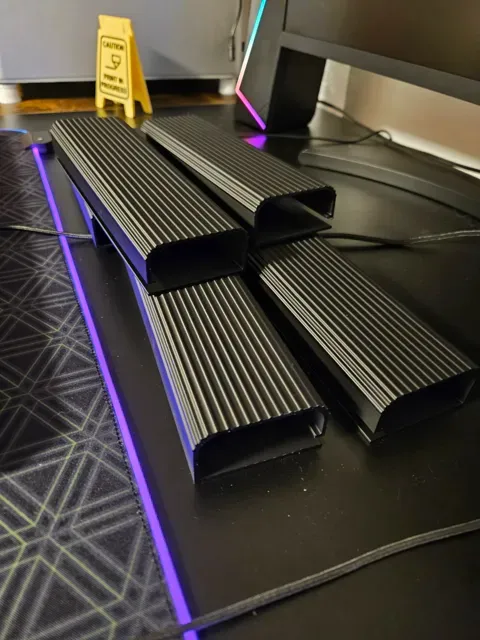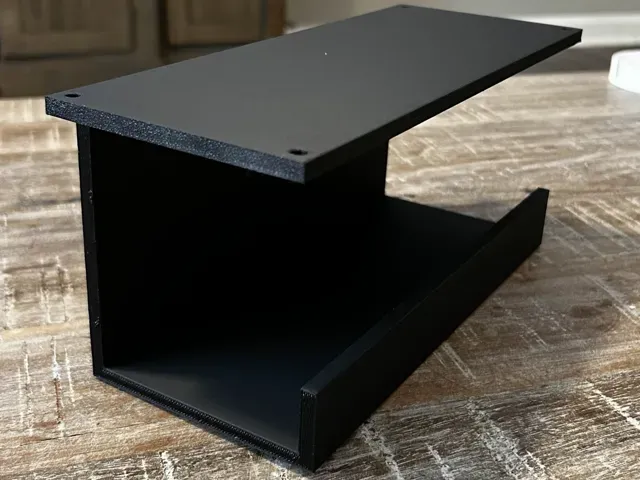

€ 0.99 %2Fhttps%3A%2F%2Ffbi.cults3d.com%2Fuploaders%2F40335844%2Fillustration-file%2F87769fa3-e59d-4be5-a978-c14f2f50b6ba%2Flineup.png&w=640)
Desk Cable Management Set: Cable Dock + Under-Desk Channel Clips
Cults3D
This collection gathers STL files for routing and tidying cables around a workspace: channels, clips, holders and coiling aids. It is useful when you want a printed part that follows your own desk layout instead of a fixed shop item. Most entries are small enough for a desktop 3D printer, though long runs may need splitting. Polyzon does not confirm whether models are free, their price, license, official status, affiliation, safety or fitness. Check the current terms at the source.
Der Text dieser Sammlung ist auf Englisch verfasst; die Suche selbst funktioniert in jeder Sprache.
 Eine Sammlung von Polyzon · 48 Modelle von 6 Plattformen
Polyzon stellt diese Sammlung aus den Suchergebnissen der angebundenen Plattformen zusammen. Dubletten und Modelle ohne Vorschaubild werden entfernt, schwache Treffer rutschen ans Ende, der Rest bleibt in der Reihenfolge der Suche. Die Modelle gehören ihren Urhebern – die Bedingungen findest du auf der Seite des jeweiligen Modells.
Auswahlregeln: Polyzon-Redaktion · Text aktualisiert: 10.10.2026

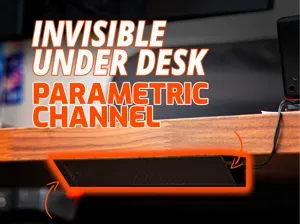
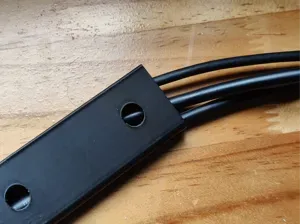
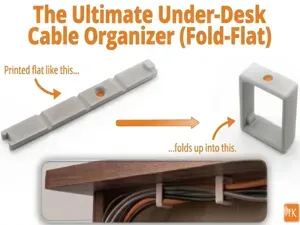


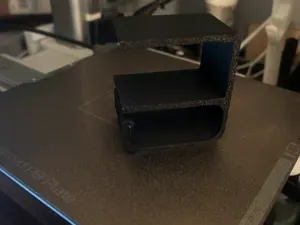


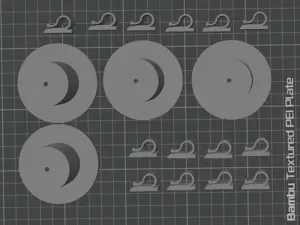

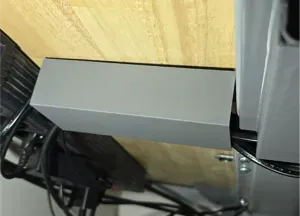
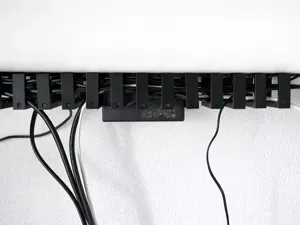
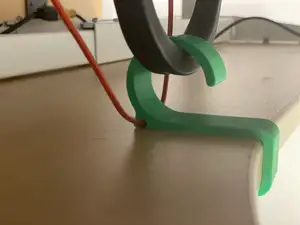
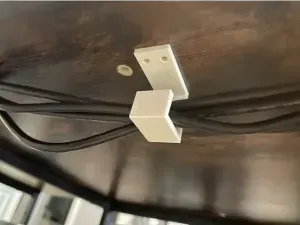


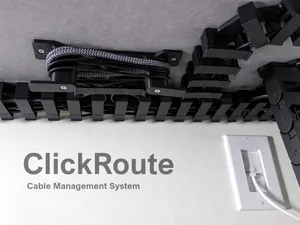


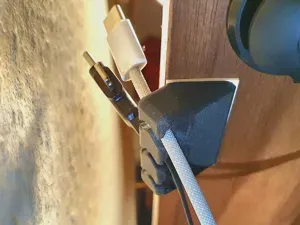

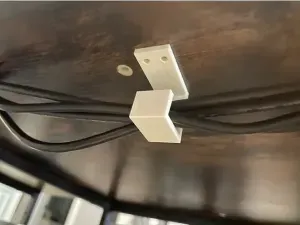


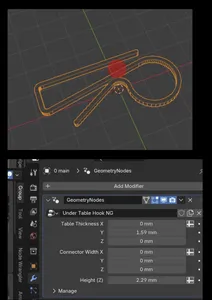

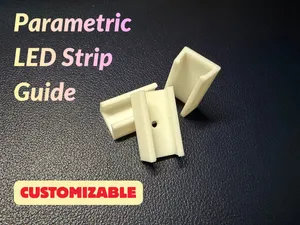
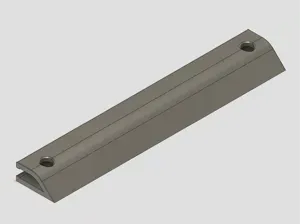

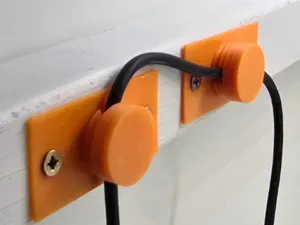
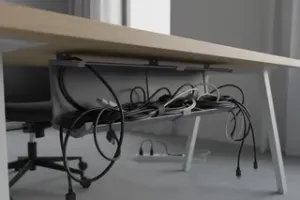
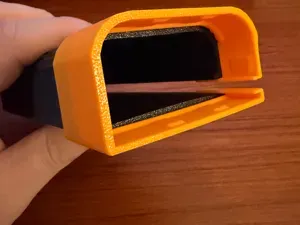
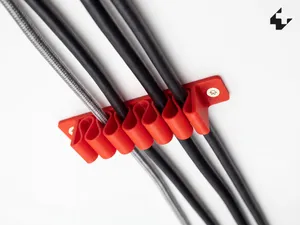

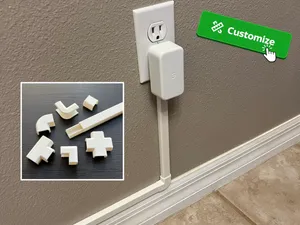
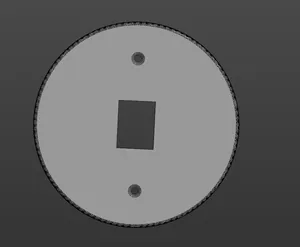



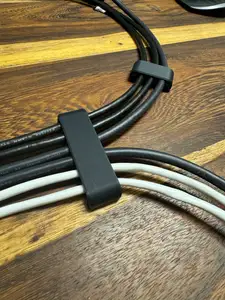


The models fall into a few groups. Straight and angled channels carry a bundle along the underside of a tabletop or up a leg, while simple clips and holders keep one cord in place. Modular and parametric versions let you set length, width or mounting points before exporting. A smaller group is shaped around a specific mount, such as a monitor arm or a hook that also guides a charging lead.
Before printing, read what the author lists on the model page: the cross-section of the channel, the number of separate parts, how they join, and whether supports are needed for overhangs. Check the wall thickness against the load you expect, and look at photos of real prints to judge how the parts meet. Material and layer settings matter here, since thin walls and long flat sections behave differently in rigid and flexible filaments.
If the results feel narrow, try other wording: cable duct, cord raceway, wire trunking, desk grommet, or clip-on conduit. Related searches such as headphone hook, monitor arm cover or charging cable guide often surface parts that solve the same problem in another way. Adding your desk type, thickness or cable count to the query usually narrows the list faster than scrolling.




Der komplette Themenkatalog – von Wohnen & Haushalt bis CNC, mit Suche auf allen angebundenen Plattformen.