Free 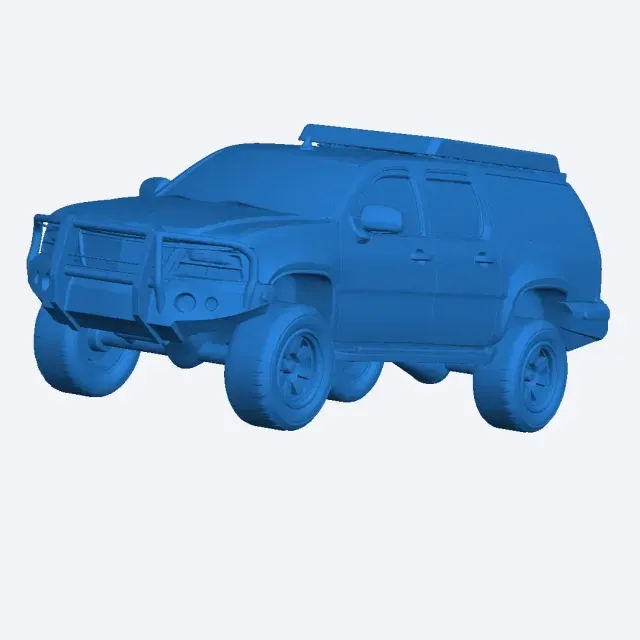
The Highway Beast v1
Creality Cloud
Highway-themed STL files cover more than road surfaces: overpasses, barriers, signs and the scenery around them appear just as often. The collection is useful for 3D printing projects such as dioramas, tabletop layouts and scale road scenes. It helps you find a piece that matches the scale you already work in. Polyzon does not confirm whether models are free, their price, license, official status, affiliation, safety or fitness. Check the current terms at the source.
 A Polyzon collection · 37 models from 8 platforms
Polyzon assembles this collection from search results on the connected platforms. Repeats and models without a preview are removed, weak matches go to the end, and the rest keeps the search order. Models belong to their authors — check the terms on each model's page.
Selection rules: the Polyzon editorial team · Text updated 2026-10-14


%2Fhttps%3A%2F%2Ffbi.cults3d.com%2Fuploaders%2F15212060%2Fillustration-file%2Fc3f0f487-2769-49b0-b324-429fa2497b9f%2F107.jpg&w=300)
![[FIXED] New York, Highway Interstate 95](https://cache.polyzon.org/api/img?url=https%3A%2F%2Fmedia.sketchfab.com%2Fmodels%2Ff668f36f01d44a6cae4b6bfa2f9b3021%2Fthumbnails%2F9be9fff36a554aa3a700c2a127c5fe9f%2F8d823f3cfcde4720b7782e4de7891cf1.jpeg&w=300)

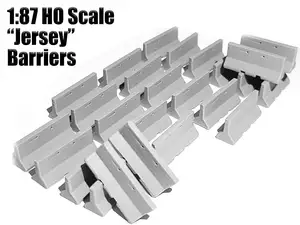

%2Fhttps%3A%2F%2Ffbi.cults3d.com%2Fuploaders%2F14623113%2Fillustration-file%2F96cf26d8-e994-4c74-87f3-205dc499a417%2FIMG_20171112_145238.jpg&w=300)

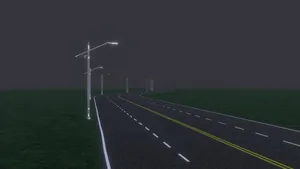


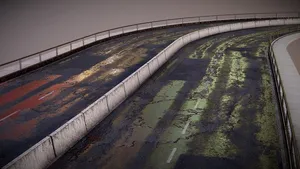


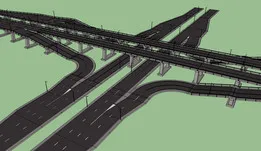

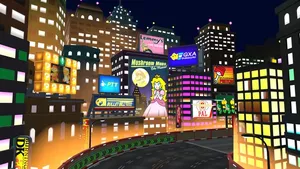


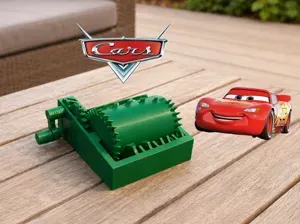


The results split into a few practical groups. Tabletop terrain includes overpasses, road sections and bridges meant to sit on a game board, while scale road parts such as barriers and long highway segments follow a fixed ratio. Diorama scenery combines a road with fields, rivers or city blocks, and a smaller group covers signs, roadside props and figures placed along the route.
Scale is the first thing to check on an author's page, since a road piece made for one ratio will not line up with another. Look at the number of parts and how they join, whether the model needs supports, and which material and settings the author lists. Photos of real prints show how thin railings, sign posts and bridge spans come out on a 3D printer.
If the results feel narrow, try related wording: motorway, interstate, road section, overpass, guardrail, bridge, or the name of a scale you use. Combining a road piece with separate scenery, signs or figures often gives a fuller scene than searching for one complete model.
For long flat parts, print orientation matters more than for compact ones, because a road surface laid at an angle can warp or show layer lines. Splitting a long segment into shorter pieces and joining them afterwards is a common approach; check whether the author already provides the model in sections.




The full catalog of topics — from home & household to CNC, searchable across the connected sources.
![The Lonely Highway - Roads, Billboards, Signs and More [PRE-SUPPORTED]](https://cache.polyzon.org/api/img?url=https%3A%2F%2Fimages2.myminifactory.com%2Finsecure%2Frt%3Afill-down%2Fw%3A400%2Fh%3A400%2Fel%3A1%2Fplain%2Fhttps%3A%2F%2Fassets.myminifactory.com%2Fobject-images%2F62fc701e24490%2Fimages%2F720X720-object-highway.jpg%40jpg&w=640)