Free 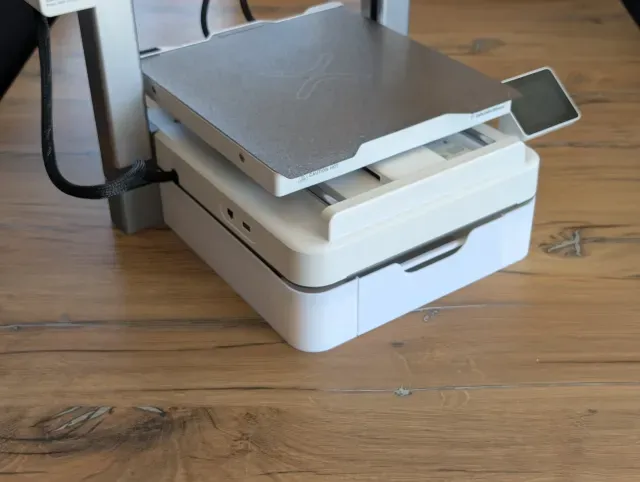
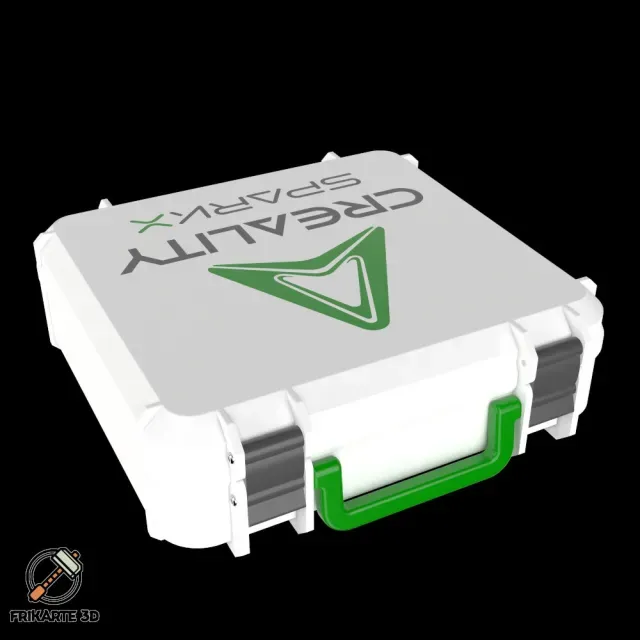
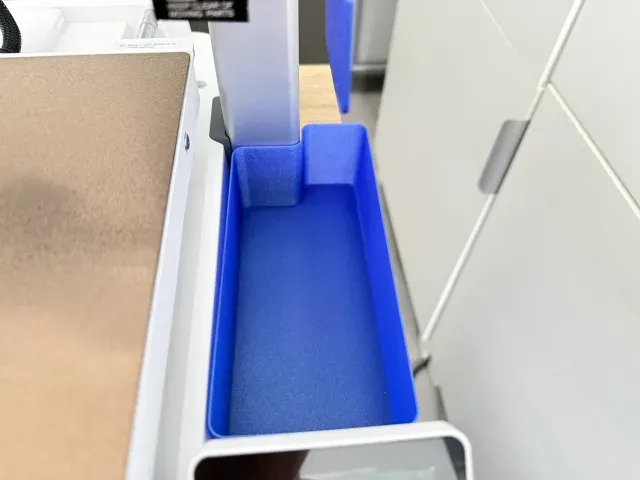
Drawer / Toolbox under Creality SPARKX i7
Creality Cloud
This collection gathers STL files made for the Creality SPARKX i7: purge bins and deflectors, drawers, cable guides, lighting parts and calibration aids. It is useful if you own this 3D printer and want to organize waste filament, tools and cables around it. Most of the items are small parts that print in one go. Polyzon does not confirm whether models are free, their price, license, official status, affiliation, safety or fitness. Check the current terms at the source.
 A Polyzon collection · 39 models from 4 platforms
Polyzon assembles this collection from search results on the connected platforms. Repeats and models without a preview are removed, weak matches go to the end, and the rest keeps the search order. Models belong to their authors — check the terms on each model's page.
Selection rules: the Polyzon editorial team · Text updated 2026-10-11
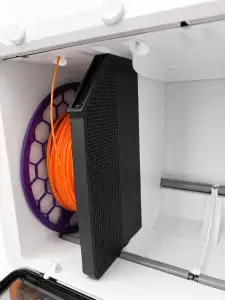
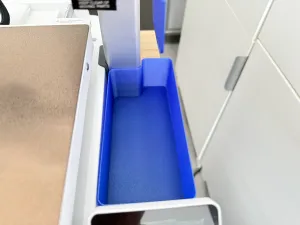
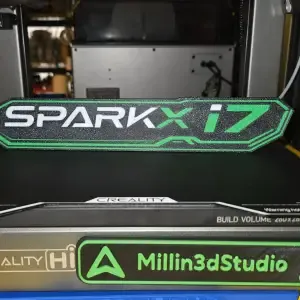

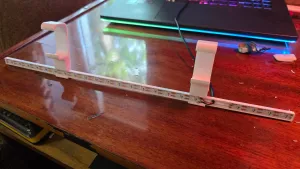
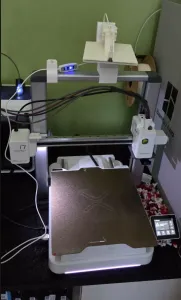
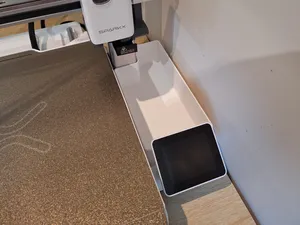
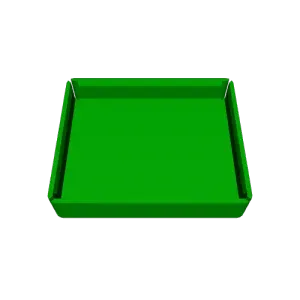

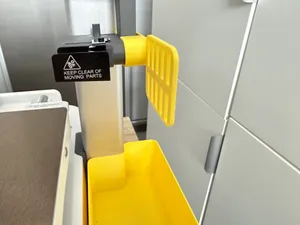
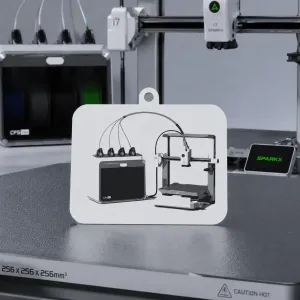


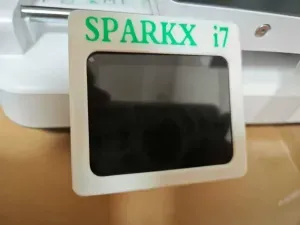
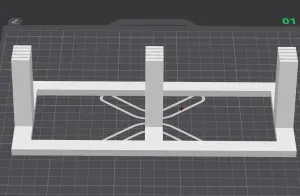
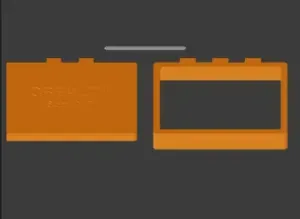


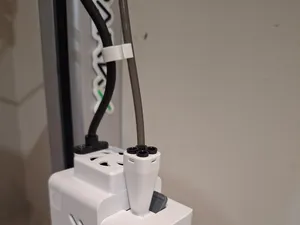


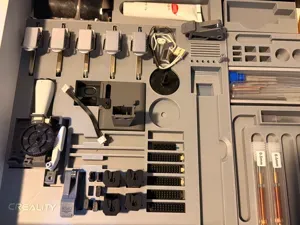
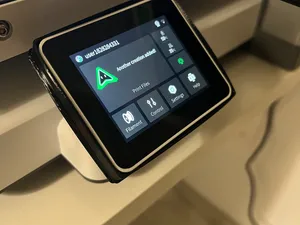
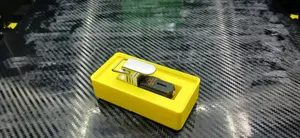
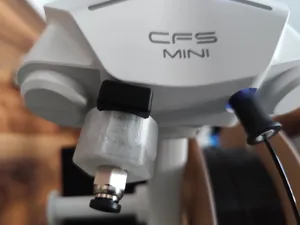

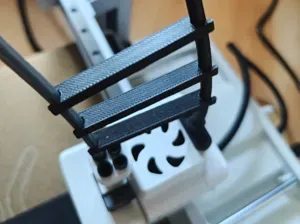
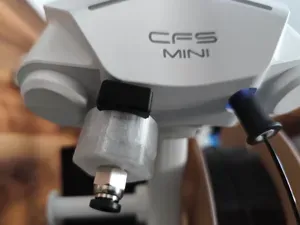
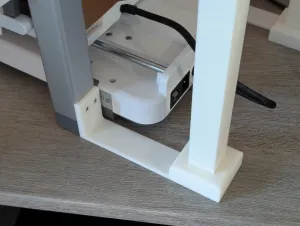

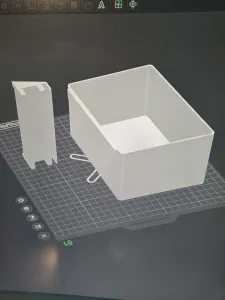
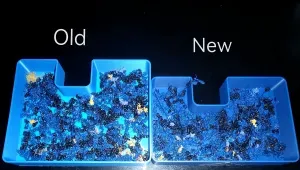

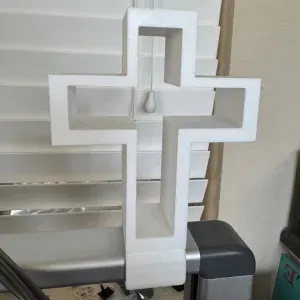
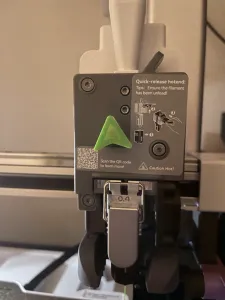
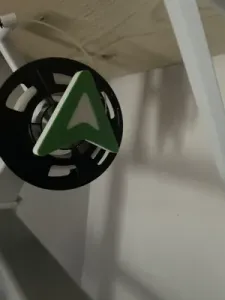
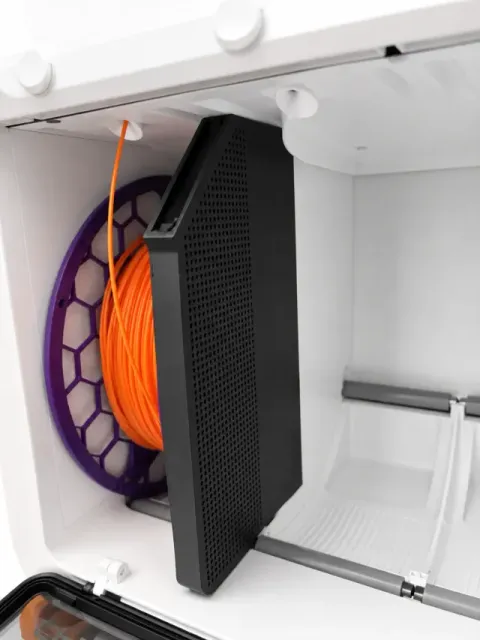
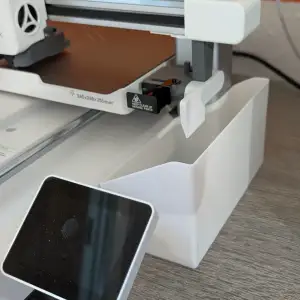
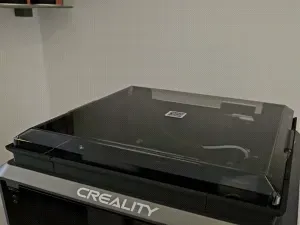
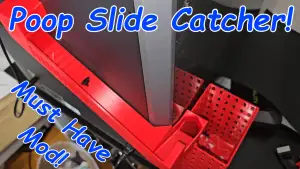
The models fall into a few groups. Waste handling parts collect the purged filament and differ in capacity, mounting point and whether a separate deflector is used. Storage items sit under the machine as drawers or boxes for tools and spare nozzles. Other files deal with cable routing, desiccant holders for filament storage, lighting, screen protection and calibration prints.
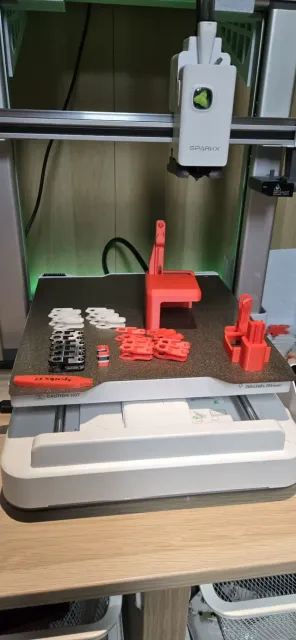
When choosing a file, look at the dimensions and the clearance it needs around the printer, the number of parts and how they join, and whether the geometry requires supports. Read the material and print settings the author lists, and compare them with the photos of real prints on the model page. Parts placed close to heated areas are usually printed in more heat-resistant filaments, while drawers and covers further away are often made in standard ones.
To widen the search, try synonyms: purge bucket, waste bin, poop chute or deflector for the waste parts; drawer, toolbox or organizer for storage; cable chain or cable management for routing; desiccant or dry box for filament storage; backlight or screen cover for lighting. You can also look at accessories made for other printers of the same brand and check whether the dimensions fit your setup.


The full catalog of topics — from home & household to CNC, searchable across the connected sources.