Free 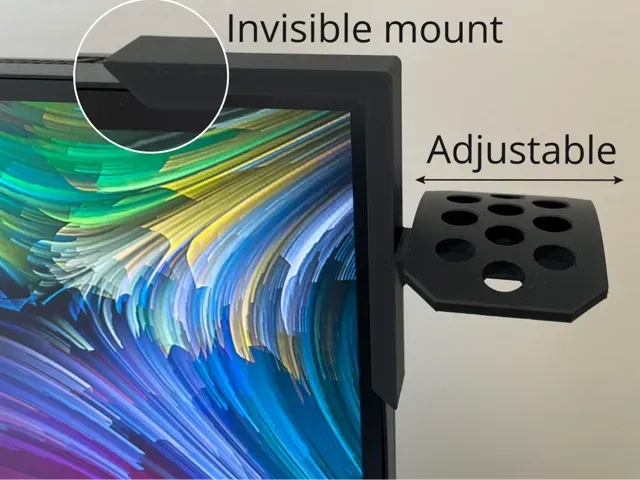
Headphone Holder Monitor Mount
MakerWorld
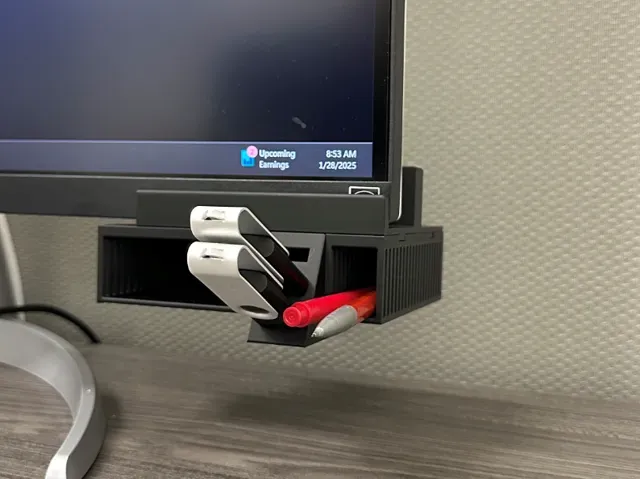
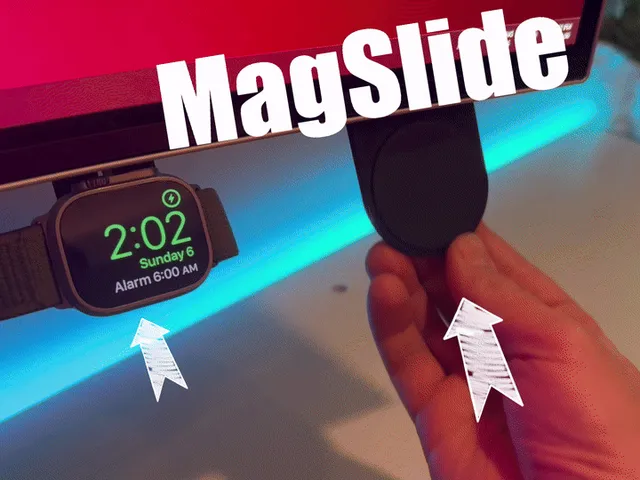
This collection gathers 3D printing files for holders that attach to a monitor, a wall or a desk: VESA plates, headphone hooks, phone and MagSafe cradles, small stands and a few decorative figures. Most of them are simple parts that use the VESA holes or the edge of the screen, so they need little material. It helps if you already know the hole spacing on your display and the thickness of the panel you plan to clip onto. Polyzon does not confirm whether models are free, their price, license, official status, affiliation, safety or fitness. Check the current terms at the source.
 A Polyzon collection · 48 models from 4 platforms
Polyzon assembles this collection from search results on the connected platforms. Repeats and models without a preview are removed, weak matches go to the end, and the rest keeps the search order. Models belong to their authors — check the terms on each model's page.
Selection rules: the Polyzon editorial team · Text updated 2026-10-14

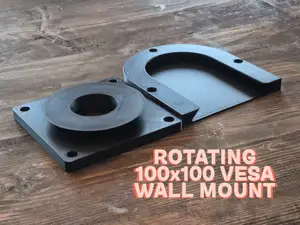
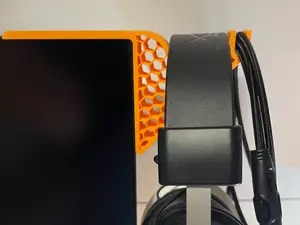
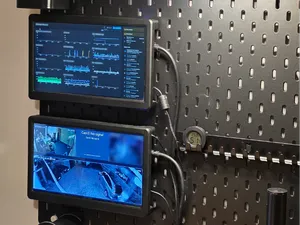
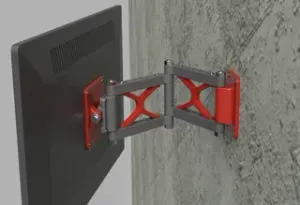



![Adjustable Magsafe Monitor Mount [Print in place]](https://cache.polyzon.org/api/img?url=https%3A%2F%2Fmakerworld.bblmw.com%2Fmakerworld%2Fmodel%2FUS266bbc3a6bd68d%2Fdesign%2F2025-12-14_b5850e6cd41c08.gif&w=300)


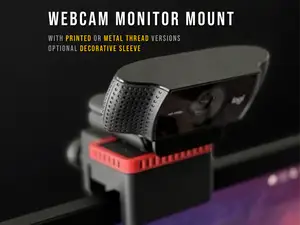
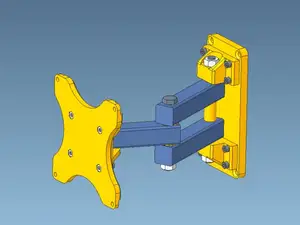
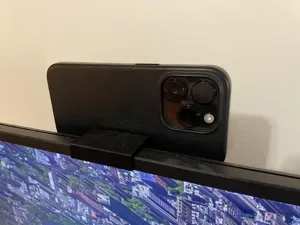
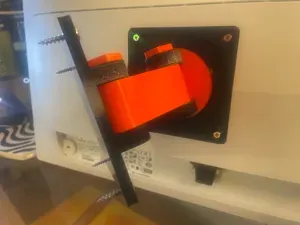

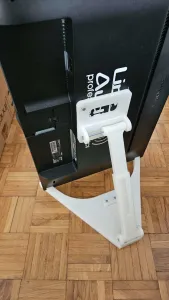
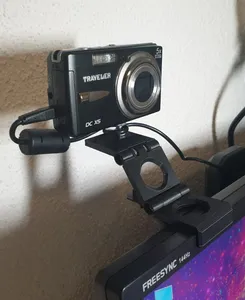
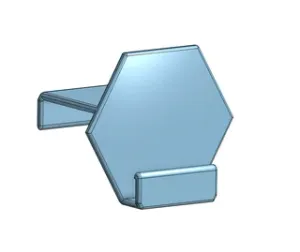
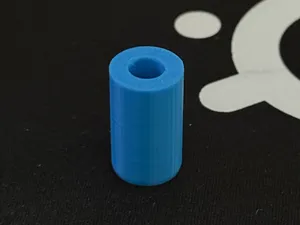


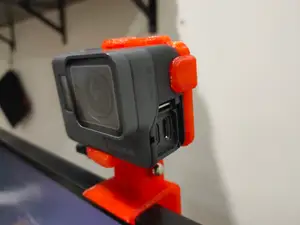


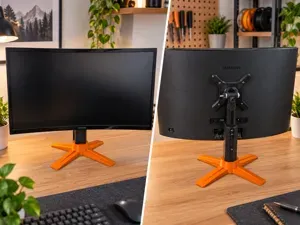
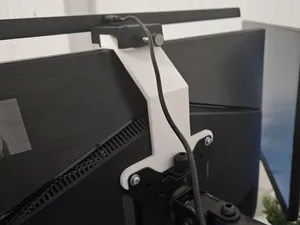
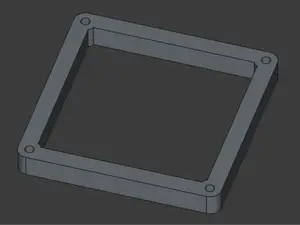


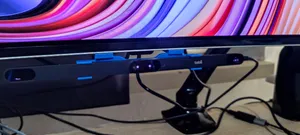
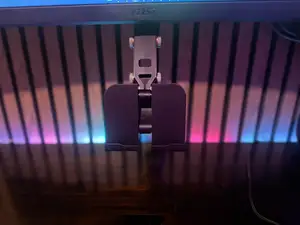


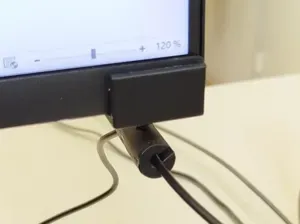

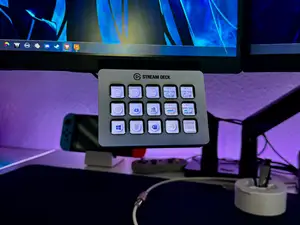
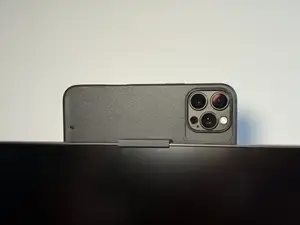
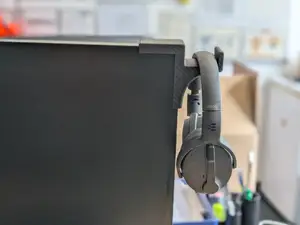
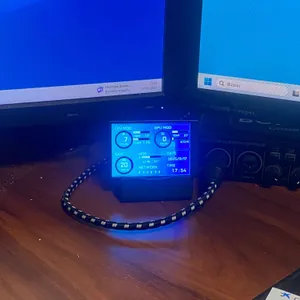
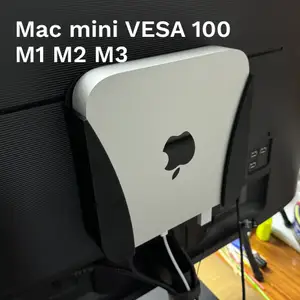
The models fall into a few groups. VESA mounts replace or extend a wall or desk arm and are usually built around 75 mm or 100 mm hole patterns, sometimes with a rotating or slide-in plate. Headphone holders hang from the top or side of the screen and often include a screw or clamp. Phone, watch and MagSafe cradles sit on the bezel or the VESA plate, while a separate group covers stands for small displays and mounts for streaming controllers or compact computers. Decorative pieces such as a small cat figure around a webcam are a lighter variant of the same idea.
Before printing, read the author's page for the dimensions that matter: hole spacing, panel thickness, the gap the clamp opens to, and the weight the part is meant to carry. Check how many separate pieces there are and whether they join with screws, glue or a press fit, and whether the geometry needs supports on the overhangs. The material and layer orientation also matter, since a hook or arm loaded sideways is stronger when the layers run along the pull direction rather than across it. Photos of real prints on the model page usually show the weak points faster than the render does.
To widen the results, try the terms people use for the same object: monitor arm adapter, under-desk mount, screen hook, headset hanger, VESA 100 plate, webcam bracket. Related searches include desk organizer, cable clip and Skadis board accessories, which often share the same mounting logic. If you have a specific screen or device, add its size or model family to the query, and switch between the names of the standard and the everyday word for the part.



The full catalog of topics — from home & household to CNC, searchable across the connected sources.