
Free 
Dota 2 Keycap
MakerWorld
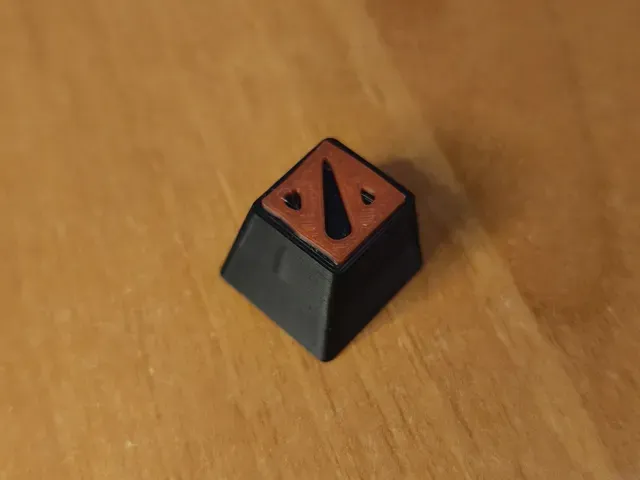
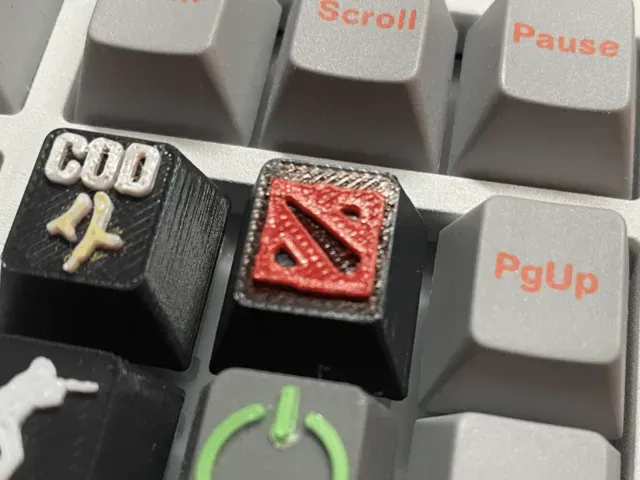
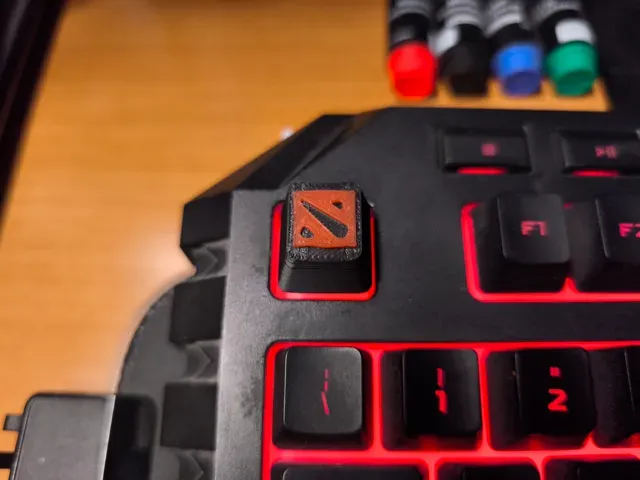
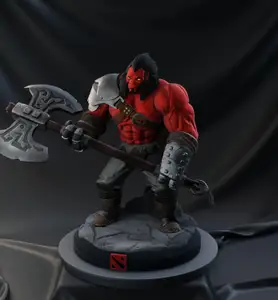
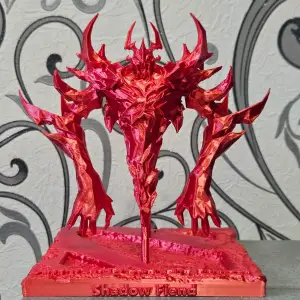
This collection gathers keycap models inspired by Dota 2 — hero portraits, in-game items and trophy shapes, plus a few larger figures and keychains in the same style. Most files are made for 3D printing on a resin or FDM machine and are sized around a single keyboard switch. It is a starting point if you want a themed cap on a mechanical keyboard or a small display piece. Polyzon does not confirm whether models are free, their price, license, official status, affiliation, safety or fitness. Check the current terms at the source.
 A Polyzon collection · 46 models from 7 platforms
Polyzon assembles this collection from search results on the connected platforms. Repeats and models without a preview are removed, weak matches go to the end, and the rest keeps the search order. Models belong to their authors — check the terms on each model's page.
Selection rules: the Polyzon editorial team · Text updated 2026-10-12

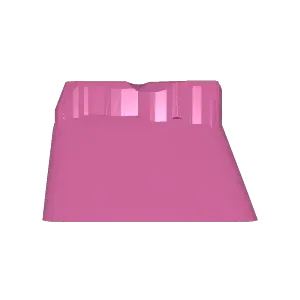

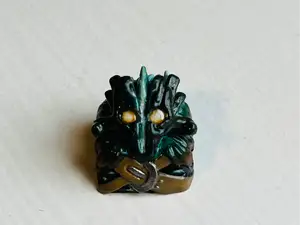
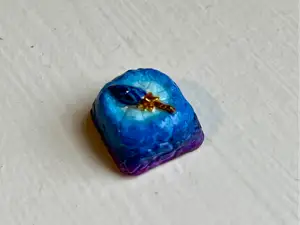
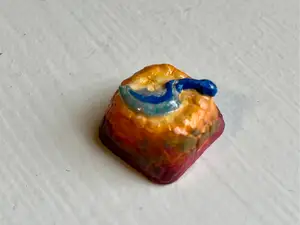







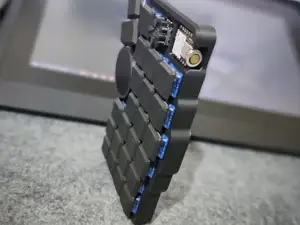


%2Fhttps%3A%2F%2Ffbi.cults3d.com%2Fuploaders%2F13712926%2Fillustration-file%2Fc321271d-6958-4705-b39f-8218bdf35b66%2F91c195d26efc73a96a0f02333f02cbe1_display_large.jpg&w=300)
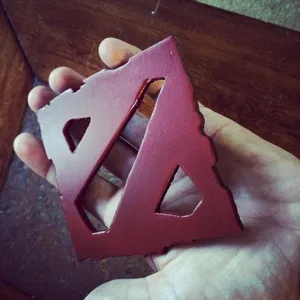
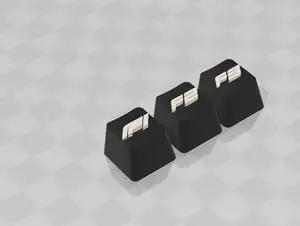


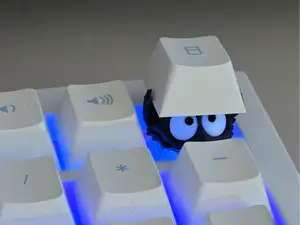


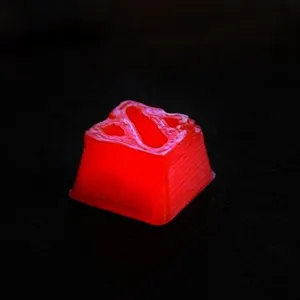
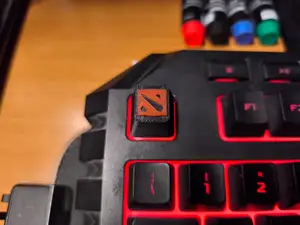
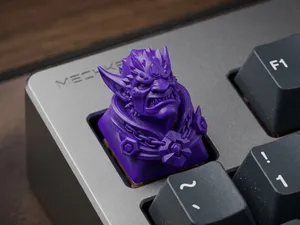
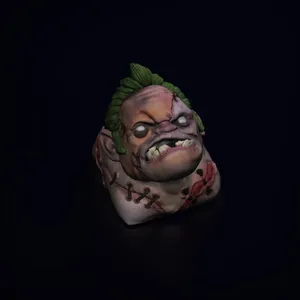
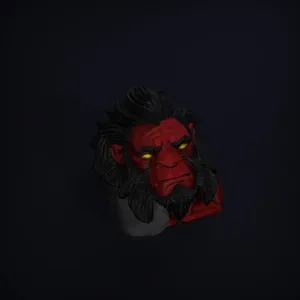
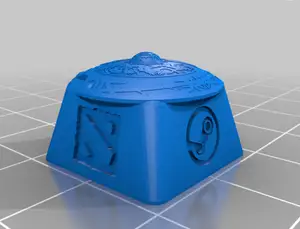
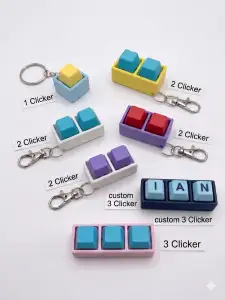
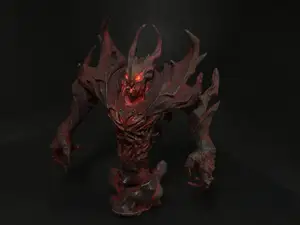
The models fall into a few groups. Portrait caps reproduce a hero head or bust on top of a key, while item-based designs use weapons, runes or trophy shapes as the cap body. Some files are single keys, others are small sets or a cap paired with a matching keychain. There are also versions modeled for different switch families and for keyboards where the cap sits on a wider base.
When choosing a file, look at the stem geometry first: the shape and depth of the cross socket decide whether the cap stays on the switch. Check the stated keycap profile and row height, since a tall sculpted cap can collide with neighboring keys. On the printing side, read the author's notes on orientation, whether supports are needed, layer height and material — small details on a cap usually come out cleaner in resin, while FDM works for larger, simpler shapes. Photos of real prints on the model page tell you more than a render.
To widen the search, try related wording: artisan keycap, mechanical keyboard keycap, MOBA keycap, or the name of the game together with STL. If you want a bigger object, look for keychain or figure versions of the same theme. Combining a game term with a switch type or a profile name also helps narrow results when the list gets long.



The full catalog of topics — from home & household to CNC, searchable across the connected sources.