
Free 
Hair Fade Comb
Thingiverse
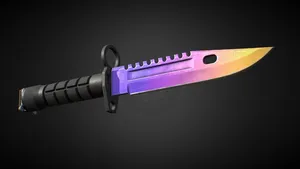
This collection gathers 3D models built around fade haircuts: combs, blending guides, taper accessories and a few game-themed items that share the name. Most of these files are small, so they take little material and work well as an early 3D printing project. They are also useful for checking how a guide sits in the hand before committing to a longer print. Polyzon does not confirm whether models are free, their price, license, official status, affiliation, safety or fitness. Check the current terms at the source.
 A Polyzon collection · 45 models from 5 platforms
Polyzon assembles this collection from search results on the connected platforms. Repeats and models without a preview are removed, weak matches go to the end, and the rest keeps the search order. Models belong to their authors — check the terms on each model's page.
Selection rules: the Polyzon editorial team · Text updated 2026-10-14

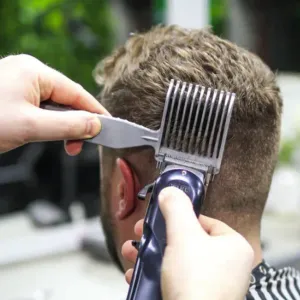
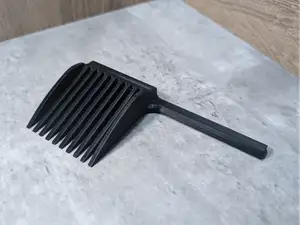
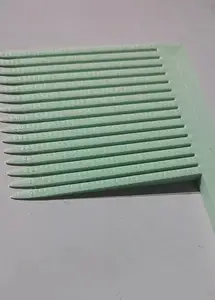



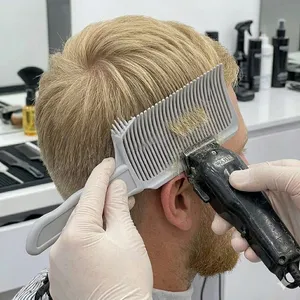

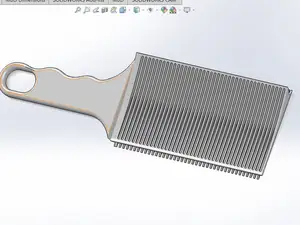
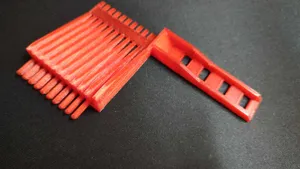


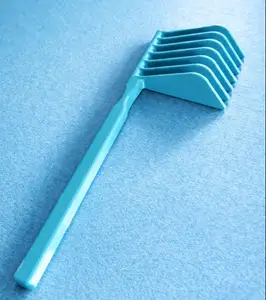




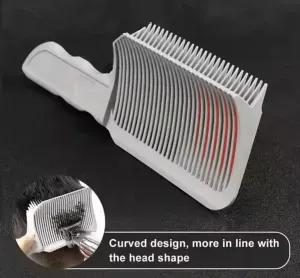

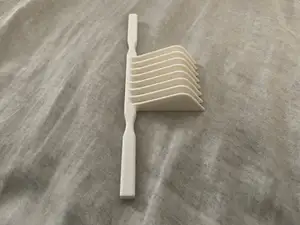






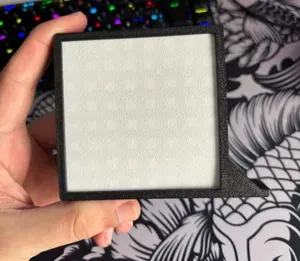

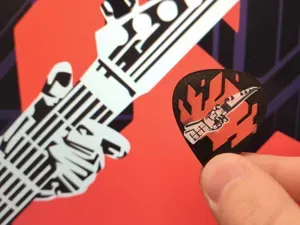


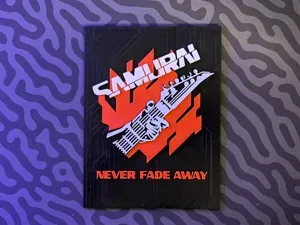
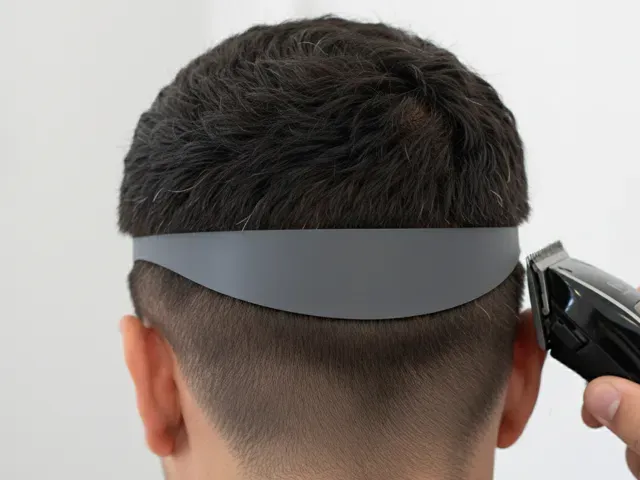
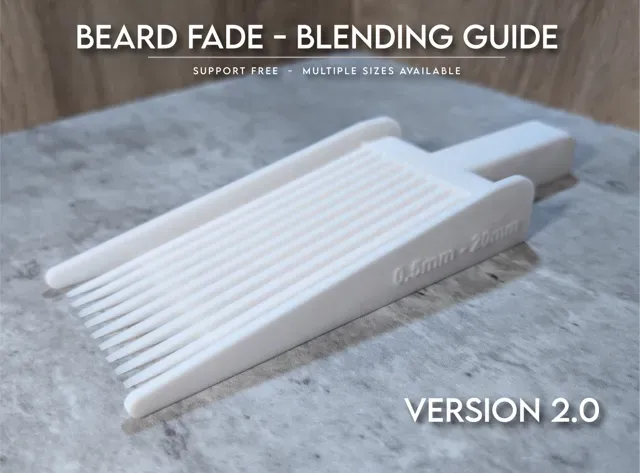
The haircutting side of the collection splits into a few groups. Fade combs are the simplest: a toothed edge that holds hair at a set length while you cut. Blending guides go further, usually covering a range of lengths in one body or in several stacked pieces. Taper devices and clipper attachments sit closer to a tool than a comb, and often come with moving or fitted parts.
When you open a model page, look at the listed dimensions first, because tooth spacing and comb depth decide what the tool actually does. Check how many parts the file contains and whether they join with pins, screws or glue, and read the material and layer height the author used. Photos of real prints show whether thin teeth survived the print, which matters more here than overall shape.
If the results feel narrow, try the words people use for the same object: blending comb, transition comb, taper guide, barber comb, or the German term for a transition comb. Related searches such as clipper guard, hair cutting guide or beard shaping tool often surface files that the word fade alone misses. You can also search by the haircut itself, for example low taper or skin fade, to find guides made for that length range.




The full catalog of topics — from home & household to CNC, searchable across the connected sources.