Free 
Keyboard Joystick!
Thingiverse
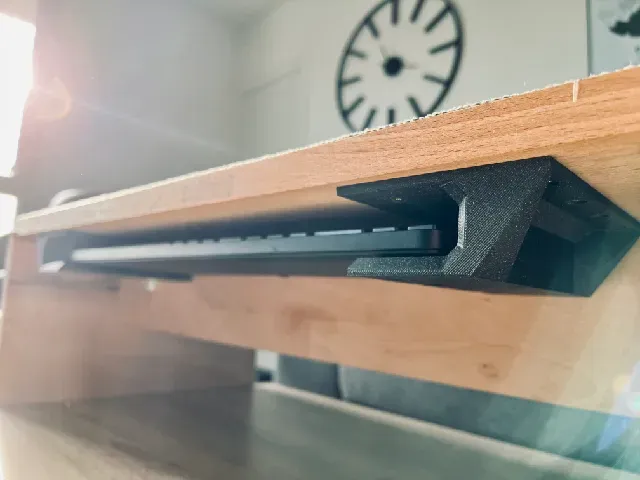
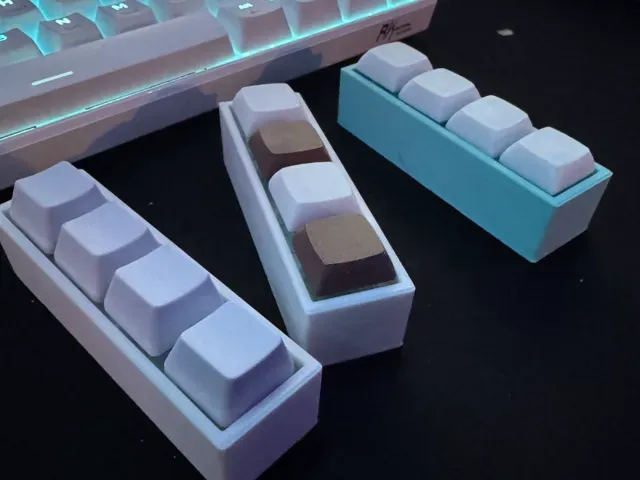
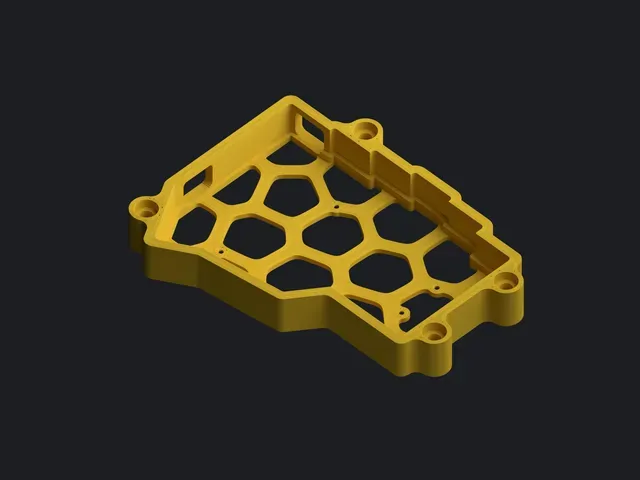
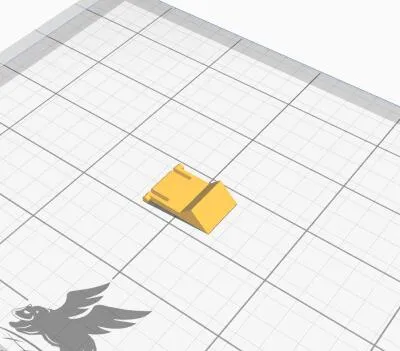
This collection gathers 3D models built around keyboards: complete cases, individual keycaps, feet and stands, small macro pads, and clicker toys. Most files are made for 3D printing on a desktop 3D printer, in sizes that range from a single keycap to a full board. It is useful if you want to repair a worn part, change the look of a keyboard, or build a small input device of your own. Polyzon does not confirm whether models are free, their price, license, official status, affiliation, safety or fitness. Check the current terms at the source.
 A Polyzon collection · 47 models from 5 platforms
Polyzon assembles this collection from search results on the connected platforms. Repeats and models without a preview are removed, weak matches go to the end, and the rest keeps the search order. Models belong to their authors — check the terms on each model's page.
Selection rules: the Polyzon editorial team · Text updated 2026-10-14
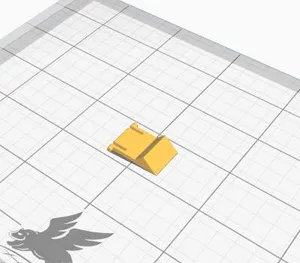
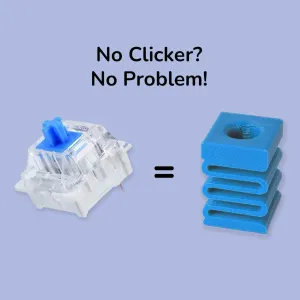


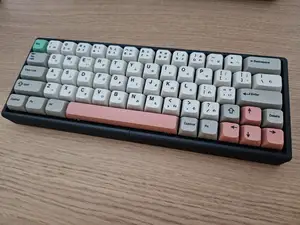
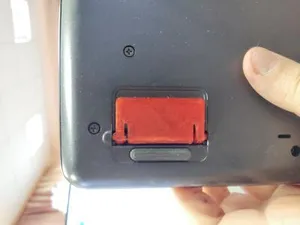
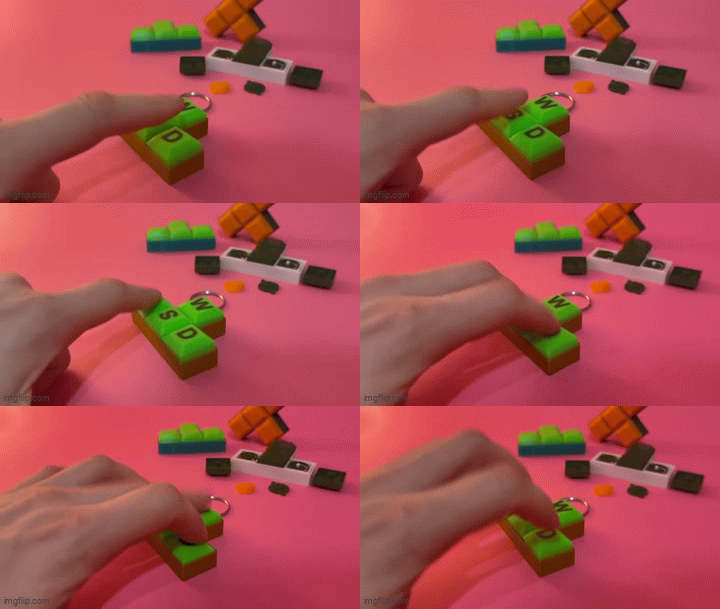


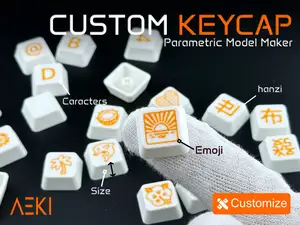

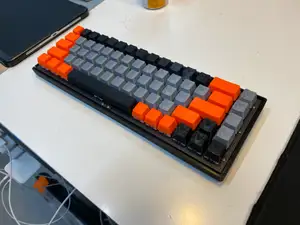



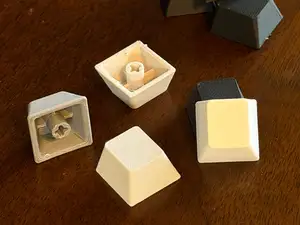
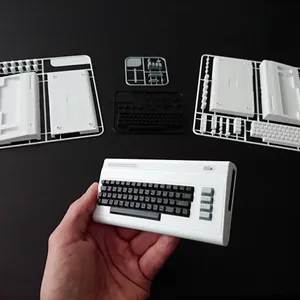

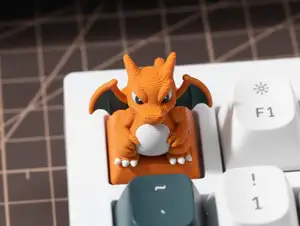
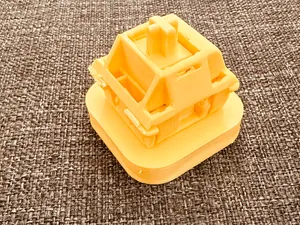
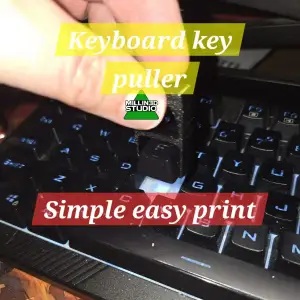

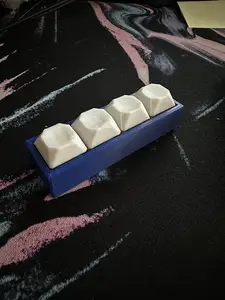
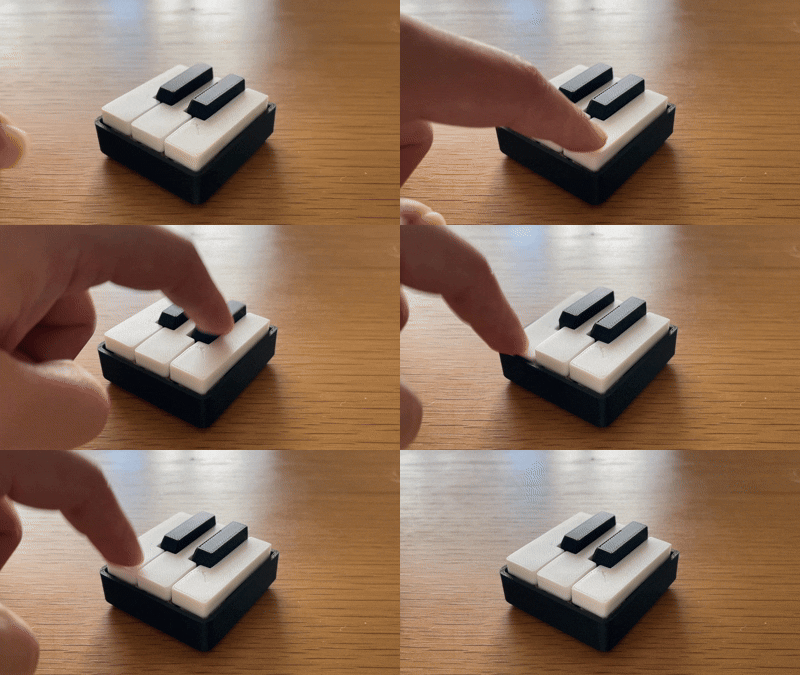
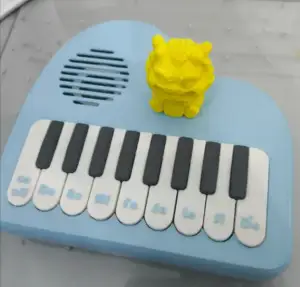


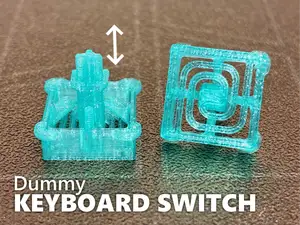
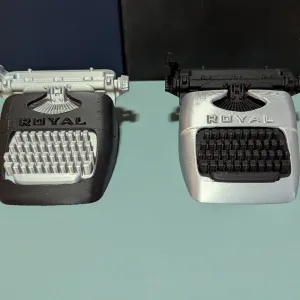


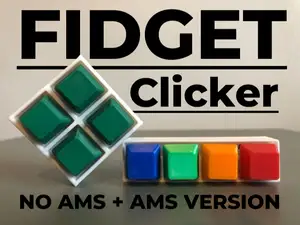
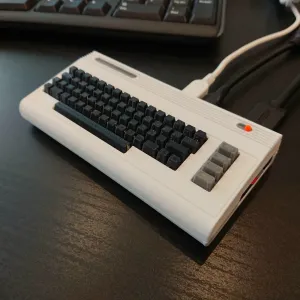

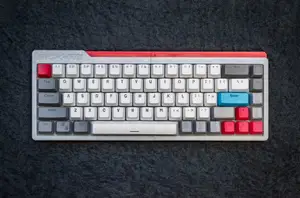
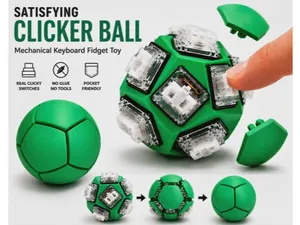
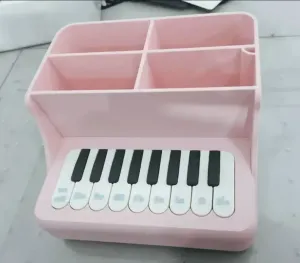

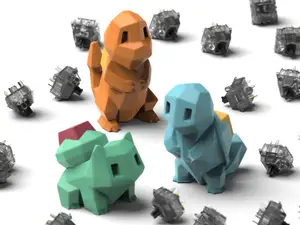
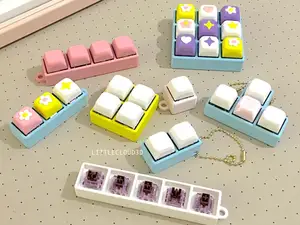
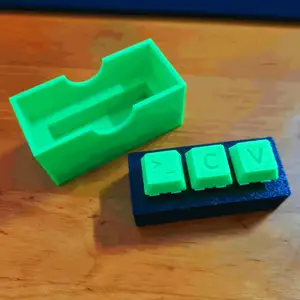

The models fall into a few groups. Full builds and cases cover layouts of different widths, from compact boards to wider ones with arrow keys, and some are designed around a specific column count. Keycap sets and single keys, including oversized novelty keys, sit at the other end of the scale. Separate from both are the fidget and clicker items, which copy the feel of a switch without any electronics, and the practical parts such as feet, stands, covers and key pullers.
When choosing a file, read the author's page before printing. Check the overall size and scale, since a case must match the exact board it is made for, and count the parts to see whether assembly or fasteners are involved. Look at whether supports are needed, which material and settings the author lists, and photos of real prints to judge how the surface and tolerances come out. Small parts such as feet and pullers often print without supports, while large cases may need a bigger bed or splitting.
Search results improve when you vary the wording. Try terms for the layout or size you have in mind, the part you need, or the switch type, and combine them with words like case, plate, keycap, stand or foot. Related topics worth checking are macro pads, switch testers, keycap storage and desk accessories, since these often appear under different names. If a first search is thin, switch between singular and plural forms and between the general word and the specific part.
A few practical notes help before you commit filament. Keycaps and switch housings depend on tight tolerances, so a test print of one unit is worth the time. Large cases are usually printed in more than one piece, which affects how the seams line up. For anything that takes load, such as feet or a stand, the print orientation matters more than the shape itself.


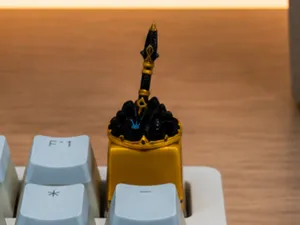

The full catalog of topics — from home & household to CNC, searchable across the connected sources.