Free 
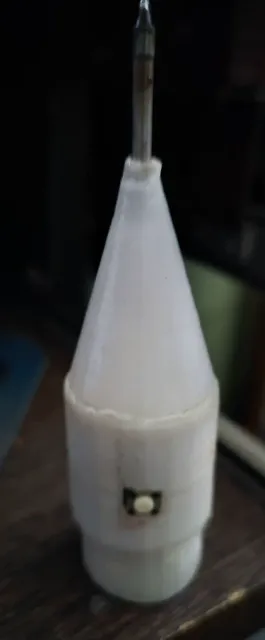
Кнопка для утюга с паровой станцией...
3DToday
This collection gathers STL files for buttons used on household irons, soldering irons, and related controls. It also includes themed caps, fidget clickers, and customizable button generators. The mix helps when a small part is missing or when you want to adapt a control to your own project. Polyzon does not confirm whether models are free, their price, license, official status, affiliation, safety or fitness. Check the current terms at the source.
 A Polyzon collection · 19 models from 4 platforms
Polyzon assembles this collection from search results on the connected platforms. Repeats and models without a preview are removed, weak matches go to the end, and the rest keeps the search order. Models belong to their authors — check the terms on each model's page.
Selection rules: the Polyzon editorial team · Text updated 2026-10-13
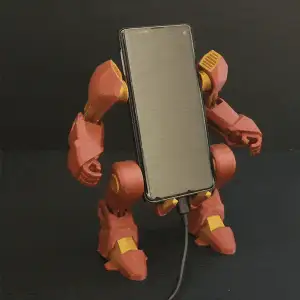
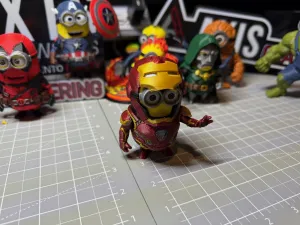



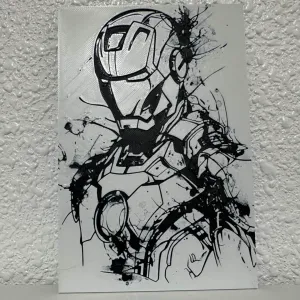

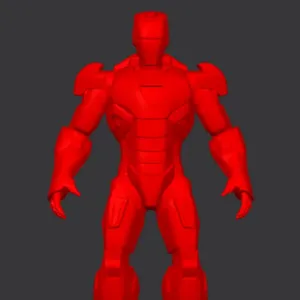

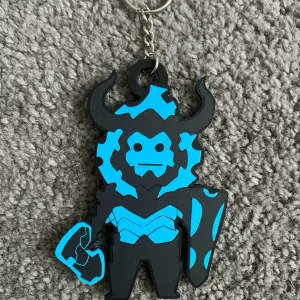

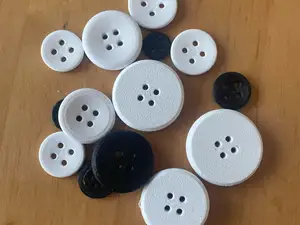

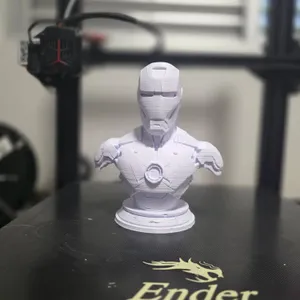
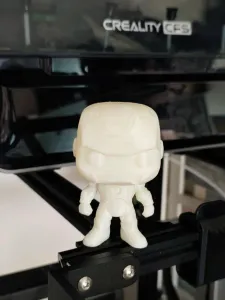
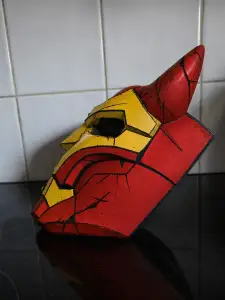
Models for household irons often focus on the shape of the original control, while soldering iron buttons tend to be simpler caps or switches for a handle. Themed covers and fidget clickers are usually decorative or tactile parts, and customizable generators let you set dimensions before exporting. These groups differ in how much assembly they require and in whether they are meant to replace an existing part or add a new one.
When choosing a model, check the size and scale, the number of parts, and whether the author notes that supports are needed. Look at the material and settings listed on the model page, and review photos of real prints to judge surface details and tolerances. For moving or pressed parts, consider clearances and how the button will be attached.
To refine the search, try synonyms such as control cap, switch cover, knob, or replacement part, and combine them with the appliance type. Related topics include fidget clickers, custom generators, and themed covers if you want a decorative version. Narrowing by part type and by the way the button mounts will bring more relevant results.


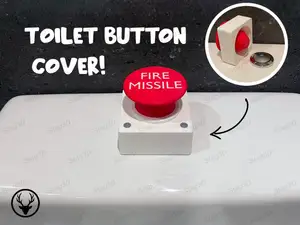


The full catalog of topics — from home & household to CNC, searchable across the connected sources.