Free 
CALC-PAD | Hand-wired keyboard for math symbols in the Desmos Graphing Calculator
Thingiverse
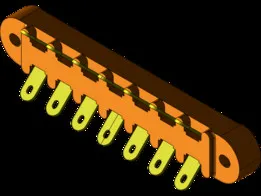
This collection gathers 3D models for joining and organizing electrical wires. You will find terminal blocks, junction enclosures, and cable management parts. The files are intended for 3D printing and can be adapted to different wire sizes and setups. Polyzon does not confirm whether models are free, their price, license, official status, affiliation, safety or fitness. Check the current terms at the source.
 A Polyzon collection · 47 models from 5 platforms
Polyzon assembles this collection from search results on the connected platforms. Repeats and models without a preview are removed, weak matches go to the end, and the rest keeps the search order. Models belong to their authors — check the terms on each model's page.
Selection rules: the Polyzon editorial team · Text updated 2026-10-12
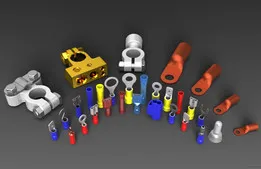

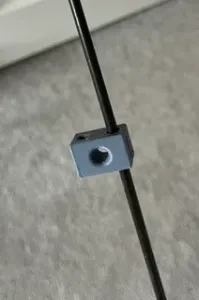
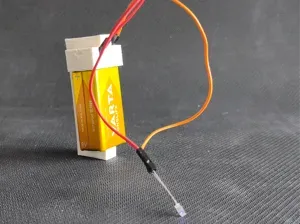
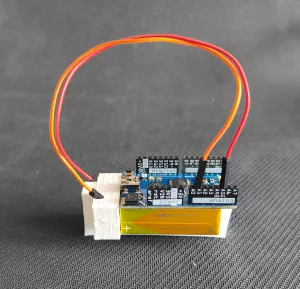


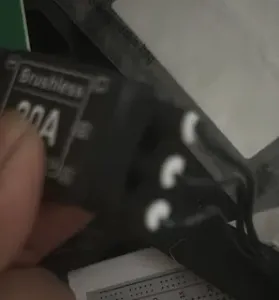
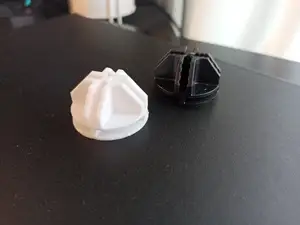

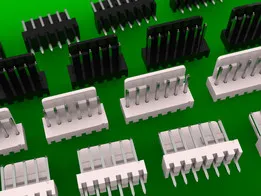
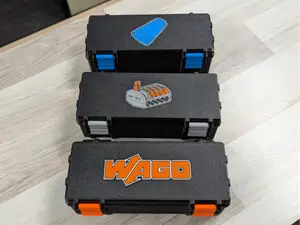

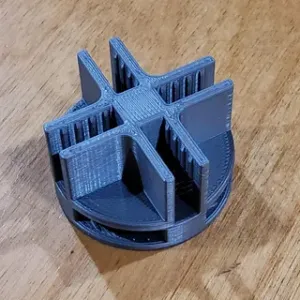
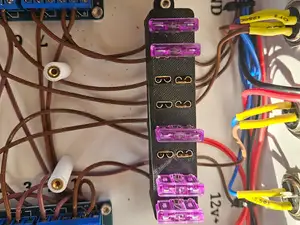

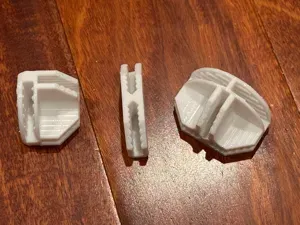

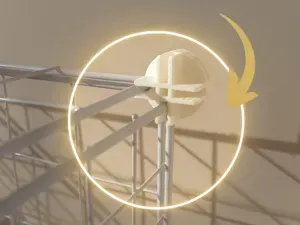


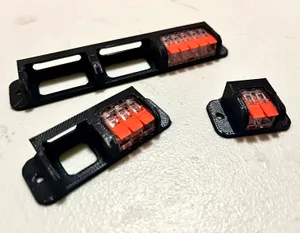

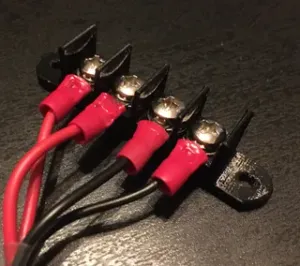
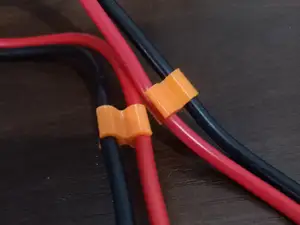

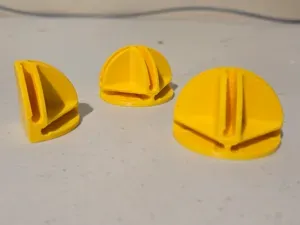

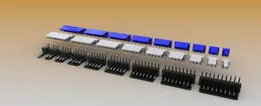
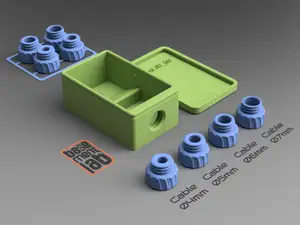

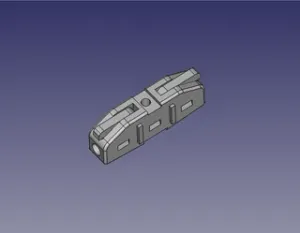
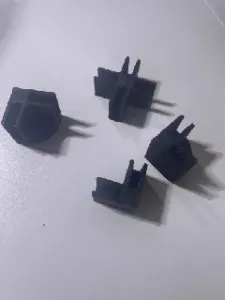
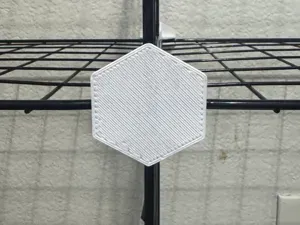



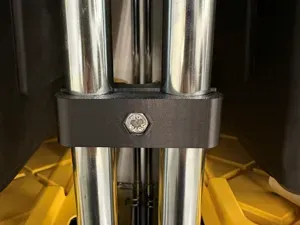
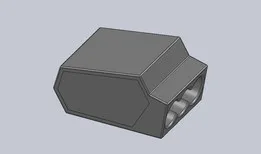


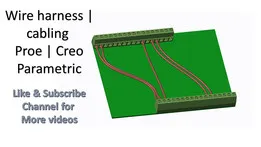
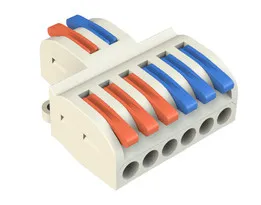
The models range from simple screw-held terminal blocks to snap-fit junction boxes and inline connector housings. Some are designed to hold a specific type of splicing connector, while others are open organizers for jumper wires or cable bundles. You will also see covers and adapters that fit around existing strips or outlets.
Before printing, check the dimensions and the number of parts on the model page. Look at whether the author lists the required screws, inserts, or connector types, and whether supports are needed for overhangs. Photos of real prints can show how the parts fit together and how much clearance is left for wires.
To narrow the results, try synonyms such as terminal strip, junction box, wire connector, or cable organizer. Related terms like DIN rail, lever-nut, or jumper wire can lead to more specific housings and racks. You can also combine a connector type with a mounting style to find models that match your setup.
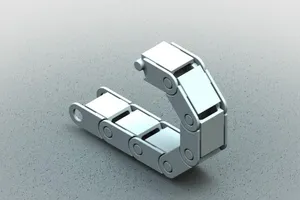
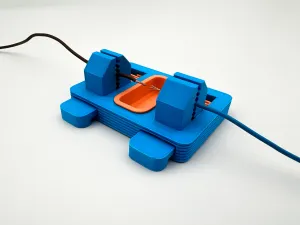

The full catalog of topics — from home & household to CNC, searchable across the connected sources.