Free 
Cable Holder
Thingiverse
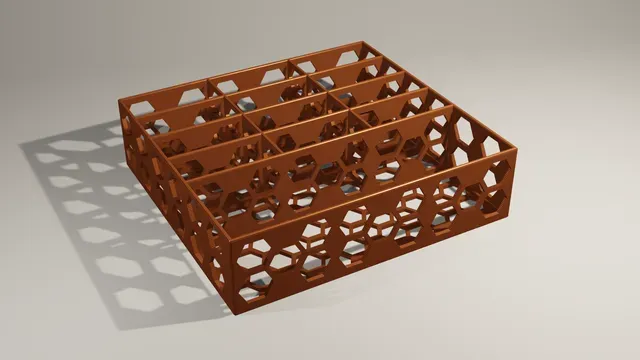
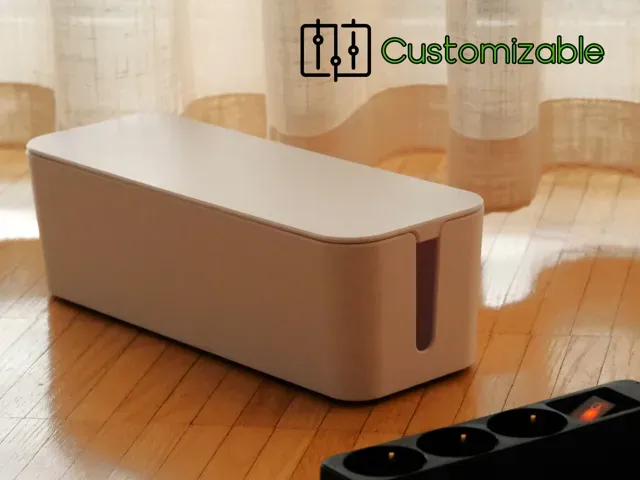
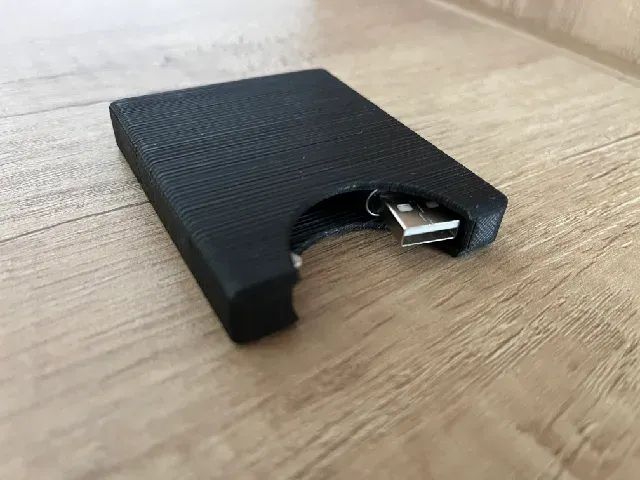
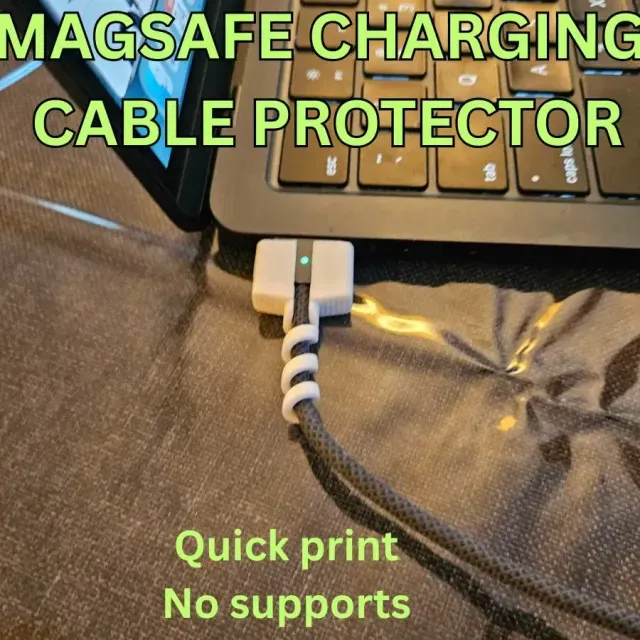
This collection gathers 3D models that tidy up charging cables: small clips, closed boxes, connector protectors and adjustable organizers. It helps if you want a cable to stay where you put it instead of sliding off a desk or tangling in a bag. Every listing is made for 3D printing, so you can match the shape to the cable and charger you already own. Polyzon does not confirm whether models are free, their price, license, official status, affiliation, safety or fitness. Check the current terms at the source.
 A Polyzon collection · 47 models from 4 platforms
Polyzon assembles this collection from search results on the connected platforms. Repeats and models without a preview are removed, weak matches go to the end, and the rest keeps the search order. Models belong to their authors — check the terms on each model's page.
Selection rules: the Polyzon editorial team · Text updated 2026-10-13
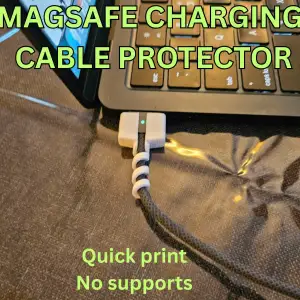


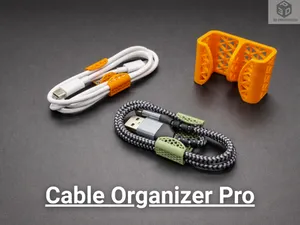
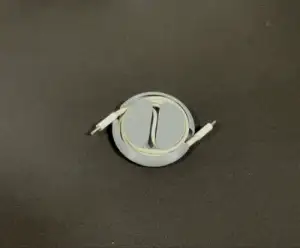


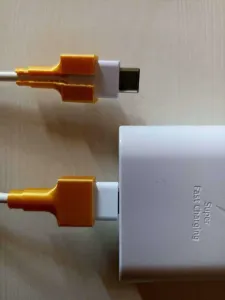


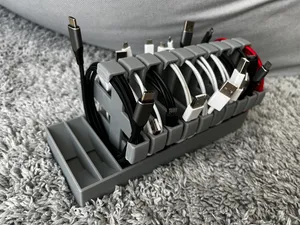
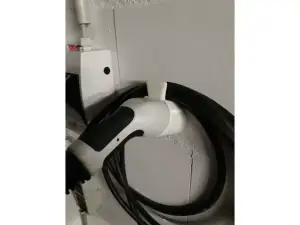


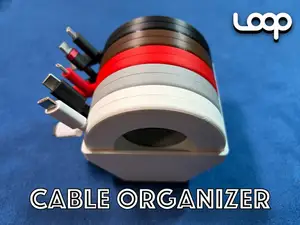
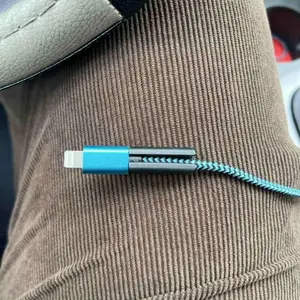


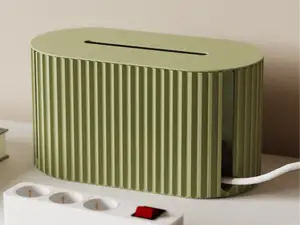
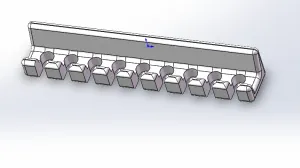


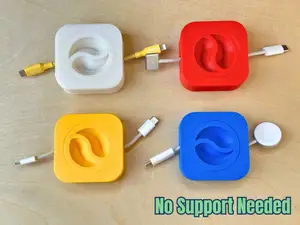
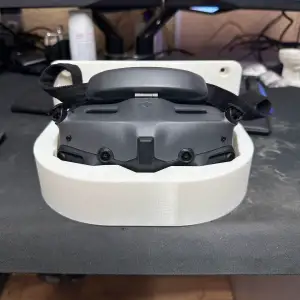

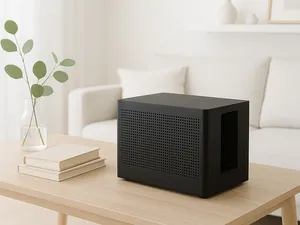
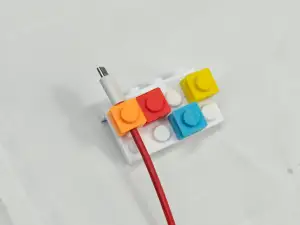

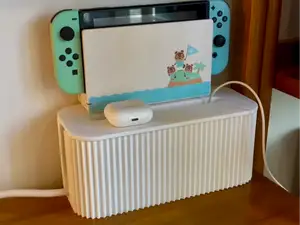
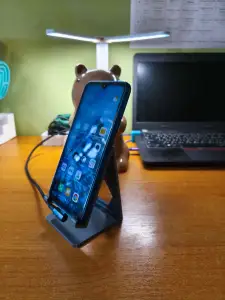

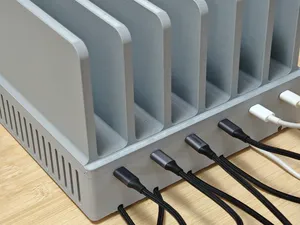
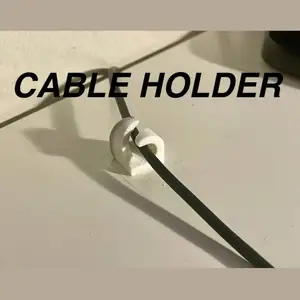

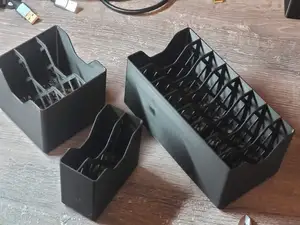
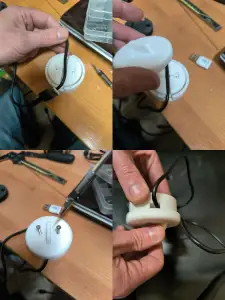

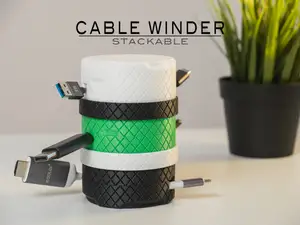

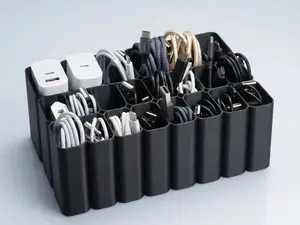
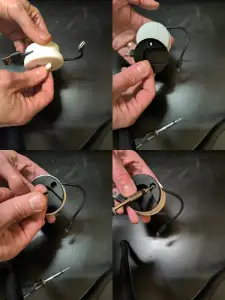

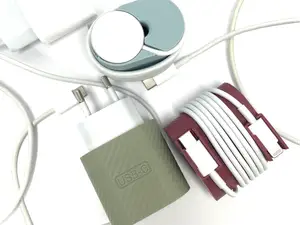
The models differ mainly in how much they enclose. Clips and single holders grip one cable at a chosen point, boxes and caddies hide both the cable and the power adapter, and protectors sit at the plug to take the bending that usually breaks a cable. Adjustable versions let you change the channel width or the number of slots, which matters when cables differ in thickness. Car-oriented holders are shaped to sit in a specific interior spot rather than on a desk.
Before printing, open the model page and read the dimensions the author gives, then measure your cable diameter and the adapter footprint. Check how many parts the model has and whether they join with screws, clips or glue, and look at the photos of finished prints to see how the cable actually routes through. The material and settings the author lists are a useful starting point, but thin walls and small clips behave differently depending on layer orientation, so plan the print direction.
If the results feel narrow, try other wordings: cable management, cord keeper, desk organizer, dock or stand, reel or spool. Related topics such as headphone cable holders, power strip mounts or drawer inserts often use the same shapes and can be adapted. Combining a search for the connector type with the word organizer usually narrows the list faster than a single broad term.



The full catalog of topics — from home & household to CNC, searchable across the connected sources.