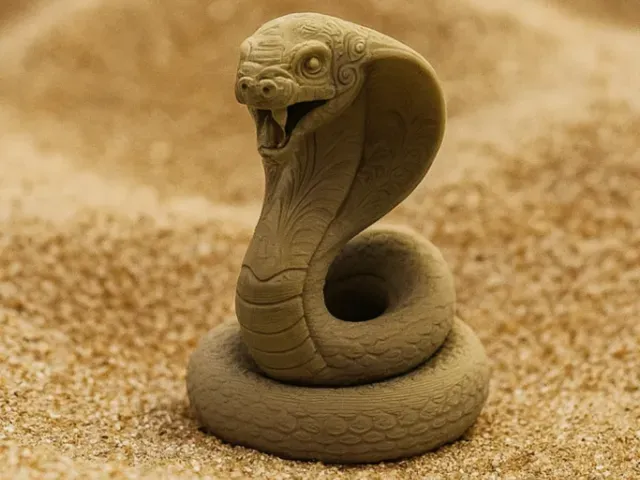

Free 
Anycubic Cobra 2 Neo cable guide
Thingiverse
This collection gathers 3D models that replace or extend the housing around a Kobra 2 Neo print head: covers, display mounts, fan ducts and cable routing parts. It is useful when the stock shroud no longer fits your setup or when you want a different airflow path. Each entry links to a model page where the author describes the part and its print settings. Polyzon does not confirm whether models are free, their price, license, official status, affiliation, safety or fitness. Check the current terms at the source.
 A Polyzon collection · 48 models from 5 platforms
Polyzon assembles this collection from search results on the connected platforms. Repeats and models without a preview are removed, weak matches go to the end, and the rest keeps the search order. Models belong to their authors — check the terms on each model's page.
Selection rules: the Polyzon editorial team · Text updated 2026-10-13




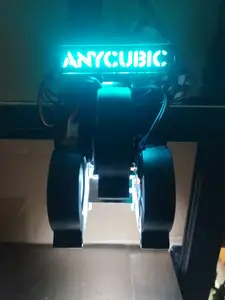
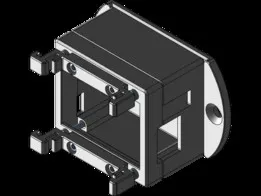




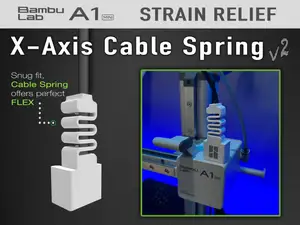
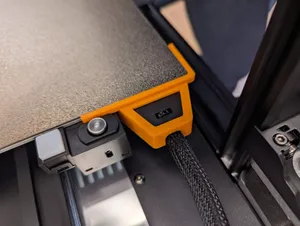


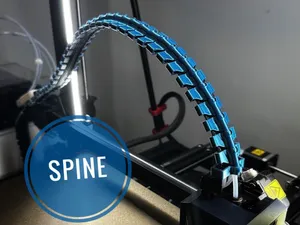
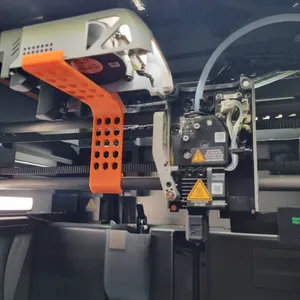


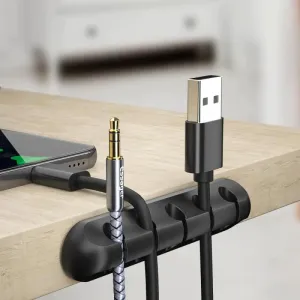

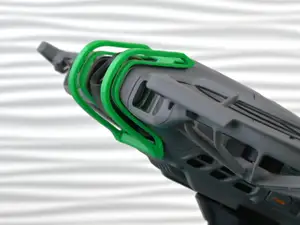
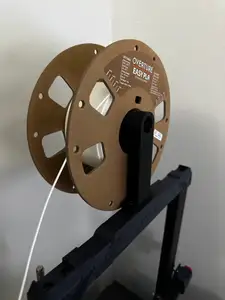
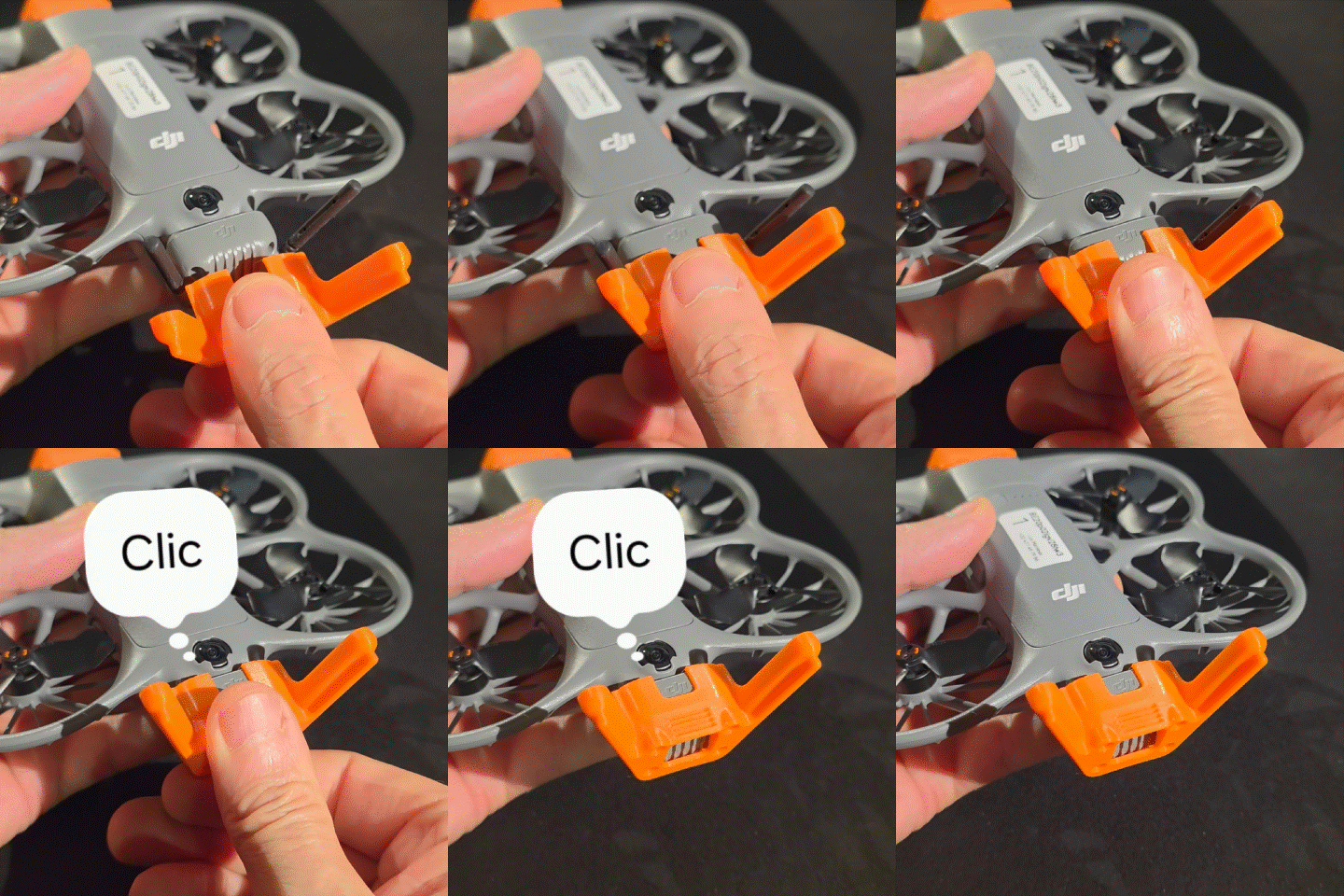

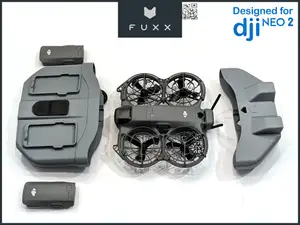








The models fall into a few groups. Some are plain covers that close off the front or the camera side of the toolhead, others are housings that hold a small display or a fan, and a further group is made of ducts that guide air onto the printed part. Cable chains and brackets for routing the wiring belong to the same family, since they attach near the head and move with it.
Before printing, compare the mounting points and overall dimensions with your own machine, because covers for one Kobra revision may not line up with another. Look at how many separate parts the author lists, how they are joined, and whether supports are mentioned. The material and temperature settings on the model page matter here: parts close to the hotend see more heat than a simple outer cover, so check what the author used and look at photos of finished prints for clearance around the fan and the heater block.
To widen the search, try synonyms such as toolhead cover, printhead housing, shroud, fan duct or drag chain instead of a single phrase. Adding the printer name together with a part word, for example hotend mount, part cooling or extruder cover, usually returns more results. Related topics include toolhead upgrades, cable management and display mounts, which often appear alongside housing parts.
A quick check of the model page saves a reprint: confirm the screw holes, the thickness of the walls, and whether the part is split for a smaller bed. If the author shows the model mounted on a printer, compare that photo with your own head assembly. Where the description is thin, ask in the comments before committing filament.


The full catalog of topics — from home & household to CNC, searchable across the connected sources.

