Free 
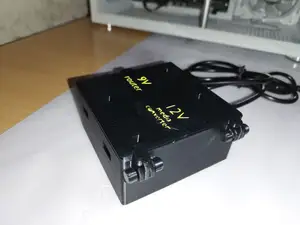
12 Volt Power Supply Cover
Thingiverse
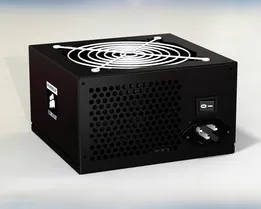
This collection gathers STL files for covers, guards, and enclosures around PC power supplies. You can find parts for standard ATX units, open-frame supplies, and case power buttons. It helps when you need to adapt a power supply to a build or replace a missing cover. Polyzon does not confirm whether models are free, their price, license, official status, affiliation, safety or fitness. Check the current terms at the source.
 A Polyzon collection · 42 models from 4 platforms
Polyzon assembles this collection from search results on the connected platforms. Repeats and models without a preview are removed, weak matches go to the end, and the rest keeps the search order. Models belong to their authors — check the terms on each model's page.
Selection rules: the Polyzon editorial team · Text updated 2026-10-13
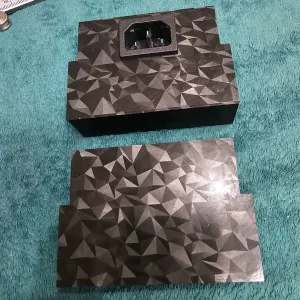

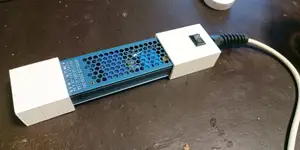
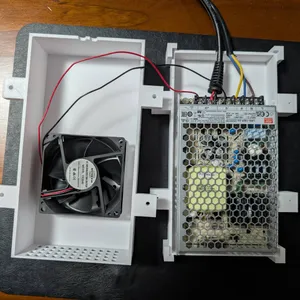

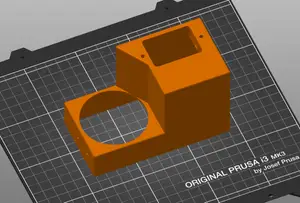
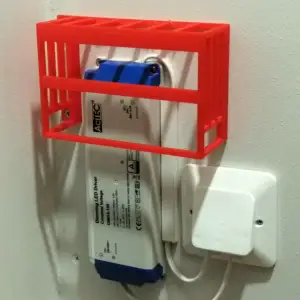

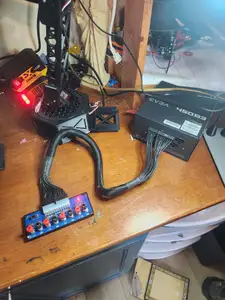
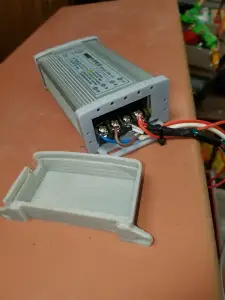

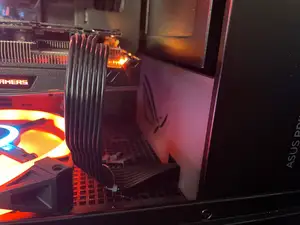
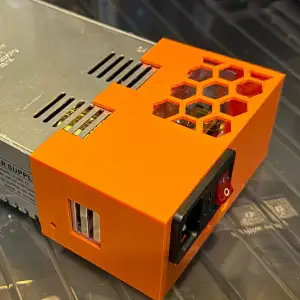

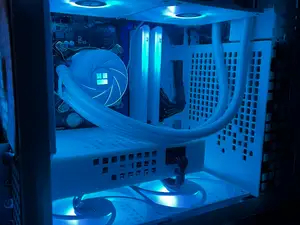
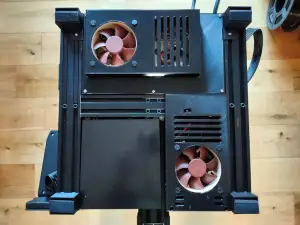

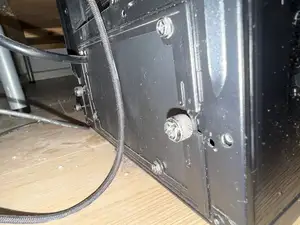
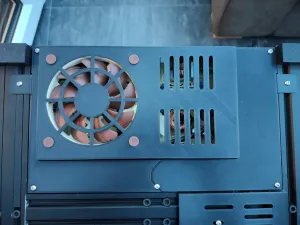

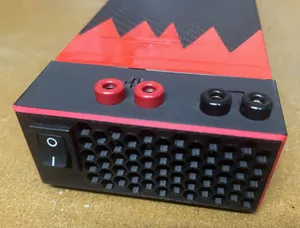

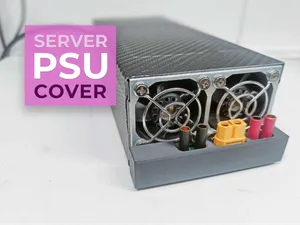

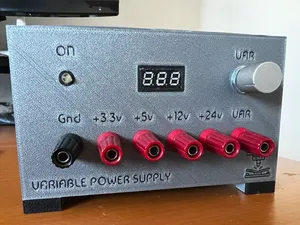
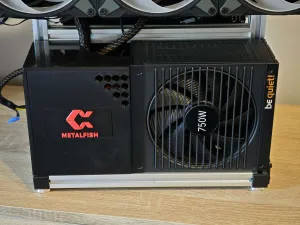

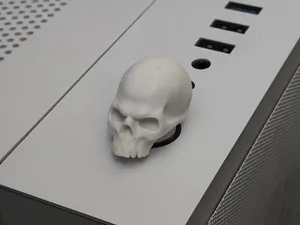
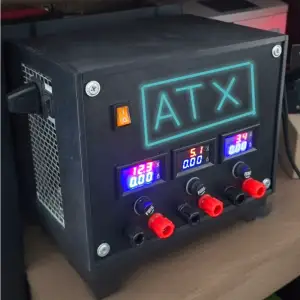

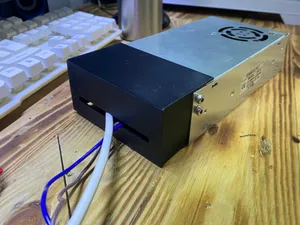
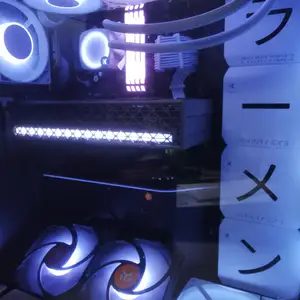

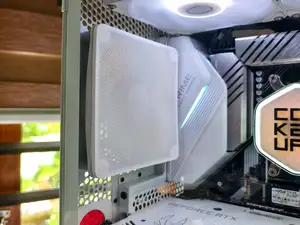
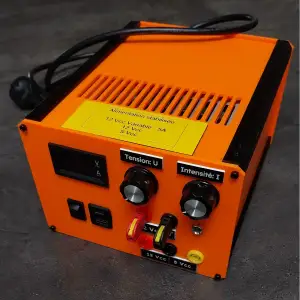

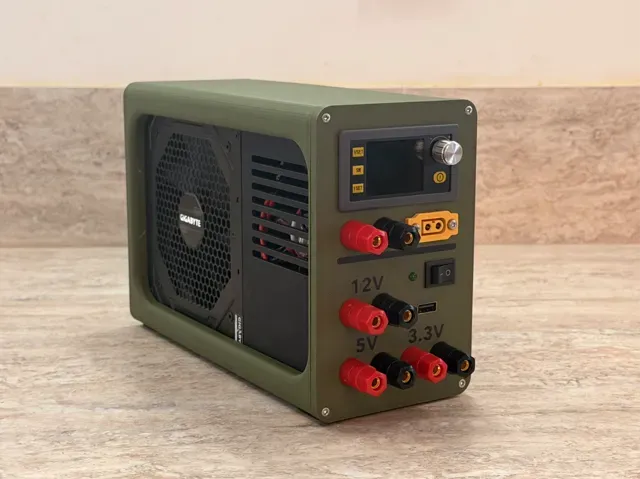
Covers range from simple plates that close an opening to full enclosures with cutouts for sockets, switches, and fans. Some designs protect a power button on a PC case, while others wrap an open-frame supply or a bench unit built from a desktop ATX unit. The shape depends on the supply type and on which connectors or controls must remain accessible.
When choosing a model, check the listed dimensions and scale against your supply, and count the separate parts to see whether assembly is required. Look at whether the author notes support needs, screw holes, or fan openings, and review photos of real prints to judge the result. The material and settings on the model page give a starting point, but you may need to adjust them for your 3D printer.
To narrow the search, try terms such as PSU cover, power supply shroud, ATX enclosure, button guard, or open-frame supply cover. Related topics include cable management, case modding, bench power supplies, and printer power supply housings. Combining a supply type with the needed cutouts usually returns more precise results.



The full catalog of topics — from home & household to CNC, searchable across the connected sources.