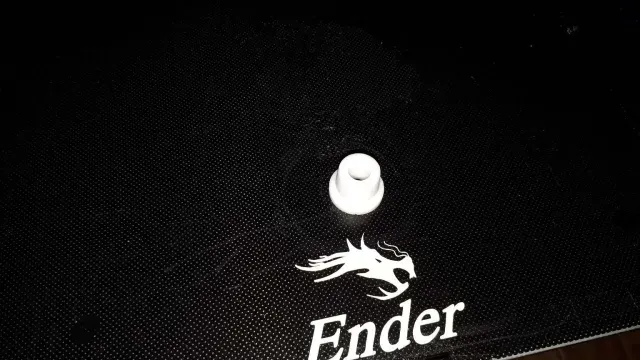
Free 
plate LADA injector / шильдик ЛАДА инжектор
Thingiverse
This collection gathers 3D printing files tied to the Lada 2109 and the wider VAZ family: scale car bodies, badges and emblems, small interior fittings, lighting parts and tuned-looking variants. It is useful if you want a shelf model of a familiar hatchback or a small replacement detail for a real car. Most entries are STL meshes meant for a desktop 3D printer, and the level of detail varies a lot from one upload to the next. Polyzon does not confirm whether models are free, their price, license, official status, affiliation, safety or fitness. Check the current terms at the source.
 A Polyzon collection · 41 models from 4 platforms
Polyzon assembles this collection from search results on the connected platforms. Repeats and models without a preview are removed, weak matches go to the end, and the rest keeps the search order. Models belong to their authors — check the terms on each model's page.
Selection rules: the Polyzon editorial team · Text updated 2026-10-12


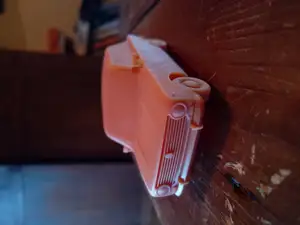
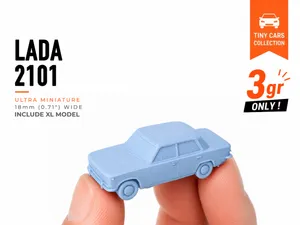


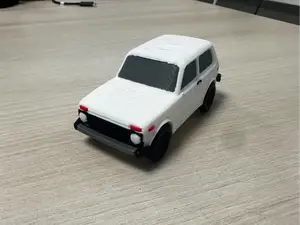


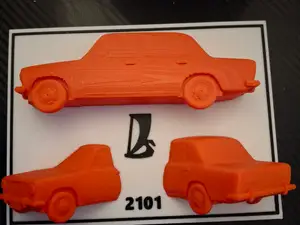
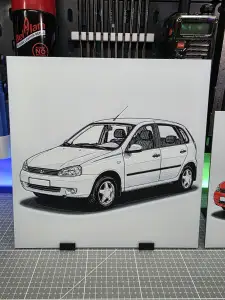

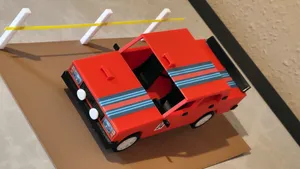
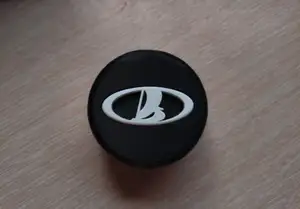


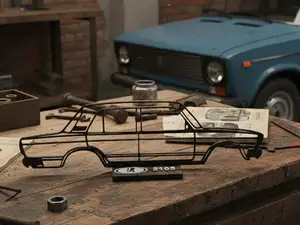
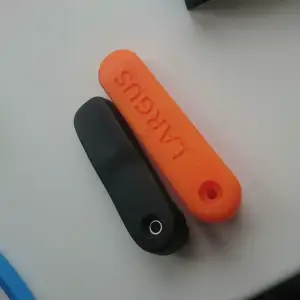

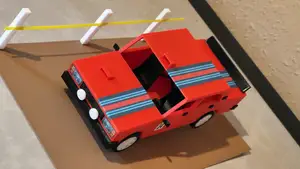
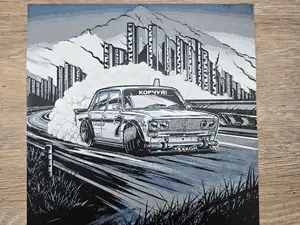
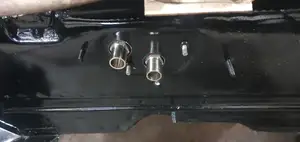

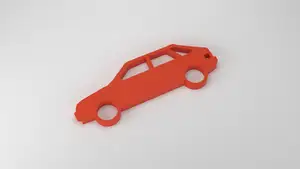
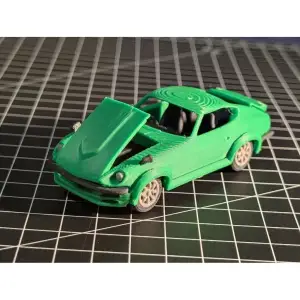

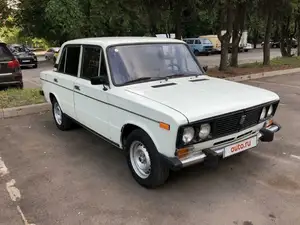
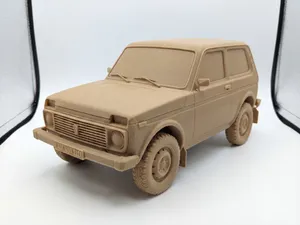



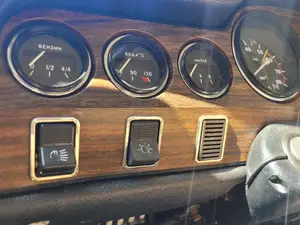
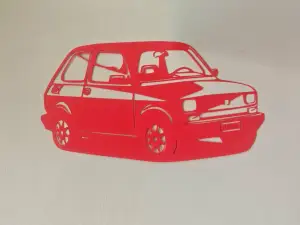

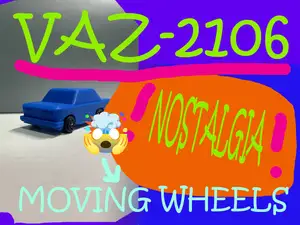
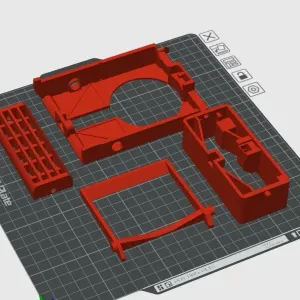

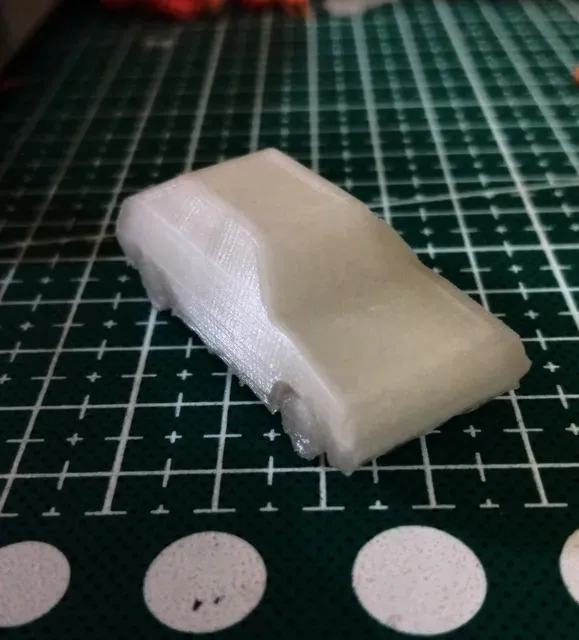
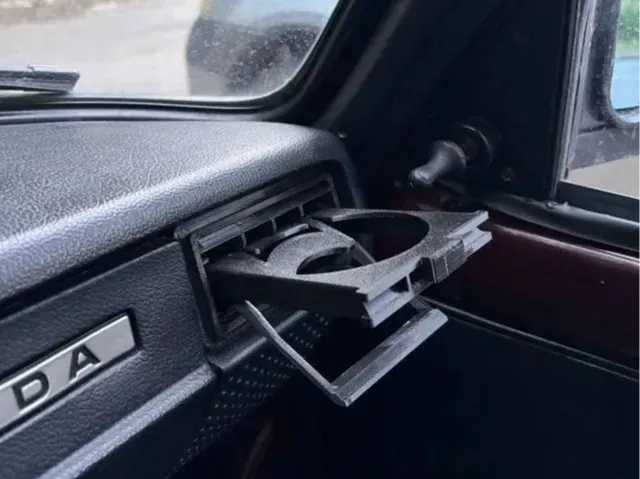
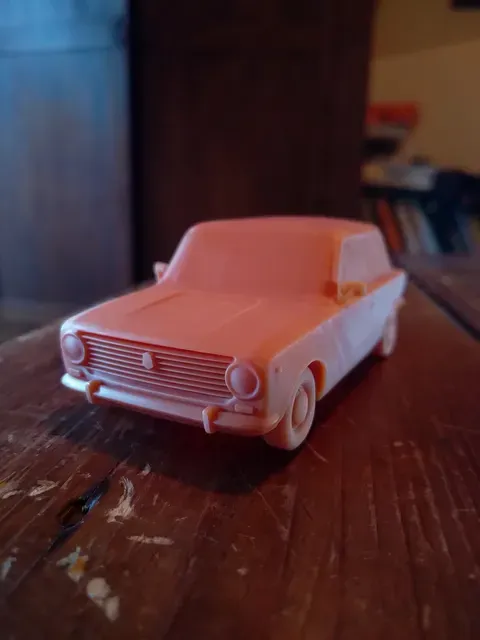
The scale models differ mainly in how they are broken down. Some come as a single body shell, others are split into a body, wheels, glass inserts and interior pieces that you glue or snap together after printing. Functional items such as cup holders, trim clips or lamp adapters are usually smaller, thicker and shaped to fit a specific opening, so they behave more like a workshop part than a display piece. Tuned and rally-style versions sit between the two: they keep the recognizable silhouette but add wider arches, spoilers or simplified mechanical details.
Before printing, open the author's model page and read what is listed there. Check the overall dimensions and the scale, since a body meant for a large build will not fit a small printer bed without splitting. Look at the number of parts and whether assembly is expected, whether the author mentions supports for overhangs, and which material and settings were used. Photos of real prints are the most useful signal: they show layer lines, thin pillars and how well the panel gaps and window openings actually come out.
To widen the search, try the other names this car is known by, including the Russian spelling and the VAZ designation, and combine them with words like scale model, badge, emblem, interior or lamp. Related topics are worth a look as well: other cars from the same family, Soviet-era vehicles in general, mini car series, and generic automotive parts such as wheel caps or trim clips that are often uploaded under a different title. If a detail is missing, searching for the part name alone rather than the car name sometimes brings up a closer match.
The full catalog of topics — from home & household to CNC, searchable across the connected sources.