
Free 
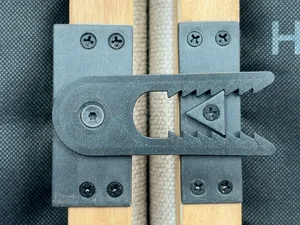
Edge banding adhesive applicator
Thingiverse
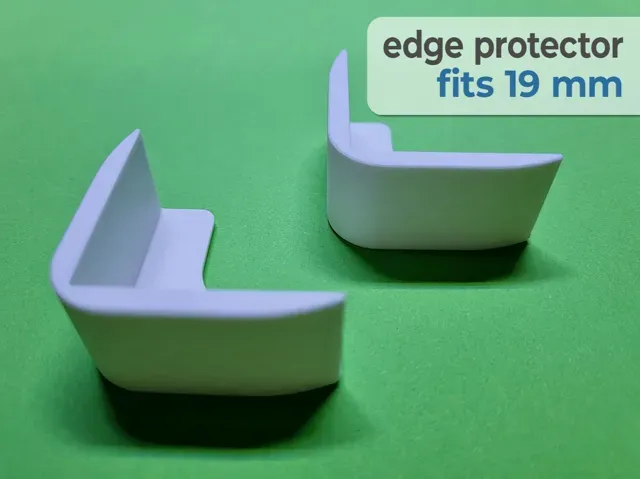
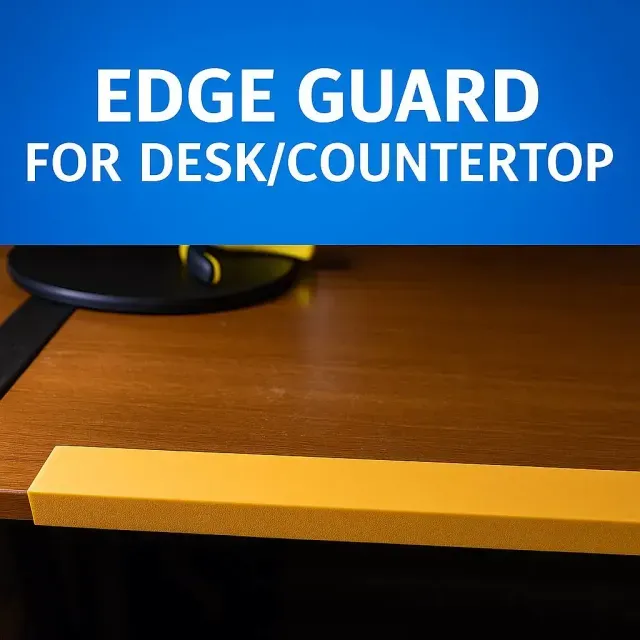
This collection gathers STL files for furniture edge banding, corner guards and related trim parts. It covers both decorative profiles and practical protectors, so you can find a shape that matches a cabinet, desk or wall edge. Use it to compare how different models handle corners, end caps and adhesive tools before printing. Polyzon does not confirm whether models are free, their price, license, official status, affiliation, safety or fitness. Check the current terms at the source.
 A Polyzon collection · 48 models from 3 platforms
Polyzon assembles this collection from search results on the connected platforms. Repeats and models without a preview are removed, weak matches go to the end, and the rest keeps the search order. Models belong to their authors — check the terms on each model's page.
Selection rules: the Polyzon editorial team · Text updated 2026-10-15

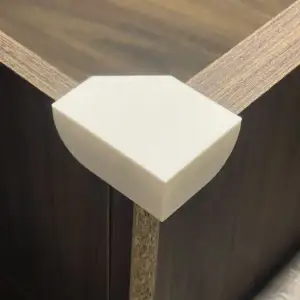

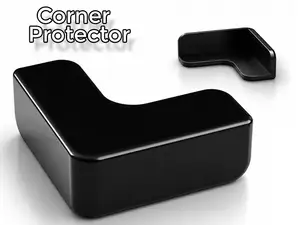
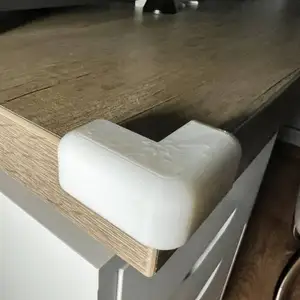

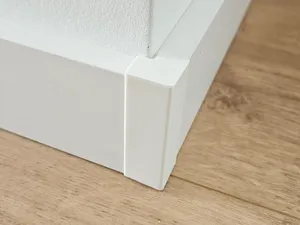


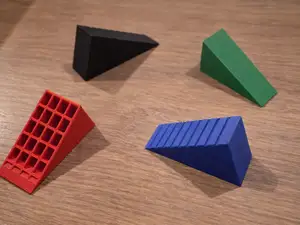
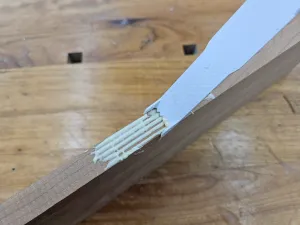

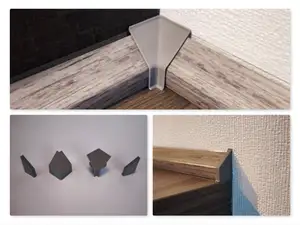
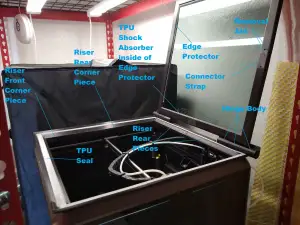

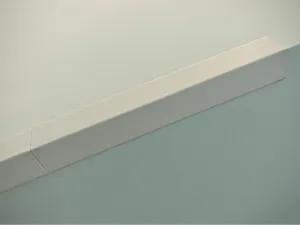
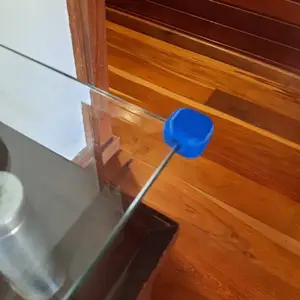

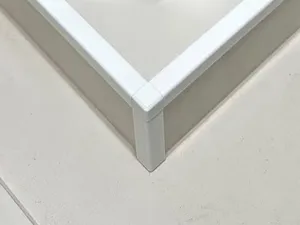

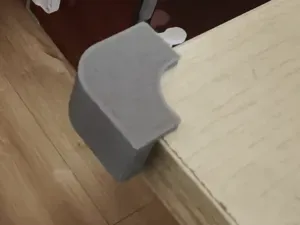
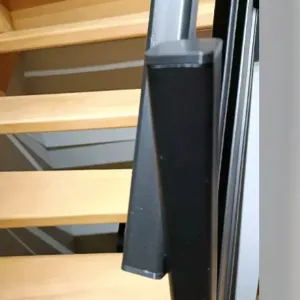

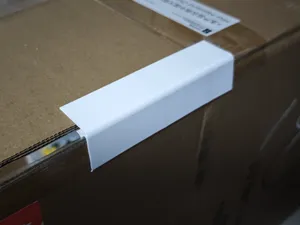
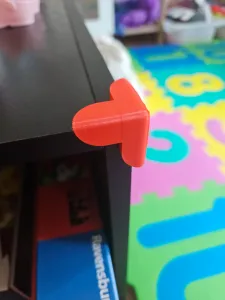


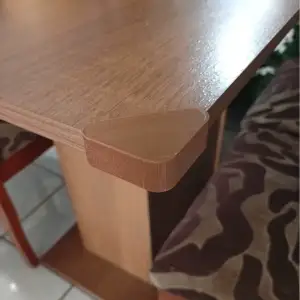

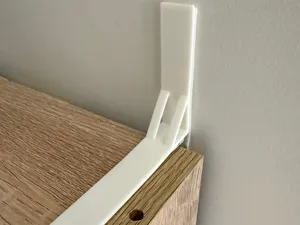
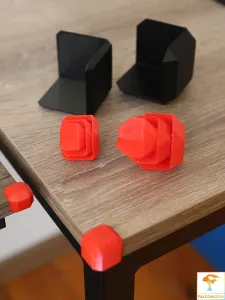

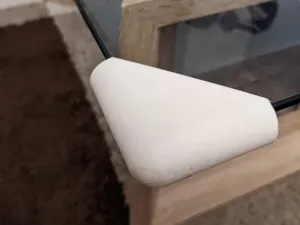
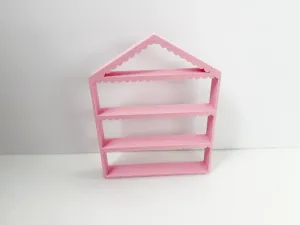

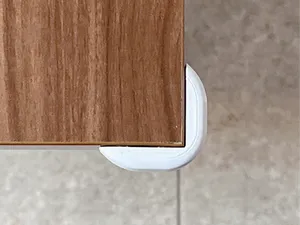
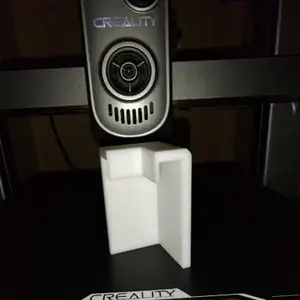

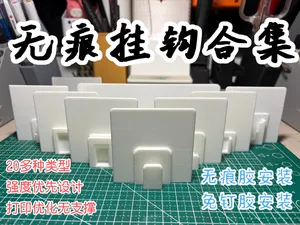
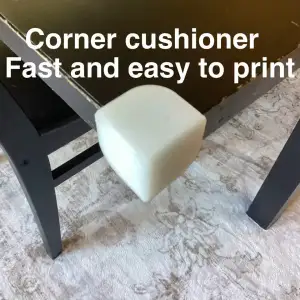


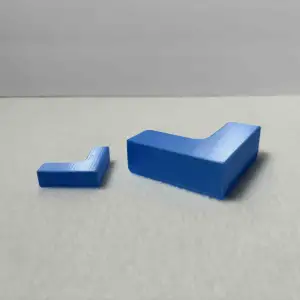
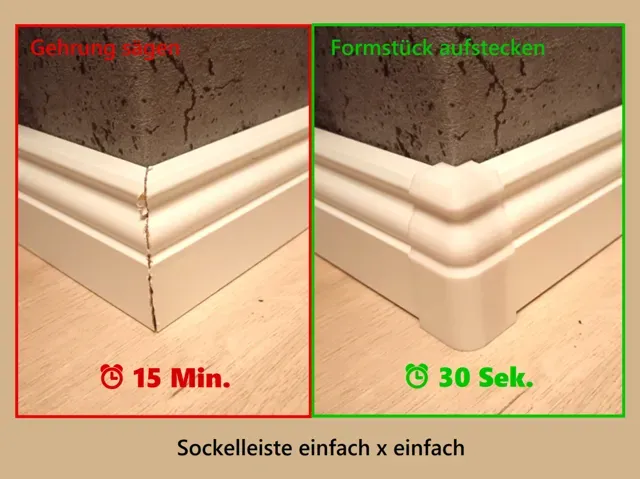
The models range from slim edge strips and end caps to larger corner guards and baseboard covers. Some are designed as one-piece profiles, while others come as multi-part assemblies with separate caps or brackets. Application aids, such as glue spreaders and banding tools, form another group.
When choosing a model, look at the profile shape, the inner opening and the overall length or scale. Check whether the author lists the panel thickness, the number of parts and any needed supports. Photos of real prints can show how the profile sits against a panel or wall.
To refine the search, try synonyms such as edge trim, corner protector, end cap, baseboard corner or panel profile. Adding a furniture type, for example cabinet, desk or shelf, can narrow the results. Related topics include wall edging, melamine panels and printable jigs for applying adhesive.


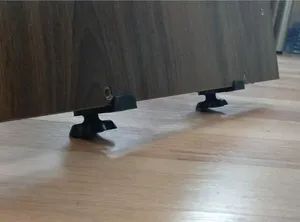
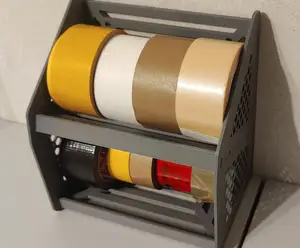

The full catalog of topics — from home & household to CNC, searchable across the connected sources.