Free 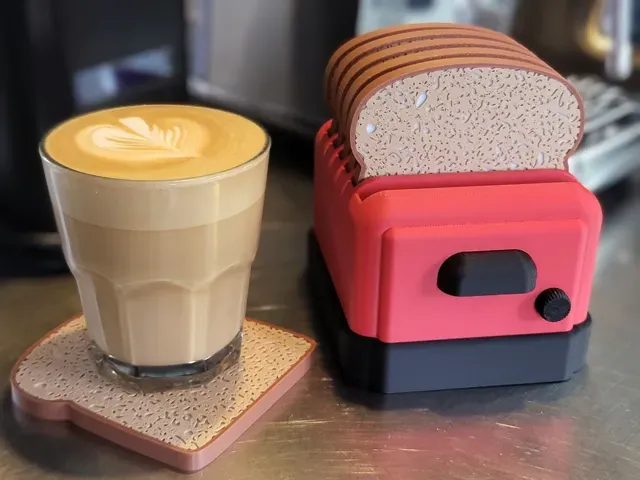
Coaster Toaster
MakerWorld
This collection gathers 3D printing files for household appliance parts and kitchen accessories: refrigerator handles and buttons, laundry adapters, coffee machine holders, and small organizers for the countertop. Most entries are practical replacements or add-ons rather than display pieces, so they are usually printed on a home 3D printer in a common filament. The mix is wide, which means the useful step is narrowing down by appliance and by the exact part you need. Polyzon does not confirm whether models are free, their price, license, official status, affiliation, safety or fitness. Check the current terms at the source.
 A Polyzon collection · 35 models from 2 platforms
Polyzon assembles this collection from search results on the connected platforms. Repeats and models without a preview are removed, weak matches go to the end, and the rest keeps the search order. Models belong to their authors — check the terms on each model's page.
Selection rules: the Polyzon editorial team · Text updated 2026-10-16
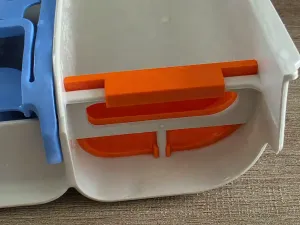
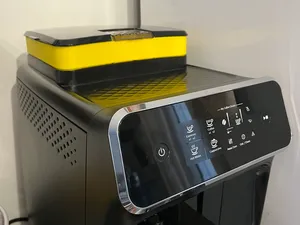

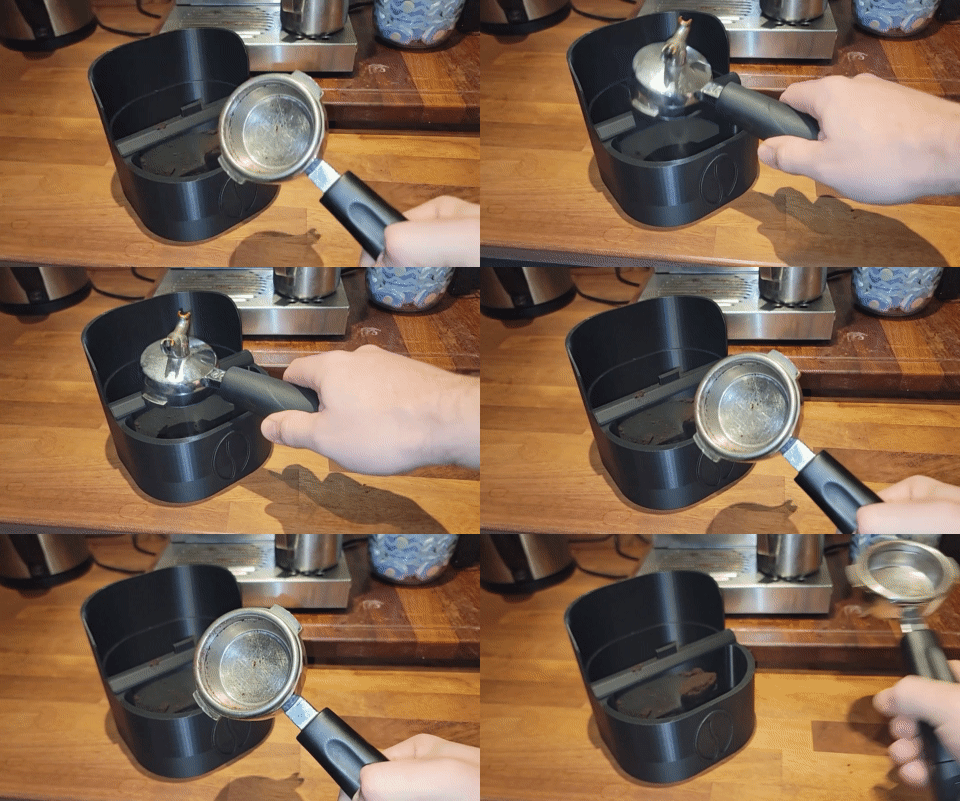
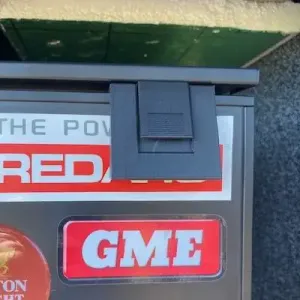
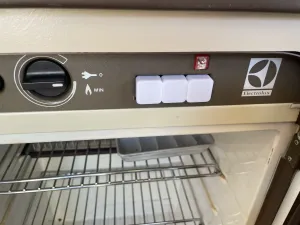
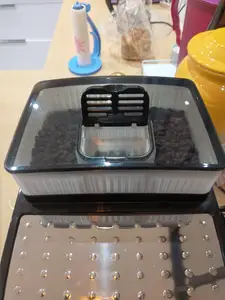
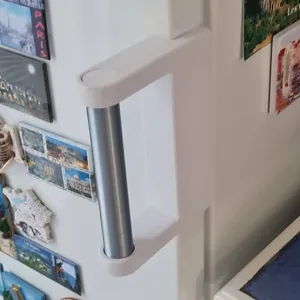
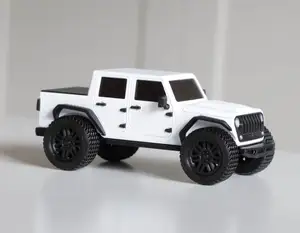
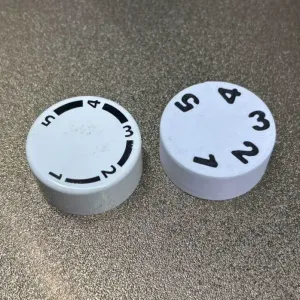
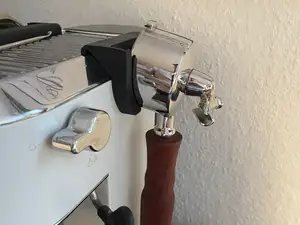
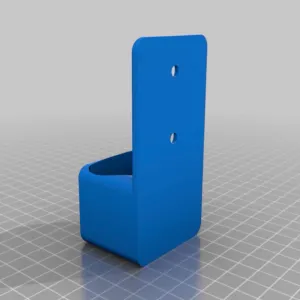
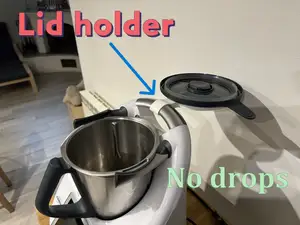

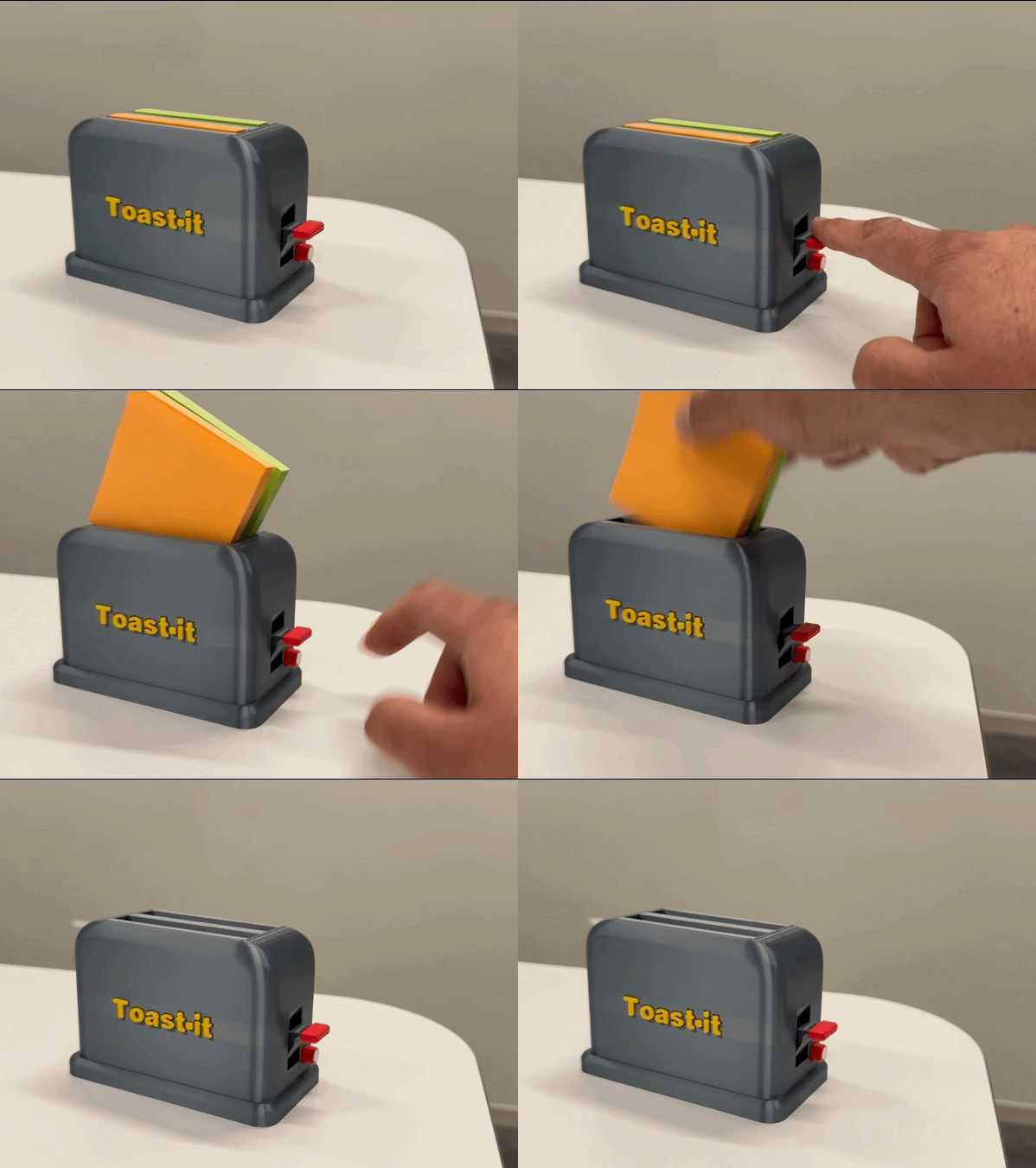
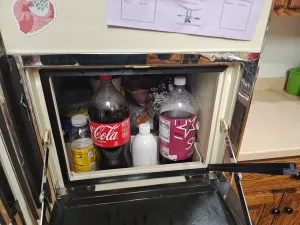
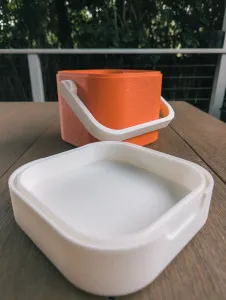
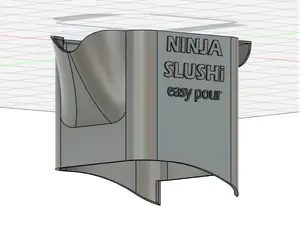
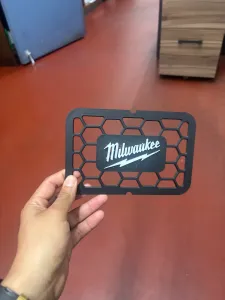
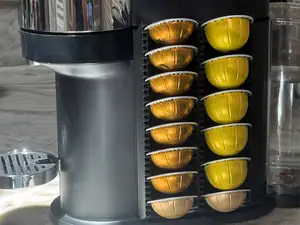
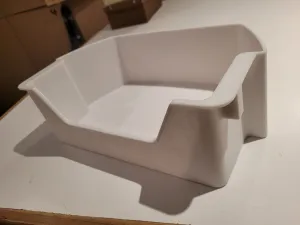
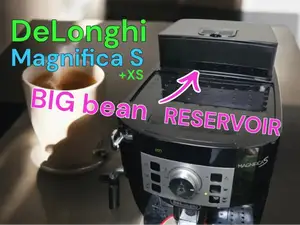
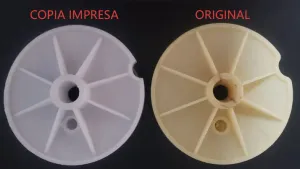

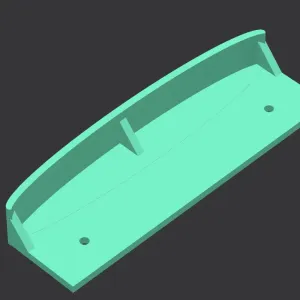
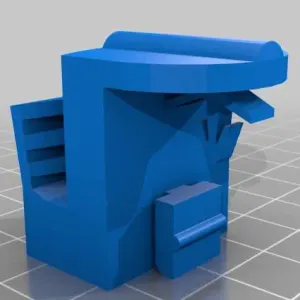
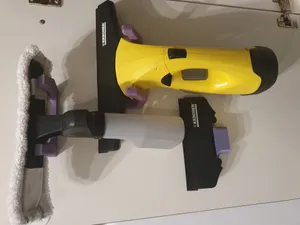
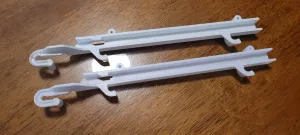
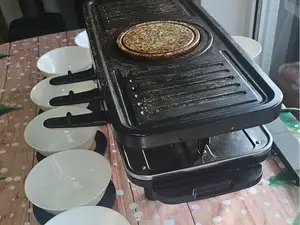

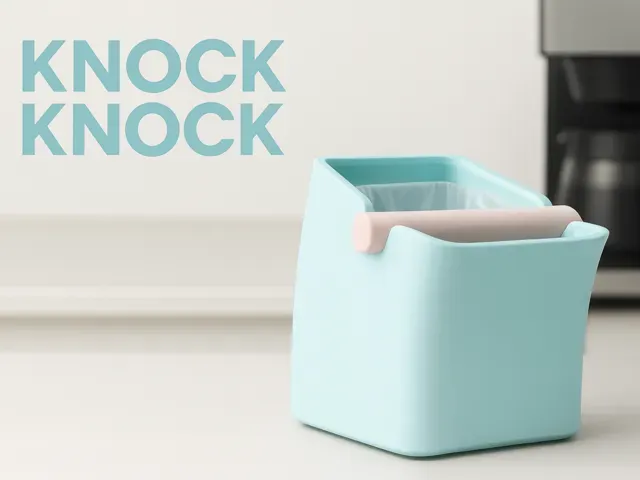
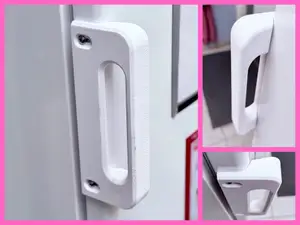
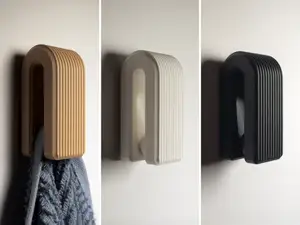
The models fall into a few rough groups. Some are repair-oriented parts such as handles, knobs, buttons and gaskets that stand in for something broken or missing on a fridge, washer or microwave. Others are accessories built around a machine: knock boxes, portafilter rests, reservoir extensions and lid holders for coffee and kitchen equipment. A third group is purely organizational, like wall mounts and small holders that keep a remote or a sticky note pad in place.
When you open an author's page, compare the listed dimensions with the part you are replacing before anything else, since scale is what decides whether a knob or handle lines up with its mounting point. Look at how many separate pieces the model has and whether they are meant to be glued or screwed together, and read the notes on supports, orientation and material. Photos of real prints are the most useful signal of how the shape behaves once printed, especially on thin clips and threaded sections.
If a search comes up short, try the part name rather than the appliance name: handle, knob, button, bracket, adapter, gasket, holder, mount. Combining an appliance type with one of those words usually widens the results, and related topics such as coffee accessories, laundry fittings or kitchen organizers often surface models that were titled differently. Adding the mounting style, the door side or the shape of the connector narrows things again.


The full catalog of topics — from home & household to CNC, searchable across the connected sources.