
Free 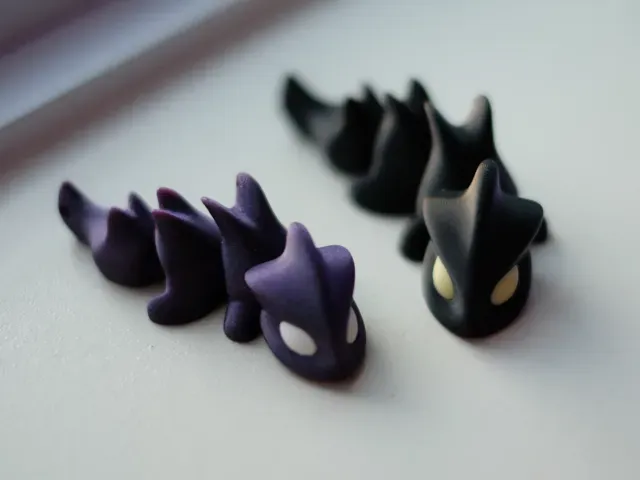
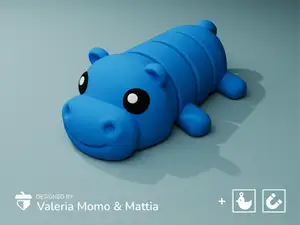
Mini Articulated Dragon (Magnet/Keychain)
MakerWorld
This collection gathers 3D models that use magnets as a working part: decorative figures, small articulated toys, holders and tools for seating magnets in a print. It is useful when you already have a set of round magnets and want a 3D printing project that puts them to use. Most files are small, so they fit short sessions on a desktop 3D printer. Polyzon does not confirm whether models are free, their price, license, official status, affiliation, safety or fitness. Check the current terms at the source.
 A Polyzon collection · 43 models from 5 platforms
Polyzon assembles this collection from search results on the connected platforms. Repeats and models without a preview are removed, weak matches go to the end, and the rest keeps the search order. Models belong to their authors — check the terms on each model's page.
Selection rules: the Polyzon editorial team · Text updated 2026-10-14


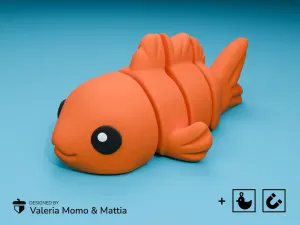
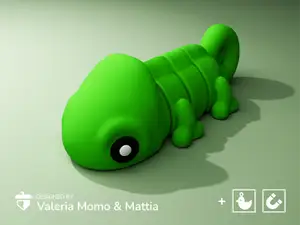
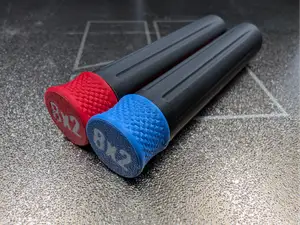
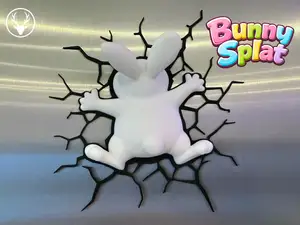


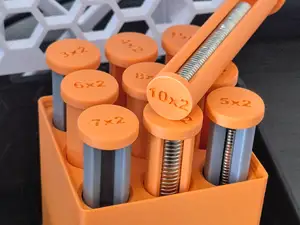
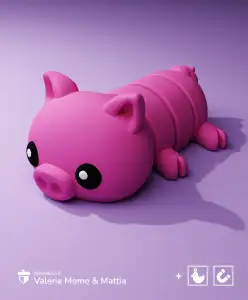


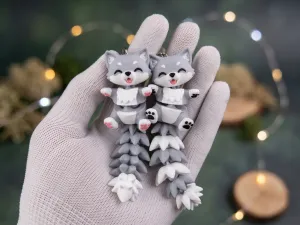
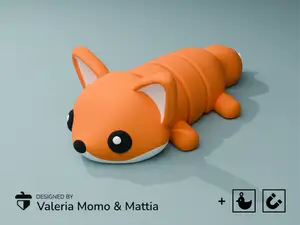





%2Fhttps%3A%2F%2Ffbi.cults3d.com%2Fuploaders%2F14385309%2Fillustration-file%2F887482f8-5d24-4316-a2a8-4e83e8fa2320%2FDSC09227-2.jpg&w=300)






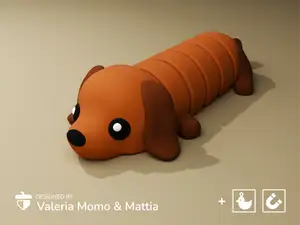
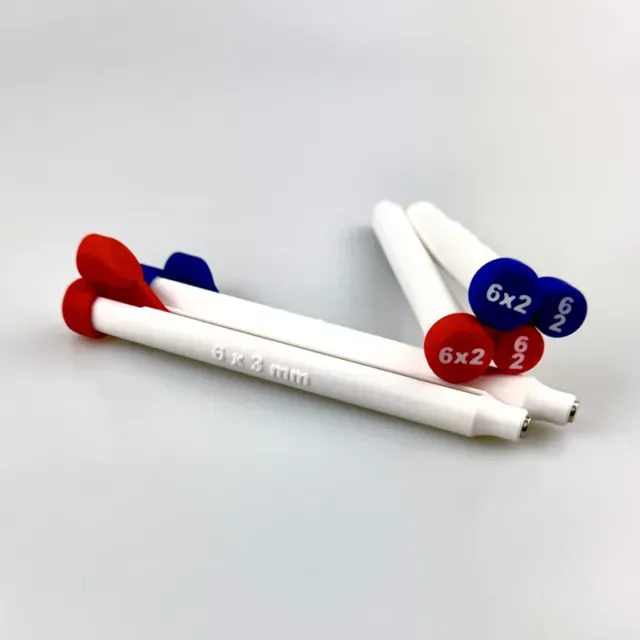
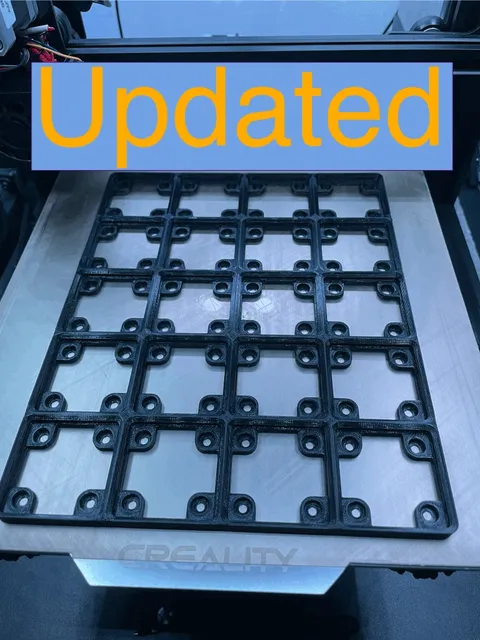
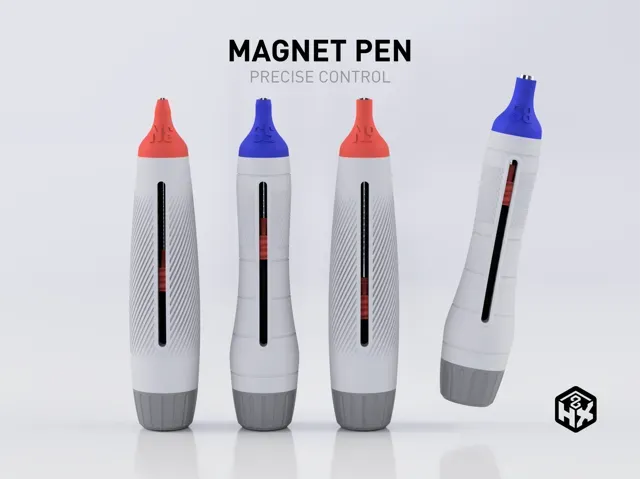
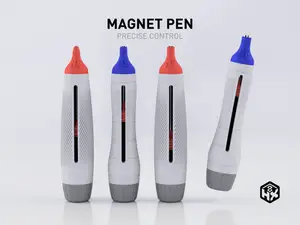
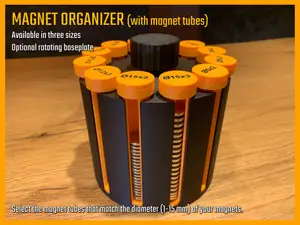
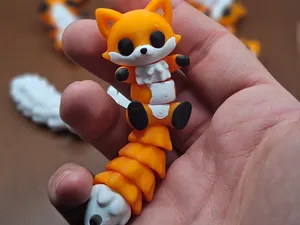
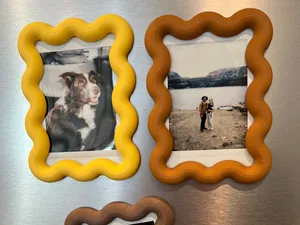
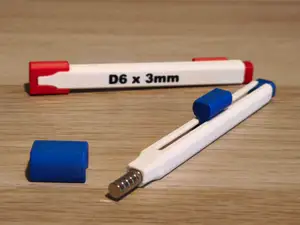
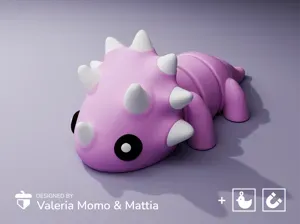
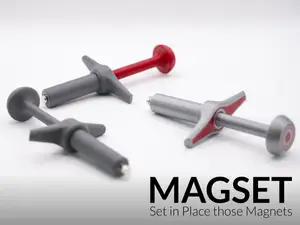
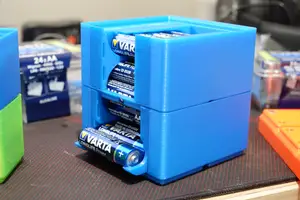
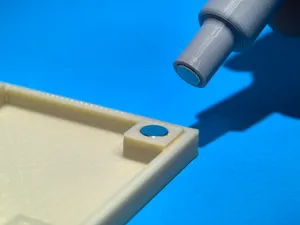
The models fall into a few groups. Decorative magnets are flat-backed figures and shapes meant for a fridge or a metal board, often printed in one piece with a recess for a magnet. Articulated toys and keychain variants combine printed joints with a magnet or a ring, and workshop items such as trays, bowls and organizers use magnets to hold small metal parts or to stack in a grid system. Insertion tools and negative-part files are a separate group: they help place a magnet at the right depth instead of pressing it in by hand.
When choosing a file, look at the magnet pocket first: its diameter and depth decide which magnets you need, and the author usually lists the size in the description or in the file name. Check the number of parts, whether the model is split for assembly, and whether the overhangs need supports. Material and settings matter too, since a thin decorative plate and a load-bearing holder behave differently; photos of real prints on the model page show how the pocket and the surface come out.
To narrow the search, try synonyms and related terms: fridge magnet, magnetic holder, magnet insert, magnet pocket, keychain magnet, or the size of your magnets written as a query. Adding a use case helps as well, for example workshop organizer, desk tray, or holiday decoration. If a result is close but not exact, open the author's page and look at the other files in the same series.
A practical note on printing: magnets are usually added after the print, and the pocket is often sized for a press fit, so a small test piece is worth printing before a full model. If the pocket comes out tight, scaling the model slightly or adjusting the flow changes the fit more than force does. For models where the magnet sits inside the print, check the pause height the author mentions so the nozzle does not collide with the magnet.


The full catalog of topics — from home & household to CNC, searchable across the connected sources.