Free 
Venus Box
Thingiverse
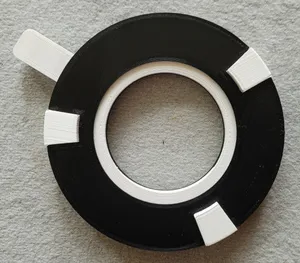
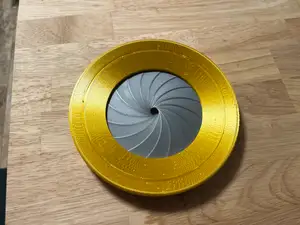
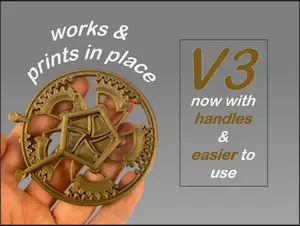
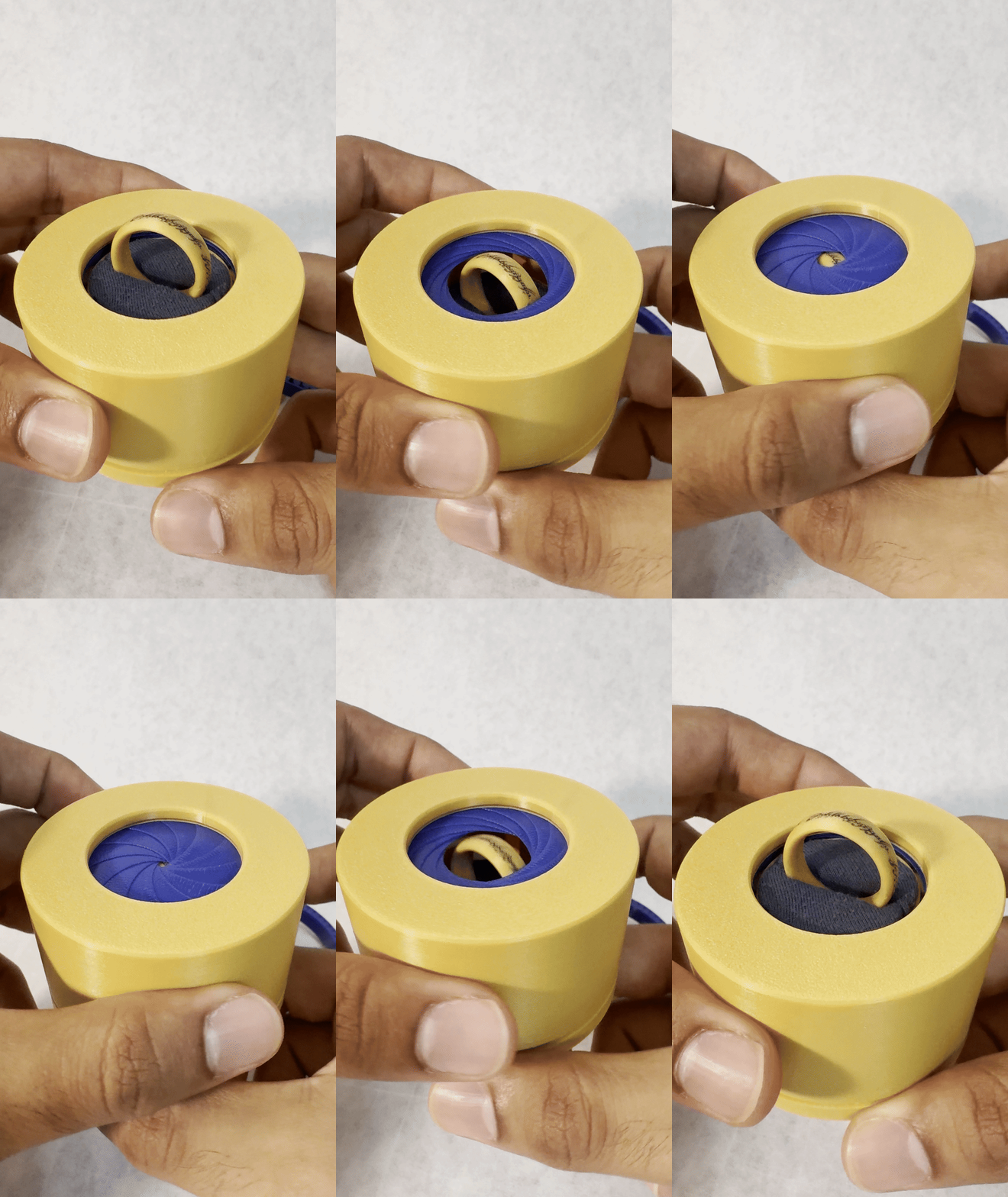
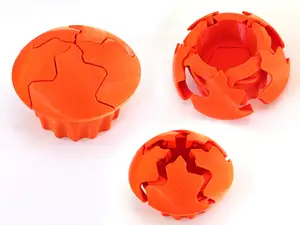
This collection gathers mechanical iris designs for 3D printing, from print-in-place boxes to fidget toys and multi-blade mechanisms. You can compare how each model handles blades, rotation and assembly before opening the files. The range helps you find an STL that matches your printer size and the motion you want to build. Polyzon does not confirm whether models are free, their price, license, official status, affiliation, safety or fitness. Check the current terms at the source.
 A Polyzon collection · 45 models from 4 platforms
Polyzon assembles this collection from search results on the connected platforms. Repeats and models without a preview are removed, weak matches go to the end, and the rest keeps the search order. Models belong to their authors — check the terms on each model's page.
Selection rules: the Polyzon editorial team · Text updated 2026-10-14

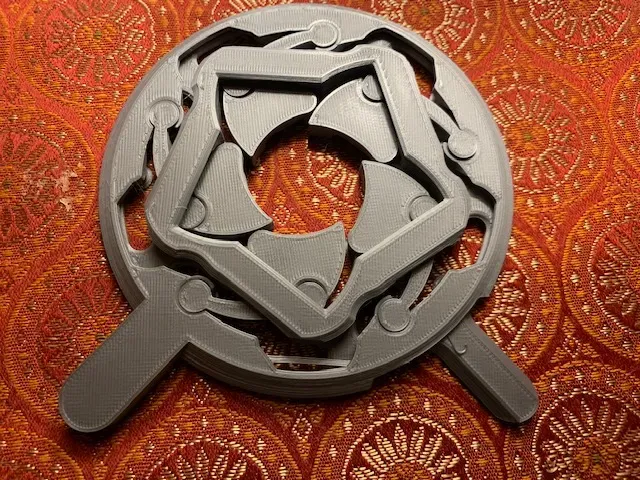
%2Fhttps%3A%2F%2Ffbi.cults3d.com%2Fuploaders%2F23139119%2Fillustration-file%2F20ba7879-eebf-44ad-9382-cab725d204aa%2F01_Iris_assembled_top_side.jpg&w=300)

%2Fhttps%3A%2F%2Ffbi.cults3d.com%2Fuploaders%2F13610381%2Fillustration-file%2Fd2201ea8-12a4-46b3-8055-41949e3f2f24%2F0_2.png&w=300)


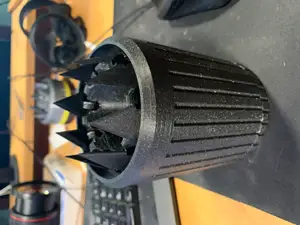
%2Fhttps%3A%2F%2Ffbi.cults3d.com%2Fuploaders%2F15124763%2Fillustration-file%2F25bdd223-4257-4a96-9944-c5f2a1f865b1%2FIris%25203%252C%2520pic%25203.PNG&w=300)


%2Fhttps%3A%2F%2Ffbi.cults3d.com%2Fuploaders%2F15596751%2Fillustration-file%2Ff094bfe3-bb87-455d-9d6b-7cd80a2c1256%2F3DP5BLROGEARD10A.gif&w=300)
%2Fhttps%3A%2F%2Ffbi.cults3d.com%2Fuploaders%2F15596751%2Fillustration-file%2F912fcf09-702c-4380-b74e-59b296a95029%2F3DP2BLROD10A12.jpg&w=300)

%2Fhttps%3A%2F%2Ffbi.cults3d.com%2Fuploaders%2F15596751%2Fillustration-file%2Fecf66c5c-e86f-4c3e-b477-8974771b7f8b%2F3DP3BLROD10A12.jpg&w=300)

%2Fhttps%3A%2F%2Ffbi.cults3d.com%2Fuploaders%2F26723653%2Fillustration-file%2F5c303825-3fcf-4b44-b85a-21b50fbeb2fa%2F20170812_153043.jpg&w=300)

%2Fhttps%3A%2F%2Ffbi.cults3d.com%2Fuploaders%2F13813600%2Fillustration-file%2F2d663bd8-f7f6-43f8-b957-ec4bb3ea1df7%2F100_0311_display_large.jpg&w=300)

%2Fhttps%3A%2F%2Ffbi.cults3d.com%2Fuploaders%2F15596751%2Fillustration-file%2F827ae64b-0430-44b0-b9b7-d6b57d6ac642%2FD25B4V01IRISBALL.gif&w=300)
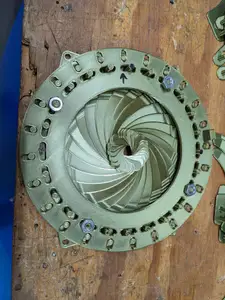
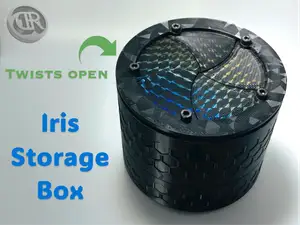

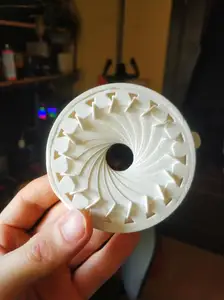
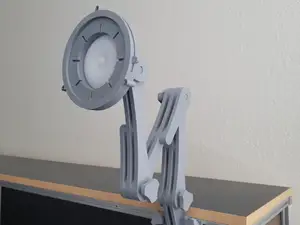
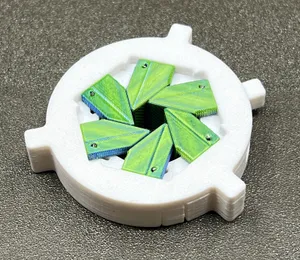
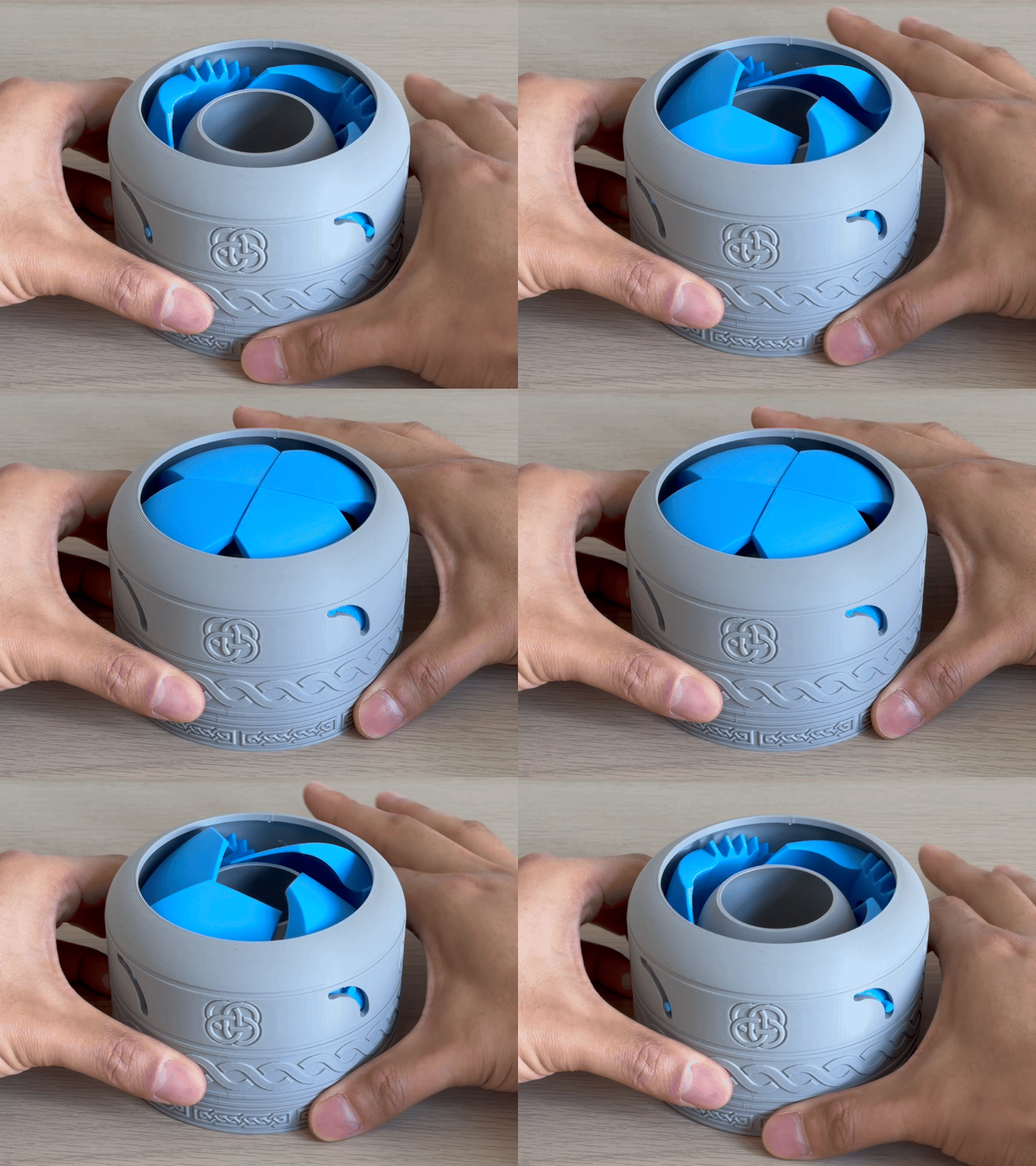
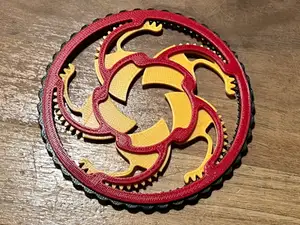
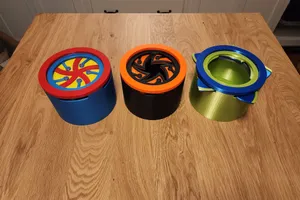
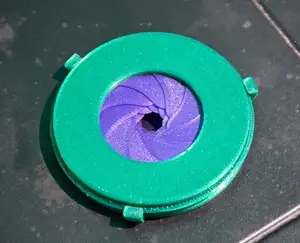
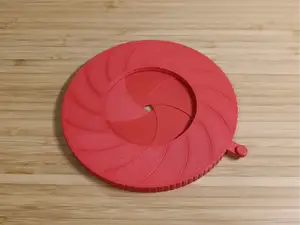
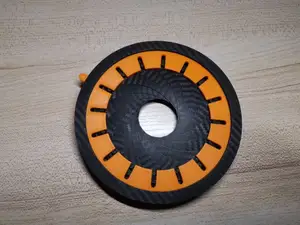
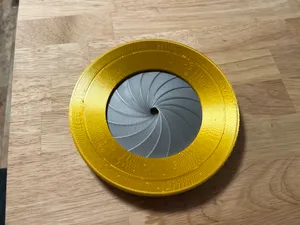
Iris boxes and containers often use overlapping blades that close around a central opening, while fidget versions emphasize repeated turning or snapping motion. Print-in-place mechanisms arrive as a single assembled piece, so the clearances are built into the model. Multi-blade iris mechanisms may include separate parts for the ring, blades and housing, which changes how the model moves and how it is put together.
Before printing, check the listed size and scale, the number of parts and whether assembly is required. Look at whether the author calls for supports, and note the material and settings they list. Photos of real prints can show how the blades sit and how much clearance the mechanism needs.
To narrow the results, try synonyms such as iris box, iris container, expanding mechanism or aperture mechanism. Related searches include print-in-place fidget, planetary iris, ring box and blade mechanism. Adding terms like desk toy, keychain or container can separate display pieces from small interactive models.



The full catalog of topics — from home & household to CNC, searchable across the connected sources.
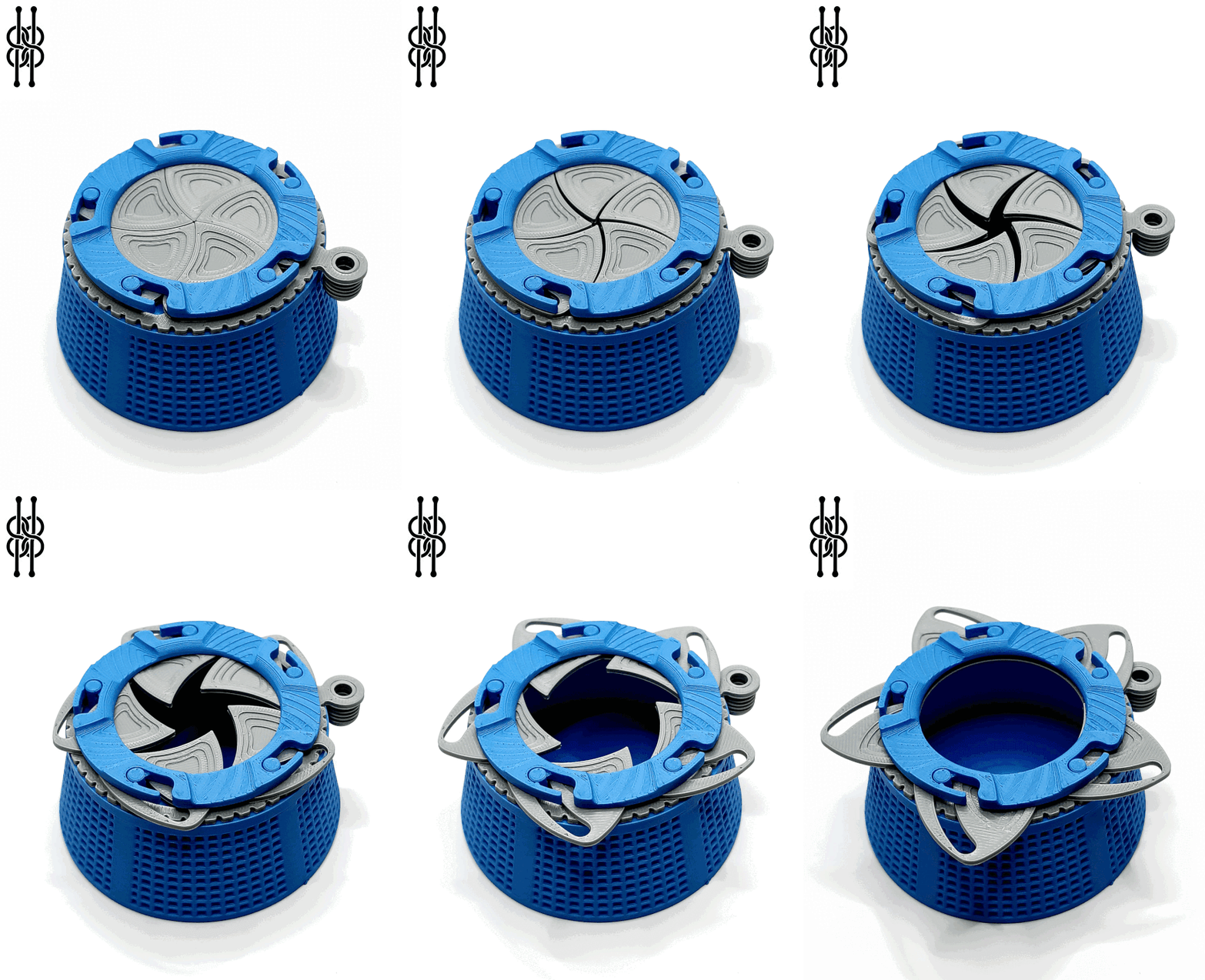
%2Fhttps%3A%2F%2Ffbi.cults3d.com%2Fuploaders%2F13786584%2Fillustration-file%2Fdcd54ad4-4ef5-4f05-bbee-fb17aa7df205%2FIMG_20151124_185505_display_large.jpg&w=640)