
Free 
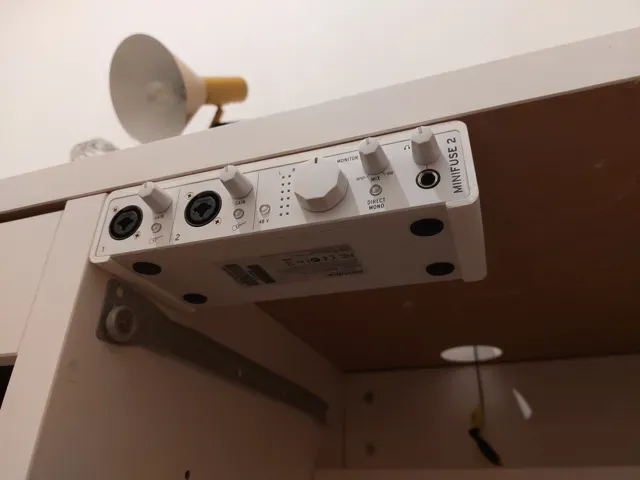
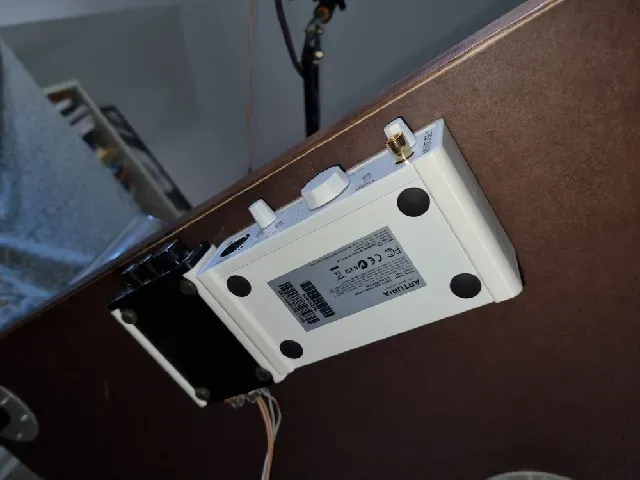
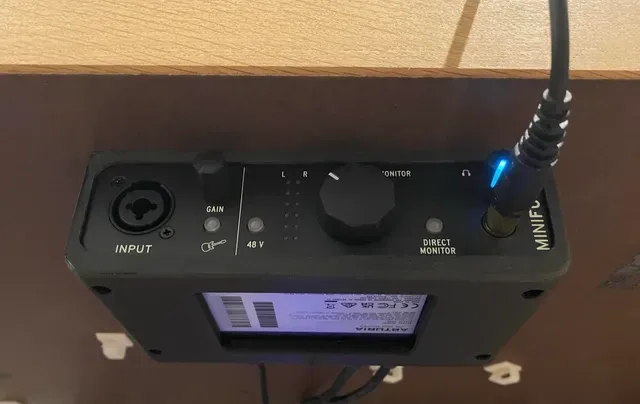
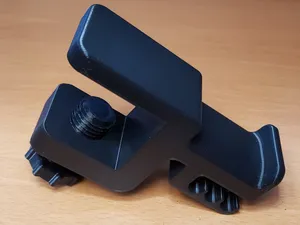
Under desk mount for Arturia Minifuse 2
Printables
This collection gathers 3D models for mounting compact audio interfaces and similar desktop devices. You will find under-desk brackets, shelf adapters, clamp mounts, and wall holders. The files are intended for 3D printing, so you can adapt the placement to your own workspace. Polyzon does not confirm whether models are free, their price, license, official status, affiliation, safety or fitness. Check the current terms at the source.
 A Polyzon collection · 48 models from 6 platforms
Polyzon assembles this collection from search results on the connected platforms. Repeats and models without a preview are removed, weak matches go to the end, and the rest keeps the search order. Models belong to their authors — check the terms on each model's page.
Selection rules: the Polyzon editorial team · Text updated 2026-10-12


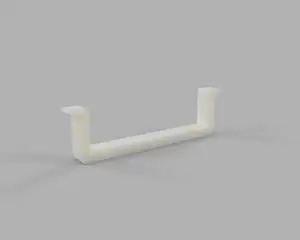


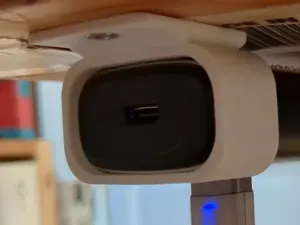


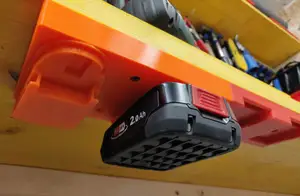
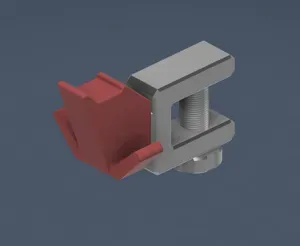

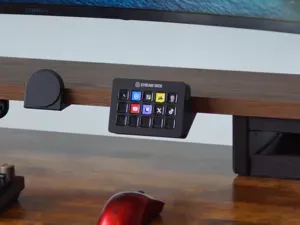
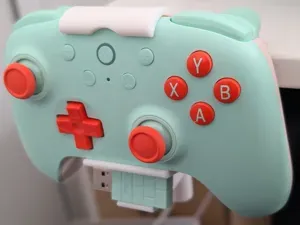
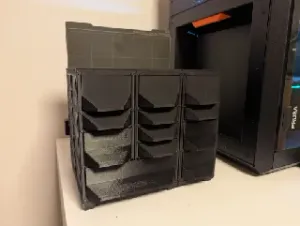
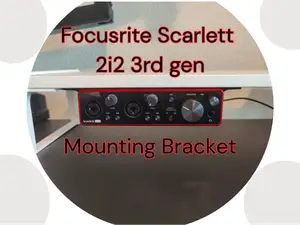

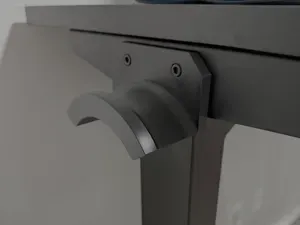

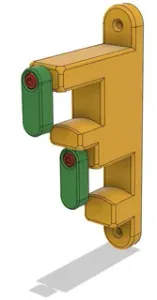
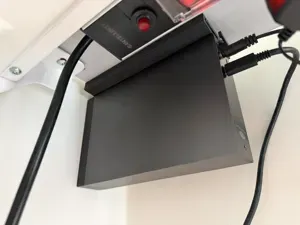

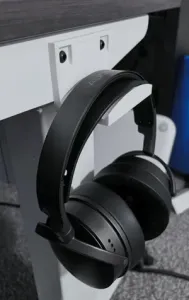
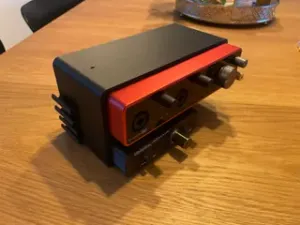


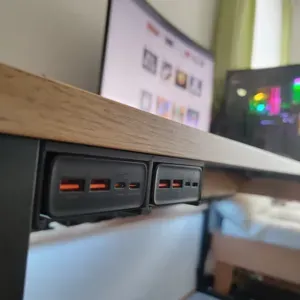
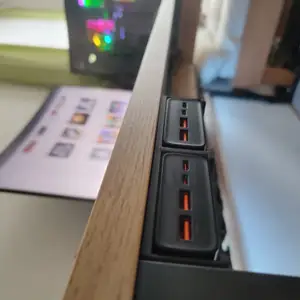
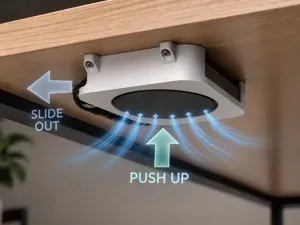
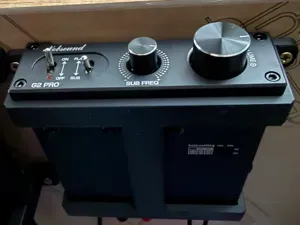

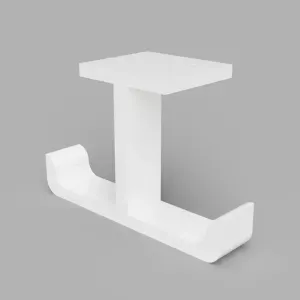
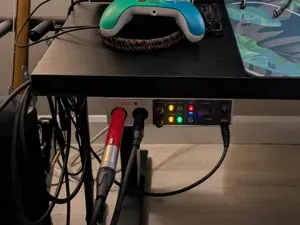
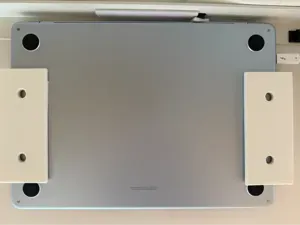
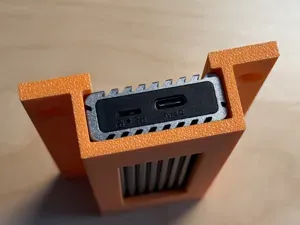

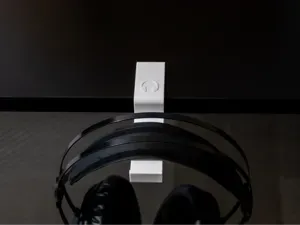
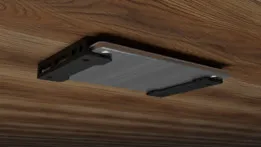
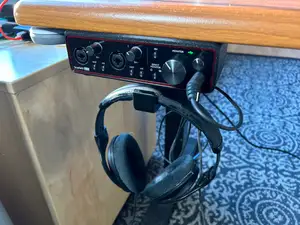
Under-desk mounts place the device below the tabletop, while shelf and stand adapters keep it on the surface. Clamp mounts attach to a table edge, and wall holders move the gear off the desk entirely. Some designs are simple brackets, others include cable clips or a small tray for accessories.
Before printing, check the dimensions and scale of the model against your device, as audio interfaces vary in width and depth. Look at the number of parts and whether assembly is required, and see if the author lists supports or specific material recommendations. Photos of real prints can show how the mount fits and where it contacts the desk or wall.
To find more options, try synonyms like bracket, holder, or stand for your device type. Related searches include under-desk trays, cable management clips, and rack adapters for small studio gear. You can also look for mounts designed for tablets, phones, or other compact electronics that share similar dimensions.




The full catalog of topics — from home & household to CNC, searchable across the connected sources.