Free 
Small Desk Organizer for Flash Drives/Memory cards
Thingiverse
This collection gathers 3D models for organizing USB flash drives, memory cards, and small desk accessories. You will find desktop racks, modular Gridfinity inserts, and compact cases for carrying a few drives. For 3D printing, these models help keep drives from scattering across a workspace. Polyzon does not confirm whether models are free, their price, license, official status, affiliation, safety or fitness. Check the current terms at the source.
 A Polyzon collection · 47 models from 6 platforms
Polyzon assembles this collection from search results on the connected platforms. Repeats and models without a preview are removed, weak matches go to the end, and the rest keeps the search order. Models belong to their authors — check the terms on each model's page.
Selection rules: the Polyzon editorial team · Text updated 2026-10-13


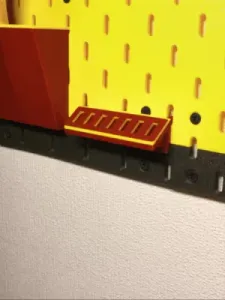
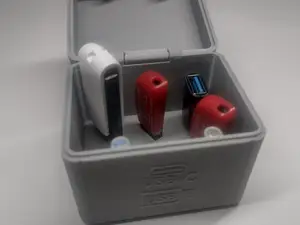

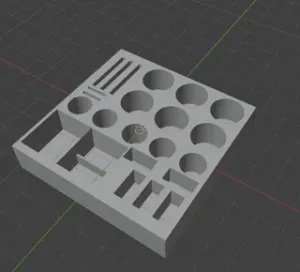
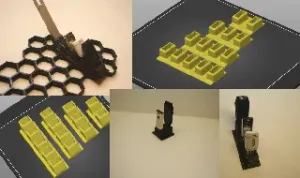
%2Fhttps%3A%2F%2Ffbi.cults3d.com%2Fuploaders%2F14326476%2Fillustration-file%2F05fc800f-d7eb-42c7-a152-afd1e8de12bb%2F107331098_943311429466110_5334877787763062417_n.jpg&w=300)

%2Fhttps%3A%2F%2Ffbi.cults3d.com%2Fuploaders%2F14326476%2Fillustration-file%2Fbdce90d9-37e1-4864-959e-2a443e538df4%2F106999719_1551744844996700_4097710492174797608_n.jpg&w=300)





%2Fhttps%3A%2F%2Ffbi.cults3d.com%2Fuploaders%2F52340746%2Fillustration-file%2Fe876c73d-56c8-47a5-ae23-4924351a6230%2Fusb-drive-dock.png&w=300)
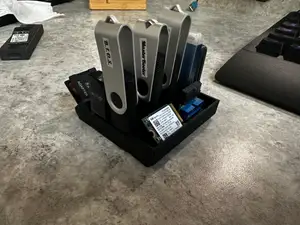
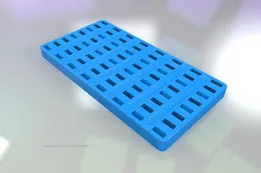


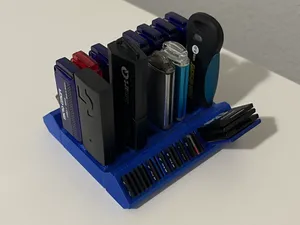

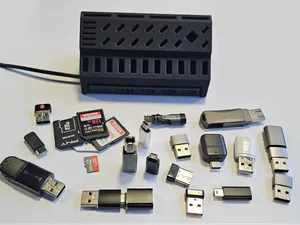

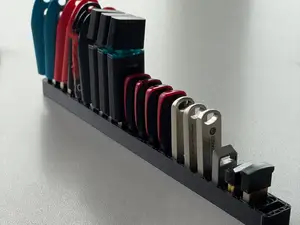
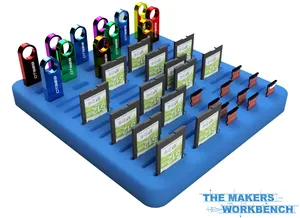
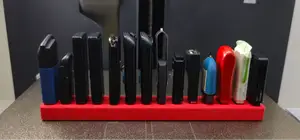
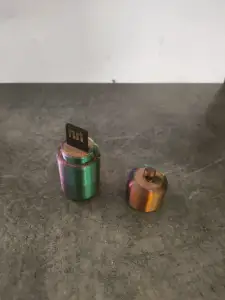

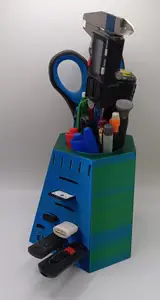
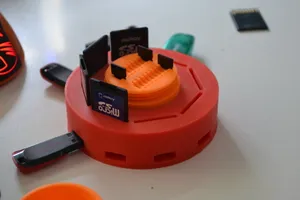
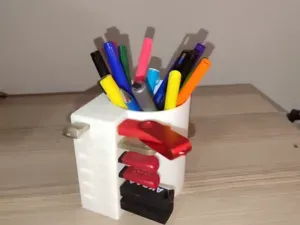
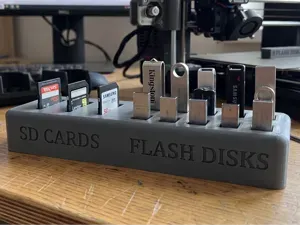

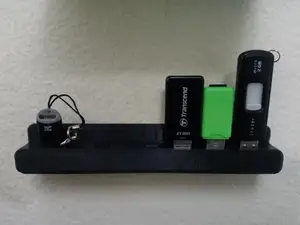
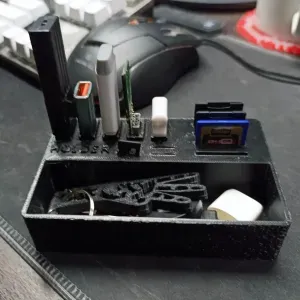

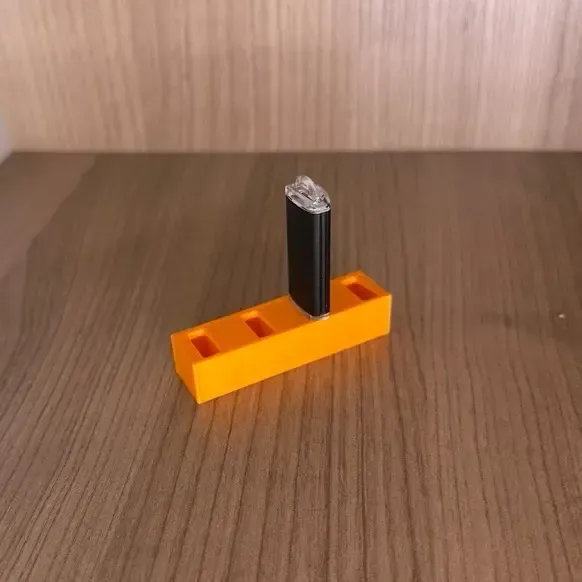
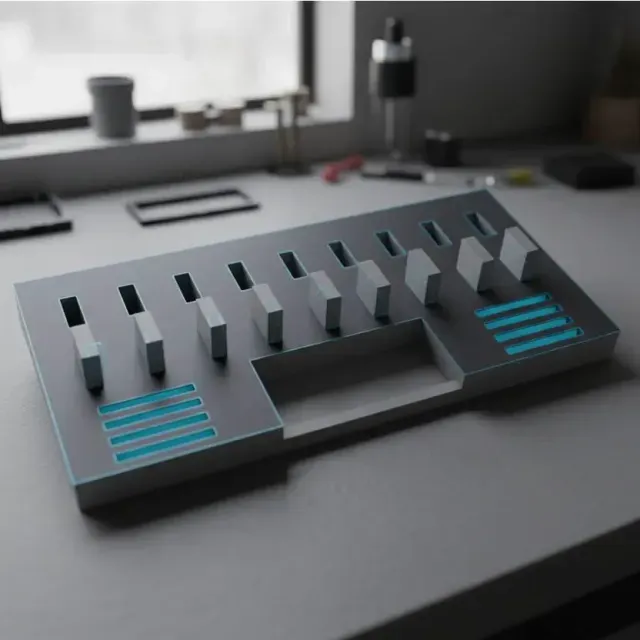
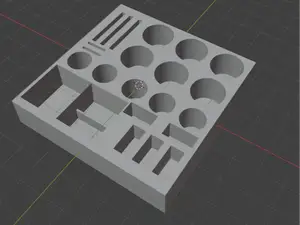
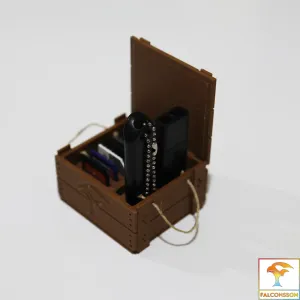
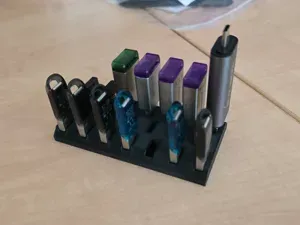
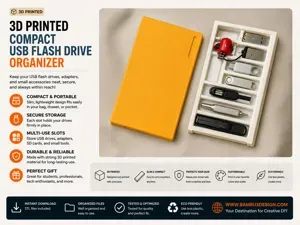
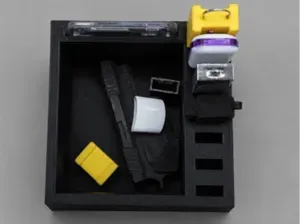
Organizers range from simple trays with cutouts to multi-part stands that hold drives at an angle. Some designs combine slots for USB drives with spaces for SD and microSD cards, while others focus on a single drive size. Gridfinity-based holders use a modular grid, so they can be mixed with other storage bins. Keychain and single-drive cases are smaller and meant for carrying one or two drives.
When choosing a model, check the listed dimensions and the number of parts, since some organizers print as one piece and others need assembly. Look at whether the author mentions supports, and review photos of finished prints to see how drives fit. The material and settings the author lists can affect how the slots hold up over time. If a model is designed for a specific drive shape, compare its inner dimensions with your own drive.
To narrow results, try synonyms like USB holder, flash drive rack, or memory card organizer. Related searches include Gridfinity inserts, desk drawer dividers, and travel cases for drives. You can also search for the type of card, such as SD or microSD, if you need a combined organizer. Adding terms like 'modular' or 'stackable' can help find designs that fit a larger storage system.
%2Fhttps%3A%2F%2Ffbi.cults3d.com%2Fuploaders%2F14593481%2Fillustration-file%2Ff1caba72-2edf-436e-8c2a-5d0c45df5948%2FFront%2520View.jpg&w=300)

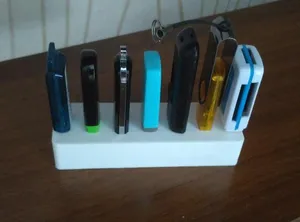


The full catalog of topics — from home & household to CNC, searchable across the connected sources.