
Free 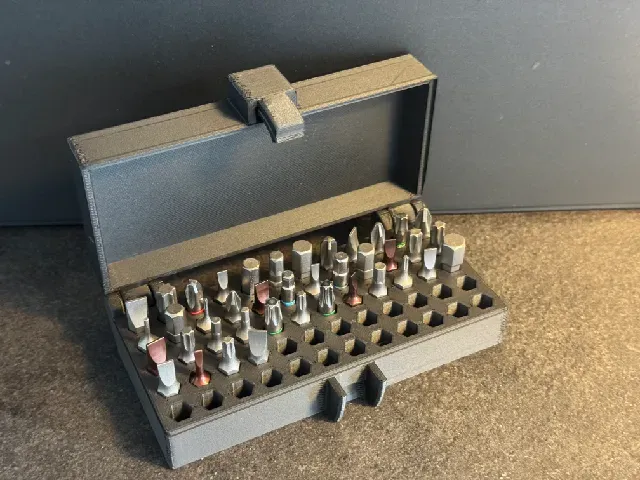
Bit Storage Box – Holds 60 Bits (12x5) – Compact Organizer For Bits
Printables
This collection gathers 3D models that keep screwdriver, hex, drill and router bits in order: wall mounts, slotted boxes, trays and inserts for existing cases. The files are meant for 3D printing, so slot size, wall thickness and lid fit can be adjusted in the slicer or in the source file. It is useful when a loose pile of bits needs a fixed place on a bench or a wall. Polyzon does not confirm whether models are free, their price, license, official status, affiliation, safety or fitness. Check the current terms at the source.
 A Polyzon collection · 48 models from 5 platforms
Polyzon assembles this collection from search results on the connected platforms. Repeats and models without a preview are removed, weak matches go to the end, and the rest keeps the search order. Models belong to their authors — check the terms on each model's page.
Selection rules: the Polyzon editorial team · Text updated 2026-10-16
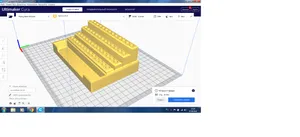

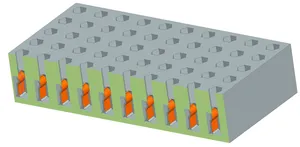
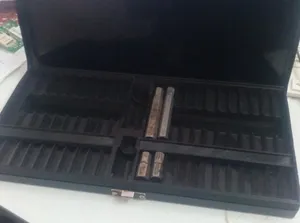


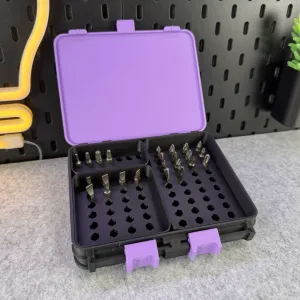
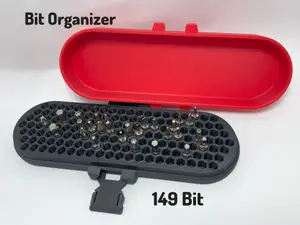
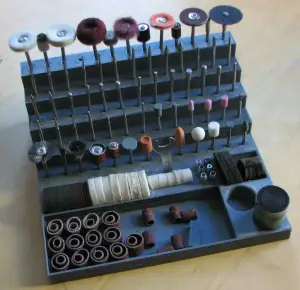


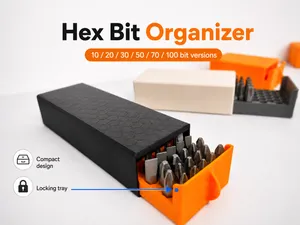


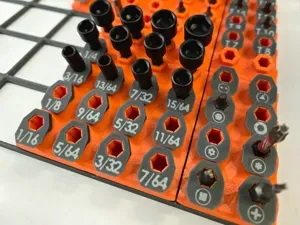


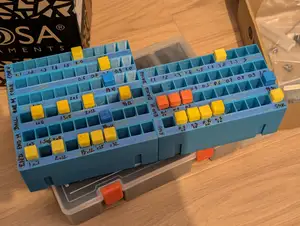


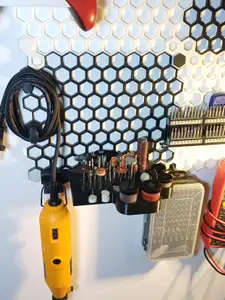

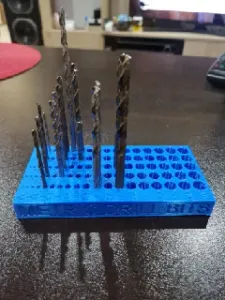

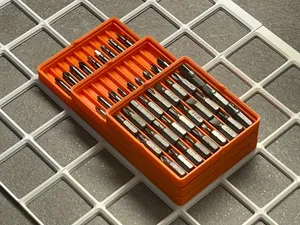
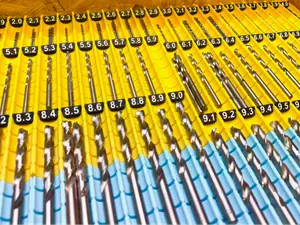


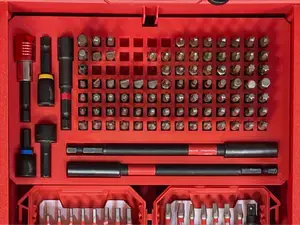


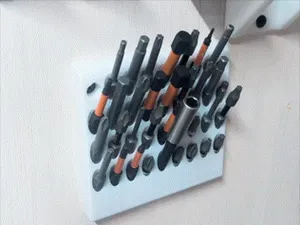
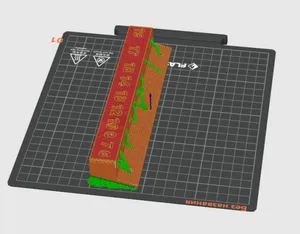
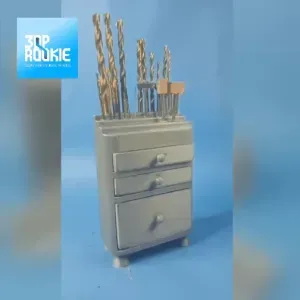


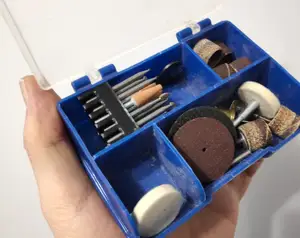

The models differ mainly in how the bits are held and where the organizer lives. Wall-mounted versions use a plate or rail with vertical slots, while box-style organizers close over the bits and often carry a numbered grid for large sets. Inserts and trays are made to drop into a case you already own, and some are parametric so slot count and spacing follow your own measurements.
Before printing, look at the bit shank the model is drawn around: 1/4 inch hex, 6 mm hex, long driver bits and router bits all need different hole depths and clearances. Check the number of parts, whether the design needs supports, and how the lid or rail is fastened. The author's page usually lists material, layer height and photos of finished prints, which show how tightly the bits sit.
To narrow the search, try the terms you would use for the tool rather than the container: bit holder, bit tray, socket strip, drill bit stand, router bit rack, or accessory storage. Adding a size or a shank type, such as 1/4 hex or 6 mm, filters the results further. Related topics include tool box dividers, pegboard holders and drawer inserts.


The full catalog of topics — from home & household to CNC, searchable across the connected sources.