Free 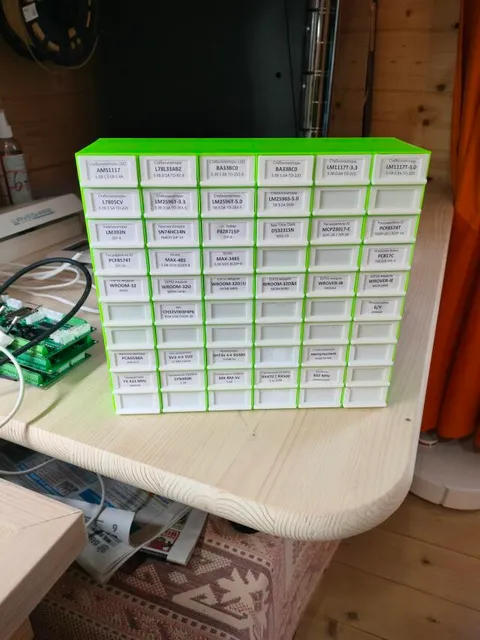
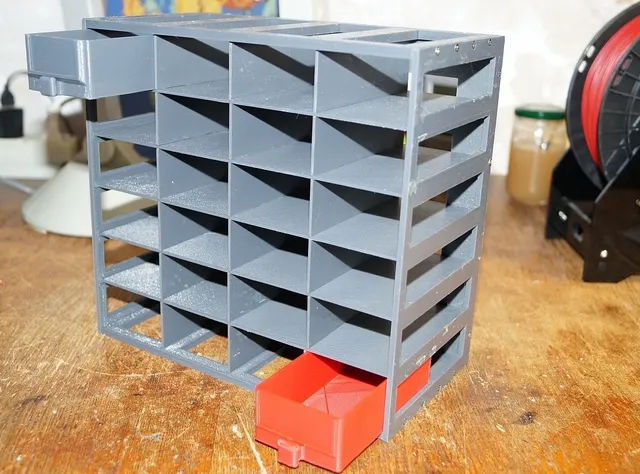
Вертикальная кассетница (органайзер) для радиодеталей
3DToday
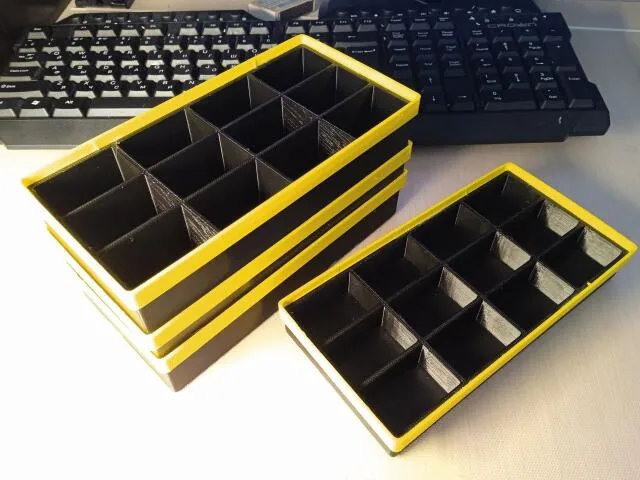
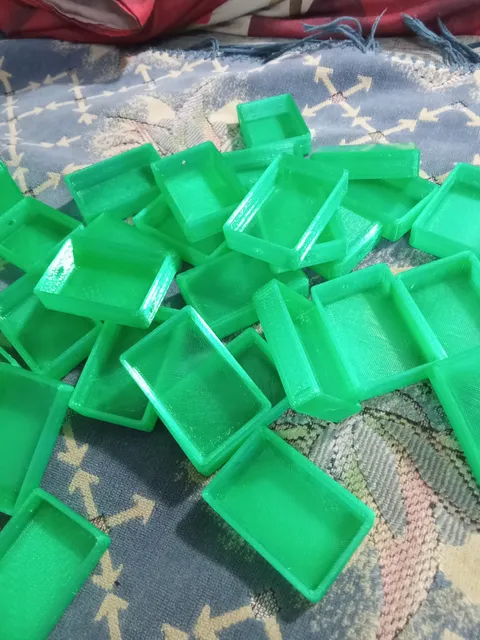
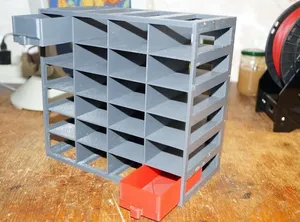
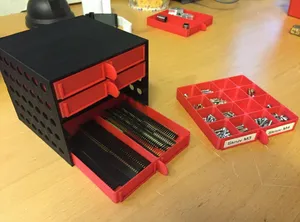
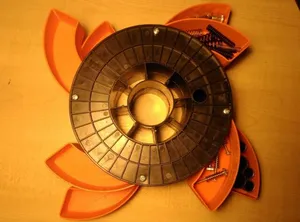
This collection gathers 3D models for storing radio components: vertical cassette racks, modular compartment boxes, small-parts trays and organizers built around empty spools. Most of them are simple parts that a 3D printer handles in one or two pieces. The pages are useful when you want a storage layout that matches your own set of parts instead of a fixed shop tray. Polyzon does not confirm whether models are free, their price, license, official status, affiliation, safety or fitness. Check the current terms at the source.
 A Polyzon collection · 48 models from 5 platforms
Polyzon assembles this collection from search results on the connected platforms. Repeats and models without a preview are removed, weak matches go to the end, and the rest keeps the search order. Models belong to their authors — check the terms on each model's page.
Selection rules: the Polyzon editorial team · Text updated 2026-10-11


%2Fhttps%3A%2F%2Ffbi.cults3d.com%2Fuploaders%2F13701891%2Fillustration-file%2F6bf84fef-5c98-463b-8db5-1ee8a3b2baa7%2F1.JPG&w=300)

%2Fhttps%3A%2F%2Ffbi.cults3d.com%2Fuploaders%2F14711738%2Fillustration-file%2F04291c02-1d5e-48ee-b0e3-3244d6ba211d%2F01.jpg&w=300)
%2Fhttps%3A%2F%2Ffbi.cults3d.com%2Fuploaders%2F13876574%2Fillustration-file%2F3a7f237d-eab0-4da6-9e40-b6404020a14f%2FScreenshot_8.png&w=300)
%2Fhttps%3A%2F%2Ffbi.cults3d.com%2Fuploaders%2F13874668%2Fillustration-file%2F4987e9a3-b92a-4e0e-9278-1d5d1596801b%2FToolrack01.JPG&w=300)
%2Fhttps%3A%2F%2Ffbi.cults3d.com%2Fuploaders%2F18851714%2Fillustration-file%2F23e761b9-d188-4186-a184-3e65c674258d%2FIMG_2385_Large.jpg&w=300)

%2Fhttps%3A%2F%2Ffbi.cults3d.com%2Fuploaders%2F13495371%2Fillustration-file%2F9397d00c-dcad-4d25-bd4f-a221e26acc96%2FBatteryOrganizer01.JPG&w=300)
%2Fhttps%3A%2F%2Ffbi.cults3d.com%2Fuploaders%2F15539170%2Fillustration-file%2F3410cac2-bd40-4905-9714-fc4ddf4b608c%2F199442803_2797389890521931_6114418672310636446_n.jpg&w=300)
%2Fhttps%3A%2F%2Ffbi.cults3d.com%2Fuploaders%2F12894095%2Fillustration-file%2F1467897681-29883-1567%2FCapture_d_e_cran_2016-07-07_a__15.19.28.png&w=300)
%2Fhttps%3A%2F%2Ffbi.cults3d.com%2Fuploaders%2F13340224%2Fillustration-file%2Fbde58188-4fdc-40e6-9211-ffc1069b8f90%2F1fce3f81933ce5d75c8d2e9df2a2395c_preview_featured.JPG&w=300)

%2Fhttps%3A%2F%2Ffbi.cults3d.com%2Fuploaders%2F13318510%2Fillustration-file%2F80792315-2e52-40ed-8280-1e23fd7c7f65%2FCASE3.jpg&w=300)
%2Fhttps%3A%2F%2Ffbi.cults3d.com%2Fuploaders%2F13382683%2Fillustration-file%2F976224ee-b87a-448d-9024-9b683b8a05ce%2FIMG_20180108_122908.jpg&w=300)
%2Fhttps%3A%2F%2Ffbi.cults3d.com%2Fuploaders%2F15163005%2Fillustration-file%2Fc4924c08-d18d-4eda-a200-1f45f3c0bb26%2FIMG_0866.gif&w=300)
%2Fhttps%3A%2F%2Ffbi.cults3d.com%2Fuploaders%2F13315202%2Fillustration-file%2F9f305705-b54d-4a20-9682-22ac5626e65f%2F3.jpg&w=300)

%2Fhttps%3A%2F%2Ffbi.cults3d.com%2Fuploaders%2F13326710%2Fillustration-file%2F06bba77e-9aa7-4b4a-a514-a4c0a708f09d%2FIMG_20180612_193143.jpg&w=300)
%2Fhttps%3A%2F%2Ffbi.cults3d.com%2Fuploaders%2F15558457%2Fillustration-file%2Fa6cf53d7-d620-4f3f-8f3c-e52271ab9cdc%2F11.JPG&w=300)
%2Fhttps%3A%2F%2Ffbi.cults3d.com%2Fuploaders%2F14056156%2Fillustration-file%2Fc2f66939-798a-437f-ae18-236f78484698%2FOP_01.jpg&w=300)

%2Fhttps%3A%2F%2Ffbi.cults3d.com%2Fuploaders%2F13784597%2Fillustration-file%2Fa60ce223-b1f4-4f26-aab8-88061042a163%2F5468f717a8f309ae1a98edad2e118436.png&w=300)
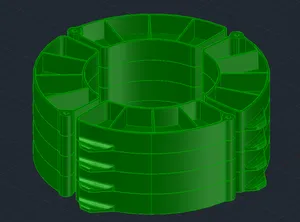
%2Fhttps%3A%2F%2Ffbi.cults3d.com%2Fuploaders%2F14036203%2Fillustration-file%2F6ba3fa6a-e838-4b69-bdc0-5244d822dc65%2FWall_Mount_Tool_Caddy_Holder.jpg&w=300)
%2Fhttps%3A%2F%2Ffbi.cults3d.com%2Fuploaders%2F15448410%2Fillustration-file%2Ff7fa90f6-5340-420d-beb6-6248eab980ac%2FMonopoly_Deed_Organizer_1.jpg&w=300)

%2Fhttps%3A%2F%2Ffbi.cults3d.com%2Fuploaders%2F13951552%2Fillustration-file%2F0de774b4-98b7-48fb-9593-96ce52a3717b%2FCoffee%2520Sugar%2520Containers_6.jpg&w=300)
%2Fhttps%3A%2F%2Ffbi.cults3d.com%2Fuploaders%2F14324891%2Fillustration-file%2Fc7d05c41-ee5c-46b5-8381-d2993b60ea37%2FIMGP1723.jpg&w=300)
%2Fhttps%3A%2F%2Ffbi.cults3d.com%2Fuploaders%2F13635847%2Fillustration-file%2Ff55dd86d-4972-4a2c-8fa5-ba03d26af518%2F1.jpg&w=300)
%2Fhttps%3A%2F%2Ffbi.cults3d.com%2Fuploaders%2F13528167%2Fillustration-file%2F2bb766e0-1230-497f-b396-04868e9e508d%2Ff3ccdd27d2000e3f9255a7e3e2c48800_display_large.jpg&w=300)

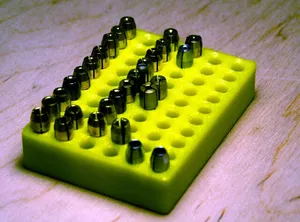
%2Fhttps%3A%2F%2Ffbi.cults3d.com%2Fuploaders%2F16239151%2Fillustration-file%2F5f91cc22-653c-4578-ba1c-b3a002ffd85f%2Fimage.jpg&w=300)
%2Fhttps%3A%2F%2Ffbi.cults3d.com%2Fuploaders%2F17866704%2Fillustration-file%2F9feb0516-20ca-4945-b979-03b687e41793%2FScreenshot_2020-06-19_at_18.18.57.png&w=300)
%2Fhttps%3A%2F%2Ffbi.cults3d.com%2Fuploaders%2F18946904%2Fillustration-file%2F445576bd-f960-4200-912a-2b01d98292d8%2Fyon05ek7.jpg&w=300)

%2Fhttps%3A%2F%2Ffbi.cults3d.com%2Fuploaders%2F14324891%2Fillustration-file%2Fb42210a9-ca71-459c-abba-4d827b025540%2FIMGP1824.jpg&w=300)
%2Fhttps%3A%2F%2Ffbi.cults3d.com%2Fuploaders%2F13453560%2Fillustration-file%2F6f332d6f-5277-49cd-838a-b5be554b6caf%2F20180526_203417.jpg&w=300)
%2Fhttps%3A%2F%2Ffbi.cults3d.com%2Fuploaders%2F15396875%2Fillustration-file%2Fc88fbe50-e6ef-4991-89fb-7bbd6f73286b%2FHexagon%2520Pen%2520Holder%2520v11.png&w=300)
The models differ mainly in how the parts are held. Cassette racks keep reels and taped strips upright and readable, compartment boxes group loose components by value or type, and flat trays work for mixed small items. Spool-based designs reuse an empty filament spool as the body, so the storage footprint follows the spool diameter.
Before printing, look at the author's page for the outer dimensions, wall thickness and the number of separate parts, since a box that looks compact in a render can be deep once assembled. Check whether the lids, hinges or dividers need supports, and which material and layer height the author lists. For thin dividers and snap fits, a filament that does not brittle over time is usually a better starting point than a stiff decorative one.
Labels matter as much as the geometry, so look for models with flat front faces or label slots that you can write on. If the results are thin, try related wording such as component storage, electronic parts box, SMD tray, resistor organizer or drawer insert, and add the size you need, for example AA battery or spool. Searching for the storage type rather than the exact contents often turns up more variants.

%2Fhttps%3A%2F%2Ffbi.cults3d.com%2Fuploaders%2F14866159%2Fillustration-file%2Fbbd18f20-3e32-4565-9fc0-728a3c791017%2FP1014190.jpg&w=300)


The full catalog of topics — from home & household to CNC, searchable across the connected sources.