Free 
Cable organizer
Thingiverse
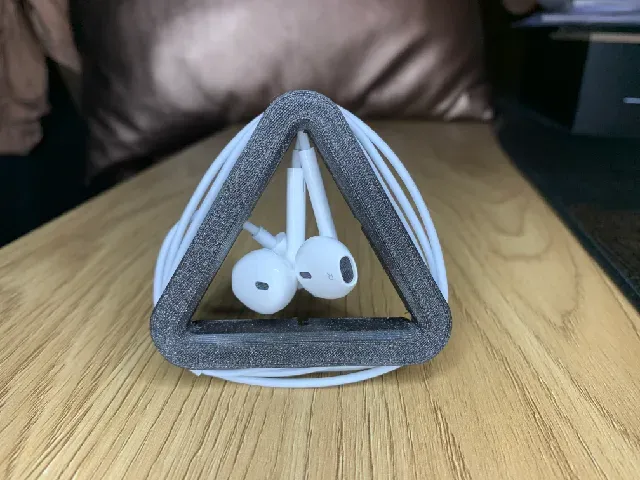
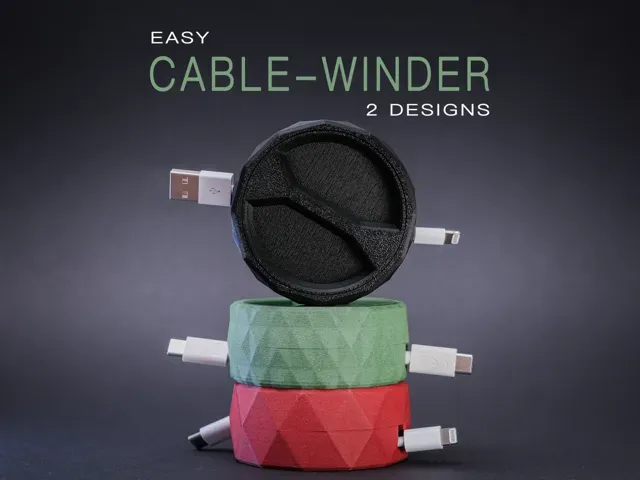
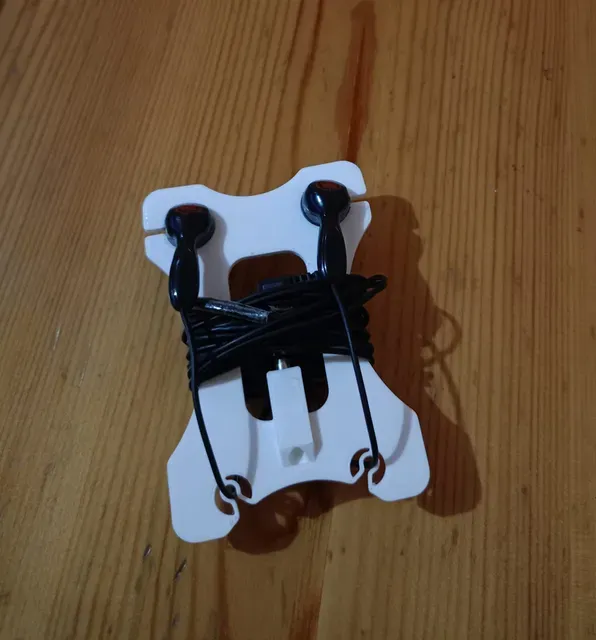
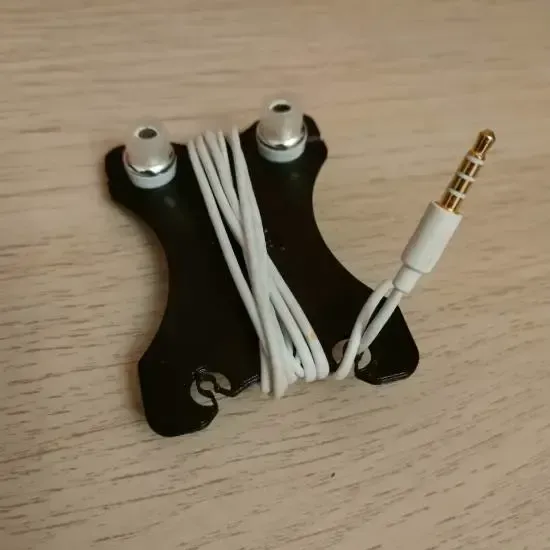
This collection gathers STL files for keeping headphone and charging cables in order: winders, desk clips, hangers and small cases. It helps you pick a shape that matches a desk, a bag or a shelf before you start 3D printing. Most of the parts are small, so they fit on a standard 3D printer bed. Polyzon does not confirm whether models are free, their price, license, official status, affiliation, safety or fitness. Check the current terms at the source.
 A Polyzon collection · 48 models from 4 platforms
Polyzon assembles this collection from search results on the connected platforms. Repeats and models without a preview are removed, weak matches go to the end, and the rest keeps the search order. Models belong to their authors — check the terms on each model's page.
Selection rules: the Polyzon editorial team · Text updated 2026-10-13
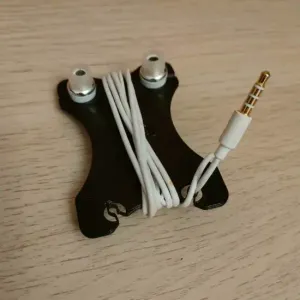

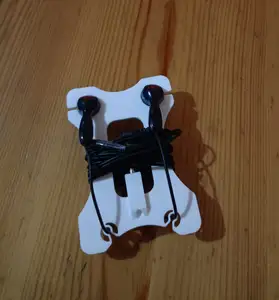
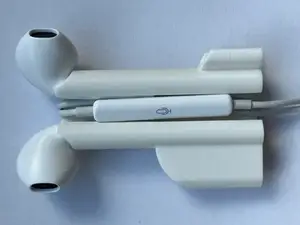
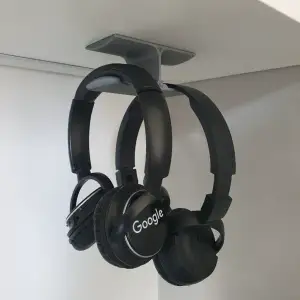

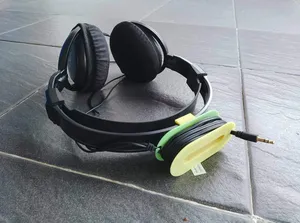
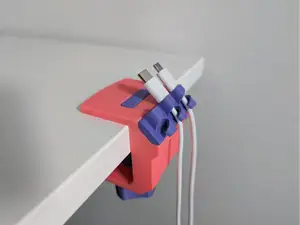

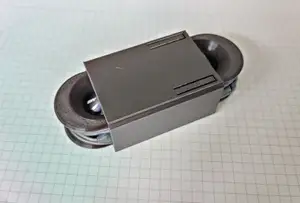
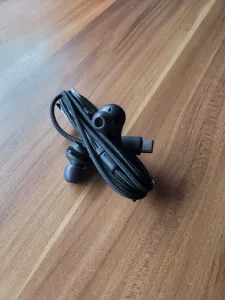

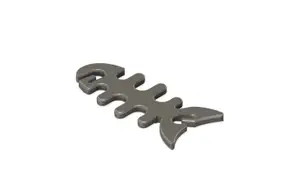
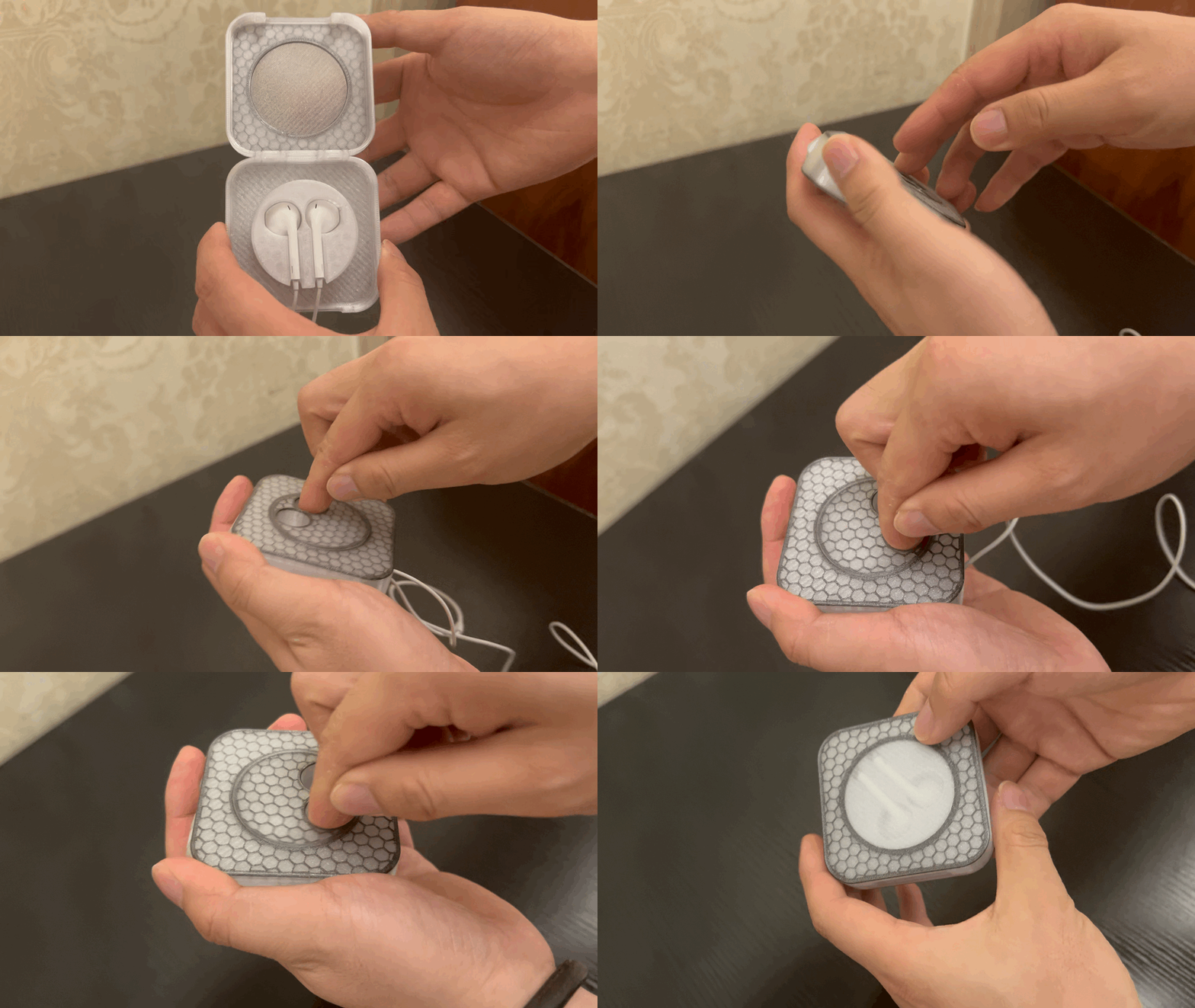
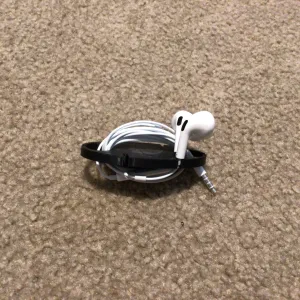

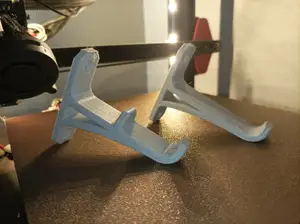
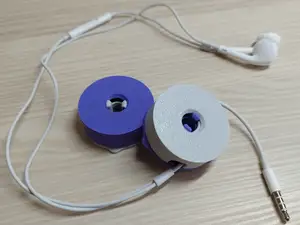
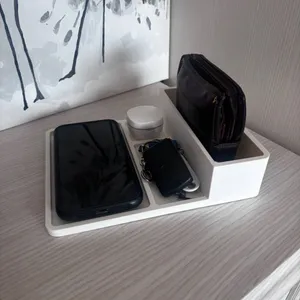

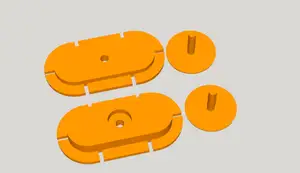
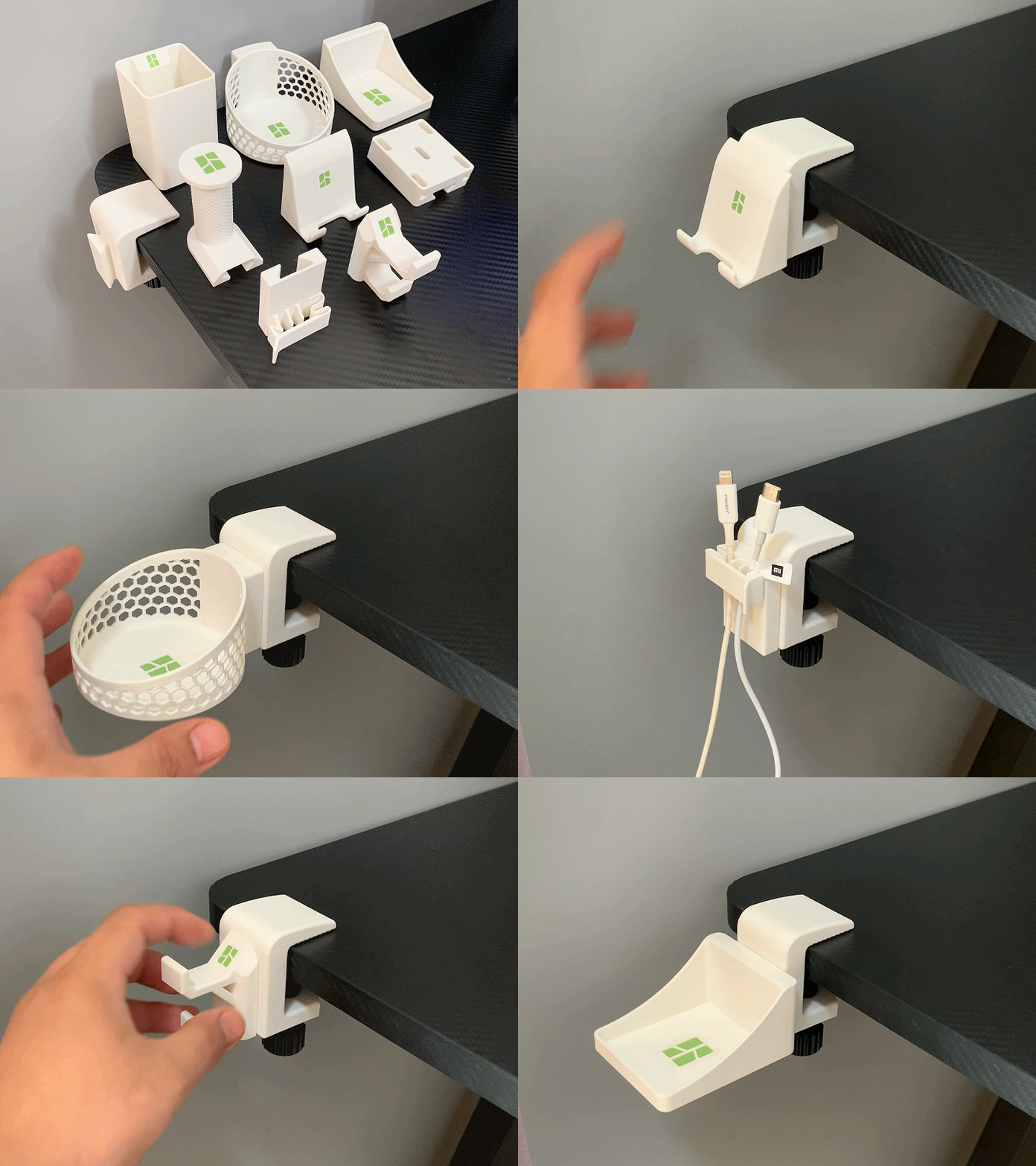
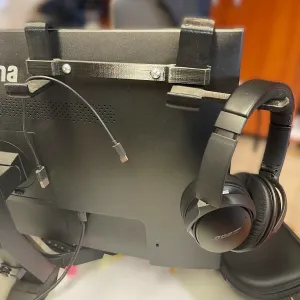


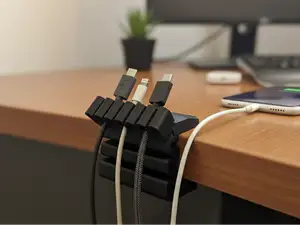
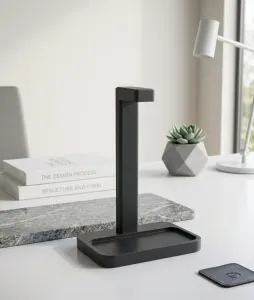

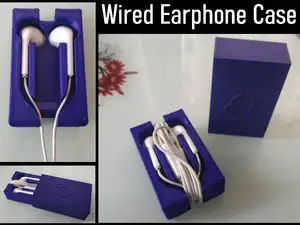
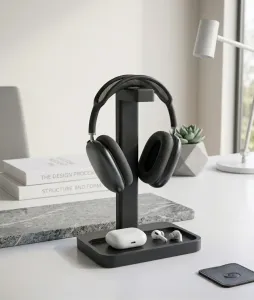


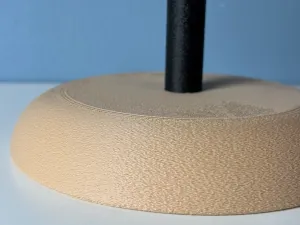

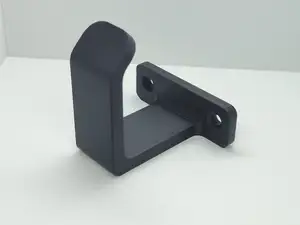
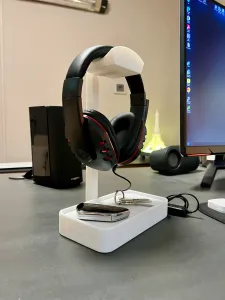
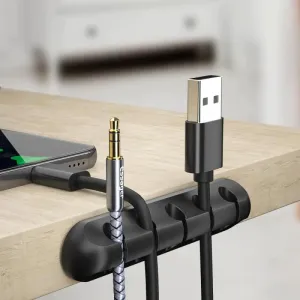
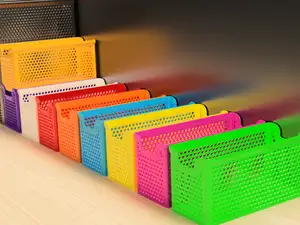
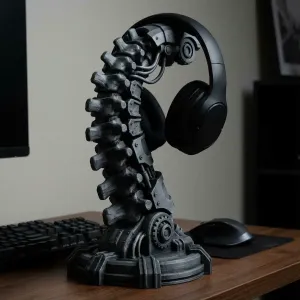

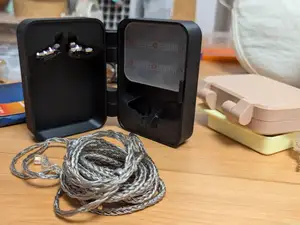
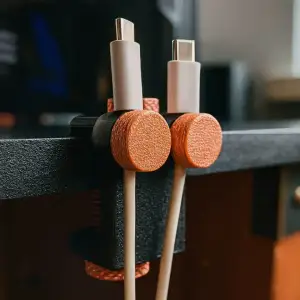

The models fall into a few groups. Winders and spools coil a cable around a core, while clips and clamps grip a tabletop edge or a cable itself. Hangers and under-shelf mounts hold a headset out of the way, and small cases or earphone holders protect earbuds in a pocket or bag. Some files are parametric, so the same design can be adjusted to a different cable thickness or desk edge.
Before printing, look at the dimensions on the model page and compare them with the cable diameter and the surface you want to attach the part to. Check how many separate pieces the organizer has and whether they snap, slide or screw together, since that affects assembly. The author usually lists the material and settings used, and photos of real prints show how a clip or hinge behaves in practice. If a part has overhangs, the page often states whether supports are needed.
Search results widen if you try other names for the same object: cable management, cord keeper, wire holder, headset stand, earphone case or desk organizer. Related topics such as travel accessories, USB cables, gaming setups or desk storage often contain usable shapes as well. Combining a material or a mounting type with the word STL usually narrows the list faster than a single broad phrase.



The full catalog of topics — from home & household to CNC, searchable across the connected sources.