
Free 
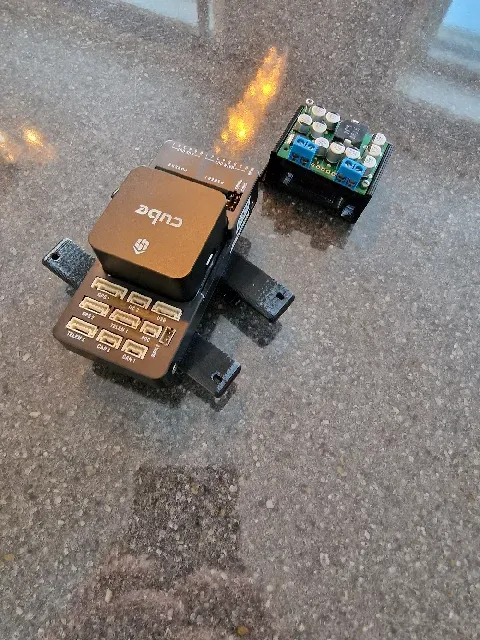
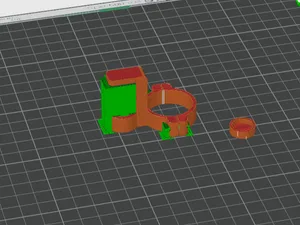
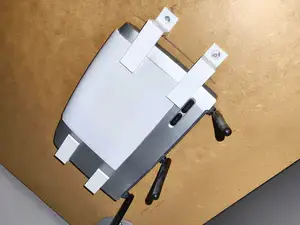
F450 Pixhawk4 GPS Mount
Thingiverse
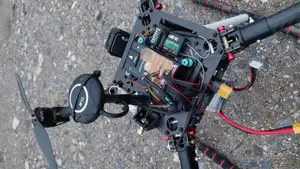
This collection gathers STL files for mounting Pixhawk 4 autopilots on multirotor frames. You will find GPS brackets, anti-vibration plates, cases and compact stack adapters. It helps when you need to fit an autopilot to an existing frame or tray. Polyzon does not confirm whether models are free, their price, license, official status, affiliation, safety or fitness. Check the current terms at the source.
 A Polyzon collection · 48 models from 4 platforms
Polyzon assembles this collection from search results on the connected platforms. Repeats and models without a preview are removed, weak matches go to the end, and the rest keeps the search order. Models belong to their authors — check the terms on each model's page.
Selection rules: the Polyzon editorial team · Text updated 2026-10-12

%2Fhttps%3A%2F%2Ffbi.cults3d.com%2Fuploaders%2F28082277%2Fillustration-file%2F8068ae23-0061-45fc-abc9-da76e2a89756%2FWhatsApp_Image_2024-10-14_at_06.01.11.jpeg&w=300)

%2Fhttps%3A%2F%2Ffbi.cults3d.com%2Fuploaders%2F17227178%2Fillustration-file%2Fba7e1196-de52-4fcf-b9ae-ae89f7280d30%2F7d20377f-fb99-49f6-9f48-f0f0d54418fd.png&w=300)
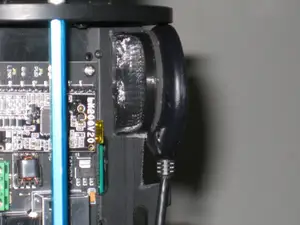

%2Fhttps%3A%2F%2Ffbi.cults3d.com%2Fuploaders%2F17101372%2Fillustration-file%2Ff703ae84-33c4-458b-9f69-4dbdfd5bbb94%2FPhotoroom-20241208_195538.png&w=300)
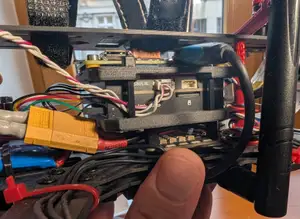
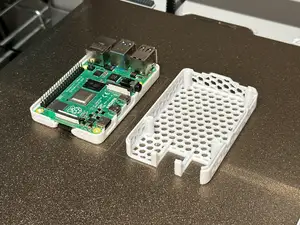

%2Fhttps%3A%2F%2Ffbi.cults3d.com%2Fuploaders%2F17227178%2Fillustration-file%2Fb97a3f6e-d0f2-4f01-abc7-9979f2ce9d83%2F5ef193a7-960b-4882-9c28-eb43075193f1.png&w=300)
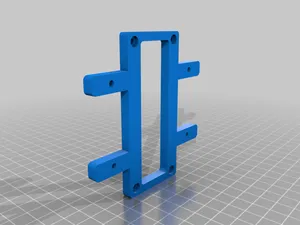

%2Fhttps%3A%2F%2Ffbi.cults3d.com%2Fuploaders%2F15496892%2Fillustration-file%2Fd9175897-e93b-4513-9b4c-84db27e2ee9f%2FIMG_20250204_215201_102.jpg&w=300)
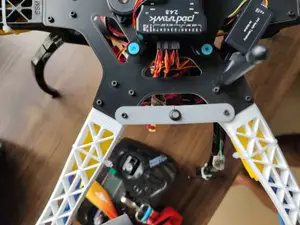


%2Fhttps%3A%2F%2Ffbi.cults3d.com%2Fuploaders%2F31463622%2Fillustration-file%2F68c101f4-611d-487d-a834-c1b1d56ee058%2F1713639333214.jpg&w=300)

%2Fhttps%3A%2F%2Ffbi.cults3d.com%2Fuploaders%2F13851829%2Fillustration-file%2F08e87267-3314-457b-bed6-8961c70dfc3a%2FIMG_7628.JPG&w=300)

%2Fhttps%3A%2F%2Ffbi.cults3d.com%2Fuploaders%2F26928774%2Fillustration-file%2F4bd25dd9-34c0-423f-95de-fc4d4e5f7ac1%2Fd6764a49ece02dc8bf19badc14aeadf0.png&w=300)

%2Fhttps%3A%2F%2Ffbi.cults3d.com%2Fuploaders%2F29940362%2Fillustration-file%2Fcbec7cf1-5d52-474e-bec7-81af5a9dcfca%2FDSC_0376.JPG&w=300)

%2Fhttps%3A%2F%2Ffbi.cults3d.com%2Fuploaders%2F17101372%2Fillustration-file%2Fc2301f0f-e434-44c3-b09a-2e939481ab8c%2F466108625_1321469785674383_5704377743548178372_n.jpg&w=300)
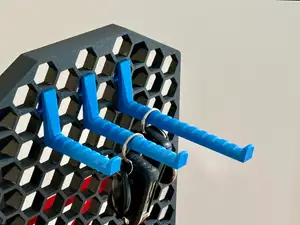

%2Fhttps%3A%2F%2Ffbi.cults3d.com%2Fuploaders%2F23341018%2Fillustration-file%2F74f37908-672e-4a0d-bbad-506b8086420d%2Faa1996344bad718b2c7b0056297f015a.png&w=300)
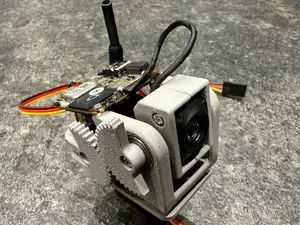

%2Fhttps%3A%2F%2Ffbi.cults3d.com%2Fuploaders%2F29940362%2Fillustration-file%2F2213de2f-c4e9-4504-897d-59140f7a0a05%2FDSC_0442.JPG&w=300)
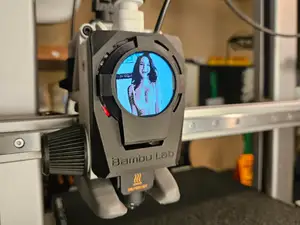

%2Fhttps%3A%2F%2Ffbi.cults3d.com%2Fuploaders%2F26954196%2Fillustration-file%2Fac47e920-e00f-4679-94f3-4e26b453f6ec%2FDSC_0065%255B1.JPG&w=300)
Mounts in this topic range from simple flat plates and low-profile brackets to enclosed cases and damped platforms. Some designs hold only the autopilot, while others combine the flight controller with a GPS module, power module or companion board. Frame-specific brackets and rail or tray adapters appear alongside more universal mounting plates.
Before printing, check the hole pattern, overall footprint and clearance for cables and connectors on the author's page. Look at the number of parts, whether screws or inserts are required, and whether the model needs supports. The material and settings the author lists matter for vibration damping and for parts that sit close to power electronics.
To narrow the search, try terms such as autopilot mount, flight controller bracket, GPS mast, anti-vibration plate, or rail adapter. Related searches include case, enclosure, tray, stack mount and frame bracket. If you use a particular frame layout, add that layout or frame family to the query rather than a single model name.


The full catalog of topics — from home & household to CNC, searchable across the connected sources.
%2Fhttps%3A%2F%2Ffbi.cults3d.com%2Fuploaders%2F27682403%2Fillustration-file%2F3e2cf08e-6a0b-409c-a828-ac13705b54f4%2Fa20ce693-758e-4ab5-bf69-364458f7ee8c.jpg&w=640)