
Free 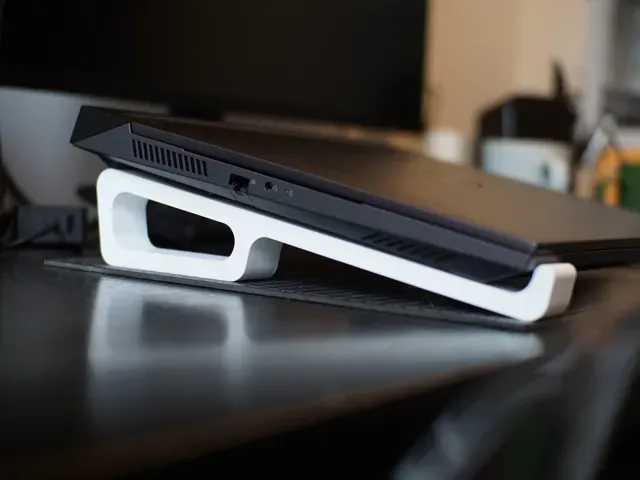
笔记本电脑支架 Laptop Stand
MakerWorld
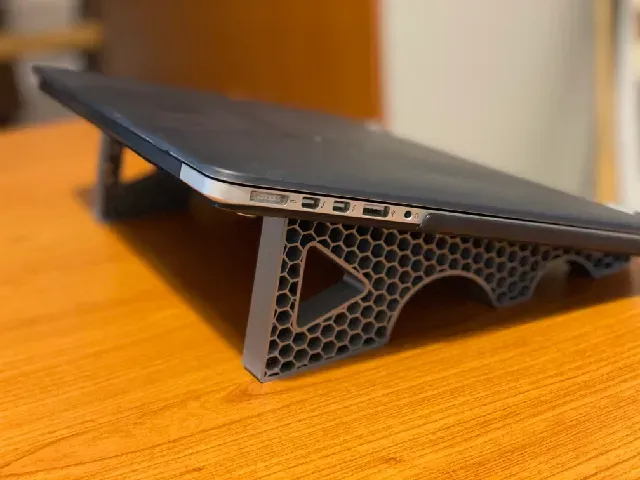
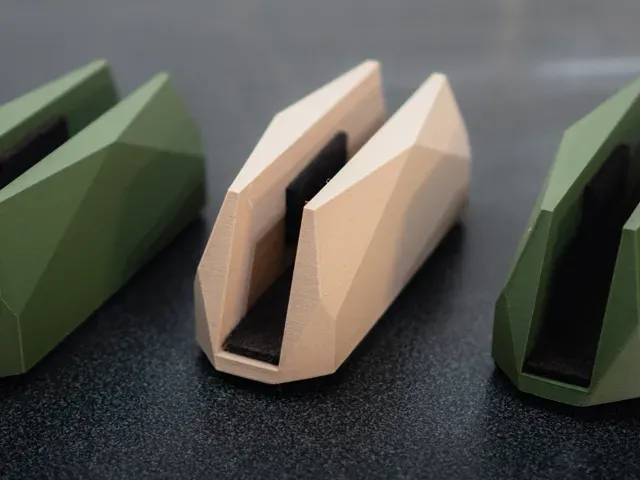
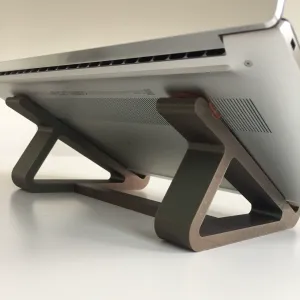
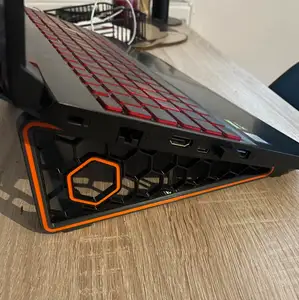
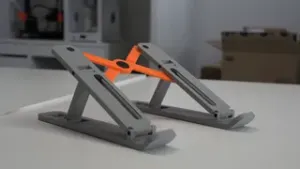
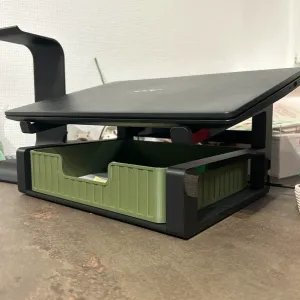
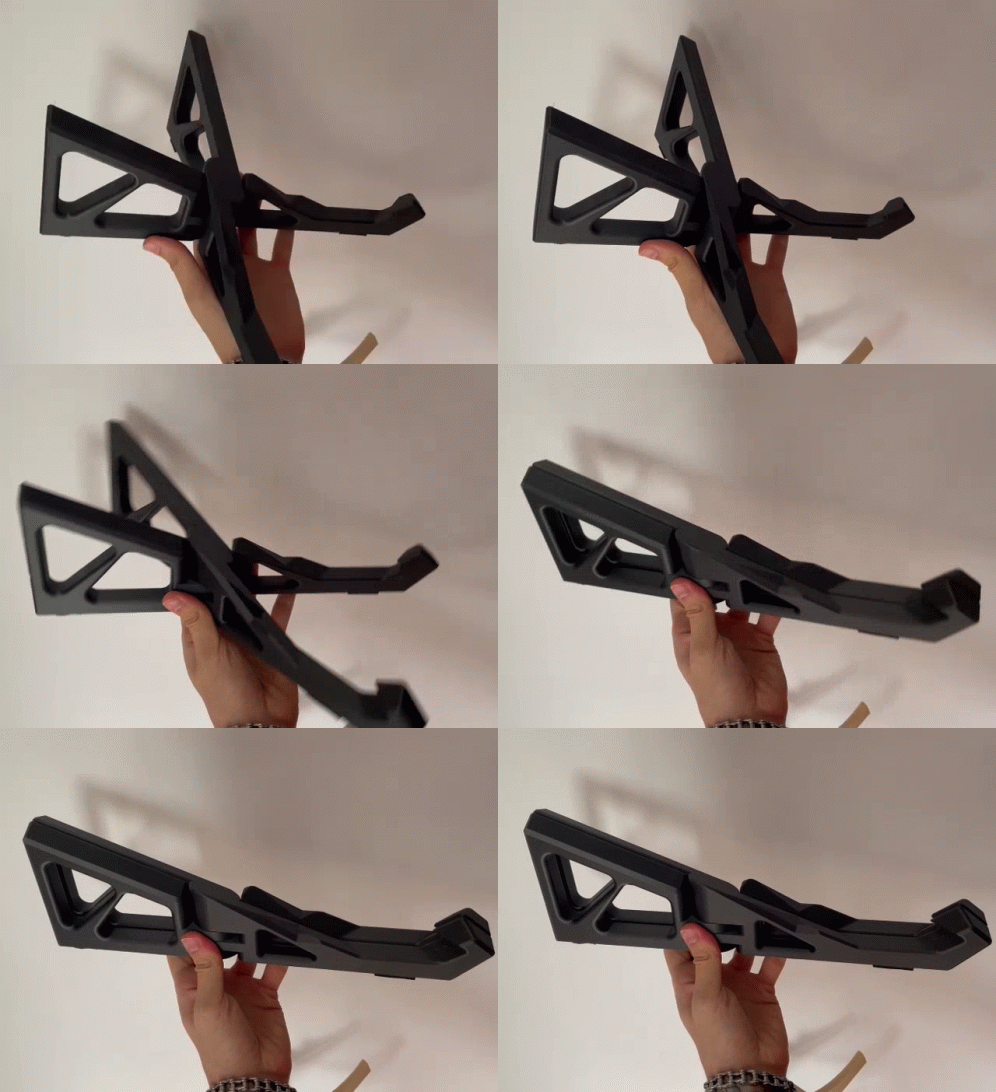
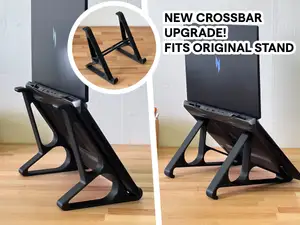
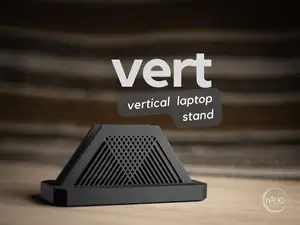
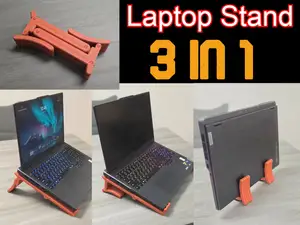
This collection gathers STL files for laptop stands in several styles, from upright storage holders to travel-friendly folding frames. You will find single and double layouts, plus designs that integrate cord channels, small drawers, or extra shelves. Use the results to compare geometries before sending a file to your 3D printer. Polyzon does not confirm whether models are free, their price, license, official status, affiliation, safety or fitness. Check the current terms at the source.
 A Polyzon collection · 48 models from 6 platforms
Polyzon assembles this collection from search results on the connected platforms. Repeats and models without a preview are removed, weak matches go to the end, and the rest keeps the search order. Models belong to their authors — check the terms on each model's page.
Selection rules: the Polyzon editorial team · Text updated 2026-10-09







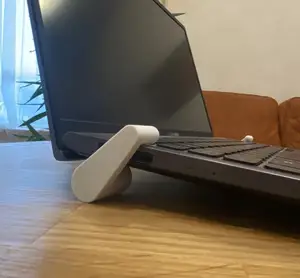
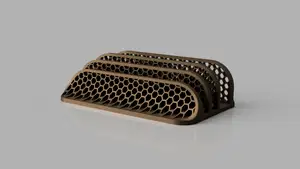
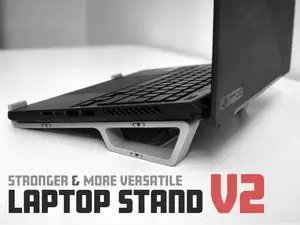


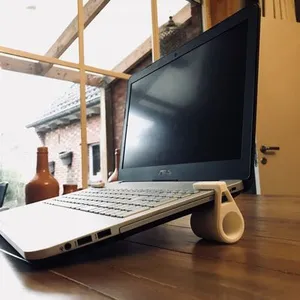




%2Fhttps%3A%2F%2Ffbi.cults3d.com%2Fuploaders%2F15048846%2Fillustration-file%2F75bc316b-1290-46b5-a617-ab8b351ea2f3%2FFoto%25203.png&w=300)

%2Fhttps%3A%2F%2Ffbi.cults3d.com%2Fuploaders%2F13260866%2Fillustration-file%2F5cf827fa-2f52-4826-9bc0-86bd6a716561%2FCults-Laptop-stand-2u-logo2.jpg&w=300)
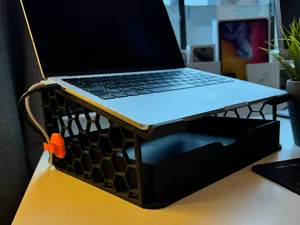


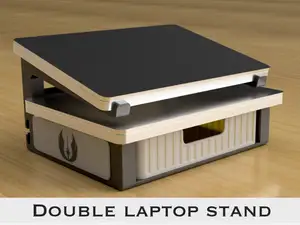

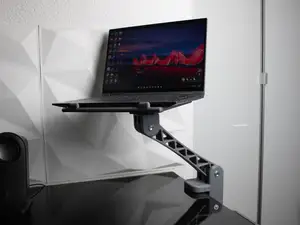


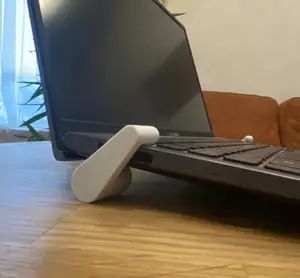

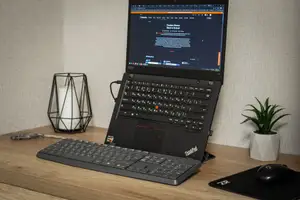
%2Fhttps%3A%2F%2Ffbi.cults3d.com%2Fuploaders%2F14279097%2Fillustration-file%2F0595c2f5-7c5c-4087-b672-85872c26094a%2F29cc6591e2da7aec567e0220afc7689a_preview_featured.jpg&w=300)
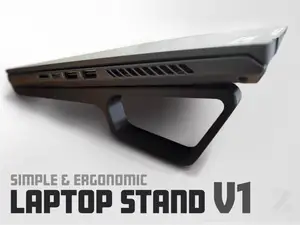
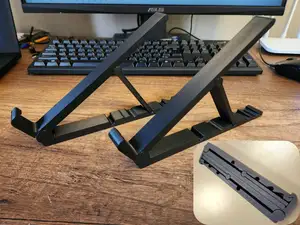

Vertical stands keep a closed laptop upright on a desk, while portable and foldable frames are meant to be carried in a bag and assembled on demand. Double stands hold two machines side by side or in a stack, and some models add trays, drawers, or cable clips for extra organization. Parametric and customizable files let you adjust width or angle to match a specific device.
Before downloading, check the source page for the overall footprint and whether the model is printed in one piece or split into parts. Look at the recommended material and layer height, and inspect pictures of actual prints to see surface quality and fit. Some frames need supports or have moving joints, so read the assembly notes to understand what is required after printing.
If you need a different form factor, try synonyms such as notebook holder, laptop riser, or laptop mount. You can also search for related topics like tablet stand, phone dock, or desk organizer to find designs that combine several functions in one STL file.


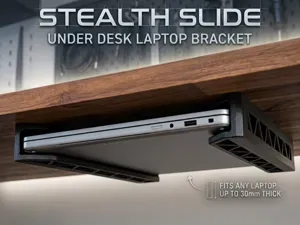

The full catalog of topics — from home & household to CNC, searchable across the connected sources.