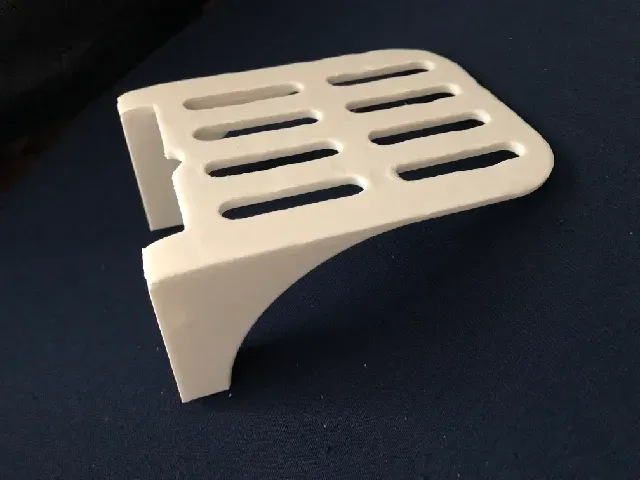

Free 
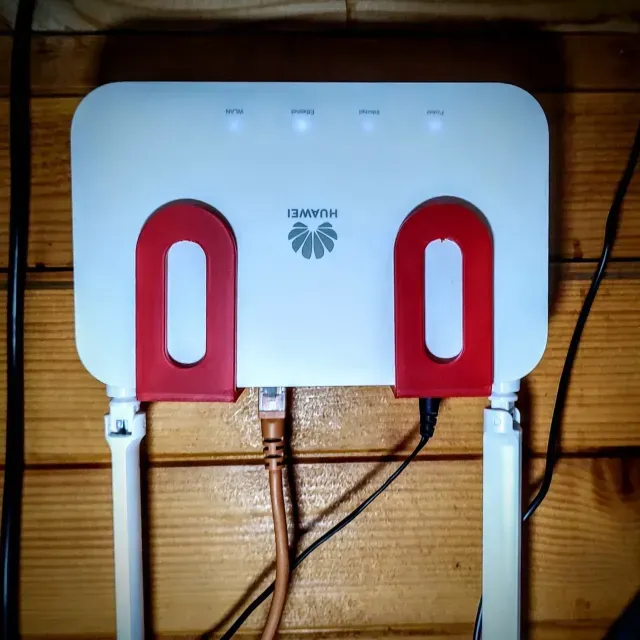
Starlink Router Shelf
Thingiverse
This collection gathers 3D models for holding a router, modem or home hub on a wall, under a desk or on an existing shelf. The files range from simple brackets to vented trays and adjustable shelf fittings, so you can pick a shape that matches your device and the space you have. Each listing is a starting point for 3D printing, and the details that matter are on the author's model page. Polyzon does not confirm whether models are free, their price, license, official status, affiliation, safety or fitness. Check the current terms at the source.
 A Polyzon collection · 48 models from 7 platforms
Polyzon assembles this collection from search results on the connected platforms. Repeats and models without a preview are removed, weak matches go to the end, and the rest keeps the search order. Models belong to their authors — check the terms on each model's page.
Selection rules: the Polyzon editorial team · Text updated 2026-10-13

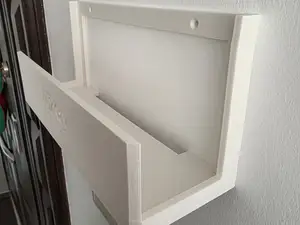
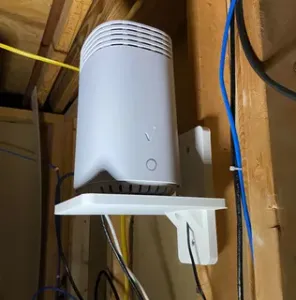
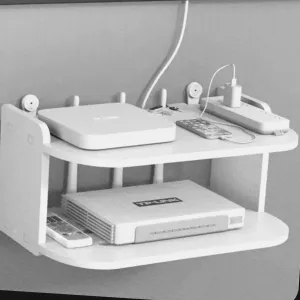
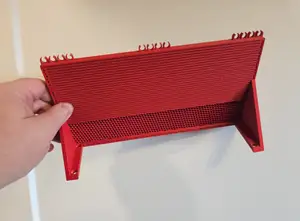

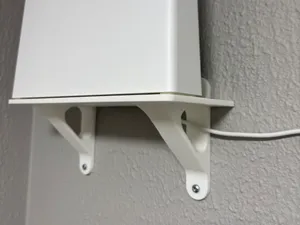
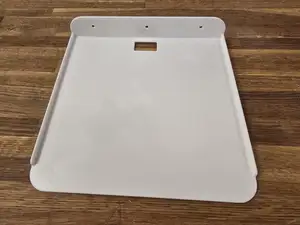
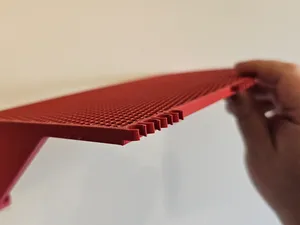


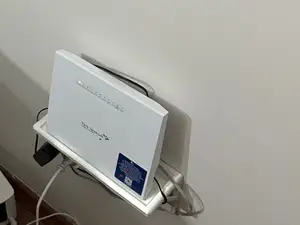
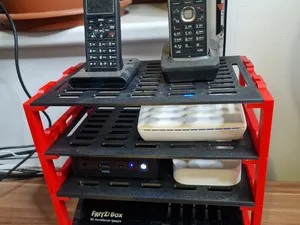
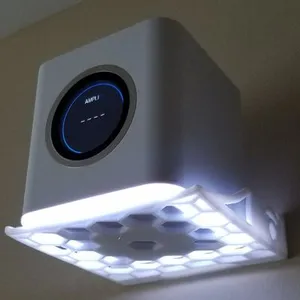
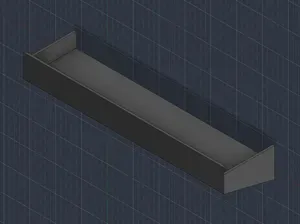

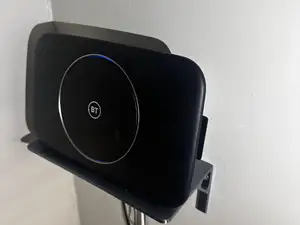
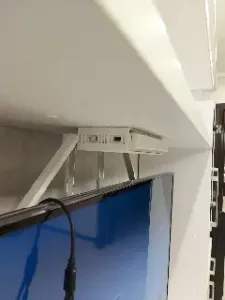

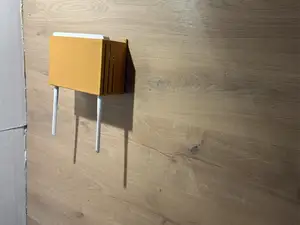

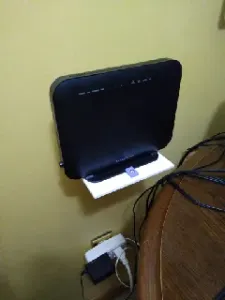
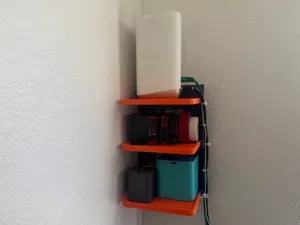
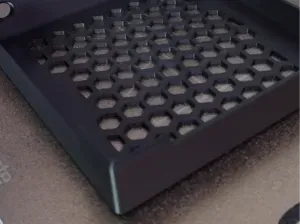
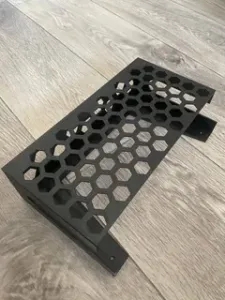

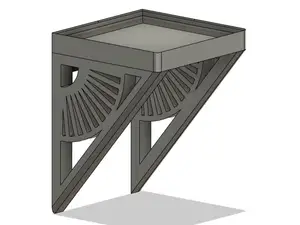


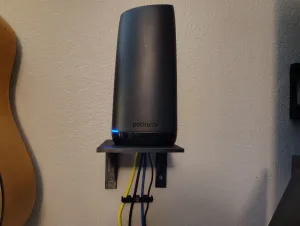


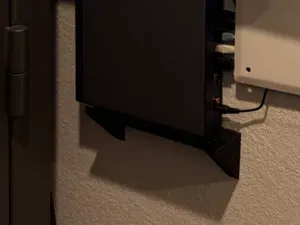
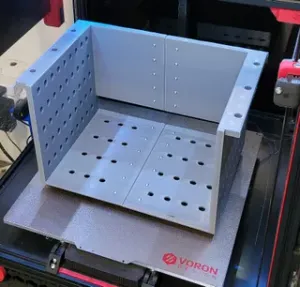


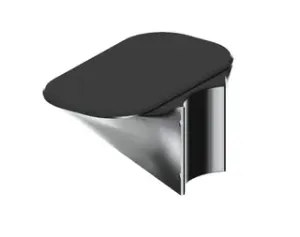
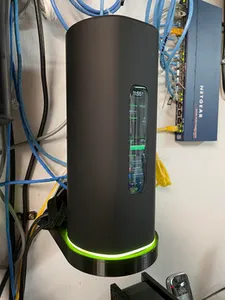

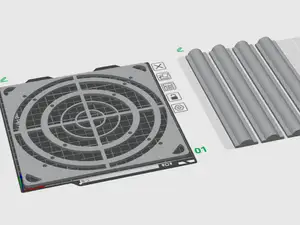

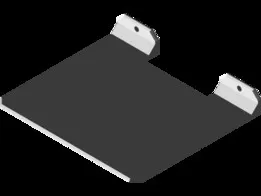

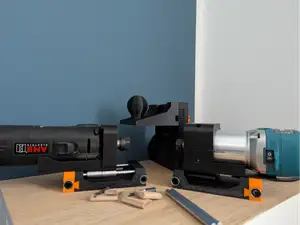
The most common type is a wall-mounted shelf or bracket that lifts the router off a surface and keeps cables out of the way. Vented trays follow the same idea but leave openings so warm air can escape around a modem or a router that runs continuously. There are also shelves shaped around mesh nodes and smart home hubs, which are often smaller and lighter than a full-size router.
Before printing, compare the footprint and height in the description with the actual device, including antennas and the power connector. Check how the model is fixed to the wall or shelf, how many separate parts it has and whether they need glue, screws or inserts. Look at the material and settings the author lists, and at photos of real prints, since thin walls and long unsupported spans behave differently in different filaments.
If the results feel narrow, try other terms for the same object: router holder, modem bracket, wall mount, network shelf, or the name of the device family you own. Related searches such as cable management, desk organizer or shelf pin jig often surface parts that work alongside a router shelf. Adding a size or a mounting type to the query usually narrows the list faster than browsing.

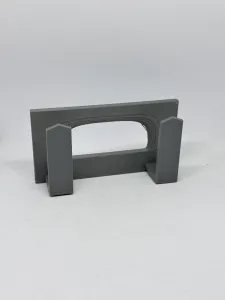

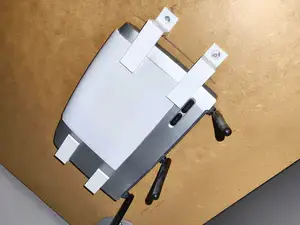
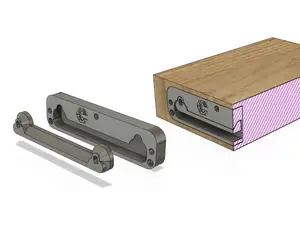
%2Fhttps%3A%2F%2Ffbi.cults3d.com%2Fuploaders%2F50237797%2Fillustration-file%2F9d75ea1f-eae4-43cb-bfd1-24bae677735b%2F19.jpg&w=300)
The full catalog of topics — from home & household to CNC, searchable across the connected sources.
%2Fhttps%3A%2F%2Ffbi.cults3d.com%2Fuploaders%2F14001460%2Fillustration-file%2F8301f8d2-595a-4a68-97ad-f44f1a7b8b34%2Febe357d4f8d0ba962ca883e047ecda90_display_large.jpg&w=640)