
Free 
Wall mounted remote holder for 2 remotes
Thingiverse
This collection gathers STL files for stands and holders that organize two remote controls. It covers wall-mounted racks, desktop trays, and modular designs that can be adapted to different remote sizes. Use it to find a 3D printing project for tidying a media area or bedside table. Polyzon does not confirm whether models are free, their price, license, official status, affiliation, safety or fitness. Check the current terms at the source.
 A Polyzon collection · 48 models from 3 platforms
Polyzon assembles this collection from search results on the connected platforms. Repeats and models without a preview are removed, weak matches go to the end, and the rest keeps the search order. Models belong to their authors — check the terms on each model's page.
Selection rules: the Polyzon editorial team · Text updated 2026-10-13



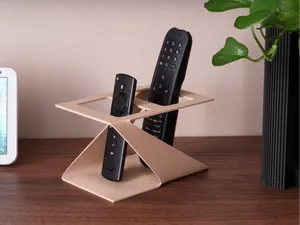
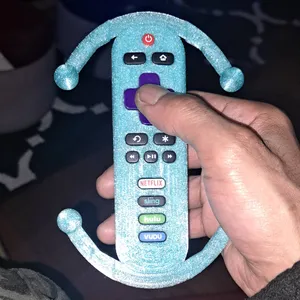

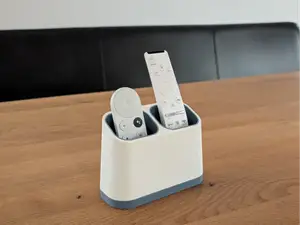
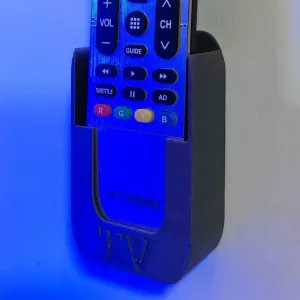

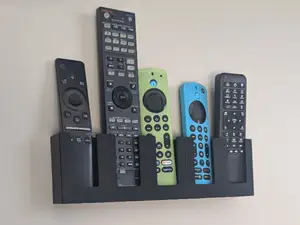
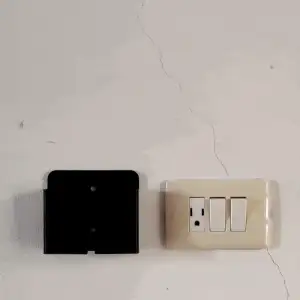

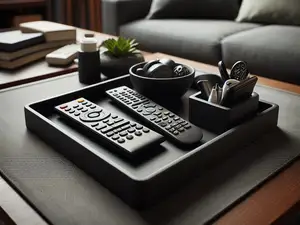
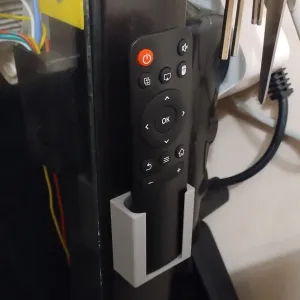

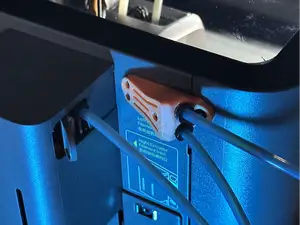
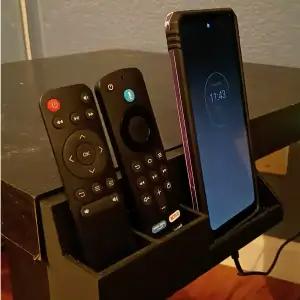

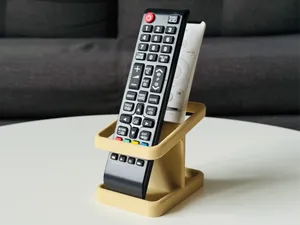



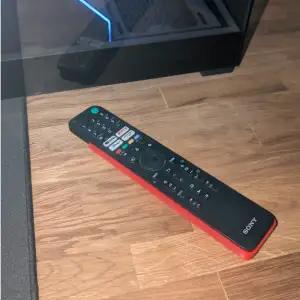


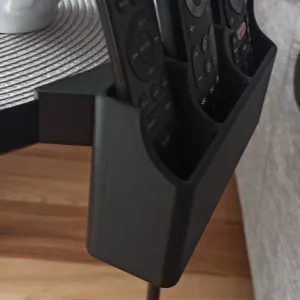

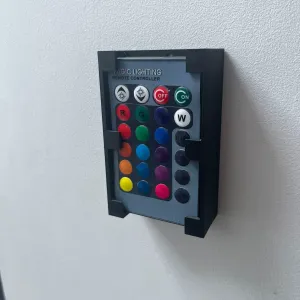


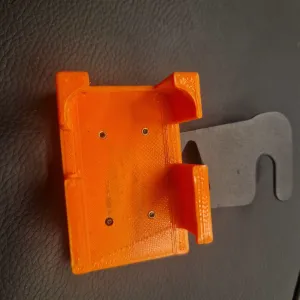

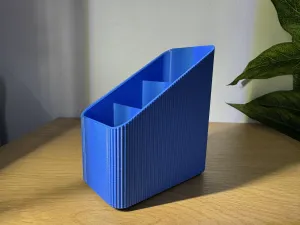


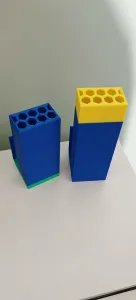


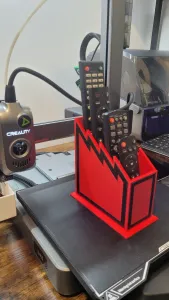

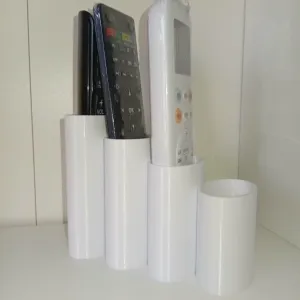
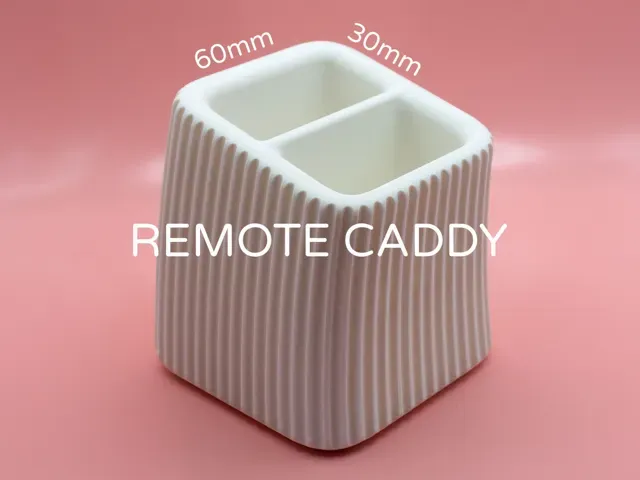
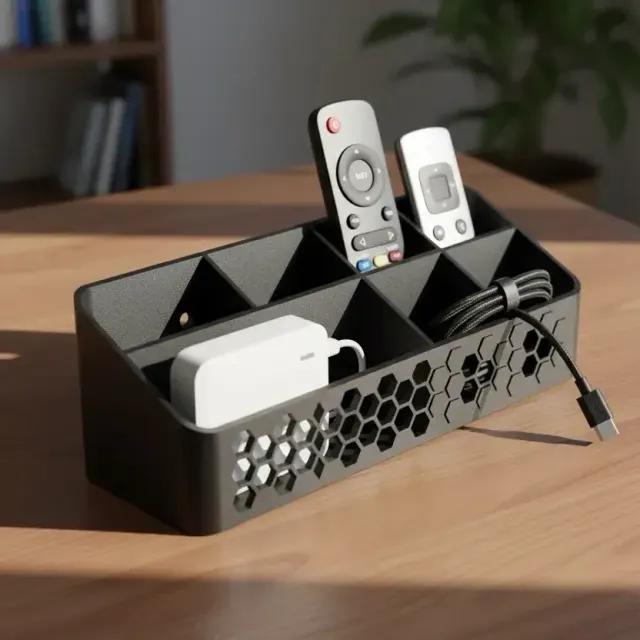
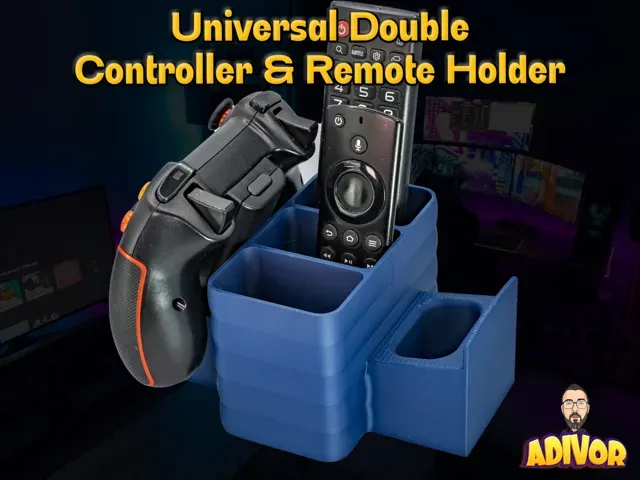
The models differ mainly by placement and capacity. Wall-mounted versions keep remotes off surfaces and often use a backplate with slots or clips, while desktop stands rest on a shelf or table and may include a tray, cradle, or upright rack. Some designs accept two remotes in fixed positions, and others use adjustable dividers or open bays that can hold a wider range of handset sizes.
Before printing, check the author's model page for the listed remote dimensions, overall footprint, and number of separate parts. Look at whether the design needs supports, how the parts join or mount, and which material and layer settings the author describes. Photos of real prints can show clearances, fit, and how the holder sits against a wall or surface.
To refine a search, try synonyms such as remote caddy, controller stand, handset holder, or organizer tray. Related terms include TV remote, media remote, bedside remote, and wall mount. Adding the number of remotes, the mounting type, or the room where it will be used can narrow results to more relevant 3D models.
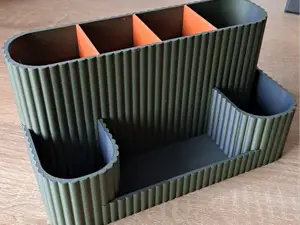
%2Fhttps%3A%2F%2Ffbi.cults3d.com%2Fuploaders%2F13996158%2Fillustration-file%2Fff14ba04-a9cc-40e6-a7da-9ed36a1344e0%2F4.png&w=300)

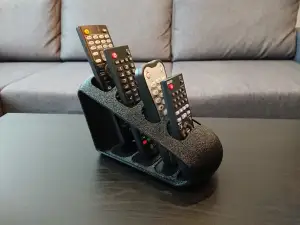

The full catalog of topics — from home & household to CNC, searchable across the connected sources.