
Free 
Fidget Cube High Quality Hinge
Thingiverse
This collection gathers STL files used to check how the first layer of a 3D print goes down: small patches, full-plate patterns, leveling aids and plate cleaners. It helps you compare what you see on the bed with what the author intended. Most of these models take only a few minutes of 3D printer time, so you can repeat a check after each adjustment. Polyzon does not confirm whether models are free, their price, license, official status, affiliation, safety or fitness. Check the current terms at the source.
 A Polyzon collection · 48 models from 3 platforms
Polyzon assembles this collection from search results on the connected platforms. Repeats and models without a preview are removed, weak matches go to the end, and the rest keeps the search order. Models belong to their authors — check the terms on each model's page.
Selection rules: the Polyzon editorial team · Text updated 2026-10-11

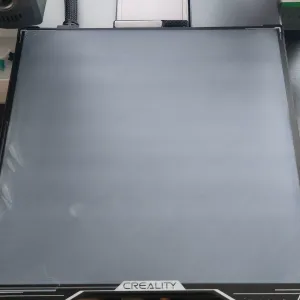

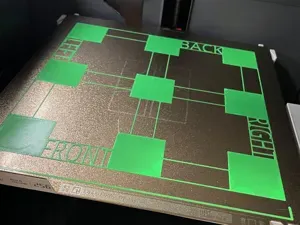

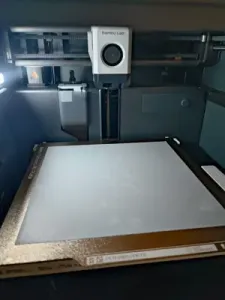
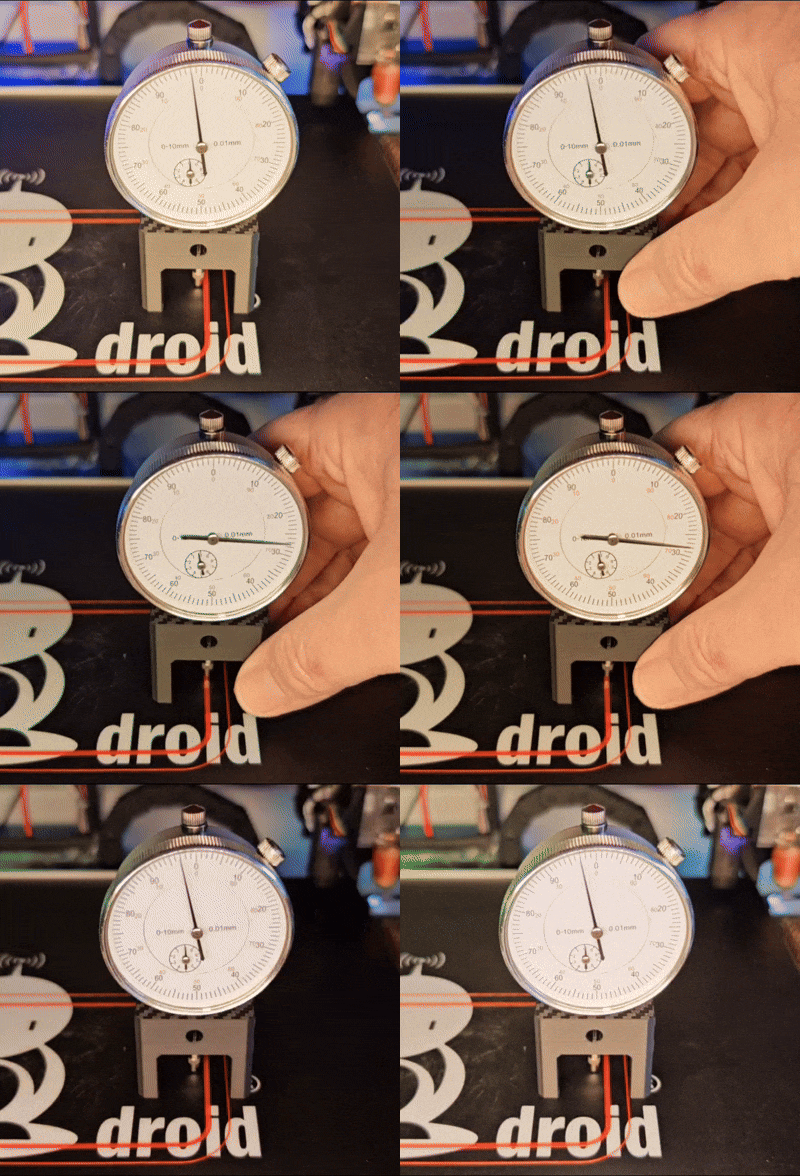

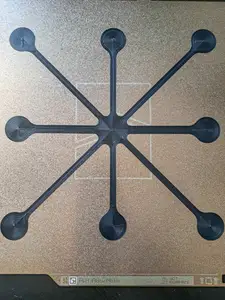
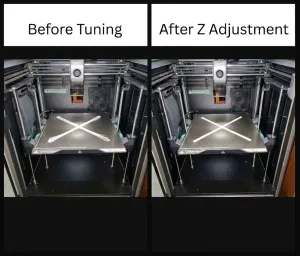

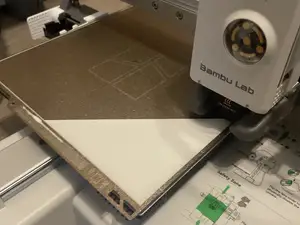

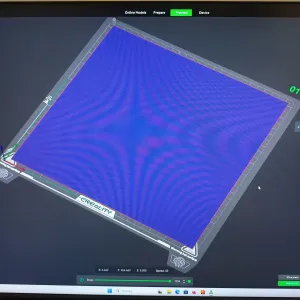

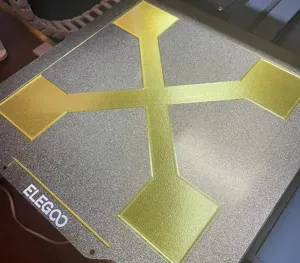
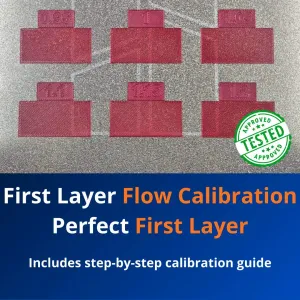


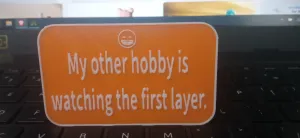

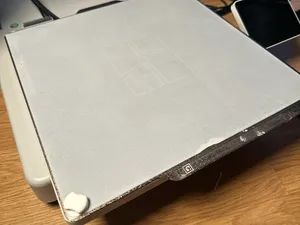
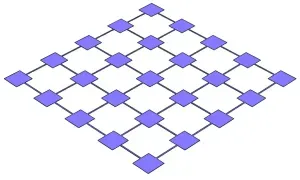

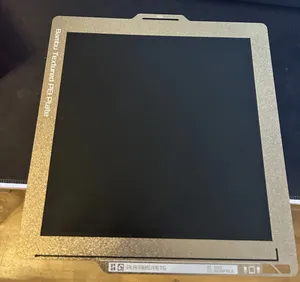

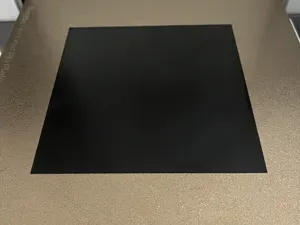
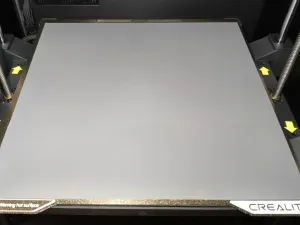

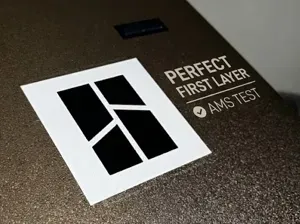
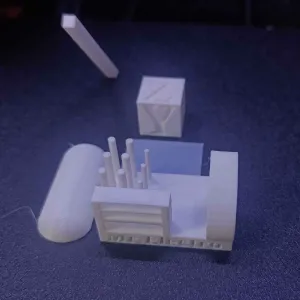

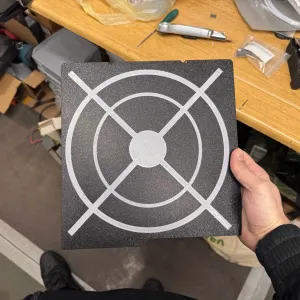

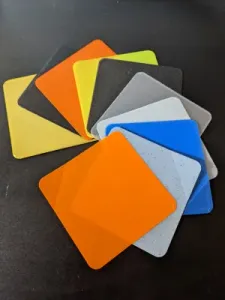
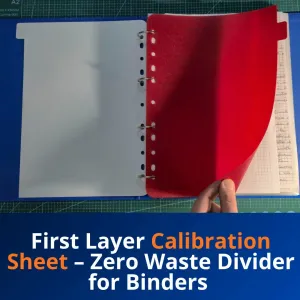

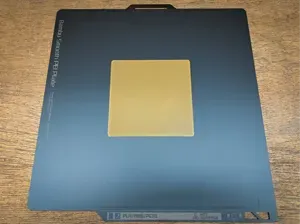
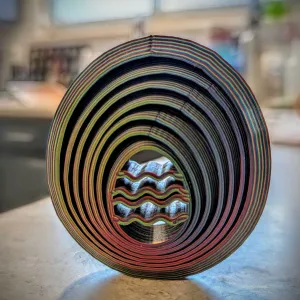
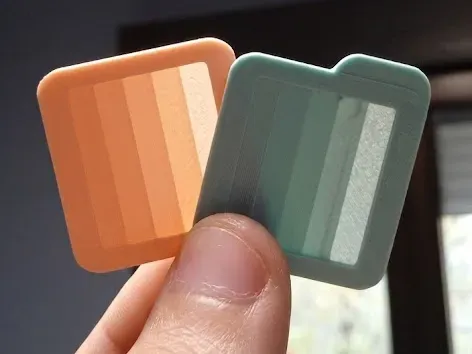
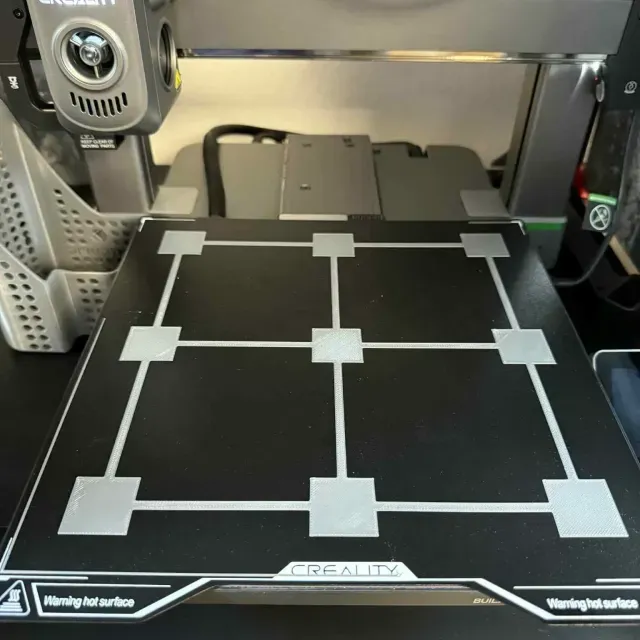
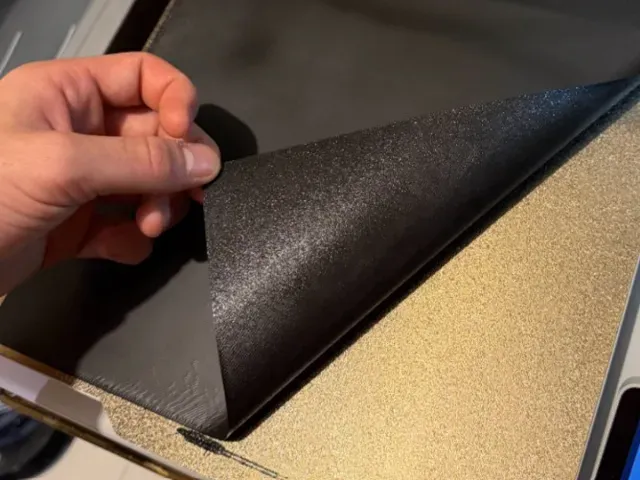
The models here fall into a few groups. Small patches and cross-shaped patterns show one area of the bed at a time, while full-plate versions spread lines or shapes across the whole surface so you can compare corners and the center in a single run. Leveling and Z-offset aids are usually simple shapes with stepped or numbered sections, and plate cleaners or wipers are printed as separate accessories that stay near the machine.
When choosing a file, look at the size and scale first, then at the number of parts and whether assembly is involved. On the author's model page, check the layer height, line width, extrusion and temperature values listed, and whether supports are needed for overhangs. Photos of real prints are the most useful part: they show how the pattern is meant to look when the nozzle height and flow are set correctly.
To widen the search, try related wording such as bed level test, Z-offset check, flow calibration or adhesion pattern, and combine it with your printer type or bed size. Terms like brim, skirt and purge line often lead to similar calibration files. If you want a longer run, look for full bed or full plate variants; if you want a quick repeat, look for fast or single-line versions.


The full catalog of topics — from home & household to CNC, searchable across the connected sources.