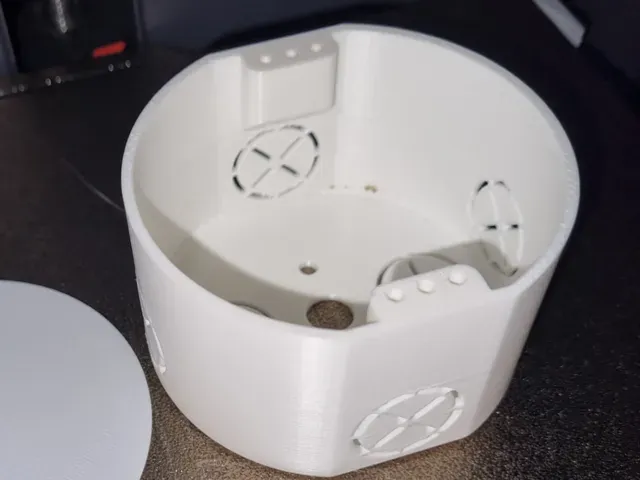

Free 
switchboard box
Thingiverse
This collection gathers 3D models of distribution boxes: enclosures that split, route or terminate electrical connections, from hobby DC power splitters to DIN-rail housings and miniature junction boxes. Most are simple shells with cutouts, so they print well on a standard 3D printer and can be adapted to the connectors you already use. The STL files here are a starting point for a housing that matches your own wiring layout. Polyzon does not confirm whether models are free, their price, license, official status, affiliation, safety or fitness. Check the current terms at the source.
 A Polyzon collection · 42 models from 6 platforms
Polyzon assembles this collection from search results on the connected platforms. Repeats and models without a preview are removed, weak matches go to the end, and the rest keeps the search order. Models belong to their authors — check the terms on each model's page.
Selection rules: the Polyzon editorial team · Text updated 2026-10-13
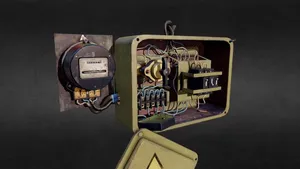
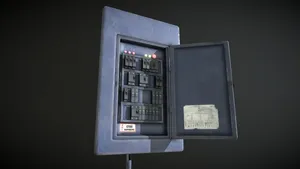

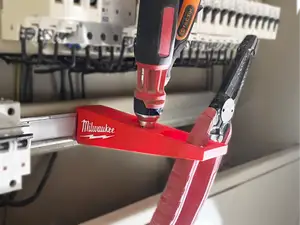

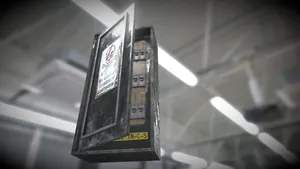


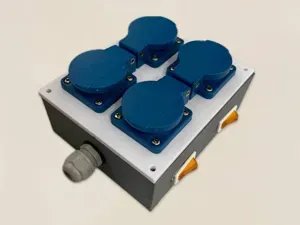
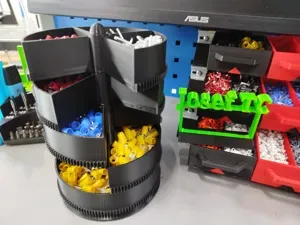
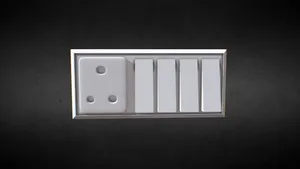
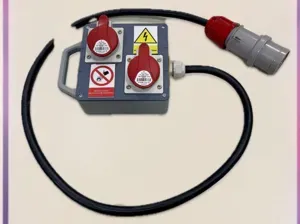

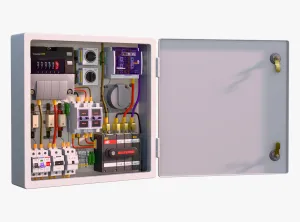



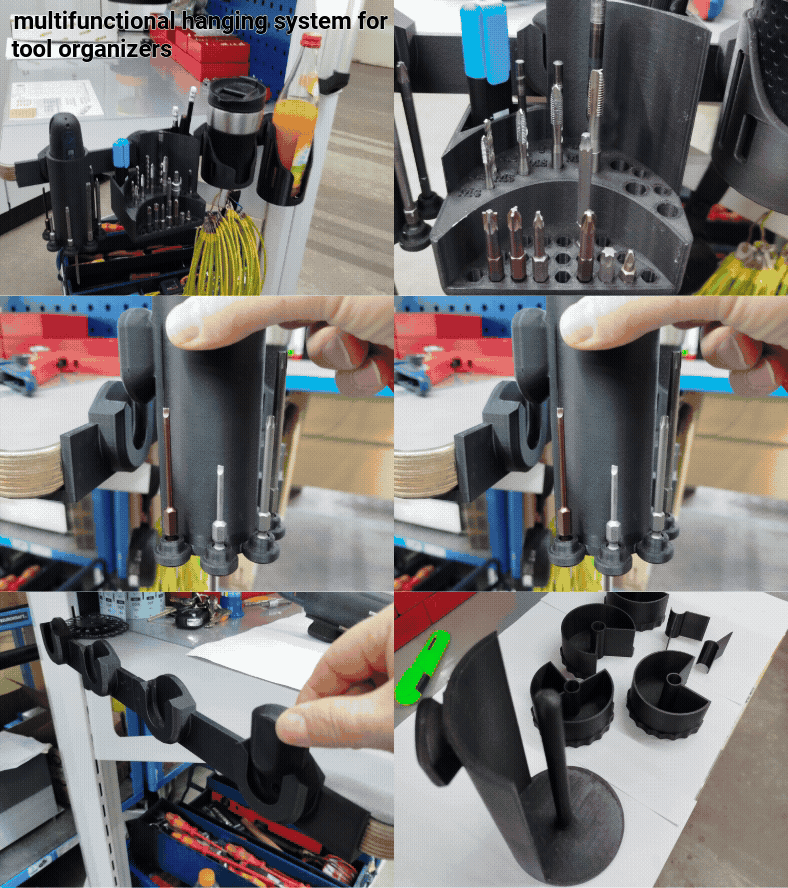
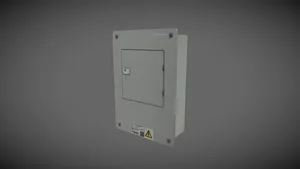

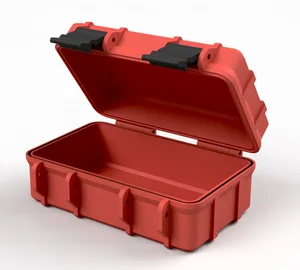

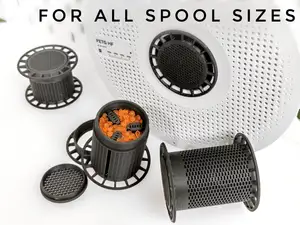

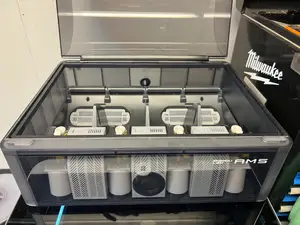


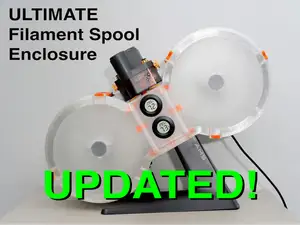
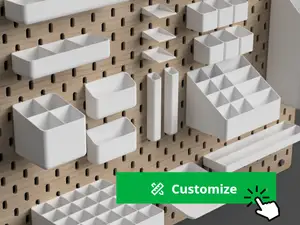
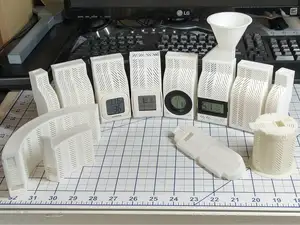

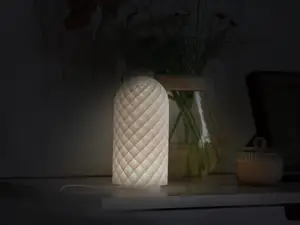
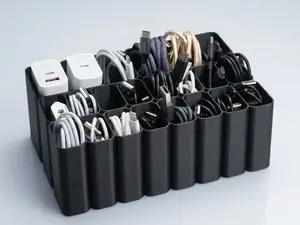
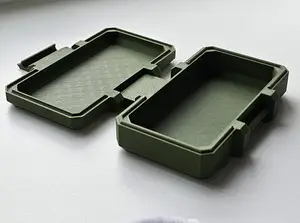

The models differ mainly by what they are meant to hold. Power distribution boxes for hobby connectors have openings shaped for plugs such as XT60, Powerpole or Anderson types and often include mounting holes or a flat base. DIN-rail and panel-mount enclosures are built around a rail clip or a screw-down flange, while mains junction boxes are usually plain rectangular shells sized for terminal blocks and cable glands. Cable management boxes sit somewhere between: they organize runs rather than split power, and are often open or slotted.
Before printing, read the author's page for the dimensions and the number of parts, since many of these designs are multi-part assemblies with lids, clips or inserts. Check whether the model needs supports, which material and layer height the author lists, and whether the wall thickness leaves room for screws or threaded inserts. Look at photos of finished prints to judge how the cutouts line up with real connectors, and measure your plugs and terminal blocks against the stated internal size.
If the results are too narrow, try related wording: junction box, project box, enclosure, DIN rail mount, cable organizer, or the connector name you plan to use. Searching by the connector type or by the intended device often turns up housings that a general term misses. You can also combine a box model with a separately searched lid, bracket or rail clip when no single design matches your setup.



The full catalog of topics — from home & household to CNC, searchable across the connected sources.

