
Free 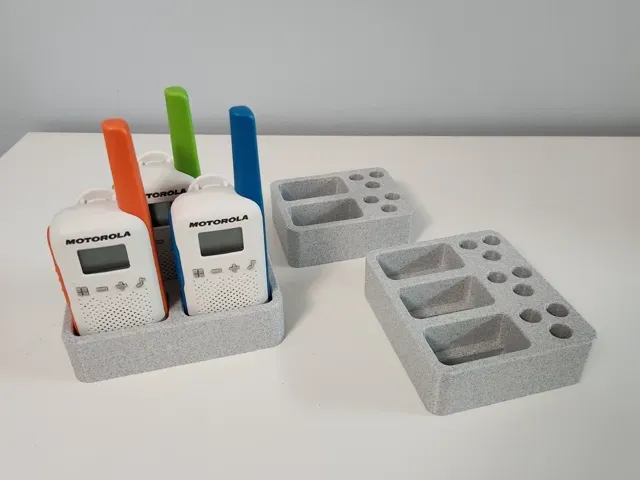
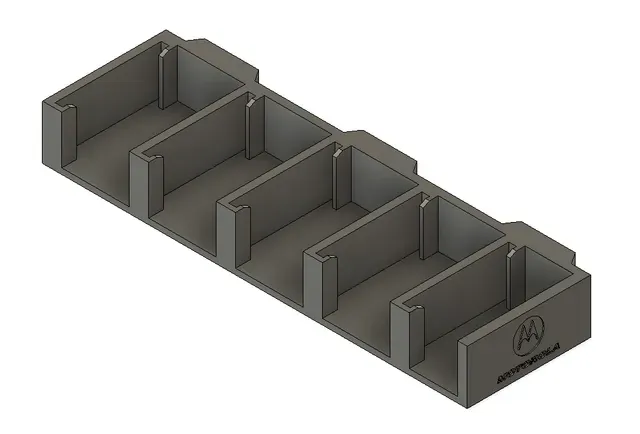
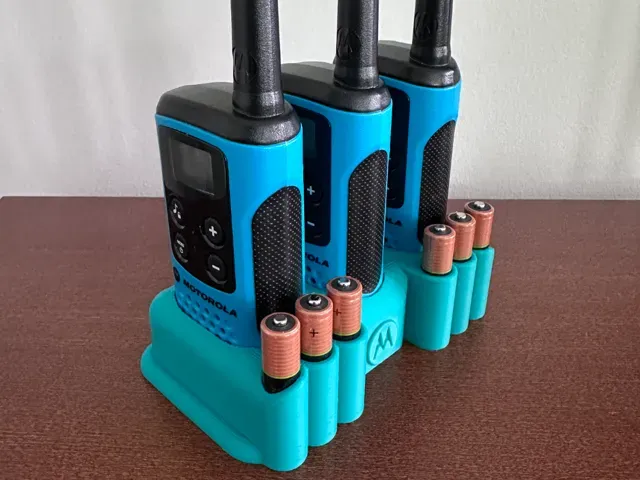
Walkie talkie holder Motorola T42 - battery pocket
MakerWorld
This collection gathers STL files for Motorola walkie-talkie battery compartments, holders, clips, and related radio parts. It helps you find printable replacements or mounts when original accessories are hard to source. Check each model page for scale, assembly, and material notes. Polyzon does not confirm whether models are free, their price, license, official status, affiliation, safety or fitness. Check the current terms at the source.
 A Polyzon collection · 48 models from 7 platforms
Polyzon assembles this collection from search results on the connected platforms. Repeats and models without a preview are removed, weak matches go to the end, and the rest keeps the search order. Models belong to their authors — check the terms on each model's page.
Selection rules: the Polyzon editorial team · Text updated 2026-10-11

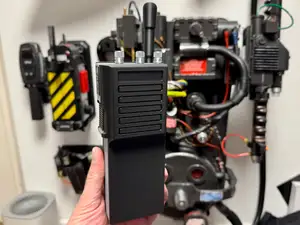
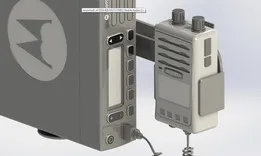


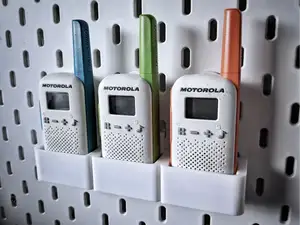
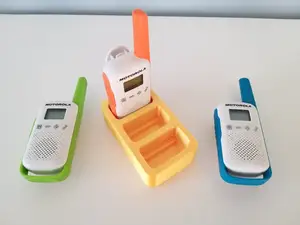
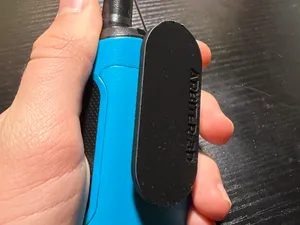
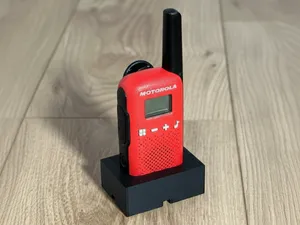

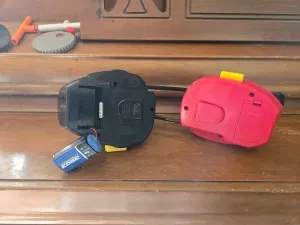
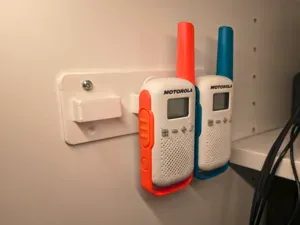


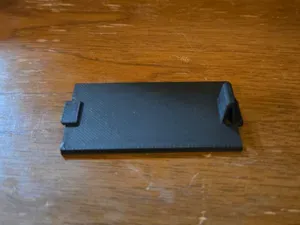

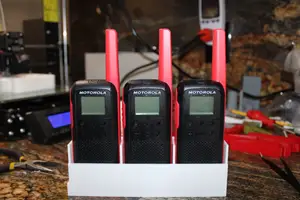
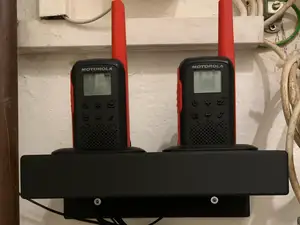


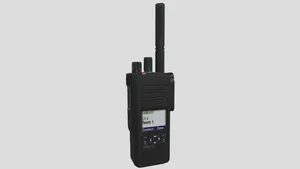


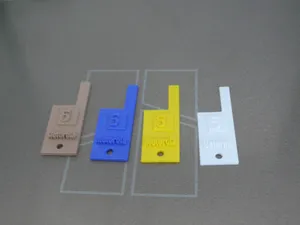
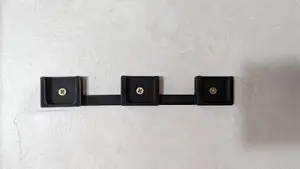
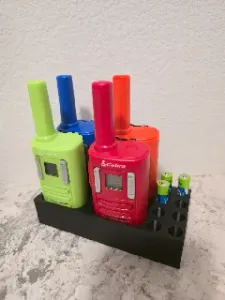

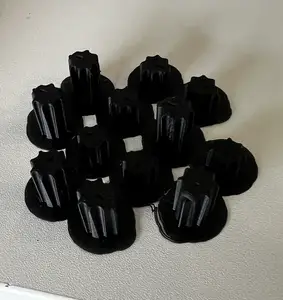

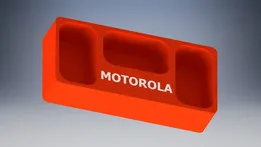
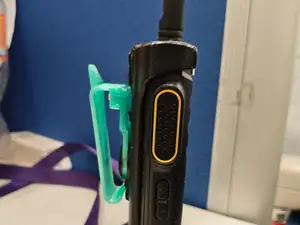

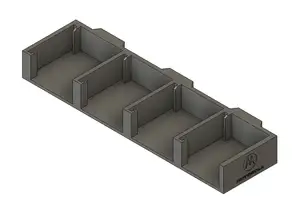

Models in this collection cover battery compartments, adapters that accept common cells, belt clips, and charging stands. Some are simple covers that replace a lost part, while others are multi-part assemblies that hold several radios. Mounting options range from wall brackets to desk stands and rail-mounted holders.
Before printing, compare the listed dimensions with your radio body and battery pack. Check how many parts the model uses, whether screws or inserts are required, and if the author shows supports or orientation. Look at photos of finished prints to judge fit and surface quality.
To narrow results, try terms such as battery cover, battery eliminator, belt clip, charging cradle, antenna, volume knob, and push-to-talk button. Related searches include radio holder, wall mount, desk stand, and replacement shell. Combining a radio series name with a part type usually gives more precise matches.



The full catalog of topics — from home & household to CNC, searchable across the connected sources.