Free 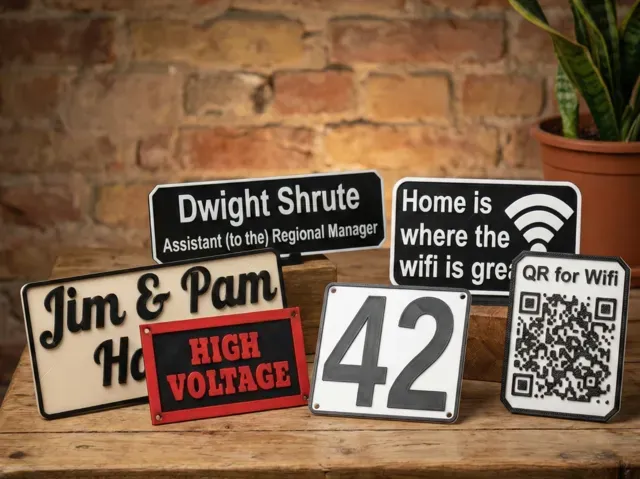
Ultimate Sign & Nameplate Generator (Parametric)
MakerWorld
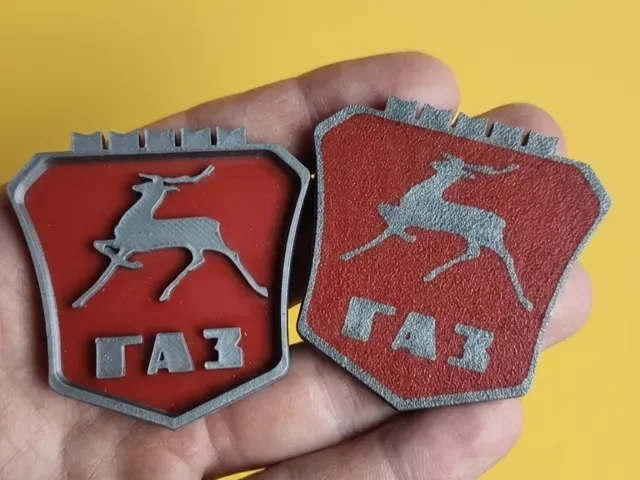
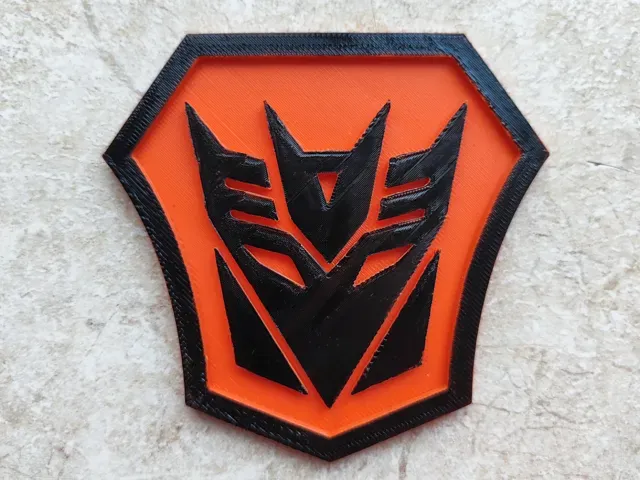
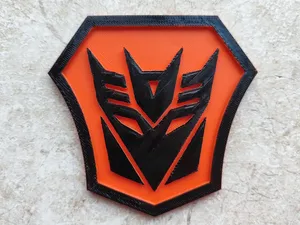
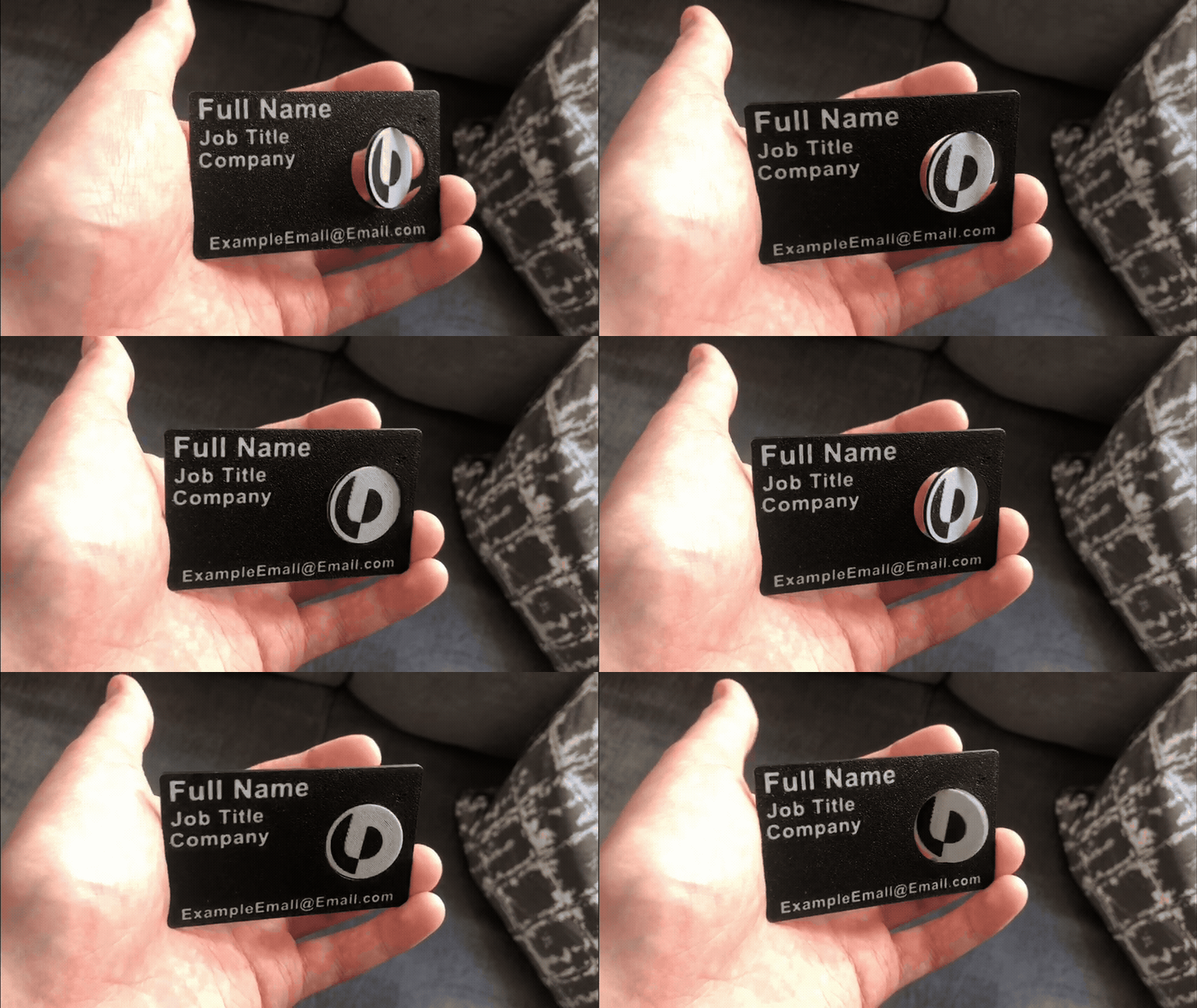
This collection gathers STL files for GAZ Gazelle Business and Next badges, logo signs, and customizable nameplates. It also includes NFC business plates and name keychains that share similar mounting and text techniques. For anyone with a 3D printer, these models help replace or personalize vehicle emblems and related interior details. Polyzon does not confirm whether models are free, their price, license, official status, affiliation, safety or fitness. Check the current terms at the source.
 A Polyzon collection · 46 models from 6 platforms
Polyzon assembles this collection from search results on the connected platforms. Repeats and models without a preview are removed, weak matches go to the end, and the rest keeps the search order. Models belong to their authors — check the terms on each model's page.
Selection rules: the Polyzon editorial team · Text updated 2026-10-11


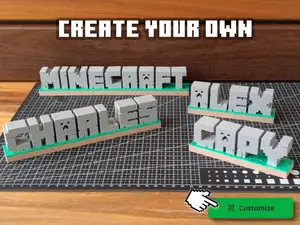
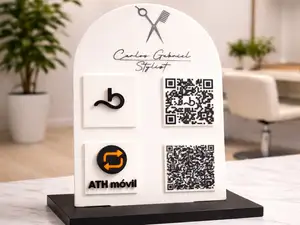
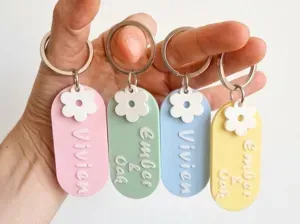

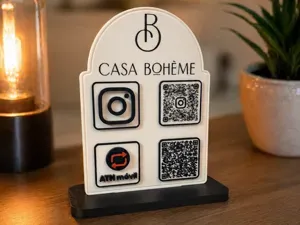
![Customizable Name Keychain [Generator]](https://cache.polyzon.org/api/img?url=https%3A%2F%2Fmakerworld.bblmw.com%2Fmakerworld%2Fmodel%2FUS8238b2591e7735%2Fdesign%2F521148f680d61183.png&w=300)
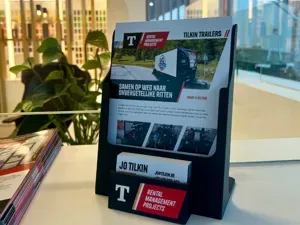

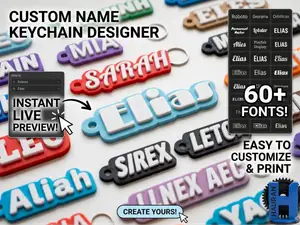
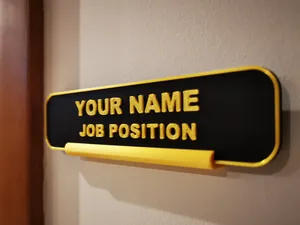
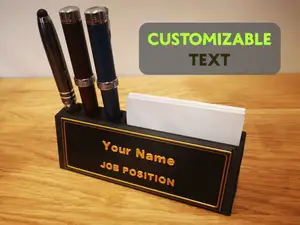
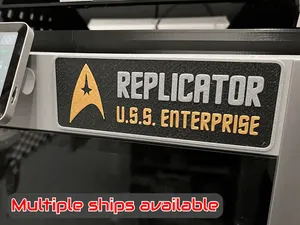
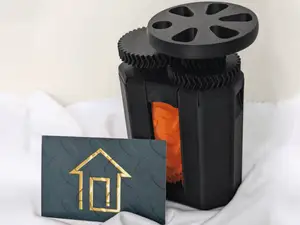
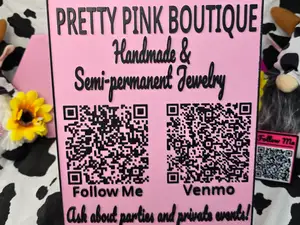
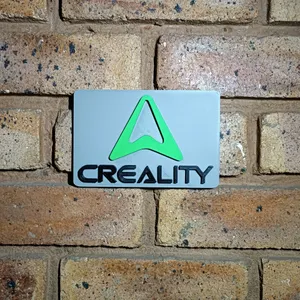
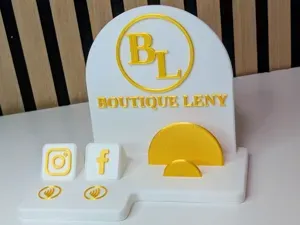
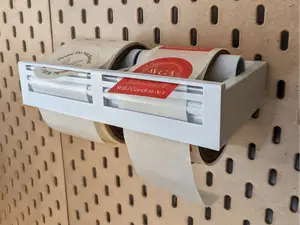
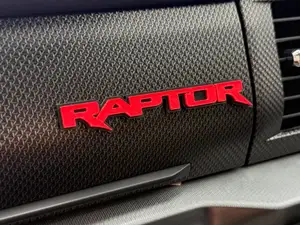
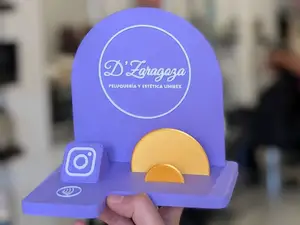
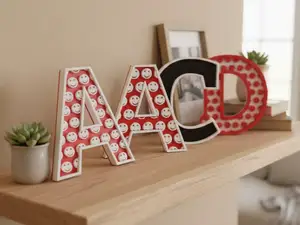
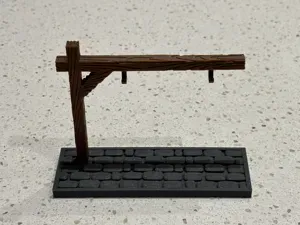
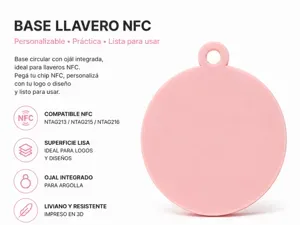
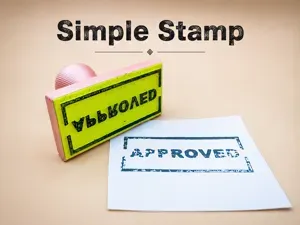
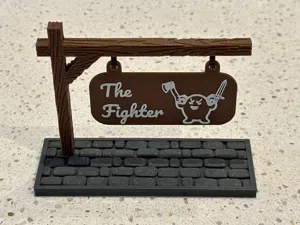
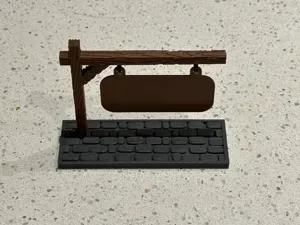
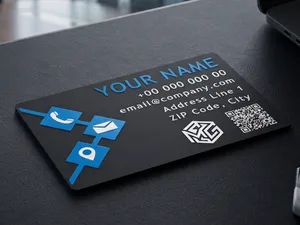
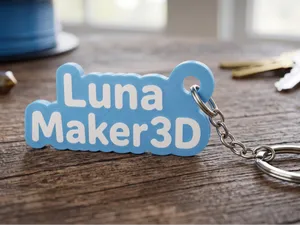
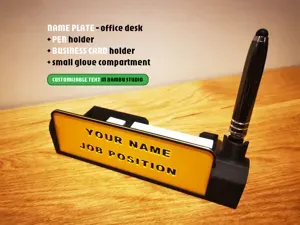
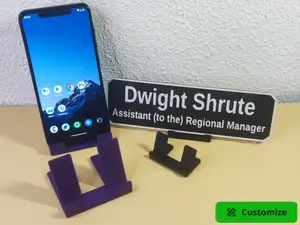
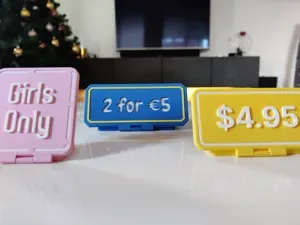

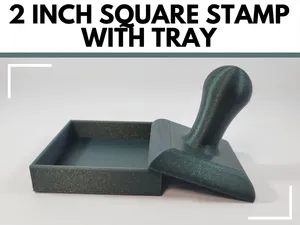
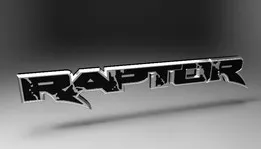


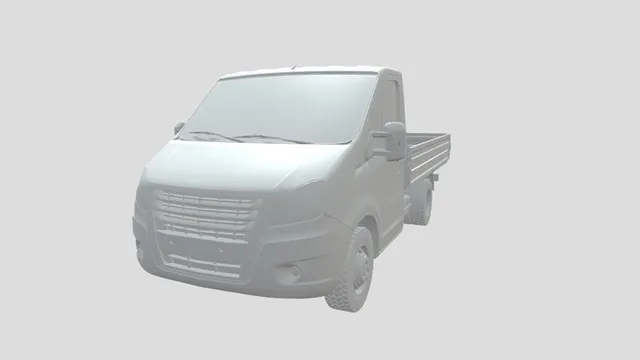
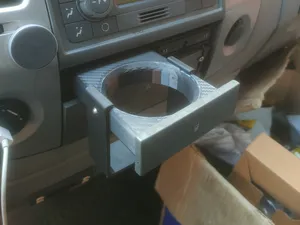
The models range from flat emblem signs and logo plates to parametric generators that let you set text and dimensions. Some are designed as direct replacements for factory badges, while others are general nameplate or business card formats. Interior accessories like cup holders for the Gazelle appear alongside these, showing the same vehicle-focused context.
Before printing, check the model page for the overall size and scale, since badge dimensions vary between Gazelle Business and Next versions. Look at the number of separate parts and whether the design requires supports or multi-material printing. The author often lists recommended materials and settings; photos of real prints help you judge surface finish and fit.
To narrow results, try synonyms like emblem, nameplate, or badge combined with GAZ, Gazelle, or Next. Related searches include Volga logos, NFC business plates, and custom keychain generators. You can also filter by category such as vehicles or tools if the platform offers that option.



The full catalog of topics — from home & household to CNC, searchable across the connected sources.