Free 
Jersey Barrier
Thingiverse
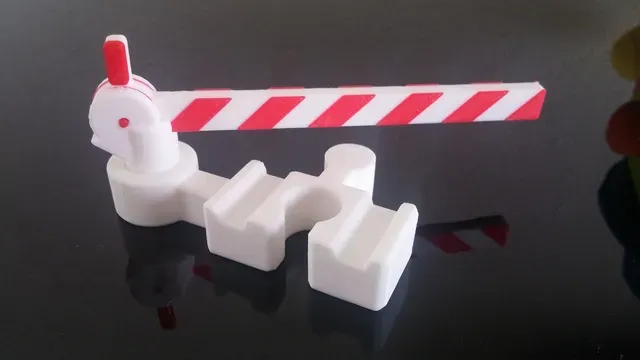
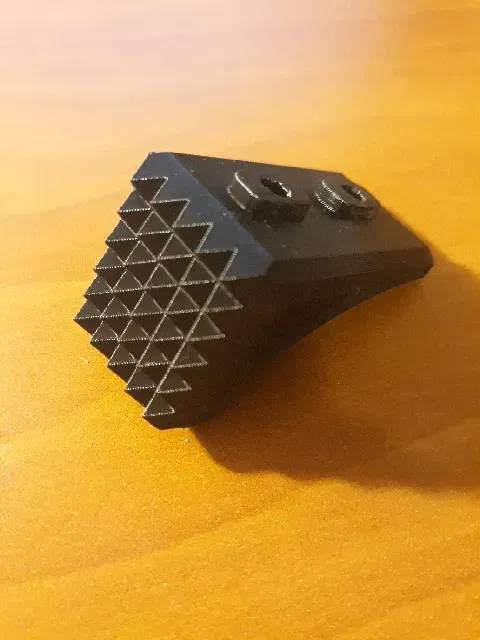
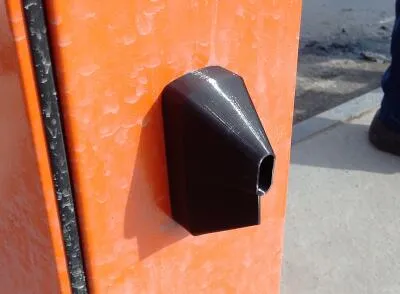
This collection gathers STL files for barrier and gate models, from traffic and railway pieces to tabletop scenery, garden guards and mechanical parts. It helps you find a starting point for 3D printing when you need a static block, a scale accessory or a moving mechanism. Check the author's page for dimensions, assembly and print settings. Polyzon does not confirm whether models are free, their price, license, official status, affiliation, safety or fitness. Check the current terms at the source.
 A Polyzon collection · 47 models from 5 platforms
Polyzon assembles this collection from search results on the connected platforms. Repeats and models without a preview are removed, weak matches go to the end, and the rest keeps the search order. Models belong to their authors — check the terms on each model's page.
Selection rules: the Polyzon editorial team · Text updated 2026-10-12




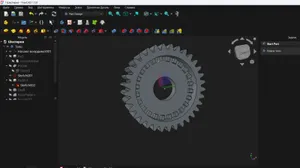
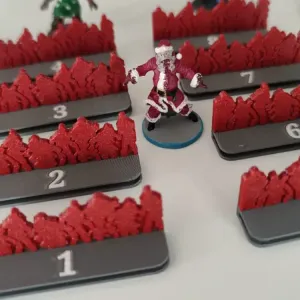
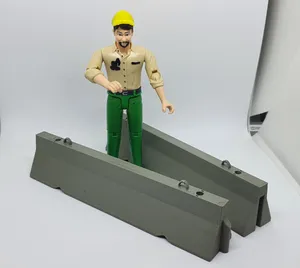
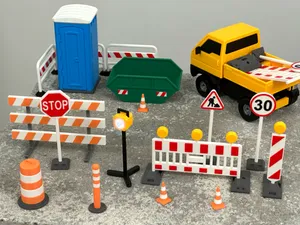

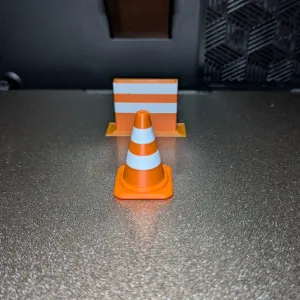

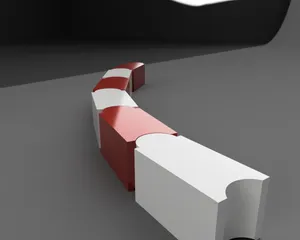

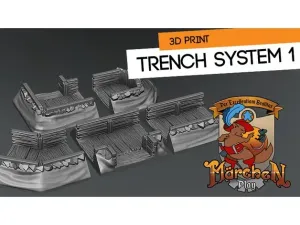

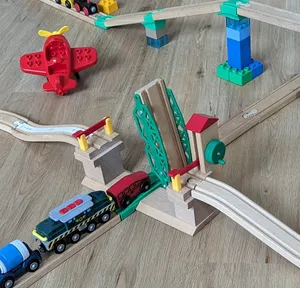
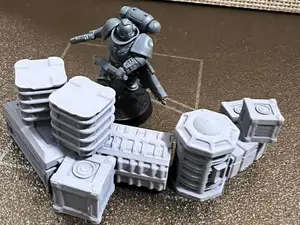


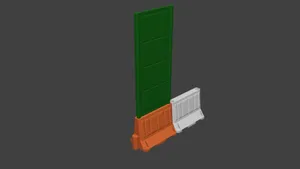
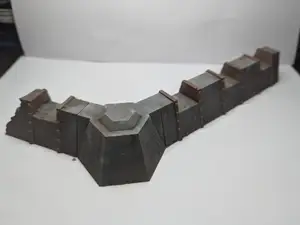
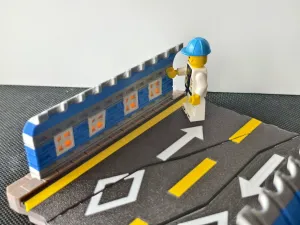

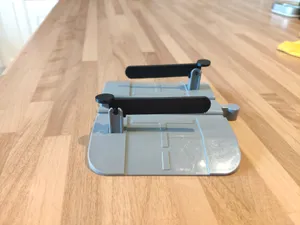
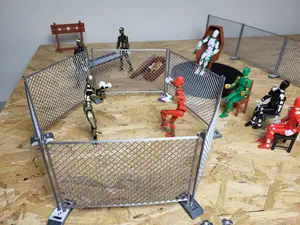




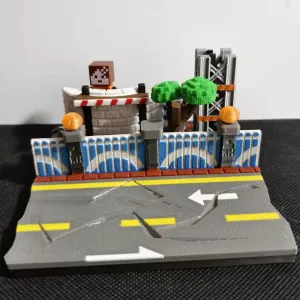


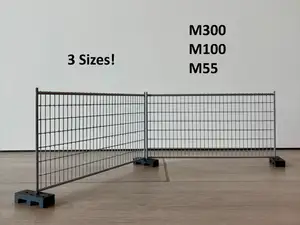
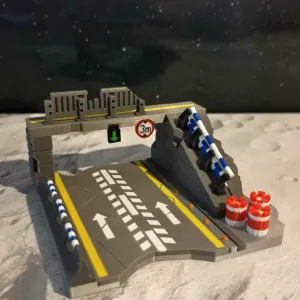



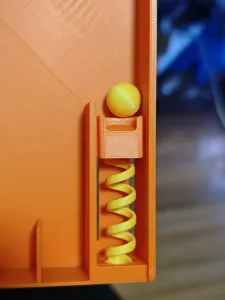

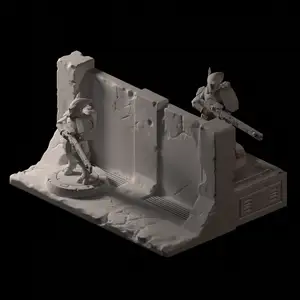
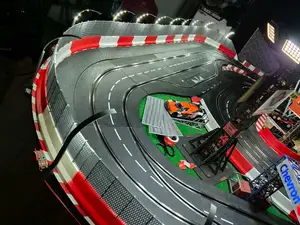


The main groups differ by scale and function. Traffic and construction barriers are usually large, solid or stackable pieces meant to block a path or mark an area. Railway and tabletop versions are smaller, often built around a track gauge or game base, while drive parts are made to fit a specific mechanism.
When choosing a model, look at the dimensions and scale, the number of parts and how they join, and whether the author notes support requirements. The material and slicer settings listed on the model page matter for thin posts, long beams and moving parts. Photos of real prints can show how the finished piece handles overhangs and fine details.
To narrow the search, try synonyms such as boom barrier, gate arm, roadblock, crossing gate, bollard or barricade. Related topics include traffic cones, construction props, model railway accessories and drive gears. Combining a use case with a scale or part type usually gives a more focused result list.






The full catalog of topics — from home & household to CNC, searchable across the connected sources.