Free 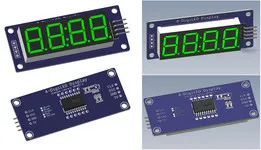
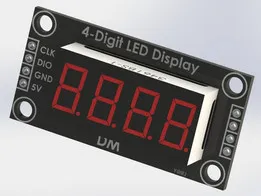
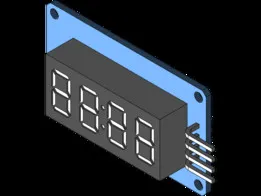
Display 4-Didi LED TM1637 Arduino module
GrabCAD
This collection covers enclosures, front-panel mounts, stacked boxes and clock-related parts for TM1637 display modules. It helps when you need an STL file to fit a display into a project or a desk build. Check dimensions and assembly details on the model page before printing. Polyzon does not confirm whether models are free, their price, license, official status, affiliation, safety or fitness. Check the current terms at the source.
 A Polyzon collection · 48 models from 6 platforms
Polyzon assembles this collection from search results on the connected platforms. Repeats and models without a preview are removed, weak matches go to the end, and the rest keeps the search order. Models belong to their authors — check the terms on each model's page.
Selection rules: the Polyzon editorial team · Text updated 2026-10-14


%2Fhttps%3A%2F%2Ffbi.cults3d.com%2Fuploaders%2F14889659%2Fillustration-file%2Fc52bc3ec-d86e-4908-b660-1e0d5eef4d13%2FLED-holder-default.jpg&w=300)











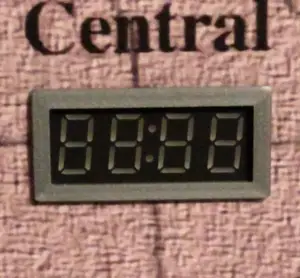

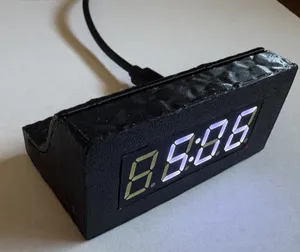
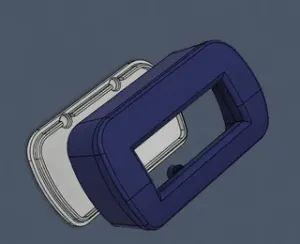

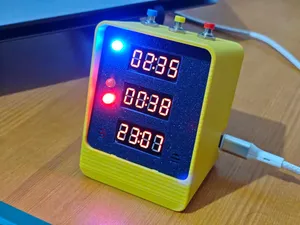

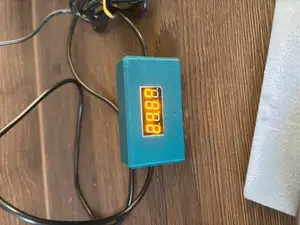
%2Fhttps%3A%2F%2Ffbi.cults3d.com%2Fuploaders%2F14076852%2Fillustration-file%2F62ce9276-8bf2-4048-9468-929889ebe383%2FIMG-20200510-WA0005.jpeg&w=300)

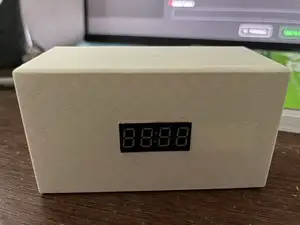


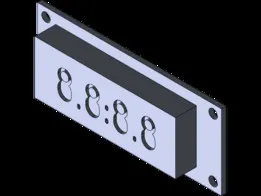
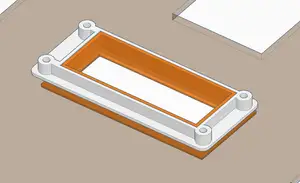
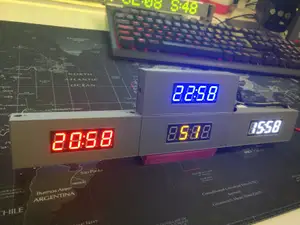
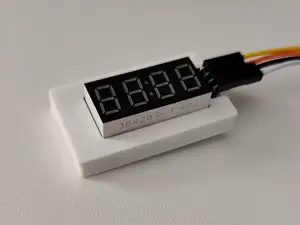
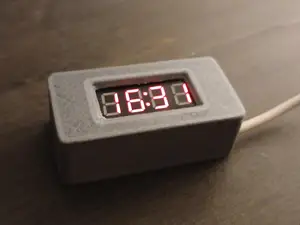
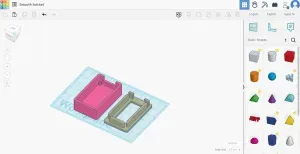
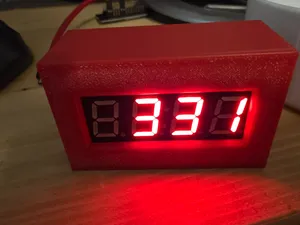
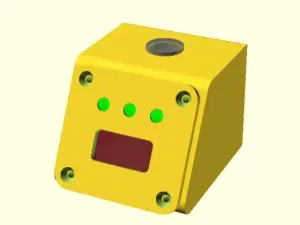
The range starts with minimal covers and frames and extends to full enclosures and panel mounts. A bare display module may sit in a shallow shell, while a larger housing can hold a controller board and wiring. Clock and counter projects form another group, often with cutouts for buttons or sensors.
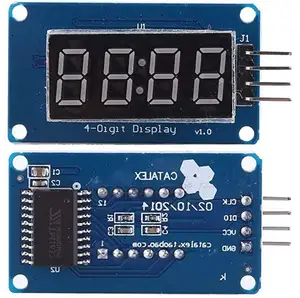
When choosing a model, check the outer dimensions of the display and the position of its pins. Look at how the part is fastened, whether it uses screws, clips or a friction fit, and whether the author shows photos of a real print. The model page should list the material and settings used, plus any support requirements.
To refine a search, try related terms such as seven-segment display enclosure, panel mount, clock housing or display cover. Adding the name of a controller board or project type can narrow results to a specific build. If a model does not match, look for a frame, spacer or adapter that changes the mounting method.

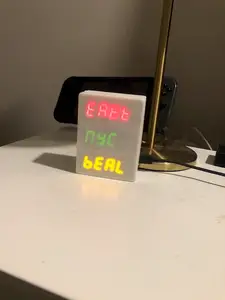
%2Fhttps%3A%2F%2Ffbi.cults3d.com%2Fuploaders%2F1881599%2Fillustration-file%2Fd9cc1778-d14e-485b-8e71-e246b047c442%2FDSCF3102.jpg&w=300)


The full catalog of topics — from home & household to CNC, searchable across the connected sources.