Free 
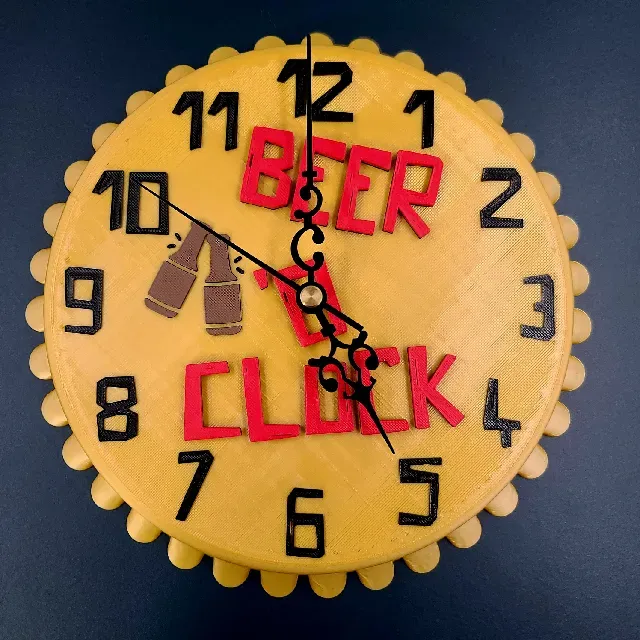
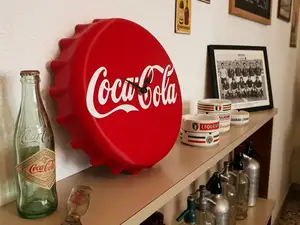
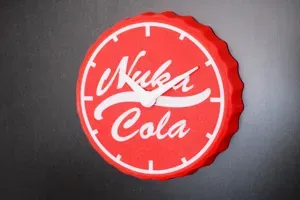
Beer O' Clock : Bottle Cap Clock - When it's always time for a beer!
Thingiverse
This collection gathers STL files for caps and pushers that match tactile and panel push buttons. It covers flat caps, replacement pushers, keycaps and clicker parts. Use it to find a shape that matches the button you need to extend or cover. Polyzon does not confirm whether models are free, their price, license, official status, affiliation, safety or fitness. Check the current terms at the source.
 A Polyzon collection · 34 models from 5 platforms
Polyzon assembles this collection from search results on the connected platforms. Repeats and models without a preview are removed, weak matches go to the end, and the rest keeps the search order. Models belong to their authors — check the terms on each model's page.
Selection rules: the Polyzon editorial team · Text updated 2026-10-11

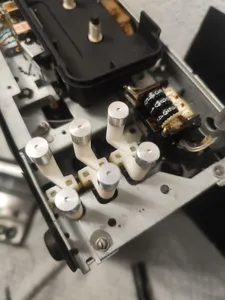

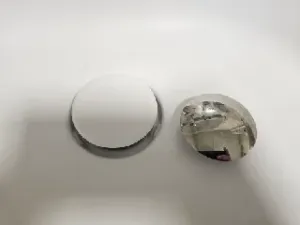
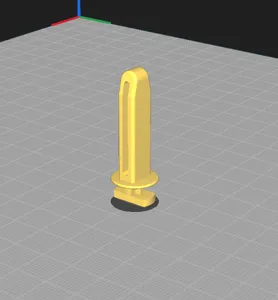
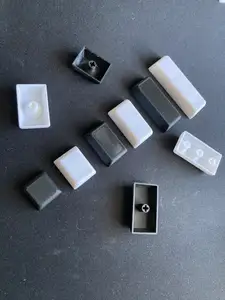


%2Fhttps%3A%2F%2Ffbi.cults3d.com%2Fuploaders%2F13762356%2Fillustration-file%2F4db03344-904a-4044-8721-c51528bdb996%2FDSCN9769_display_large.jpg&w=300)
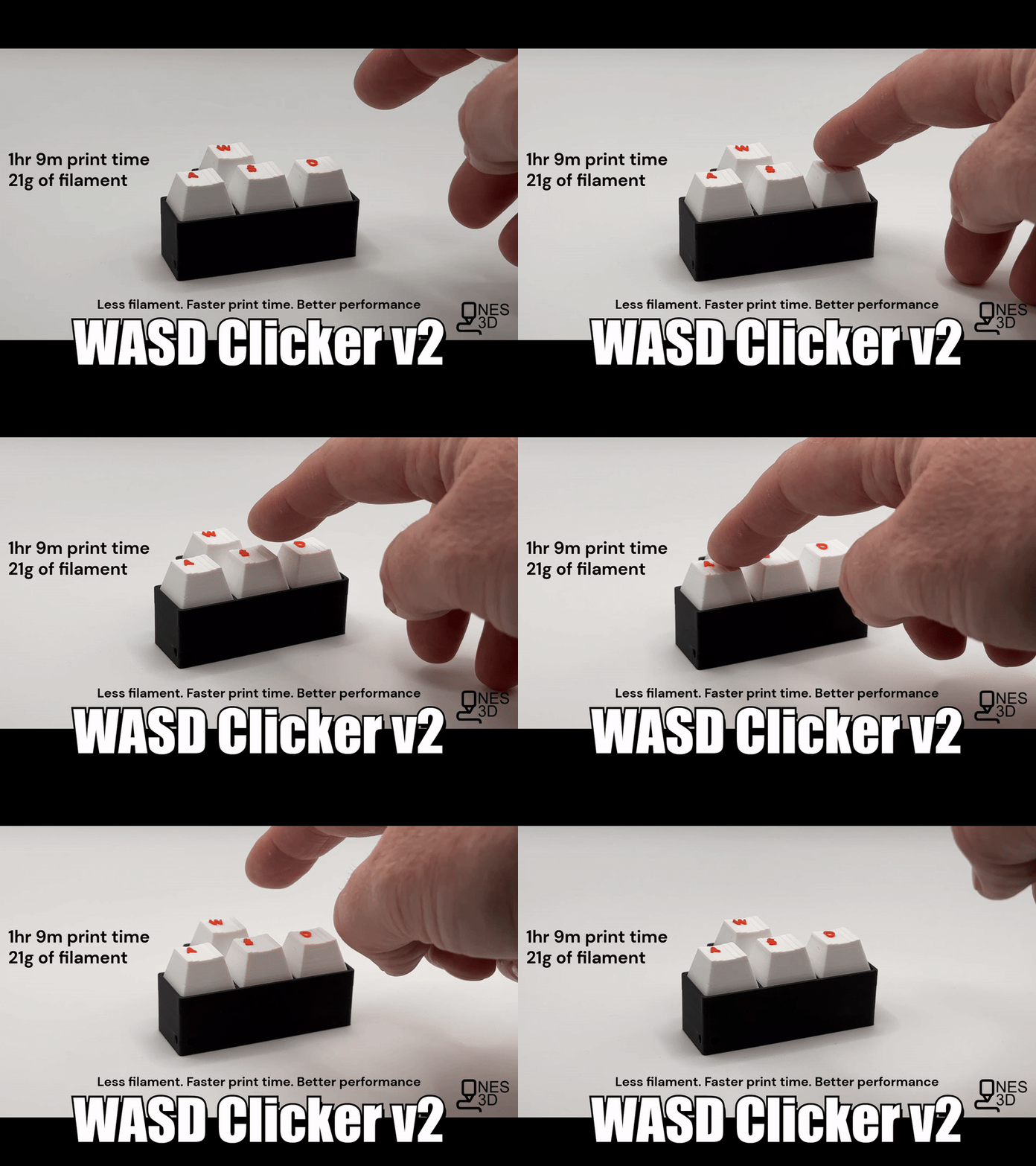

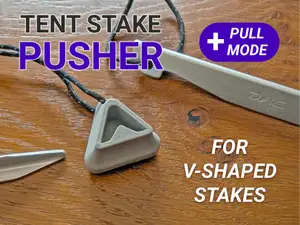


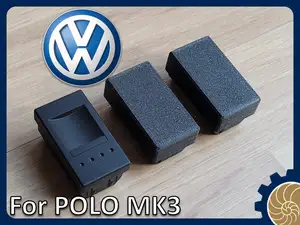

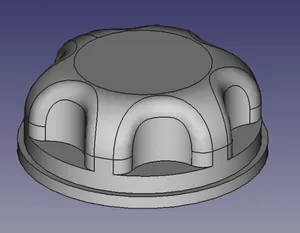



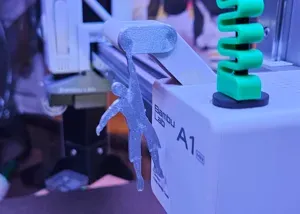
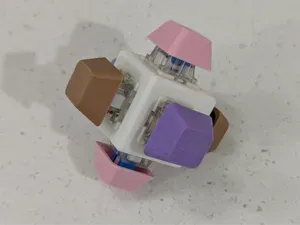
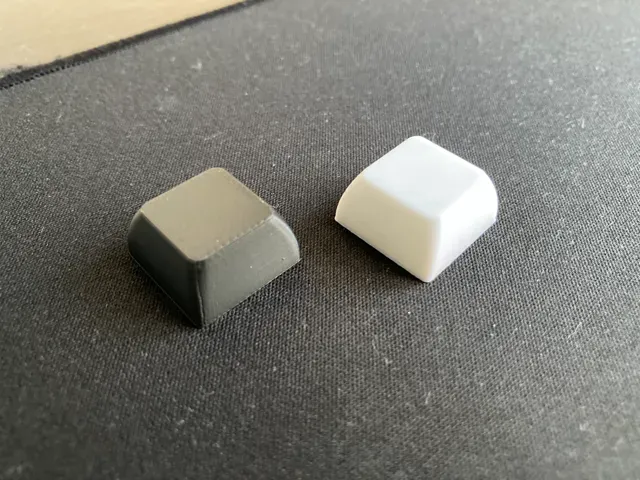
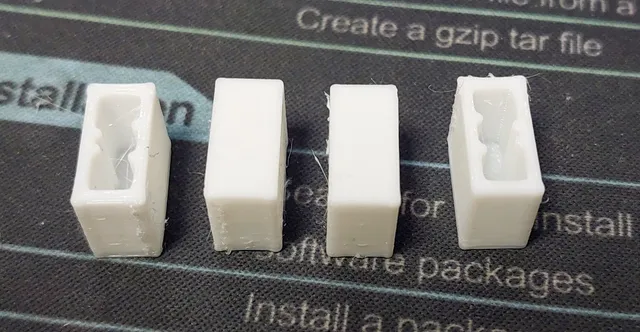
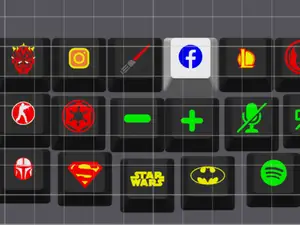
Caps for panel and PCB buttons often have a flat or slightly domed top and a stem that presses the switch. Replacement pushers for appliances tend to be longer and may include a mounting flange. Keycaps and clicker caps focus on the outer shape and grip rather than the switch interface.
Check the switch footprint, stem diameter and travel in the author's description before printing. Look at the number of parts, whether supports are needed, and the material and settings the author lists. Photos of real prints help you judge wall thickness and surface finish.
Try synonyms such as button cap, pusher, actuator, keycap and tactile switch cover. Related searches include panel button, appliance button, clicker cap and custom keycap. Adding dimensions or the switch type to the query can narrow results.


The full catalog of topics — from home & household to CNC, searchable across the connected sources.