Free 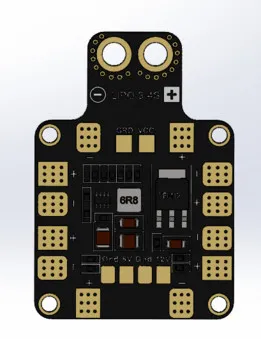
Matek PDB-TX60
GrabCAD
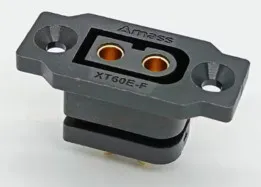
This collection gathers STL files for TX60 and XT60 connectors, mounts, and related parts. You will find housings, adapter plates, frame mounts, and a few equipment-specific supports. It is useful when you need a bracket or holder for a 3D printing project or an RC build. Polyzon does not confirm whether models are free, their price, license, official status, affiliation, safety or fitness. Check the current terms at the source.
 A Polyzon collection · 48 models from 6 platforms
Polyzon assembles this collection from search results on the connected platforms. Repeats and models without a preview are removed, weak matches go to the end, and the rest keeps the search order. Models belong to their authors — check the terms on each model's page.
Selection rules: the Polyzon editorial team · Text updated 2026-10-13





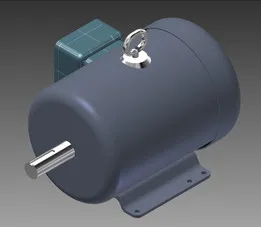


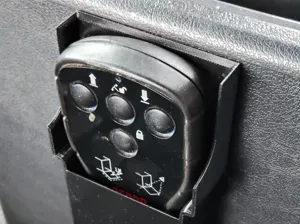

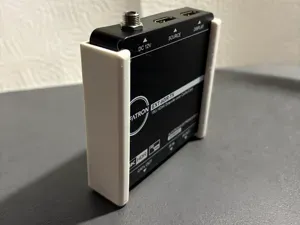
%2Fhttps%3A%2F%2Ffbi.cults3d.com%2Fuploaders%2F13701738%2Fillustration-file%2F5acb11c1-3a6d-4b54-8110-3a198a505ef3%2Fpic_s.jpg&w=300)


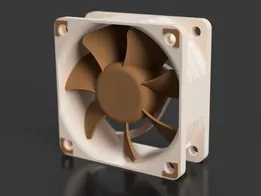
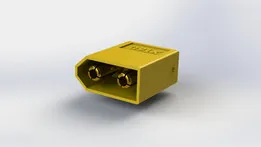

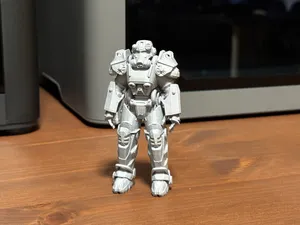

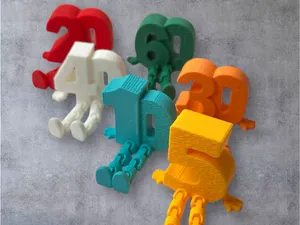
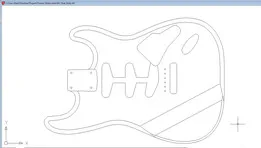

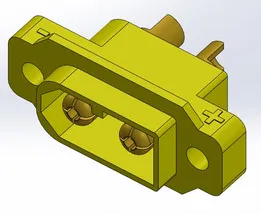




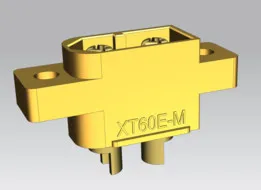

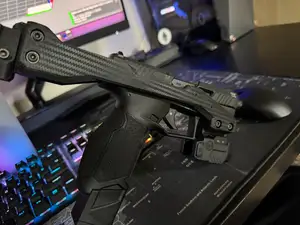
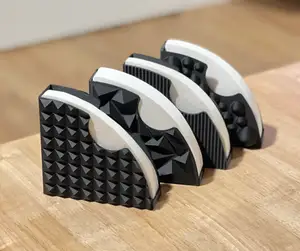

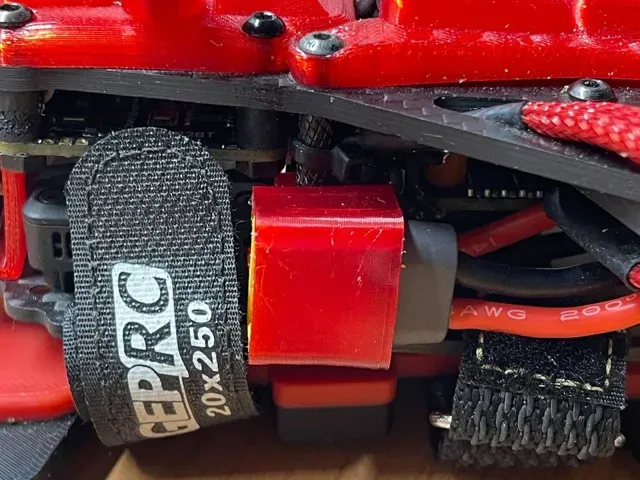
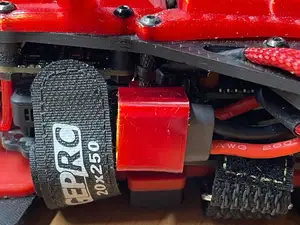
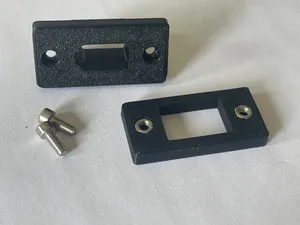
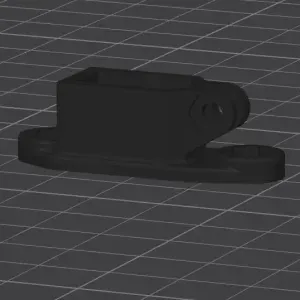
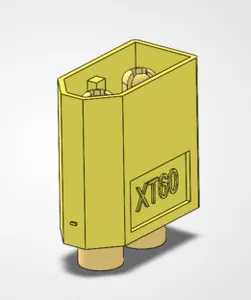
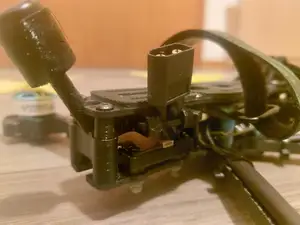
The models range from simple connector housings and plugs to panel mounts, vertical holders, and adapter plates. Some appear in FPV frame layouts, while others are tied to power distribution boards, battery-side assemblies, or equipment supports. Mounts may include a back plate, a specific orientation, or a cutout for a camera or antenna.
Before printing, check the model page for the connector size, the number of parts, and whether supports are needed. Look at the wall thickness around the latch and the orientation of the mount, since these affect how the part sits on the frame. The author may list material and settings, and photos of real prints can show how the connector seats.
If you need a different layout, try search terms such as XT60 mount, connector holder, FPV power mount, or battery plug bracket. Related topics include power distribution boards, camera mounts, antenna mounts, and RC switch enclosures. Combining the connector name with the part type usually narrows the results more than the connector name alone.


The full catalog of topics — from home & household to CNC, searchable across the connected sources.