
Free 
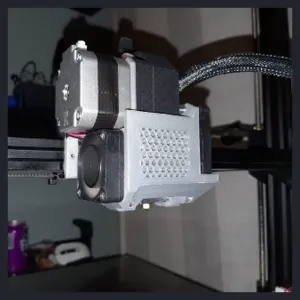
Compact 3 fans head for Dagoma DiscoEasy & DiscoVery 200 Printers
Thingiverse
This collection gathers STL files for fitting an E3D V6 hotend to an Ultimaker 2 and for related extruder work. You will find mounts, carriages, fan ducts and small guides that help route filament and wiring. The files are useful when you are planning a 3D printer conversion or replacing a worn hotend assembly. Polyzon does not confirm whether models are free, their price, license, official status, affiliation, safety or fitness. Check the current terms at the source.
 A Polyzon collection · 46 models from 3 platforms
Polyzon assembles this collection from search results on the connected platforms. Repeats and models without a preview are removed, weak matches go to the end, and the rest keeps the search order. Models belong to their authors — check the terms on each model's page.
Selection rules: the Polyzon editorial team · Text updated 2026-10-14

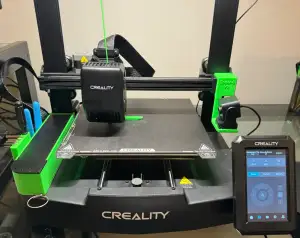

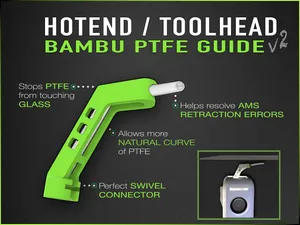

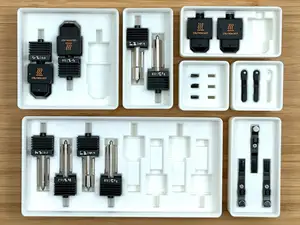
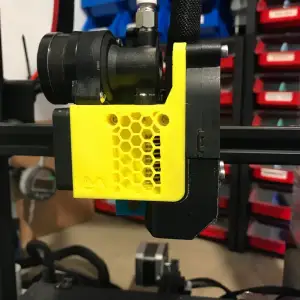

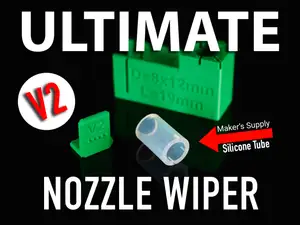
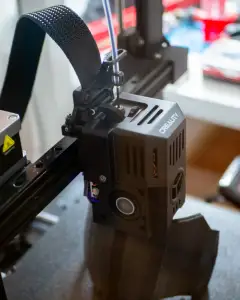

![CREALITY K2PLUS - CHAIN RISER [ORIGINAL AND DXC2 EXTRUDER]](https://cache.polyzon.org/api/img?url=https%3A%2F%2Fpic2-cdn.creality.com%2FcrealityCloud%2Fcommon%2F0abc2f65684a3a0f18d10e0d1278a7a2.jpeg&w=300)

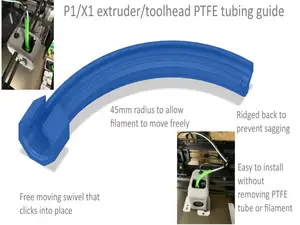




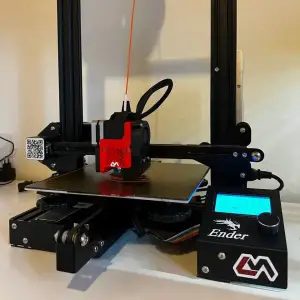
![Ender 3v2 Print Head [ CR-Touch + 5015 ]](https://cache.polyzon.org/api/img?url=https%3A%2F%2Fpic2-cdn.creality.com%2Fcomp%2Fmodel%2F610714a824bd667f58bfd8fde2647c2c.webp&w=300)

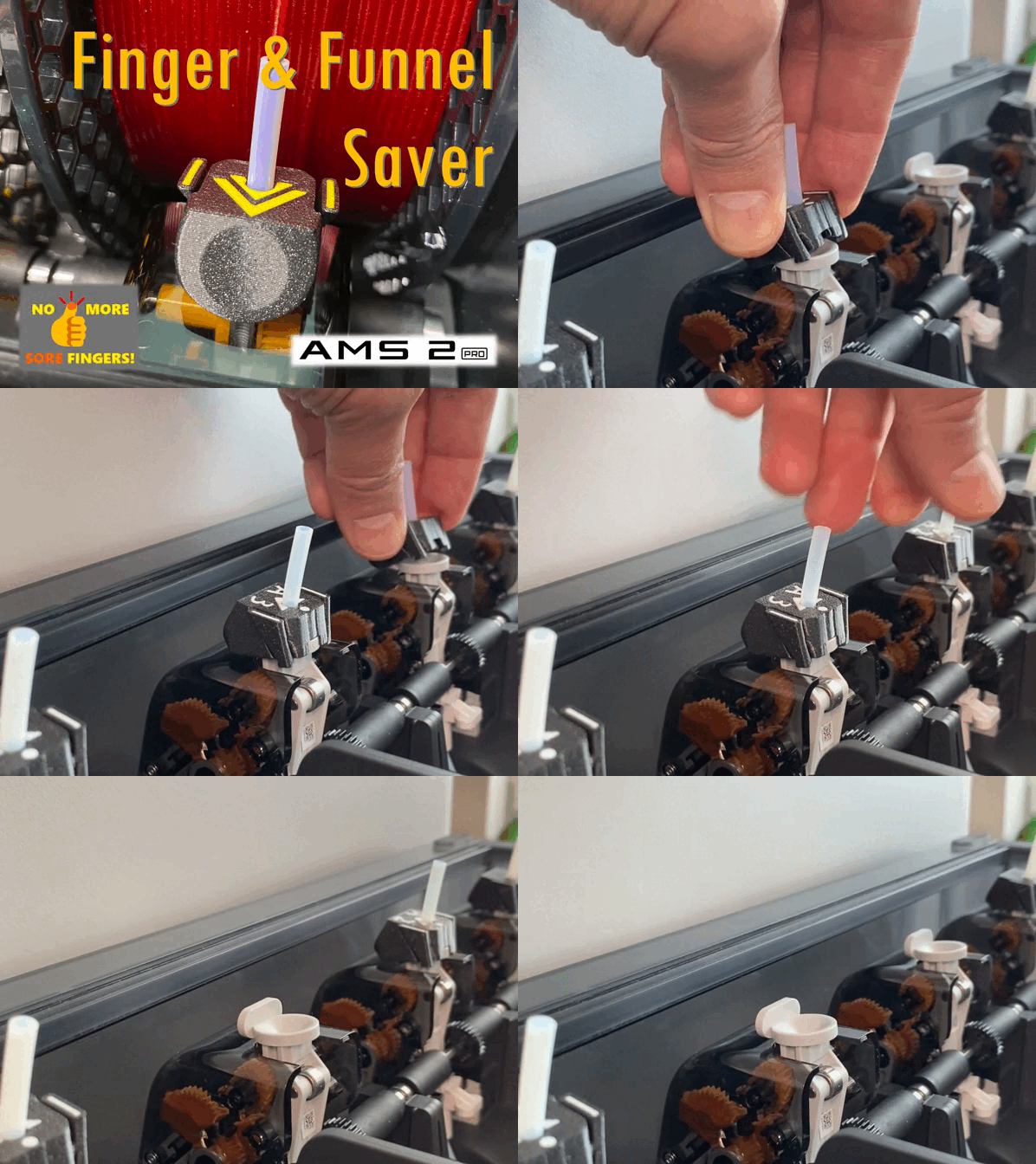





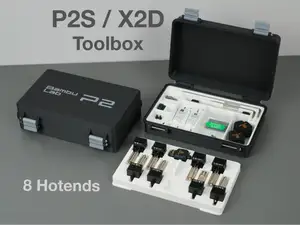

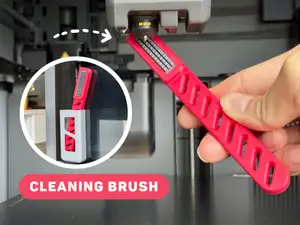
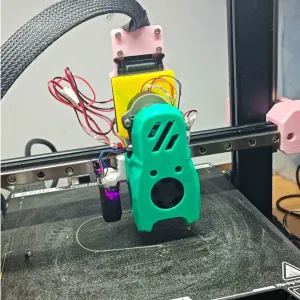
The files fall into a few practical groups. Mounts and carriages position the hotend on the gantry and often include space for a fan, probe or cable routing. Extruder and toolhead assemblies combine the hotend with a filament drive, while smaller guides keep PTFE tubing and wiring tidy. Some designs are made for a specific printer frame, and others are generic plates that need adapting.
When choosing a file, read the author's notes before printing. Check the stated size and scale, the number of parts, how they assemble, and whether supports are needed. Look at the material and settings the author lists, and study photos of real prints to see clearances and fastener positions. If the model uses a fan duct or probe mount, confirm that the chosen parts fit the printed geometry.
To refine the search, try synonyms such as hotend mount, toolhead carriage, extruder adapter, and PTFE guide. Related terms include fan duct, direct drive, Bowden, heater cartridge, thermistor, and nozzle. Combining a printer name with the hotend type usually narrows the results, and adding a part type like mount, carriage or guide makes the list easier to scan.


The full catalog of topics — from home & household to CNC, searchable across the connected sources.