
Free 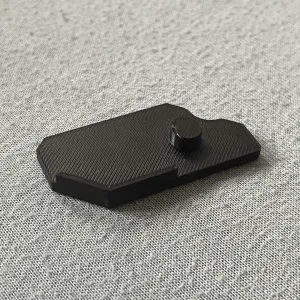
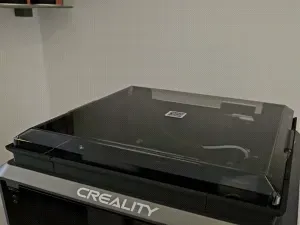
K1C Z-axis dust cover
Creality Cloud
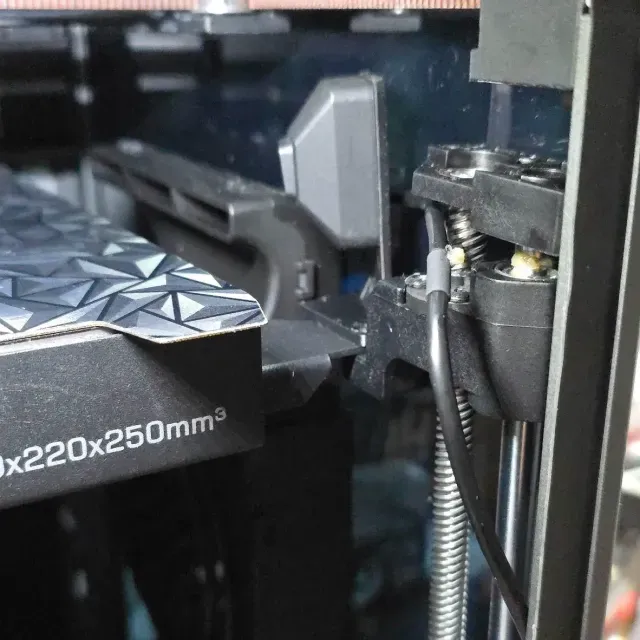
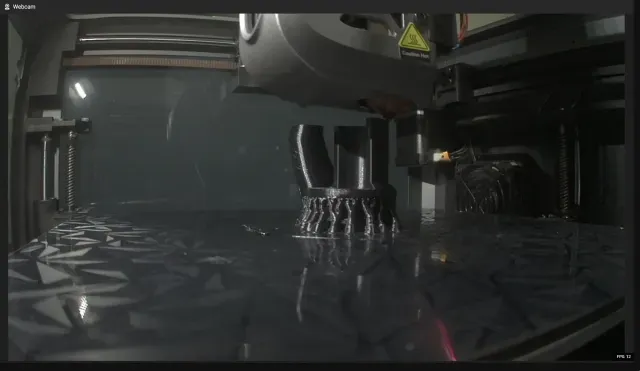
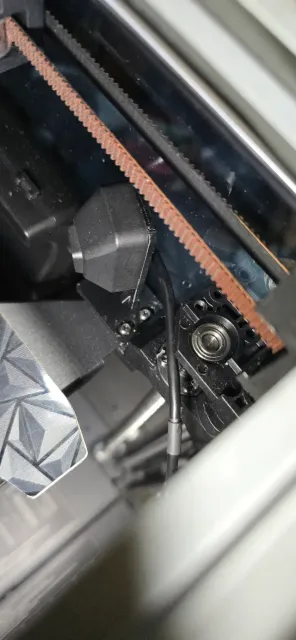
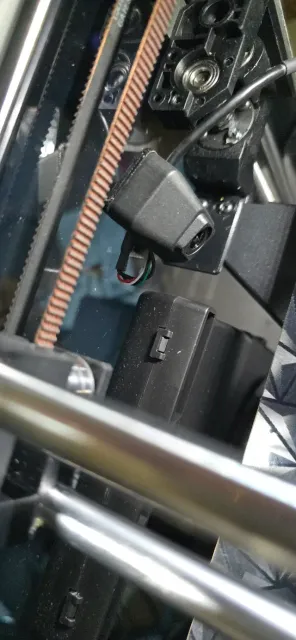
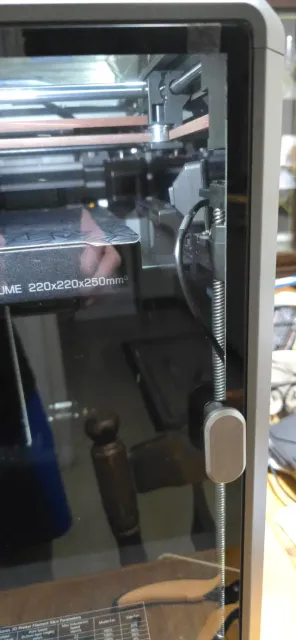
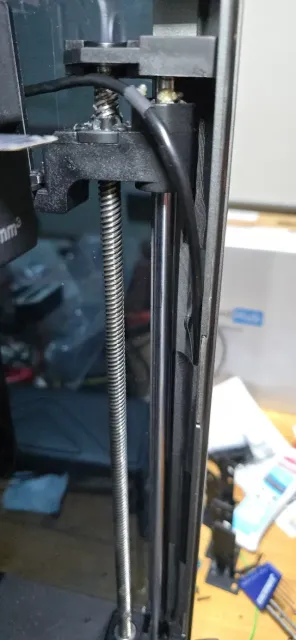
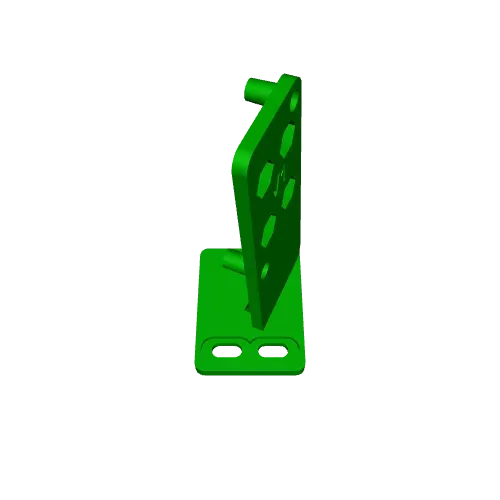
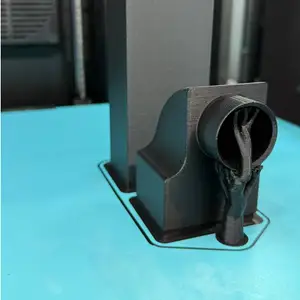
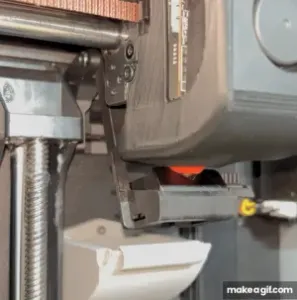
Not your traditional mounting spot "on the moving Z axis" but I thought I would design something a little different as I don't print anything higher than say 100-150mm high but it will work to max height. Mounts with all original screws and I printed in rapid PETG
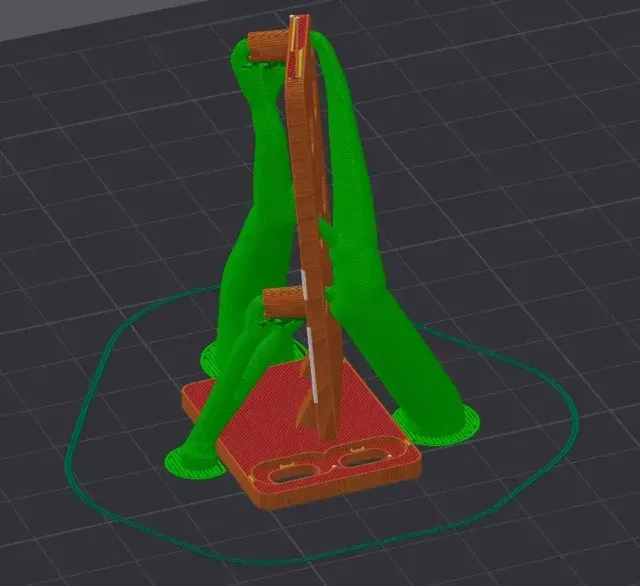
There is a 3MF file so it should contain the print settings I used
If not, print flat like shown and use 0.12mm profile (tree auto) organic supports
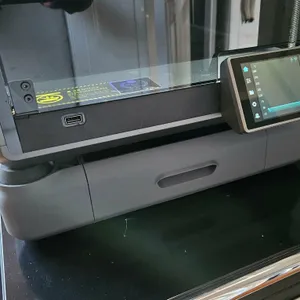
## ##Before you start, lower your bed almost to the bottom and give yourself clearance from the hotend to work in the corner. ## You can see in one of the pictures, right in the corner you can see 2 silver pieces of tape from the factory holding the wires to the inner corner molding. You need to carefully slide a small screwdriver up inside the tape next to the wire on the left side of the wires and pull it back past the steel rod to pull the camera wire out so you can feed it from the top downwards and out, then carefully tape the other wire back in flat.
Just take your time pulling the tape back from the far left of where it is taped on and working your way up.
Don't touch the piece of tape lower down as this will keep the wire stable while printing. If your wire does not have a natural shape like mine did, just bend it to stay near the Z-axis lead screw like mine.
Disclaimer: there is always a risk of the wire getting snagged on moving parts so do it at your own risk, but I haven't had any issues. Test after installing, going through the full range of the Z-axis up and down and you should be good

Names are used only to indicate the source of a result. Polyzon is not affiliated with the listed sites.