
Free 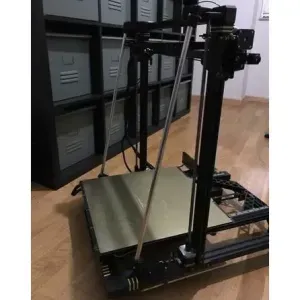
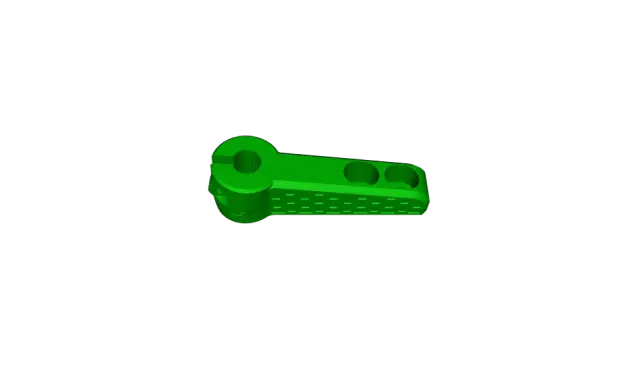
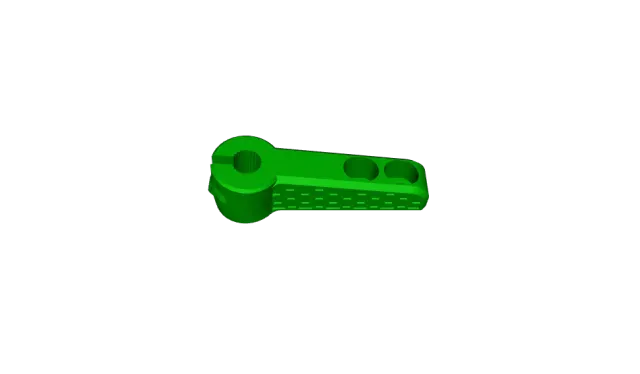
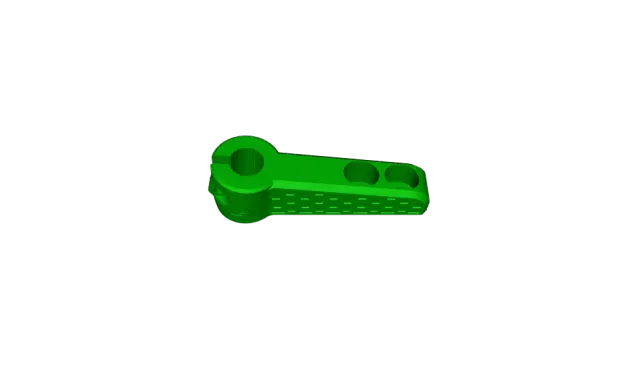
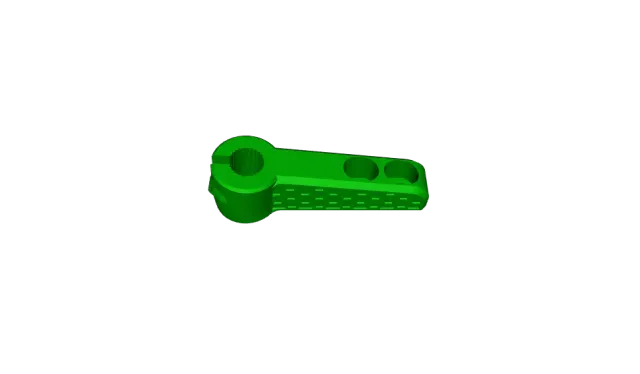
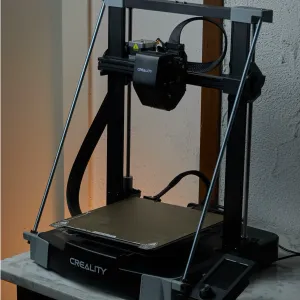
Chiron - Z Stabilizer
Creality Cloud
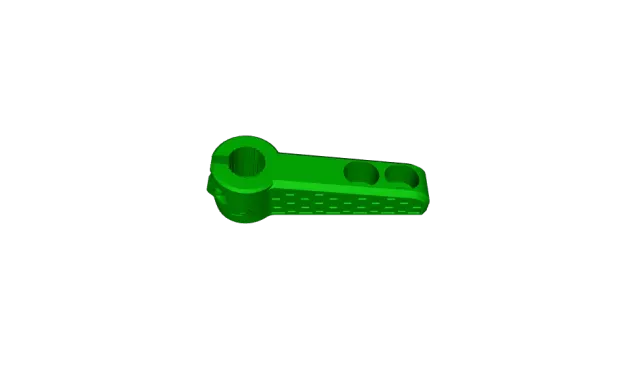
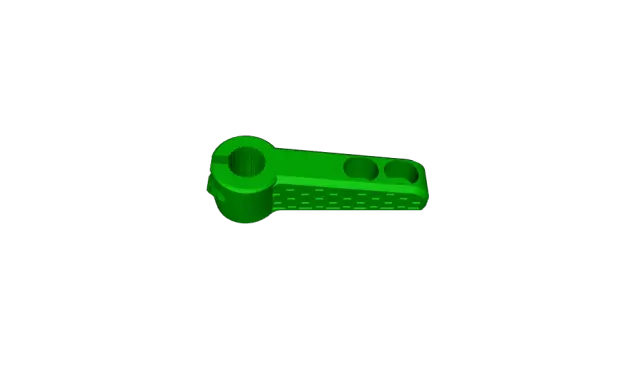
Bill of materials
- 4 units -- Nuts M3
- 4 units -- Screw DIN912 M3x18
You can choose from three types of tubes:
- 2 units -- Aluminium Tube outside diameter 12mm L=525mm (use the stl with name D12)
- 2 units -- Aluminium Tube outside diameter 10mm L=525mm (use the stl with name D10)
- 2 units -- Aluminium Tube outside diameter 1/2" L=525mm (use the stl with name D1_2)
Steps to follow for installation
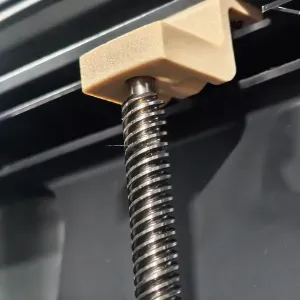
Remove the original leadscrew and upper Z-axis supports
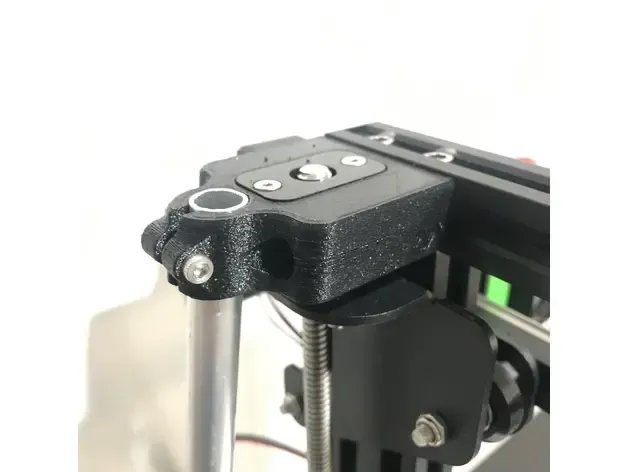
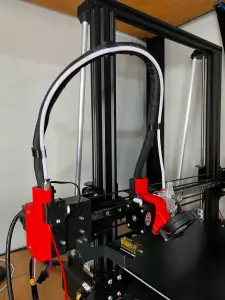
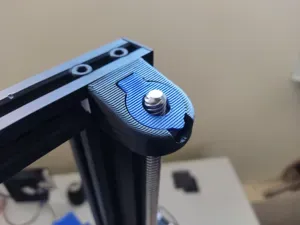
- Assemble the new top brackets (use the same nuts and screws; for the top cover, you can use the original or print the new one)
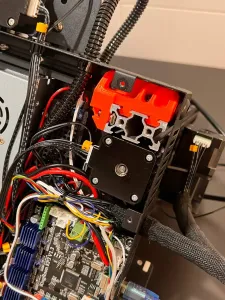
- Remove the electronics cover
- Remove the two rear screws on the 4020 profile that fix the bottom support
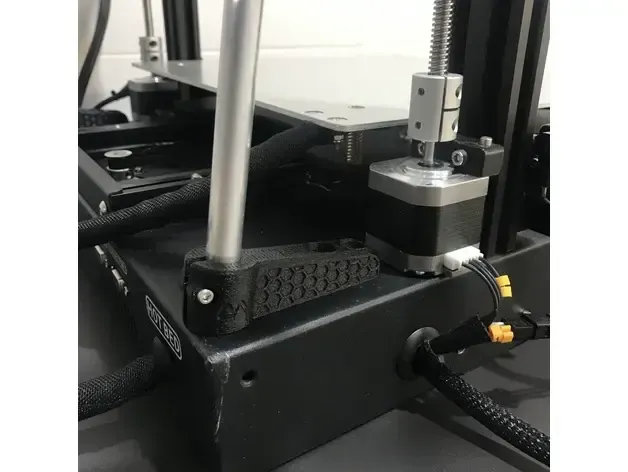
- Assemble the Z-axis bottom supports
- Assemble the Z-axis rods
- Make sure the Z-axis is perfectly perpendicular to the base
- Tighten all the screws (make sure the Z-axis is perpendicular to the base)
Boost Me
If you liked the design, please support me!
Boost

Names are used only to indicate the source of a result. Polyzon is not affiliated with the listed sites.