
Free 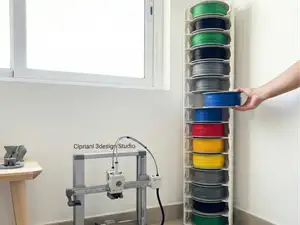
Infinity Spool Tower The Ultimate Storage Solution
MakerWorld


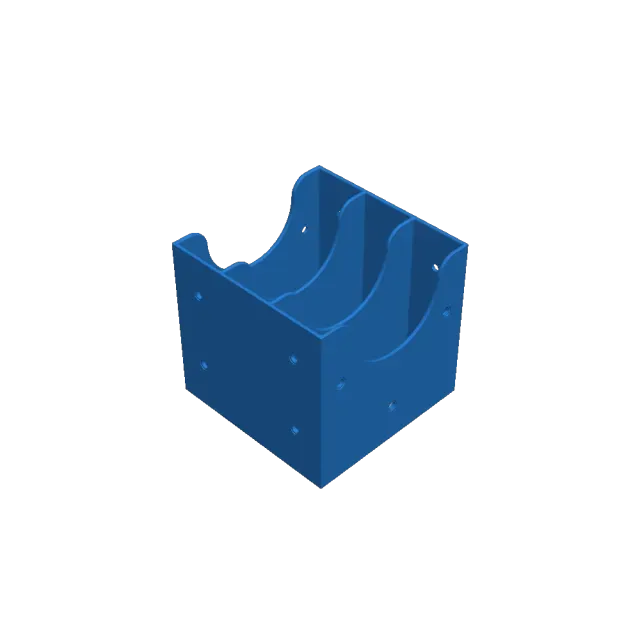
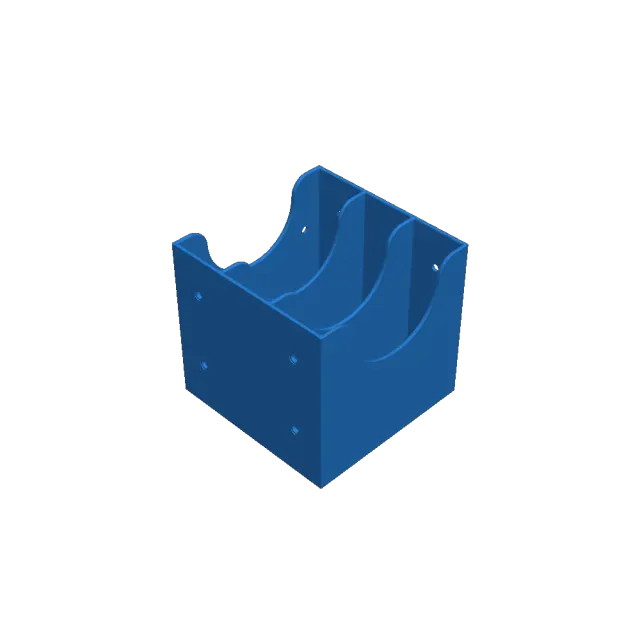
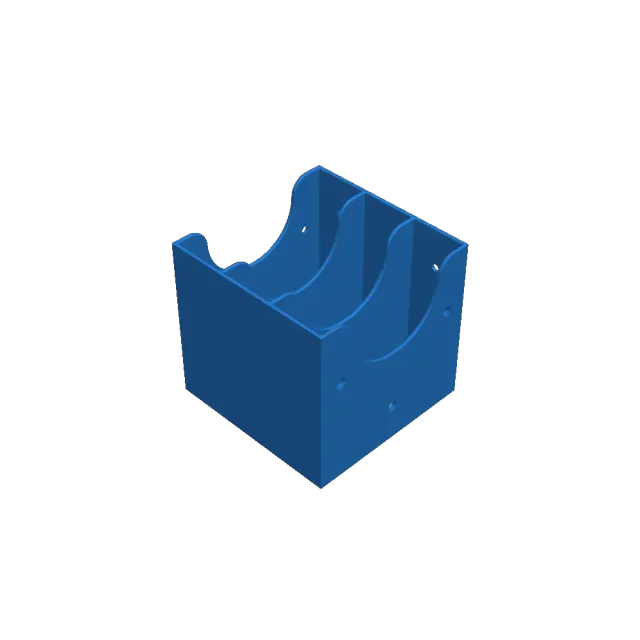
🧵 Expandable Modular Filament Organizer: Compact and Tidy Storage
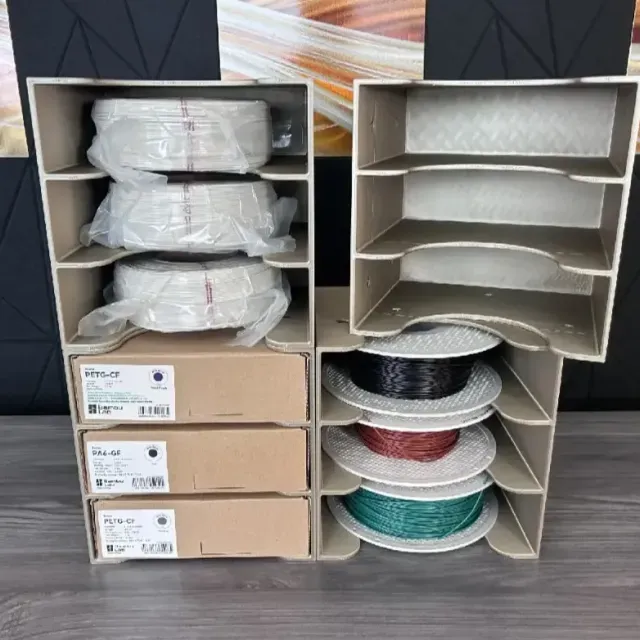
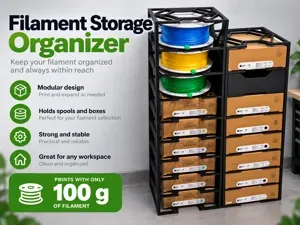
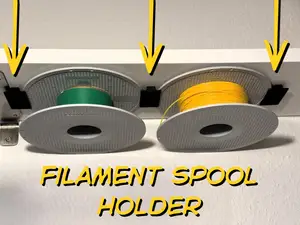
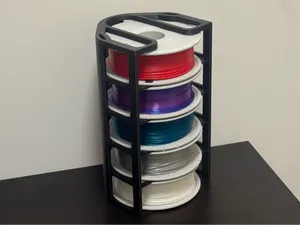
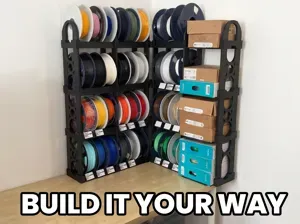
Hello! This model is designed for anyone who has multiple spools, refills, filament boxes, or samples taking up space in their workshop. This expandable modular filament organizer allows you to store your materials vertically, visibly, and much more neatly.
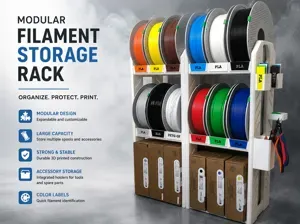
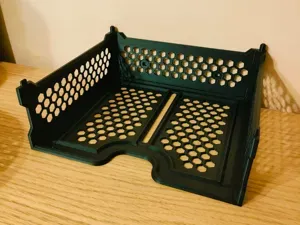
Its modular design lets you create a structure of any size you need: you can use it to organize filament boxes, loose spools, vacuum bags, material samples, or even 3D printing accessories. It's a perfect solution to keep your workspace clean without losing sight of what materials you have available.
✨ What makes this design special:
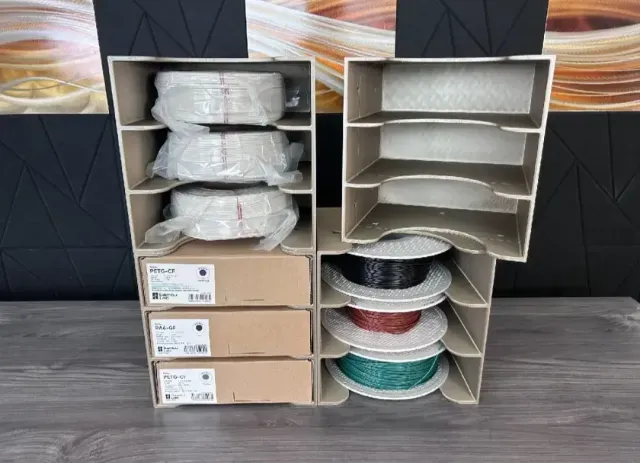
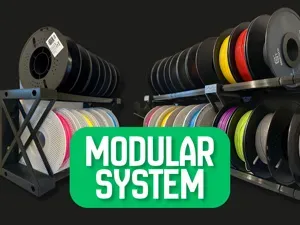
Modular System: you can combine multiple pieces to create the size you need.
Expandable: start with a few modules and expand it as your filament collection grows.
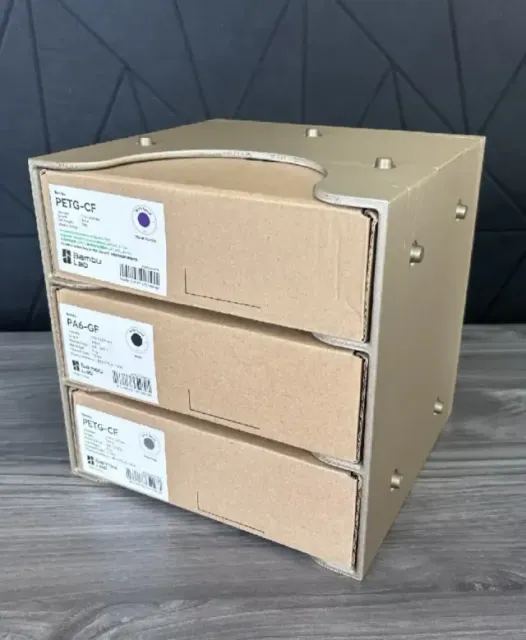
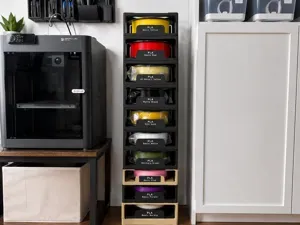
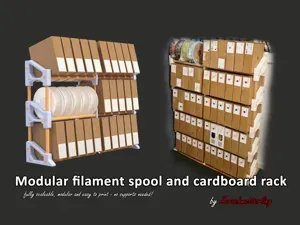
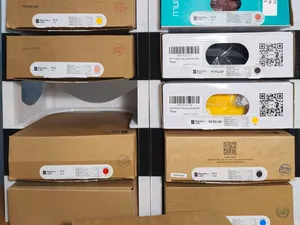
Compatible with Boxes and Spools: works with Bambu Lab style boxes, sealed bags, or vertically placed spools.
Open Design: allows you to easily see colors, labels, and material types.
Better Space Utilization: ideal for shelves, desks, cabinets, or printing areas.
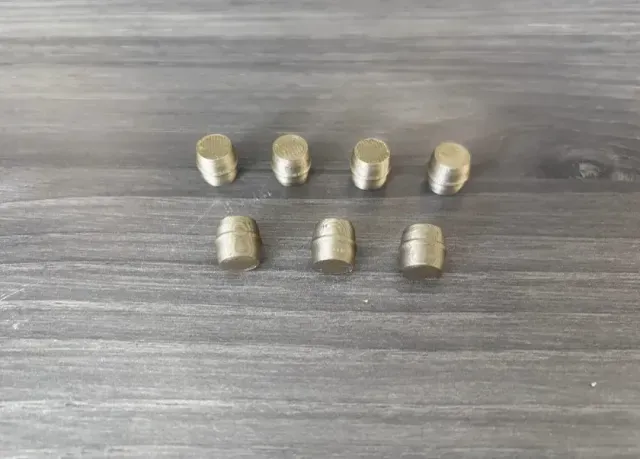
Connecting Pins Included: the system uses small connectors to join the modules together.
Multiple Parts Available: central modules, corners, sides, top and bottom parts.
Open License: model under Public Domain, you can print it for yourself, give it as a gift, or even sell the printed parts.
🧰 What can it be used for?
Organize filament boxes.
Store loose spools of PLA, PETG, ABS, TPU, PA, or technical materials.
Separate filaments by color, brand, or material type.
Store vacuum-sealed filament bags.
Create a compact storage tower.
Keep labels, codes, and colors visible.
Organize 3D printing spares, samples, or accessories.
Set up a customized system for your maker workshop.
🛠️ Printing Guide — Optimized for Creality:
This model is ideal for Creality printers like Ender 3, K1, K1C, K1 Max, CR-Series, or any standard FDM printer. Being a modular system, you can print only the parts you need and expand it gradually.
Layer height: 0.2 mm.
Nozzle: 0.4 mm.
Recommended material: PLA for normal use; PETG if you want more strength.
Walls: 3 walls recommended.
Infill: 15-25%.
Supports: normally NOT necessary.
Adhesion: brim optional on large pieces to prevent warping.
Orientation: print each module resting on its flat base.
Included parts: central modules, sides, corners, top/bottom pieces, and connecting pins.
🧩 Assembly Tips:
Plan the size: decide how many boxes or spools you want to store before printing all the modules.
Use the pins: the connectors help keep the structure aligned and stable.
Combine modules: you can create columns, rows, or blocks depending on the available space.
Reinforce if stacking high: if you build a tall tower, place the modules on a stable surface.
Label by material: PLA, PETG, ABS, TPU, PA-CF, etc., to find everything quickly.
Print in phases: start with 2 or 3 levels and expand when you need more capacity.
💡 Designer Tips:
Names are used only to indicate the source of a result. Polyzon is not affiliated with the listed sites.